Social & Messaging App Screenshot Examples
Social apps have a cold-start problem on the store page: nobody wants to join an empty room. Your screenshots need to make the app feel full of people and conversation, while still being clear about what makes your community different.
The examples below use bold, colorful templates with feed, chat and profile screens. Swap in your own UI and demo content.
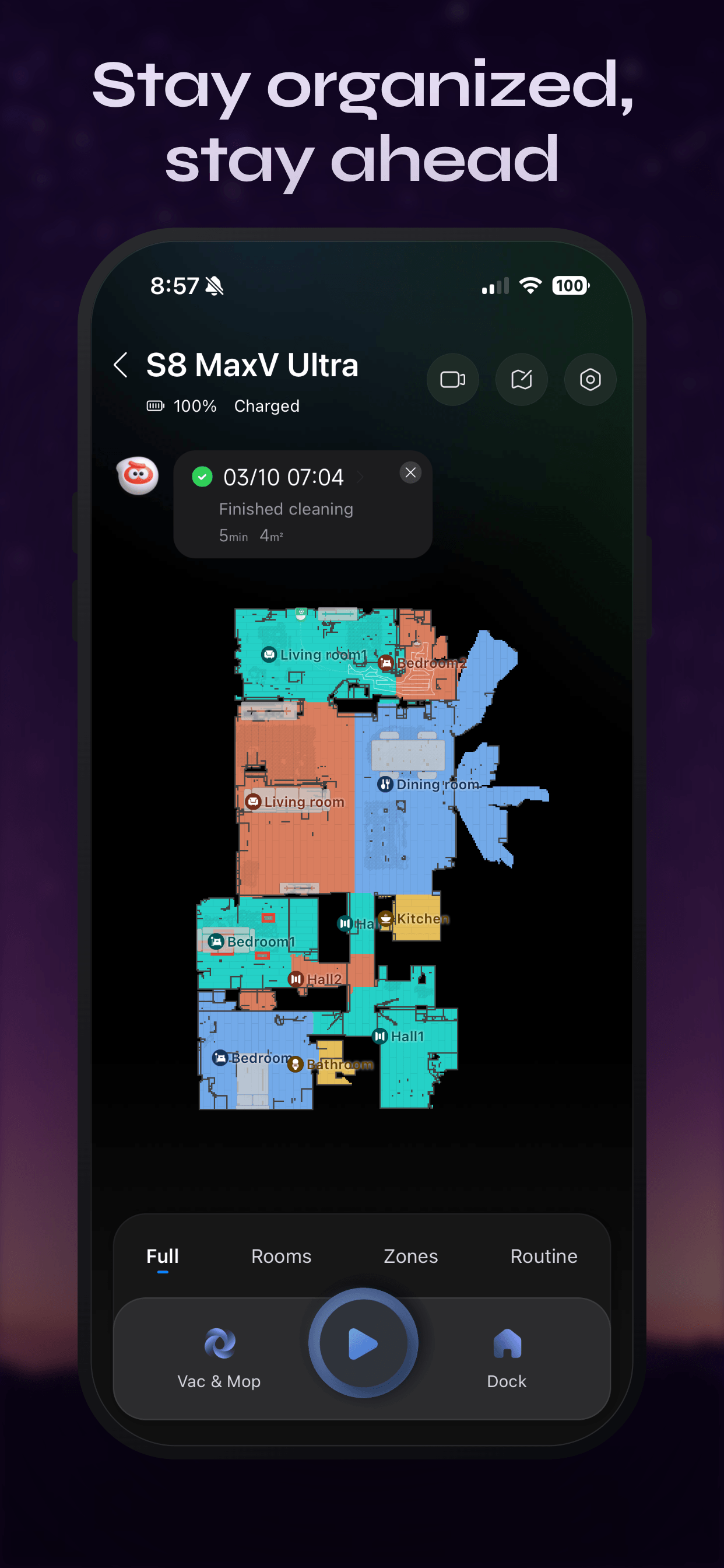
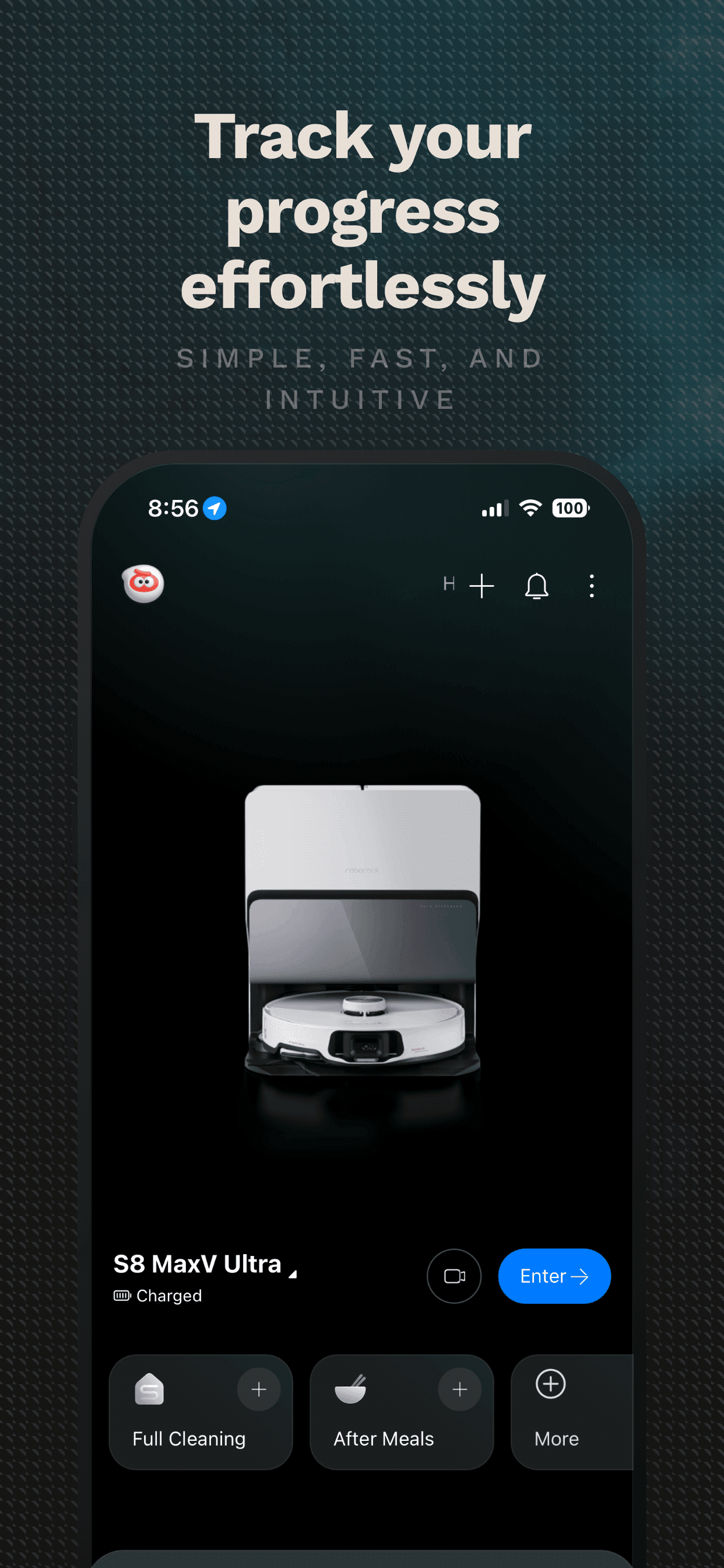
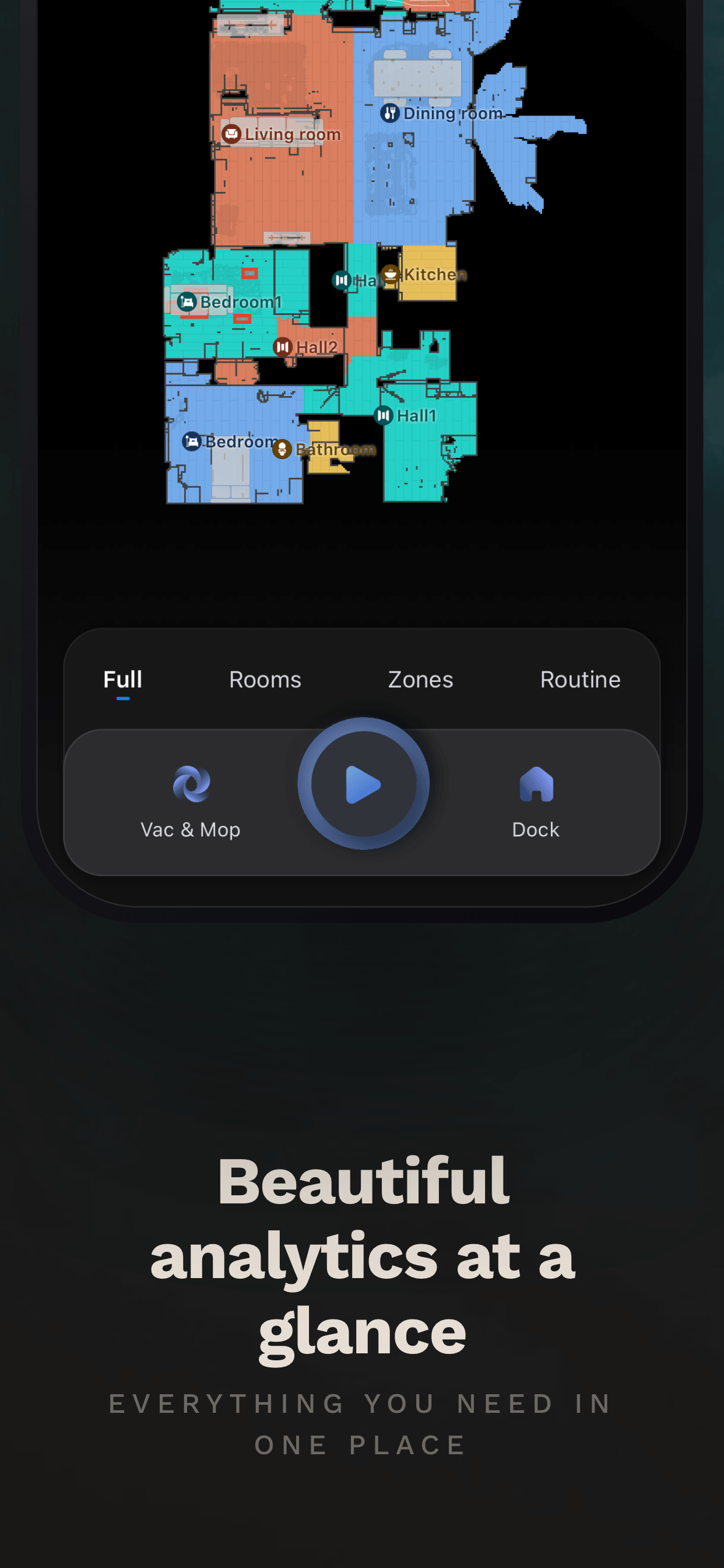
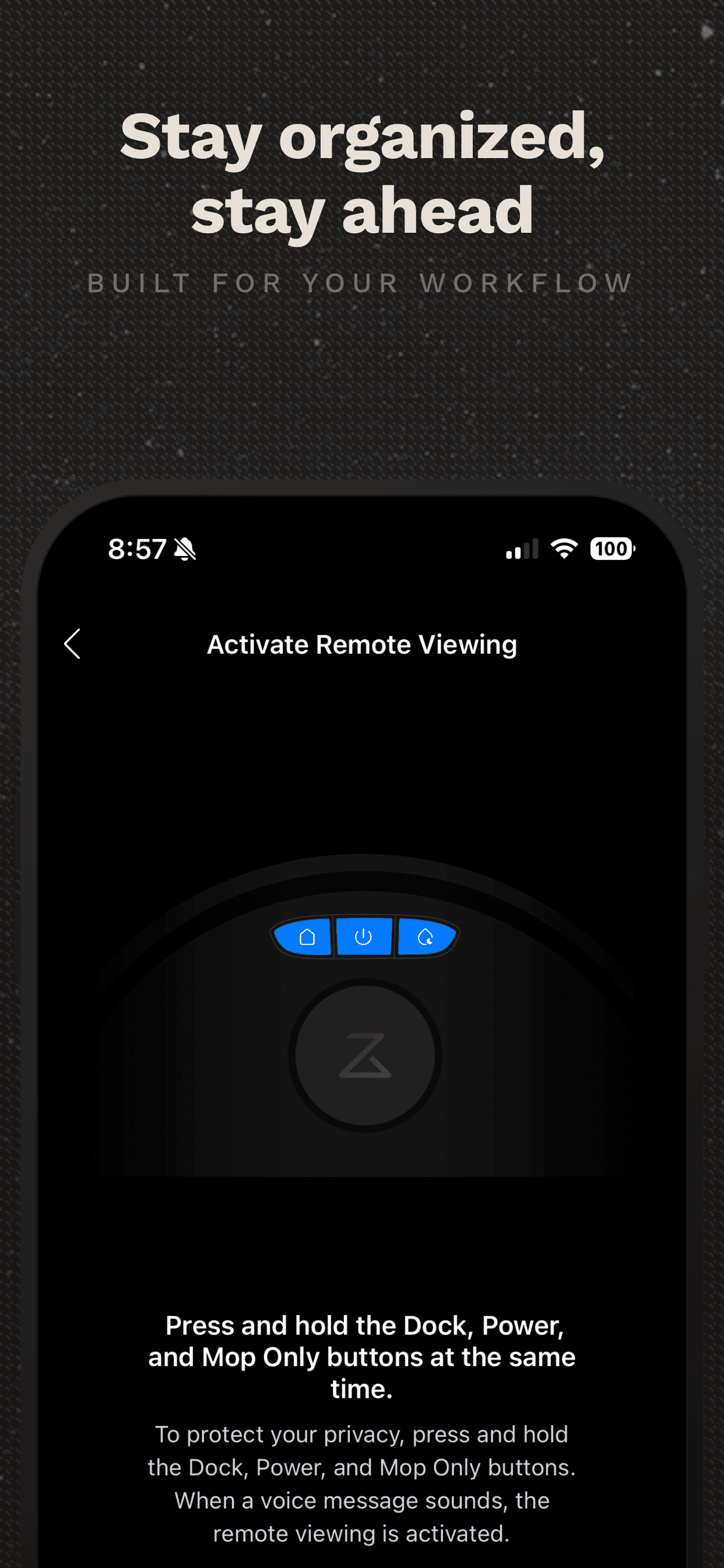
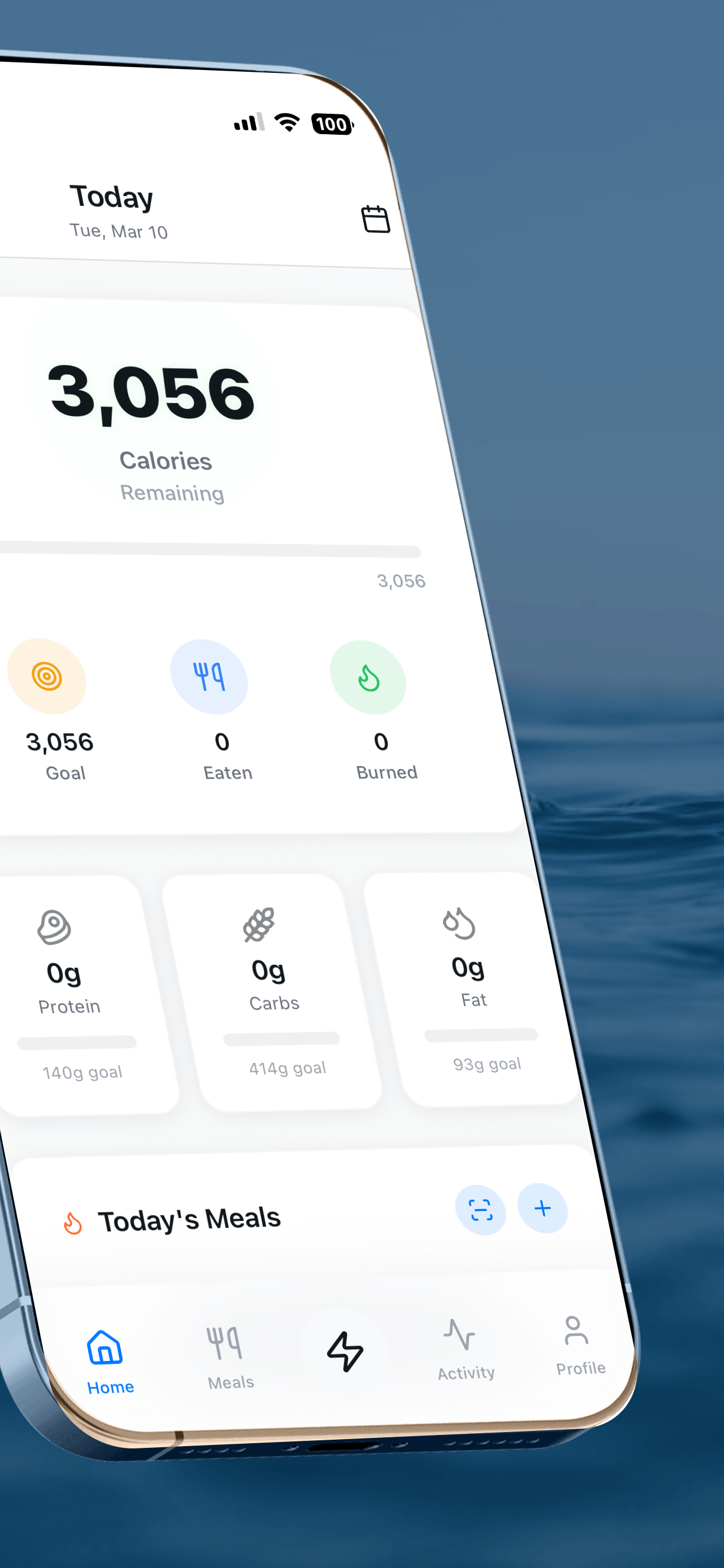
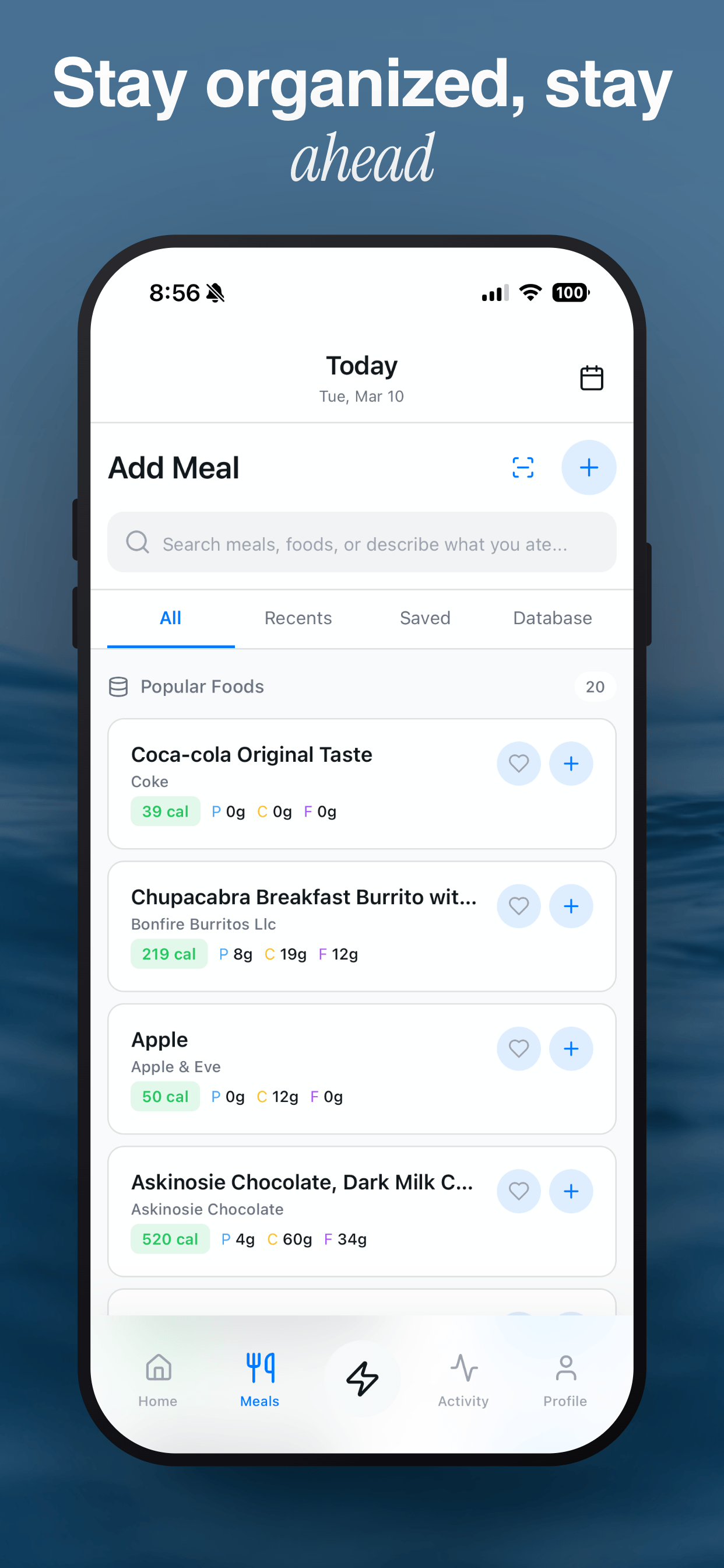
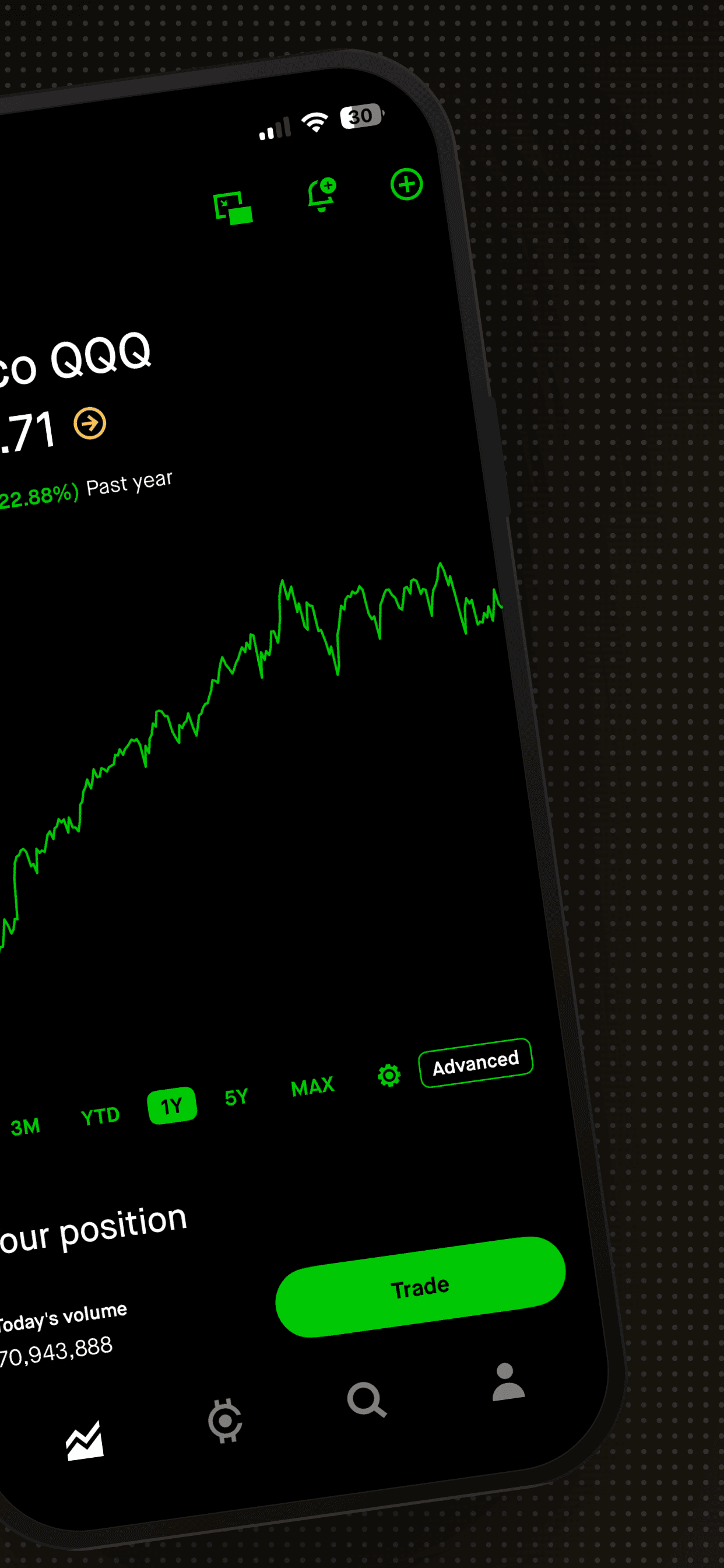
4 social & messaging screenshot examples
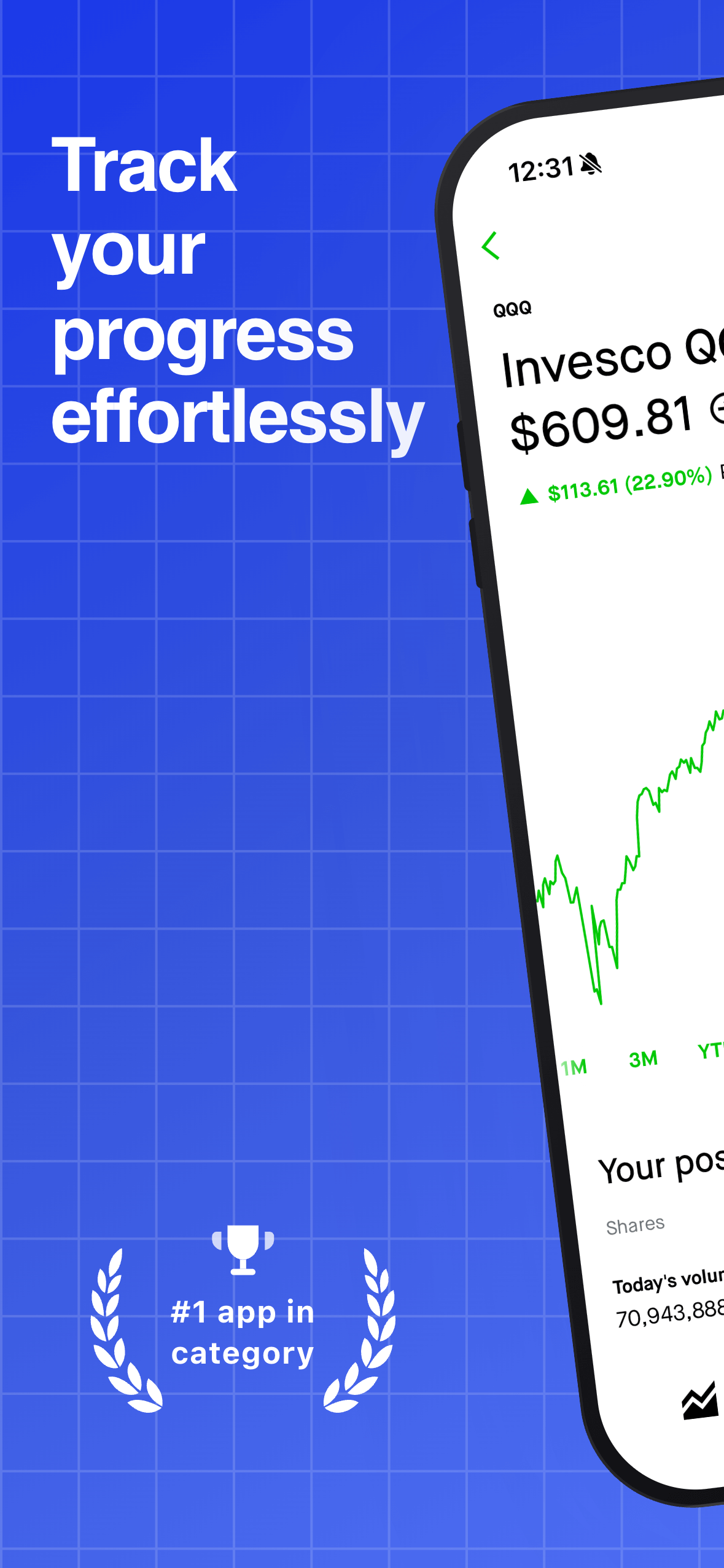
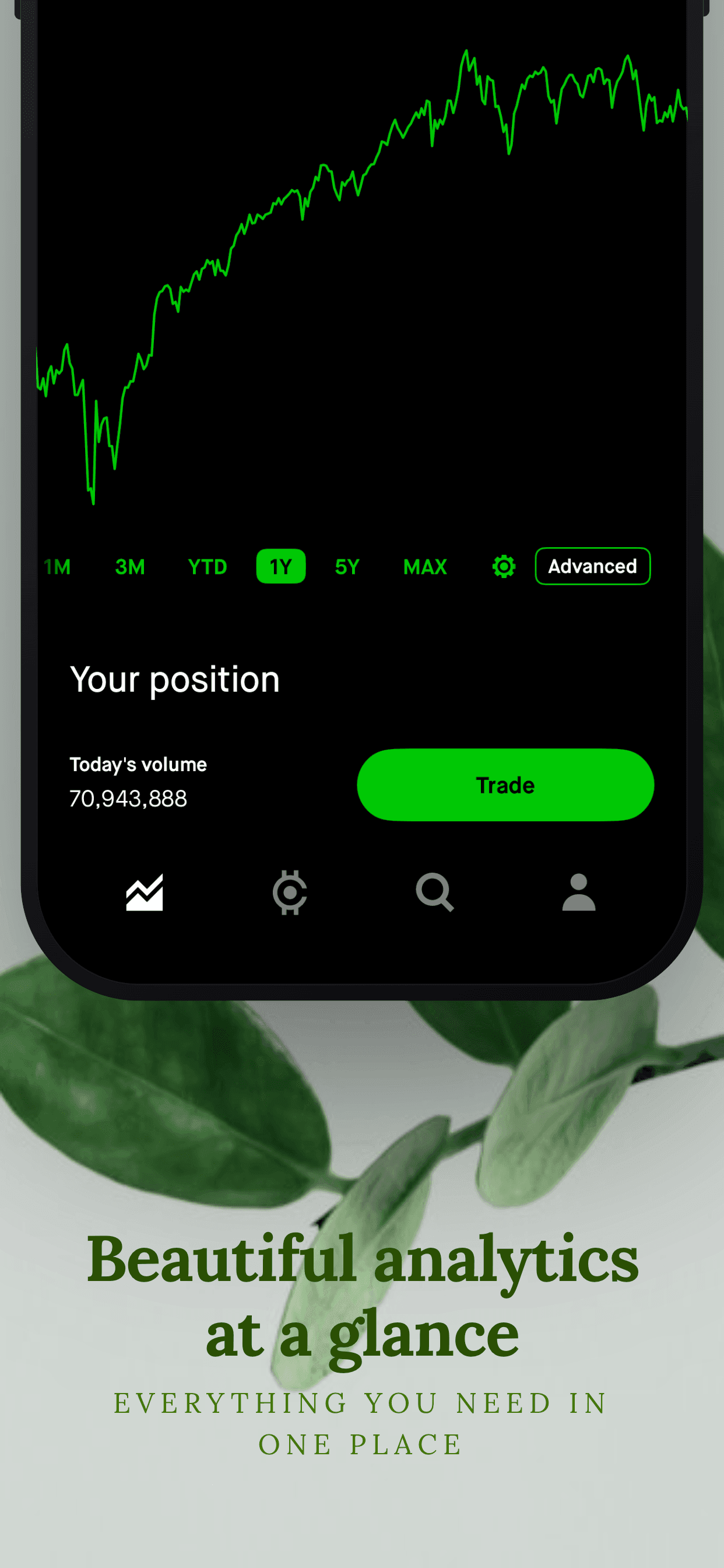
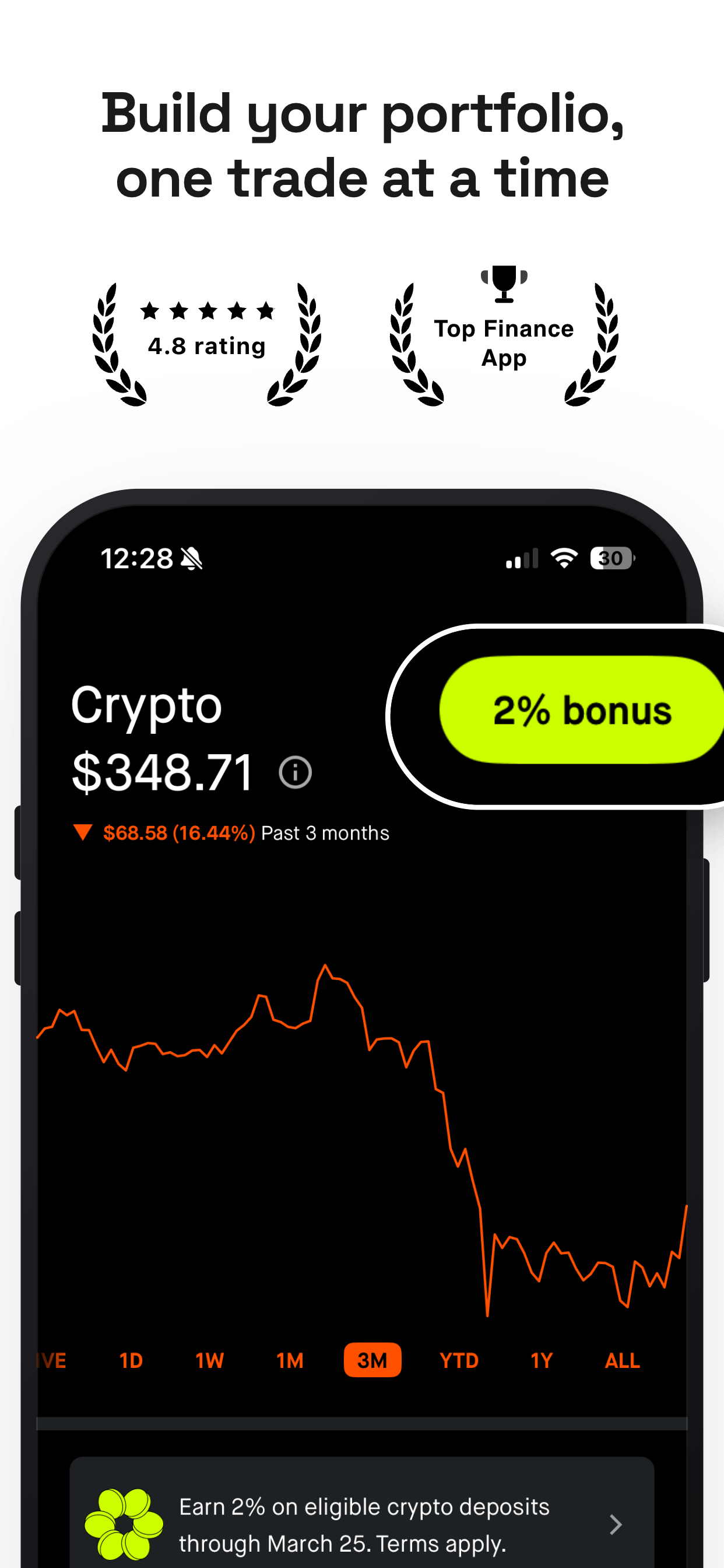
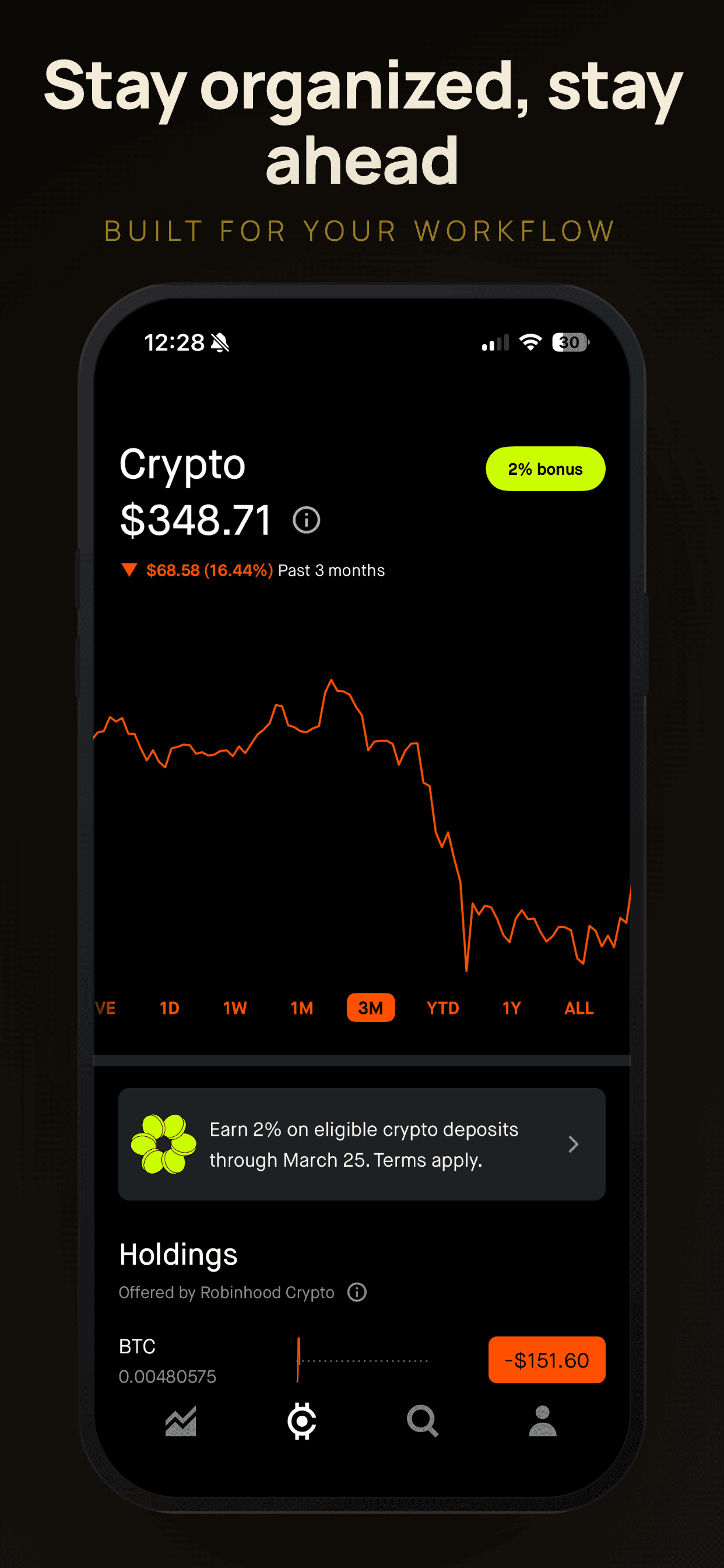
Vivid SplashPro
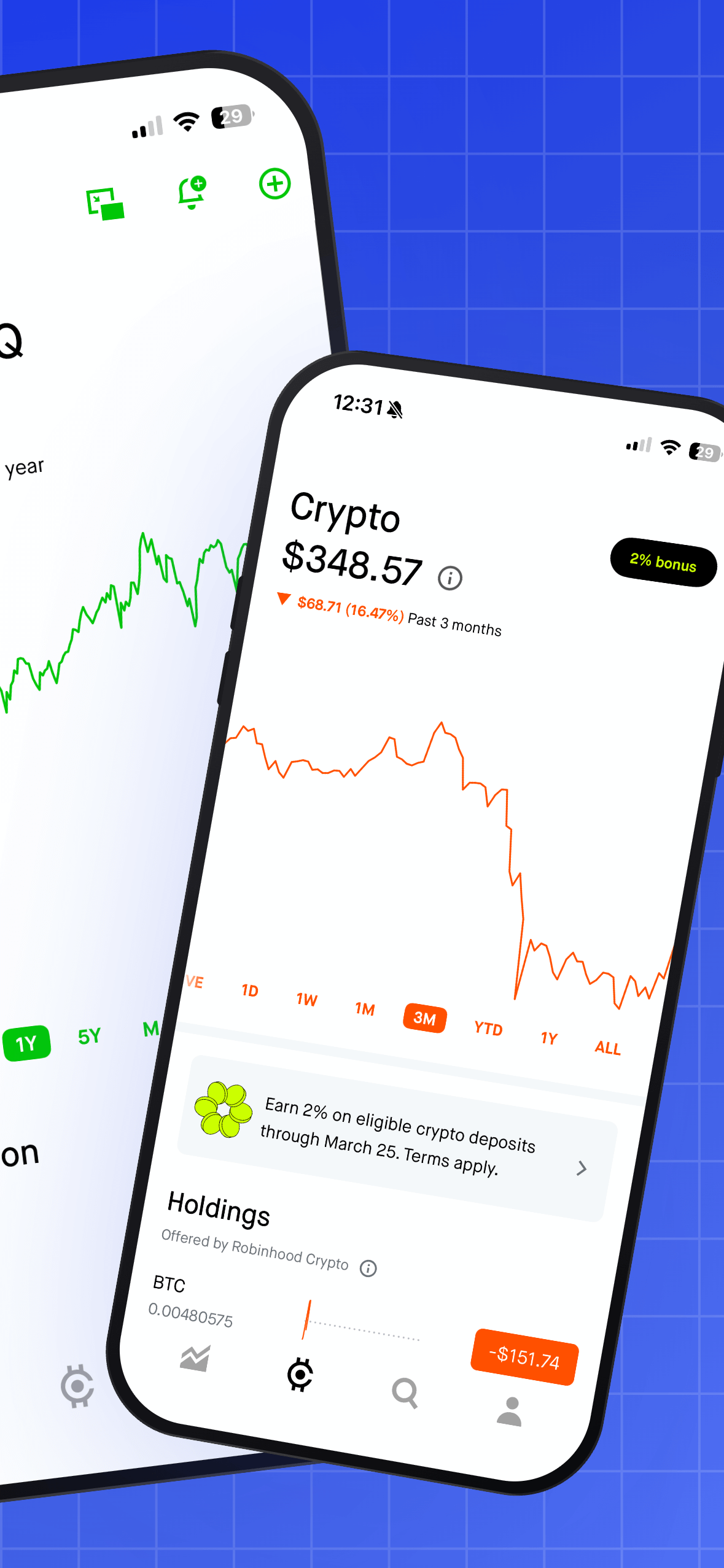
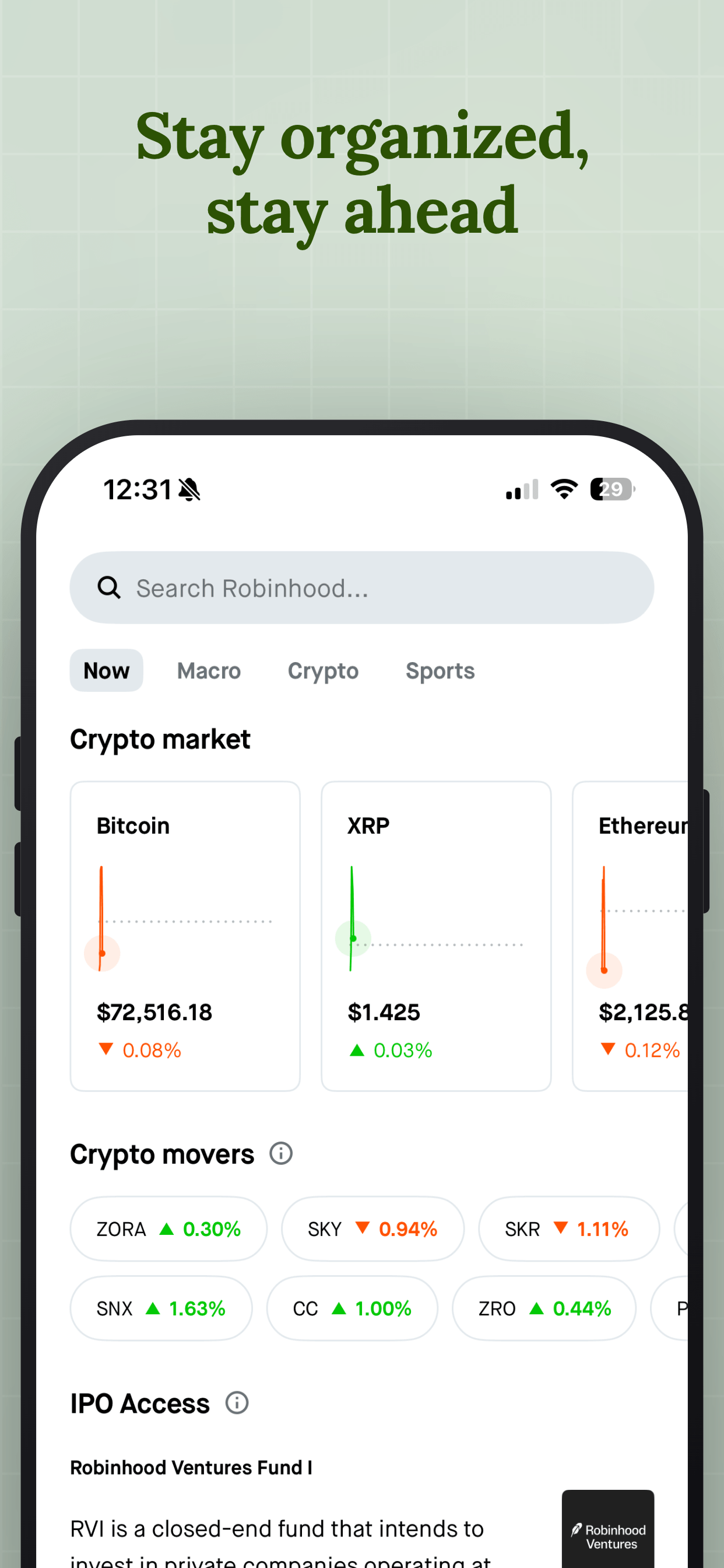
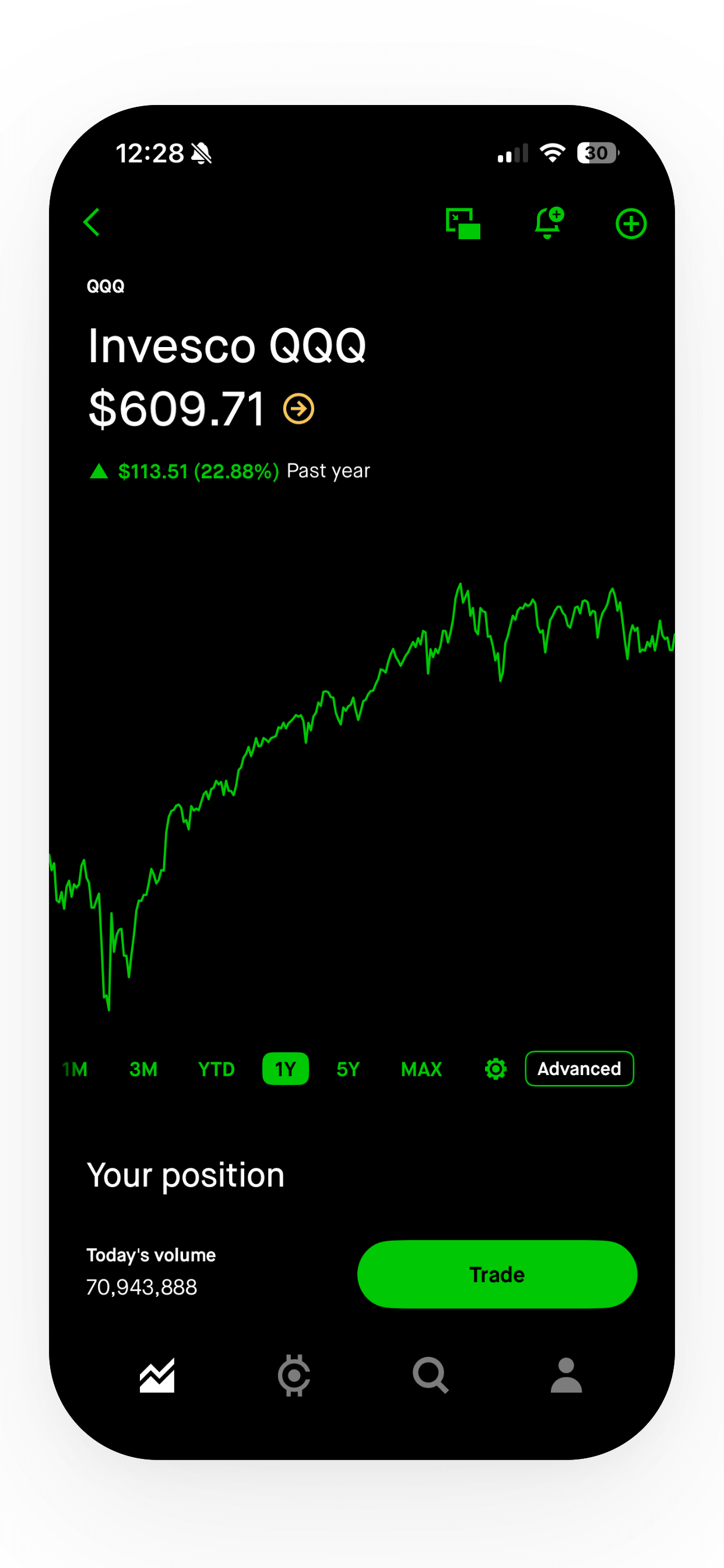
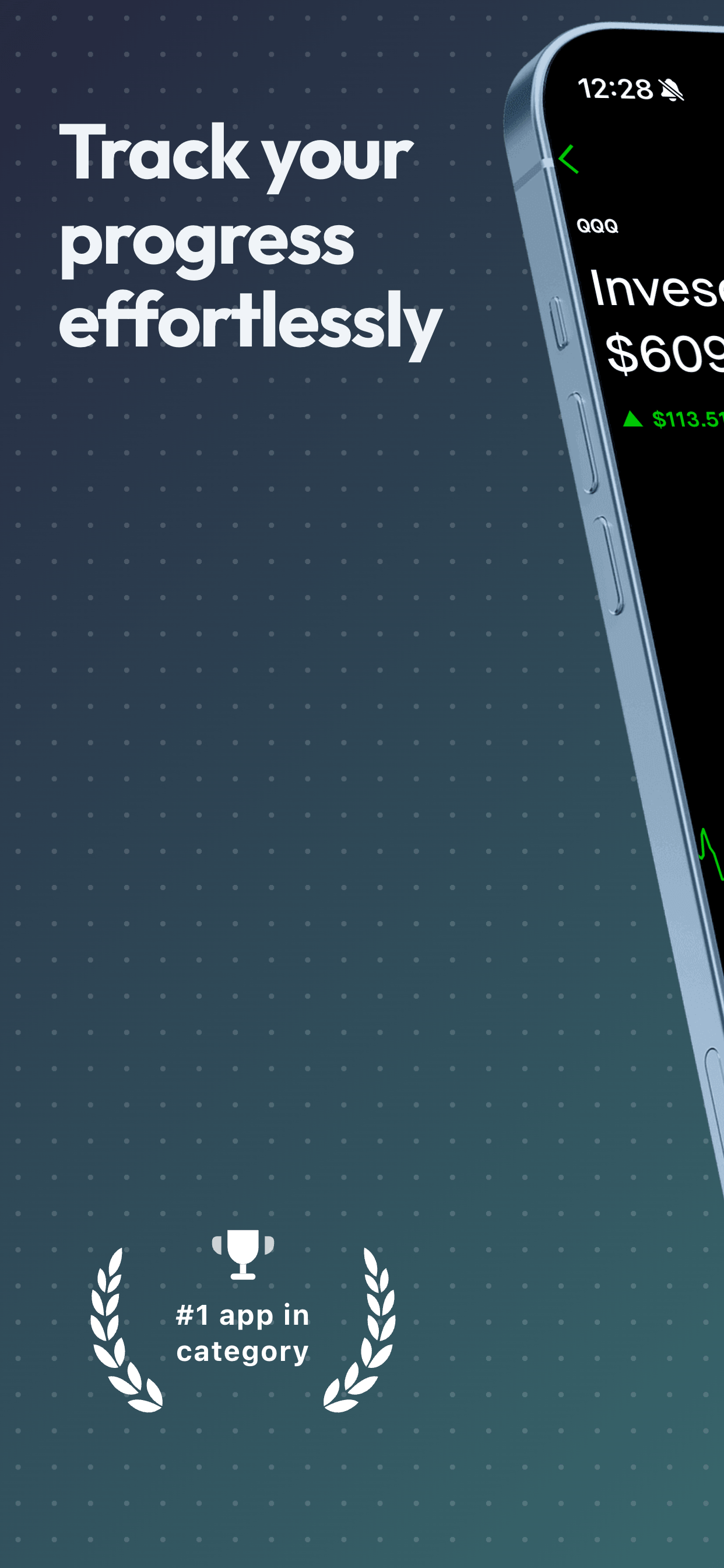
About this templatePrism GlowPro
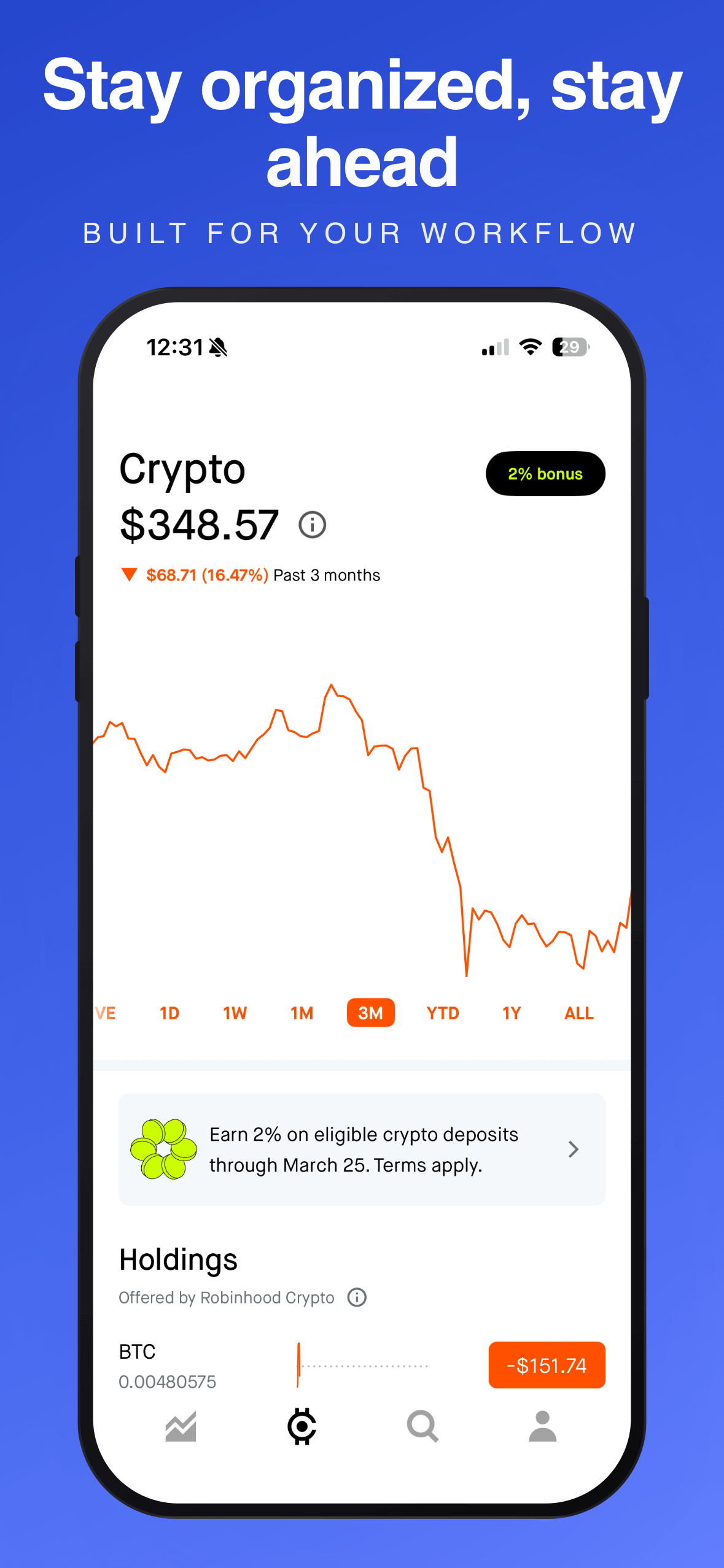
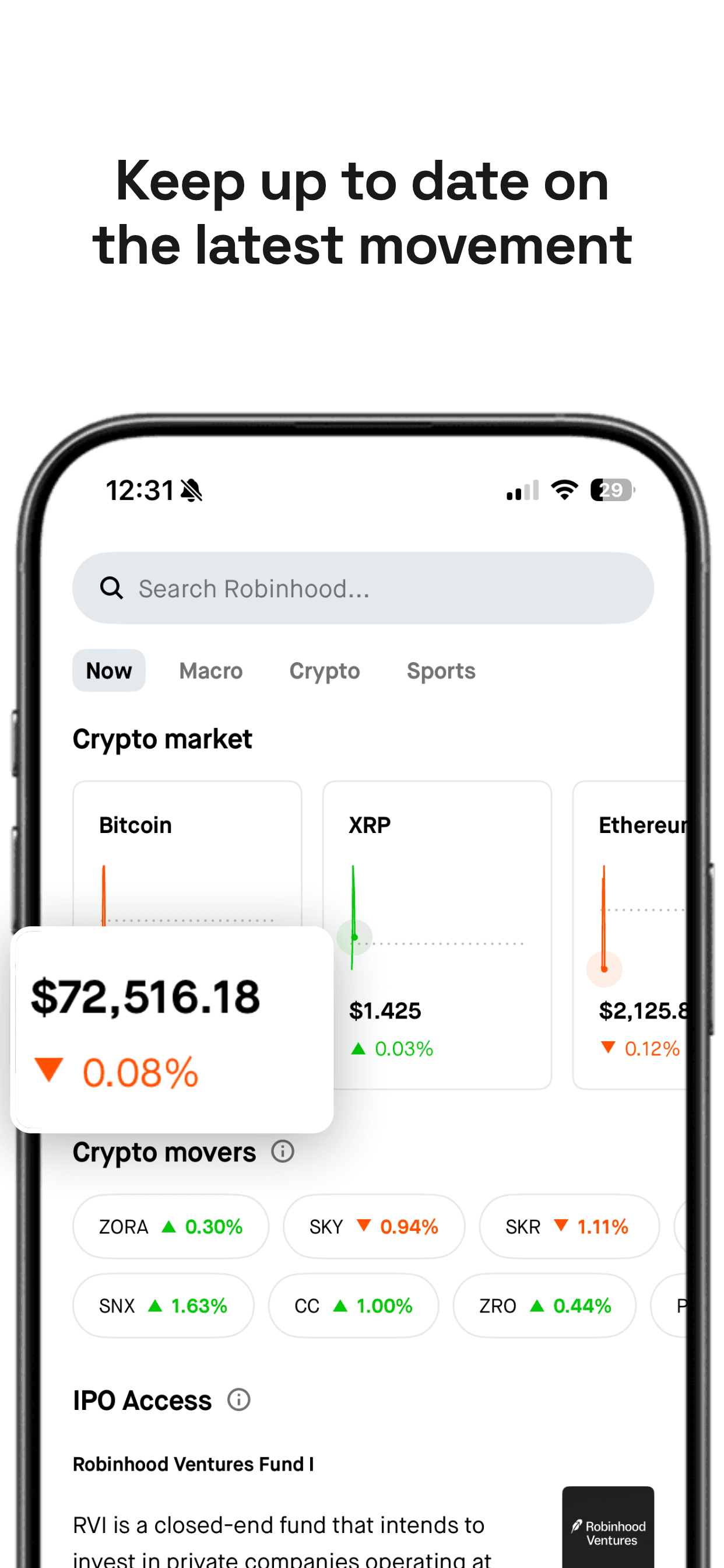
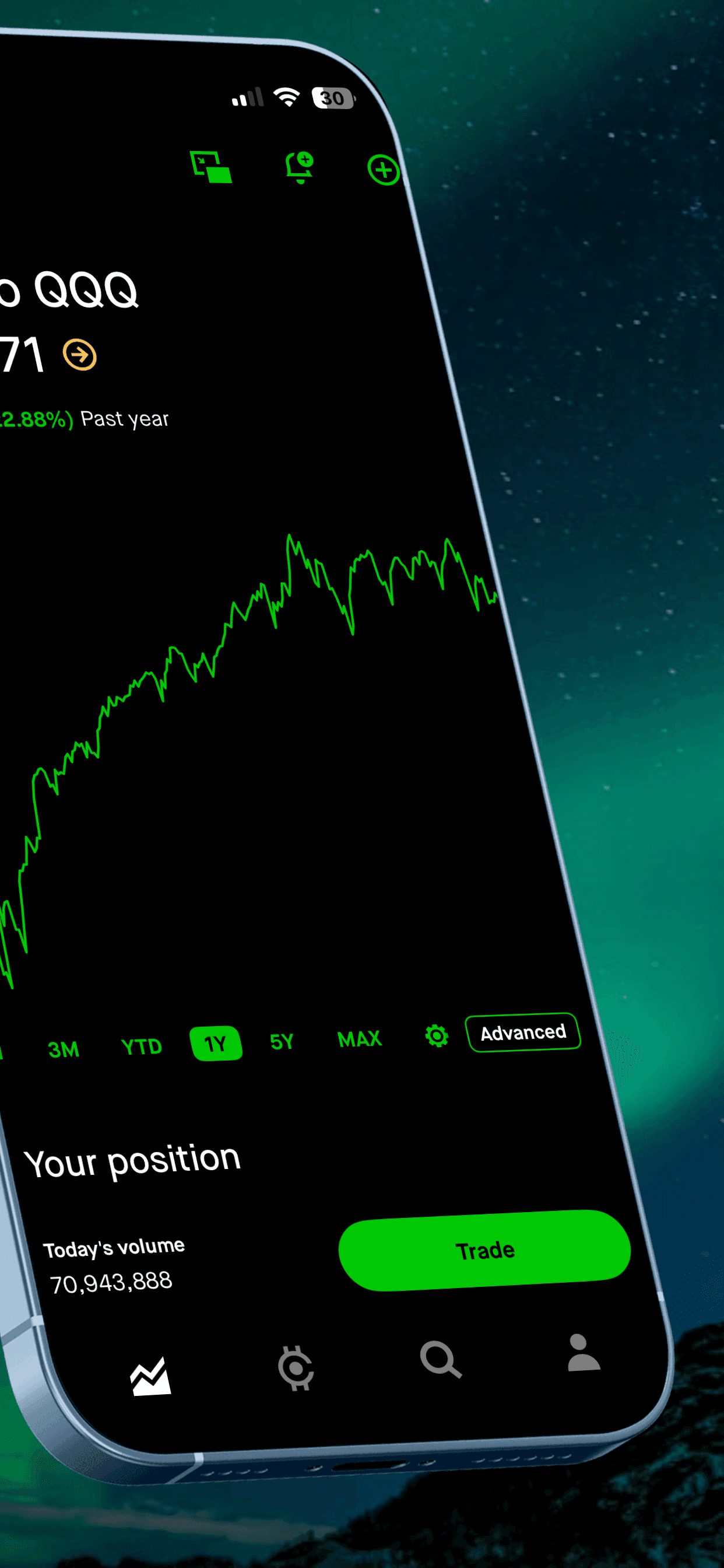
About this templateCoral BreezePro
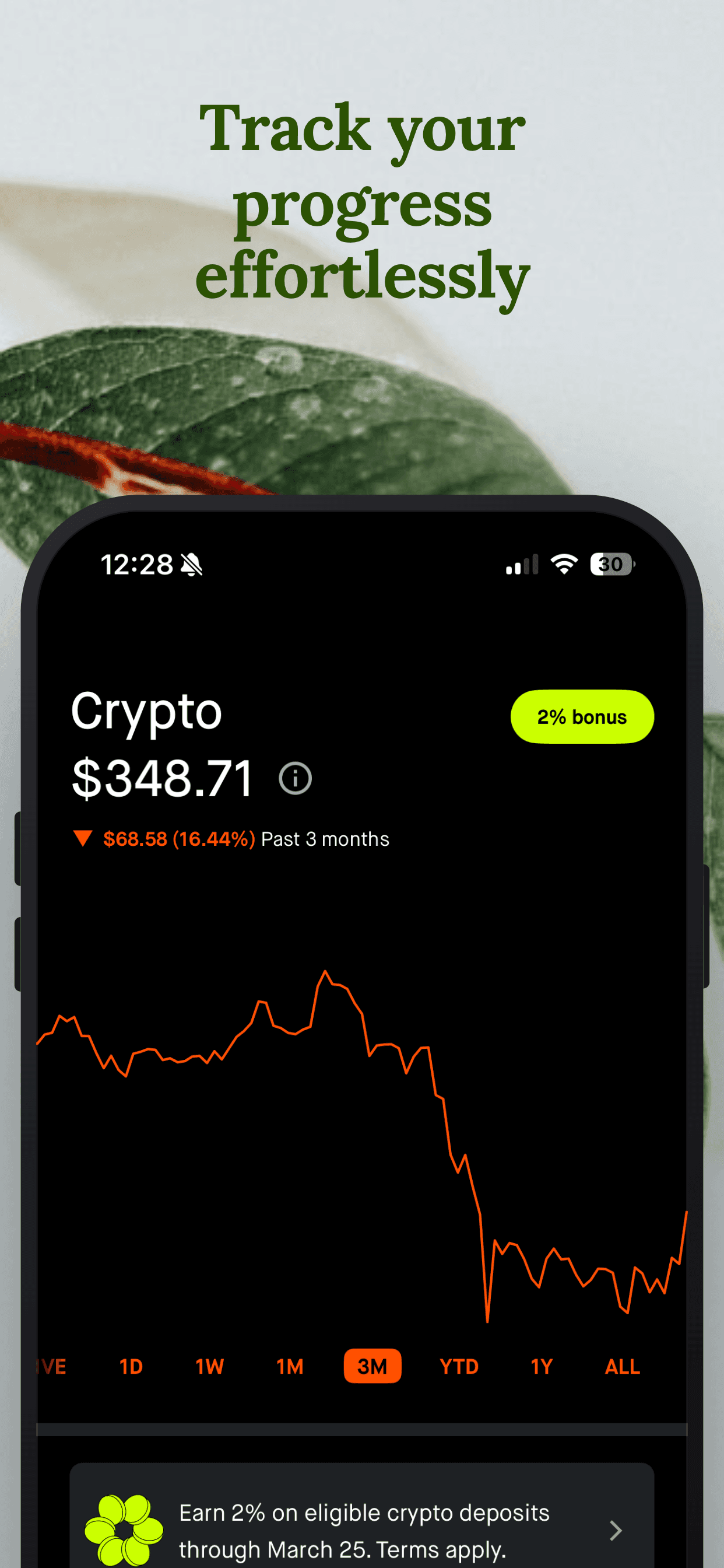
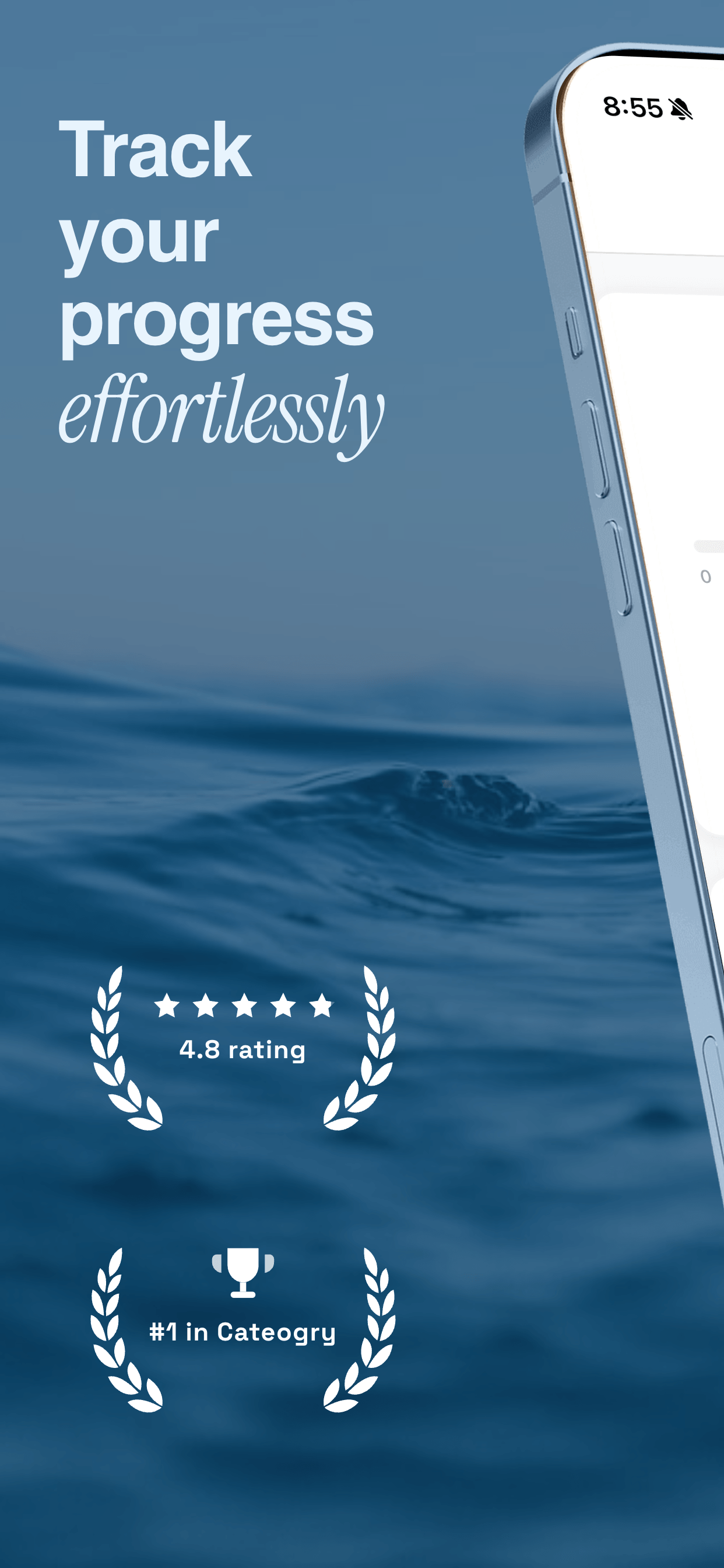
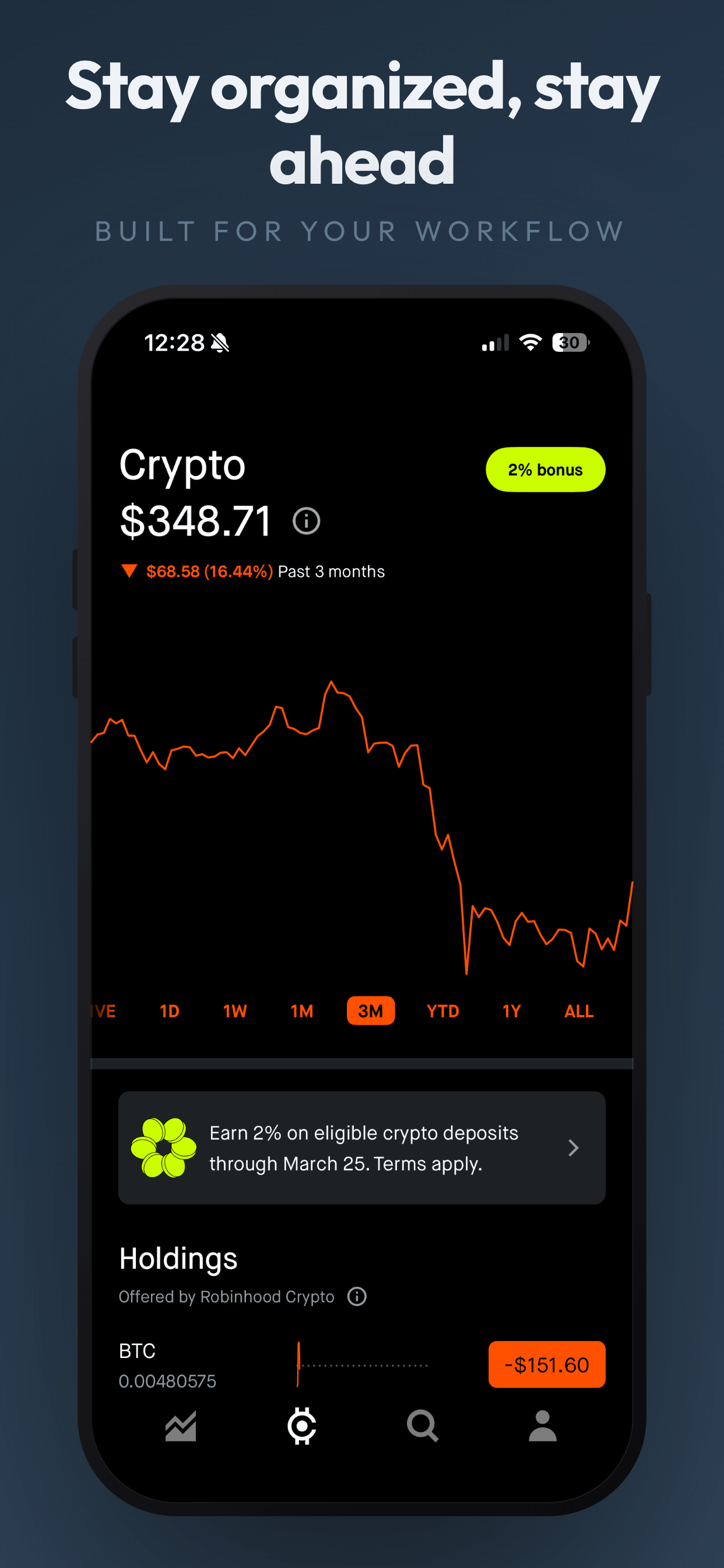
About this templateGradient FloatFree
About this templateWhat works for social & messaging app screenshots
Make it look populated
Fill feeds and chats with varied, realistic demo content (different names, photos and message lengths). An empty or repetitive feed is the fastest way to lose a visitor.
Lead with the niche
"Find your people" only works with a reason. Say who the app is for (climbers, book clubs, new parents) in the first caption or subtitle.
Address safety and privacy
For messaging and community apps, one slide on privacy or moderation removes a major objection, especially for younger audiences and their parents.
Use bright, expressive styles
Colorful gradients and playful type match the category and make your listing pop in search results next to text-heavy competitors.
Frequently asked questions
- Can I use real user content in social app screenshots?
- Only with permission. Most teams use demo accounts with stock or AI-generated avatars so they can show a full feed without privacy issues.
- How do I make a new social app look active?
- Seed demo accounts with varied posts, reactions and replies, and show a group chat mid-conversation. Avoid zero-like counts and empty states.
- Should messaging app screenshots be in dark mode?
- Show whichever mode most of your users prefer, but stay consistent across the set. Mixing light and dark slides makes the listing feel unfinished.
Make your social & messaging app screenshots
Upload your screenshots, pick a template and export every App Store and Google Play size. Free to start, no signup.
Try Screenshot Otter free →