App Icon Resizer
Upload your icon once, download every size you need for iOS, Android, macOS, and watchOS. Free, no signup required.
Loading icon resizer...
How it works
Upload your icon
Drop in a 1024x1024 PNG (or any image). Square works best.
Pick your platforms
Toggle iOS, macOS, watchOS, and Android on or off.
Download the ZIP
Get a ready-to-use folder structure for Xcode and Android Studio.
What’s in the ZIP
AppIcons/
├── iOS/
│   └── AppIcon.appiconset/
│       ├── Contents.json
│       ├── AppIcon-1024.png
│       ├── AppIcon-180.png
│       └── ... (all required sizes)
├── macOS/
│   └── AppIcon.appiconset/
│       ├── Contents.json
│       ├── AppIcon-512.png
│       └── ...
├── watchOS/
│   └── AppIcon.appiconset/
│       └── ...
└── Android/
    ├── play-store-512.png
    ├── mipmap-xxxhdpi/
    │   └── ic_launcher.png
    ├── mipmap-xxhdpi/
    │   └── ic_launcher.png
    └── ...
Each Apple platform folder includes a Contents.json file so you can drag the .appiconset folder straight into your Xcode asset catalog. Android icons follow the standard mipmap-* naming convention.
All icon sizes generated
iOS / iPadOS
macOS
Android / Google Play
Frequently asked questions
What size should my source icon be?
1024x1024 pixels is ideal. That is the largest size required by the App Store, and all smaller sizes scale down cleanly from it. You can upload any size, but starting smaller than 1024x1024 means some outputs will be upscaled and may look blurry.
Does this tool upload my icon anywhere?
No. Everything runs in your browser. Your image never leaves your device. We do not store, transmit, or process your icon on any server.
Can I use a JPEG or SVG instead of PNG?
Yes. The tool accepts PNG, JPEG, WebP, and SVG. All outputs are exported as PNG, which is what the App Store and Google Play require.
Do I need to add corner radius to my iOS icon?
No. Apple applies the rounded corners automatically. Upload a square icon with no rounding, and iOS will mask it to the correct shape.
What if my icon has transparency (alpha channel)?
The App Store and Google Play both reject icons with alpha channels. If we detect transparency in your upload, you will see a warning with a color picker so you can choose a solid background. The exported icons will be flattened automatically, so the store will accept them without any extra work on your end.
What about Android adaptive icons?
This tool generates the standard ic_launcher.png files for each density bucket. If your app uses adaptive icons (foreground + background layers), you will still need to set those up in Android Studio separately. The generated files work as the legacy fallback.
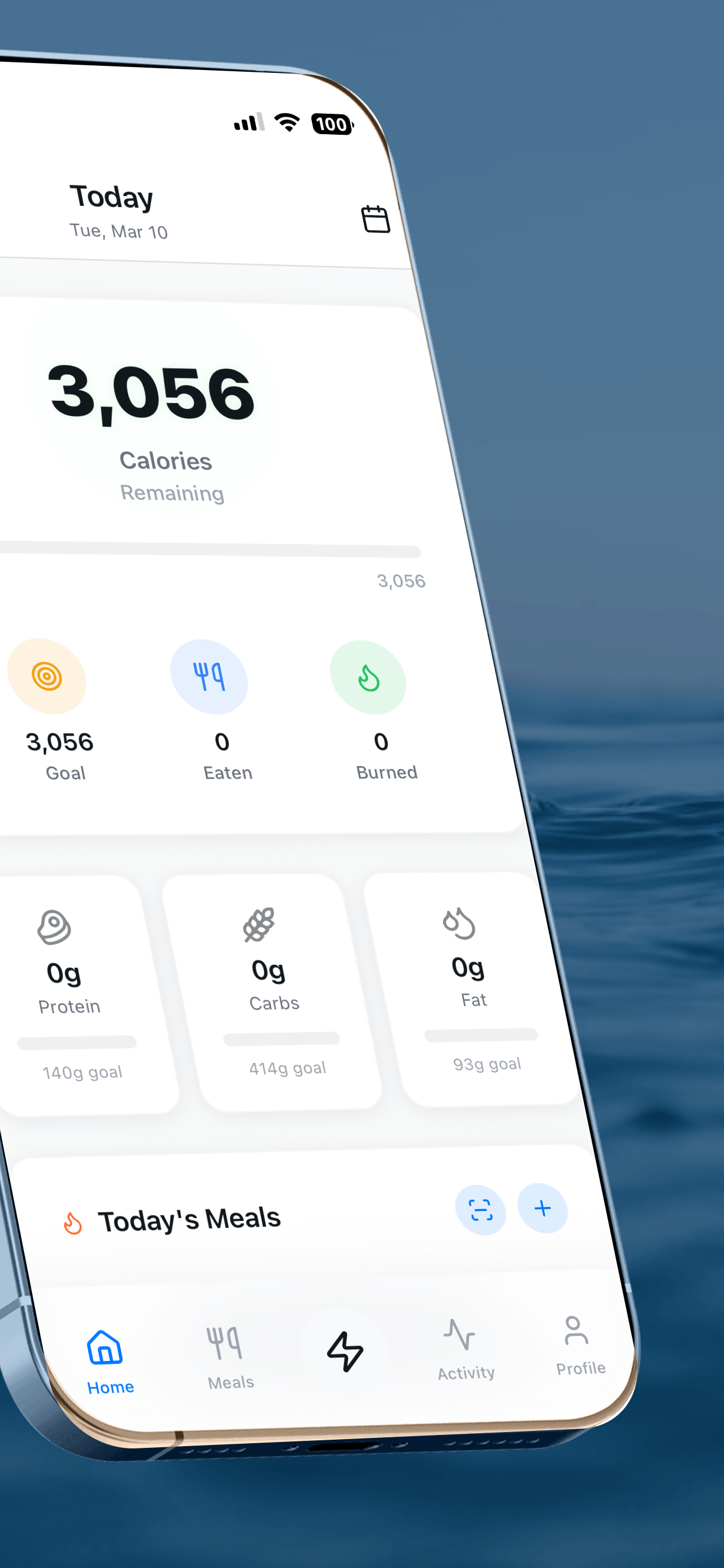
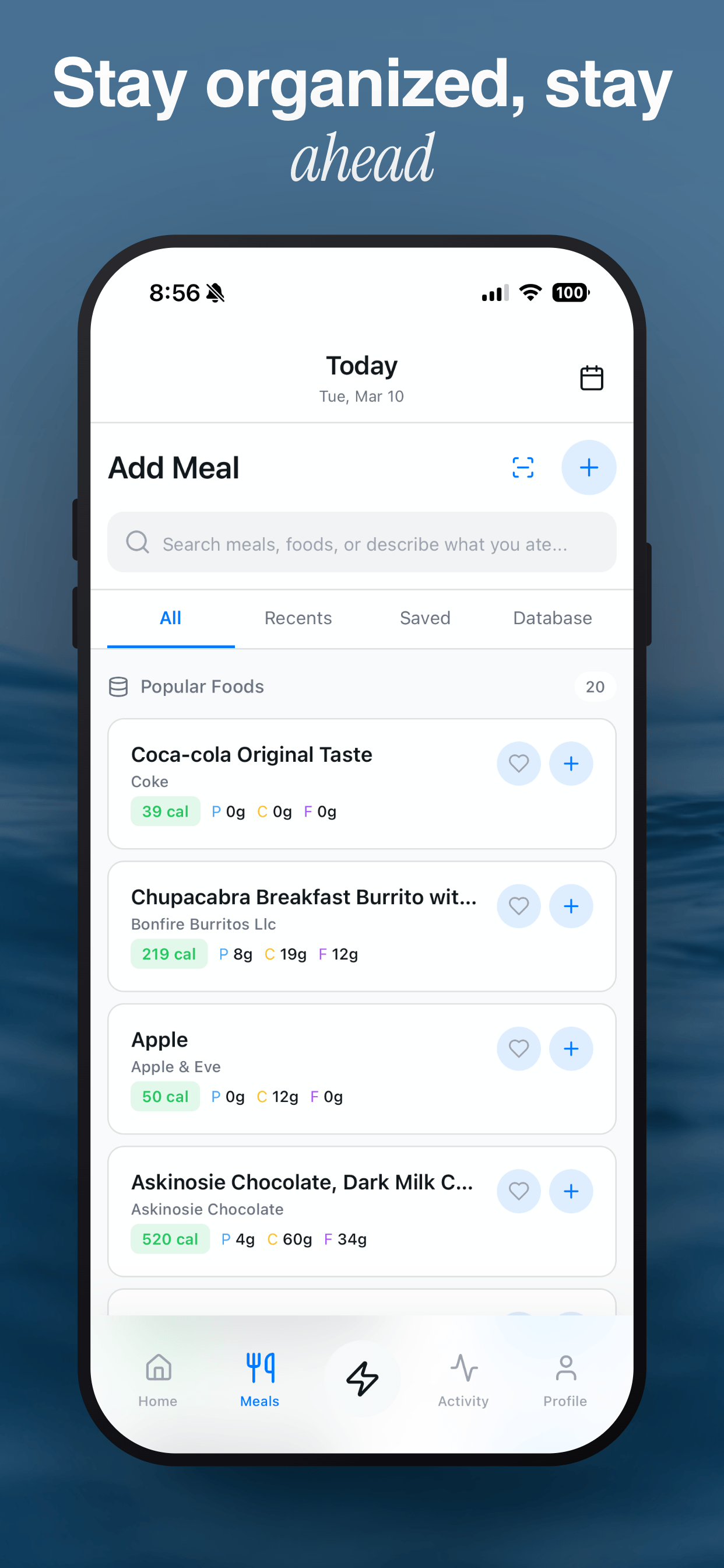
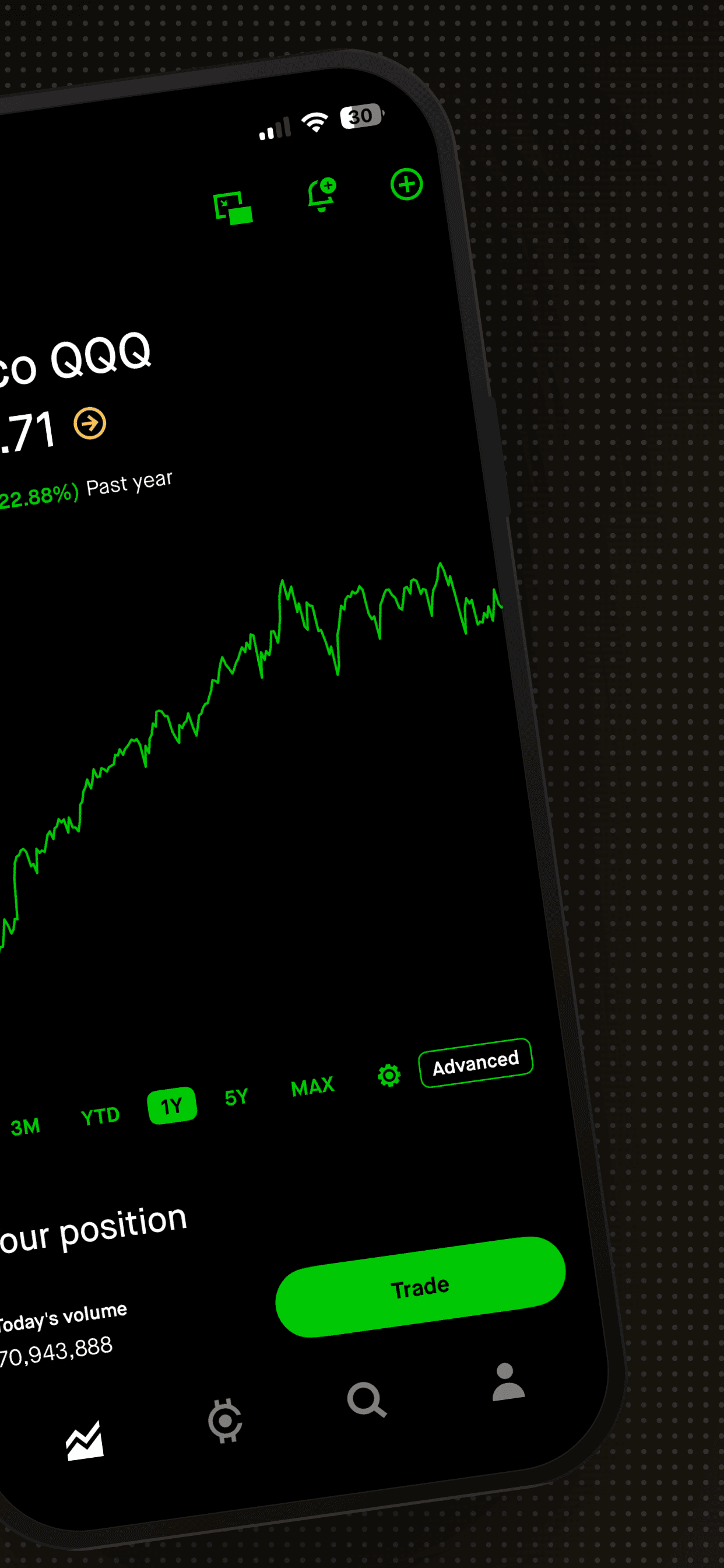
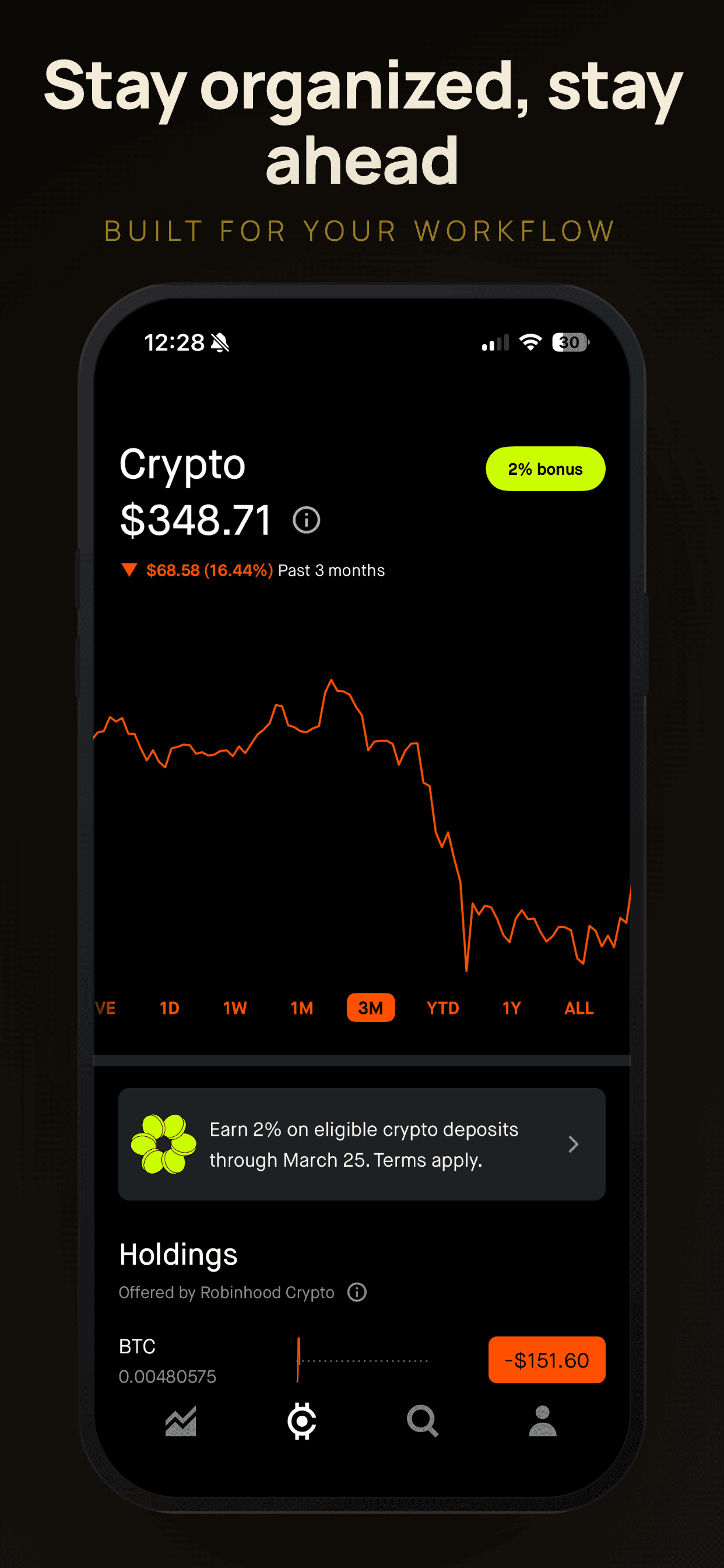
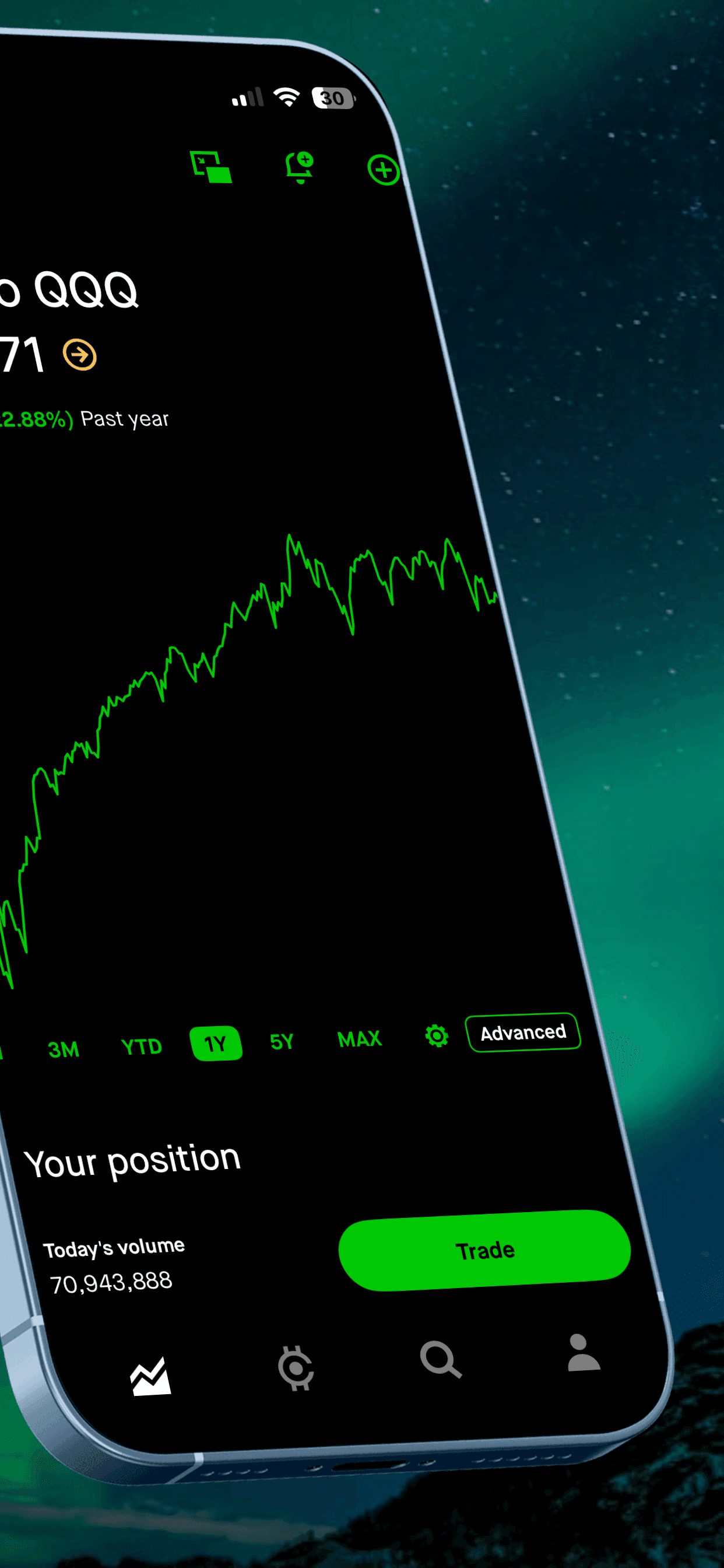
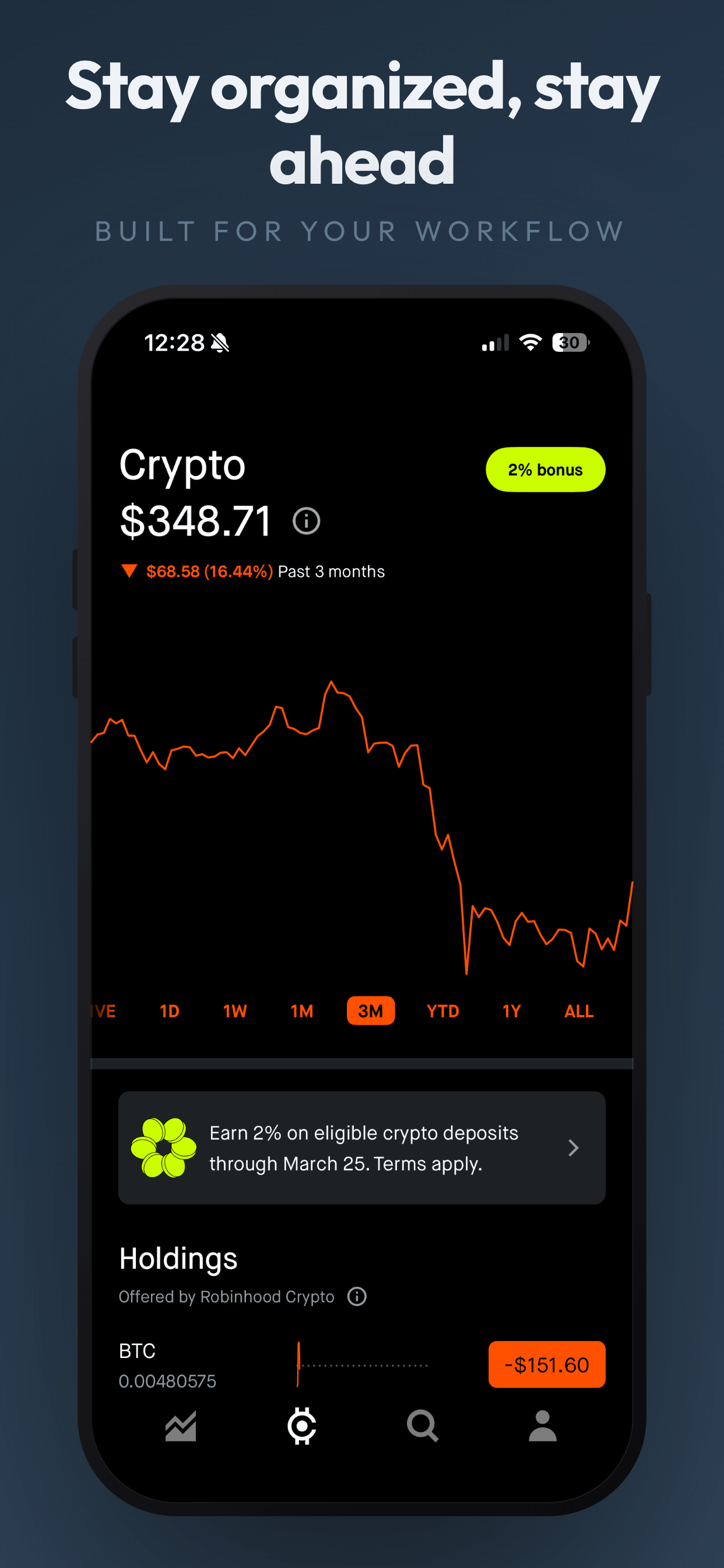
Need app store screenshots too?
Screenshot Otter generates production-ready App Store and Google Play screenshots in minutes. Free templates, no signup.
Try Screenshot Otter free →