About Screenshot Otter
A screenshot tool built by a designer and engineer who got tired of doing it the hard way.
The problem
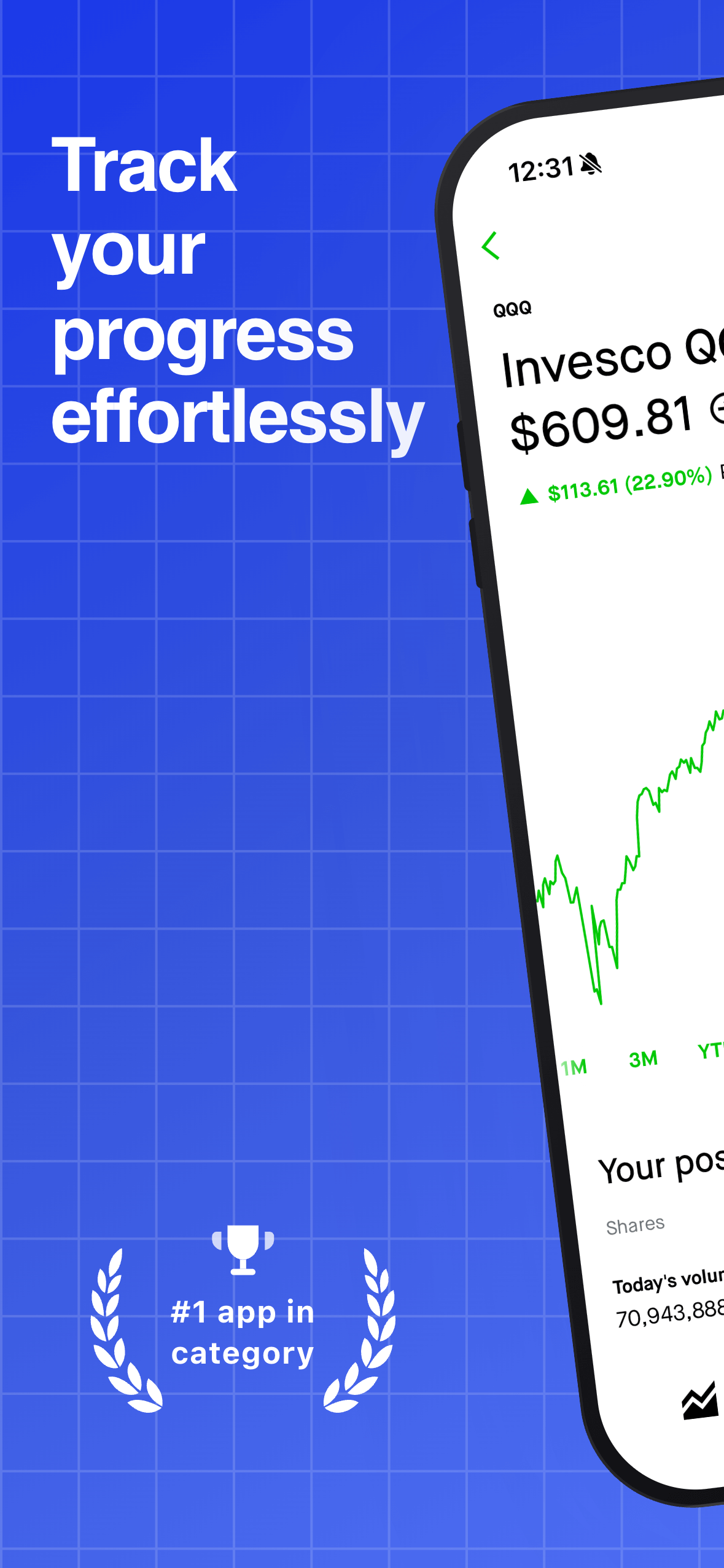
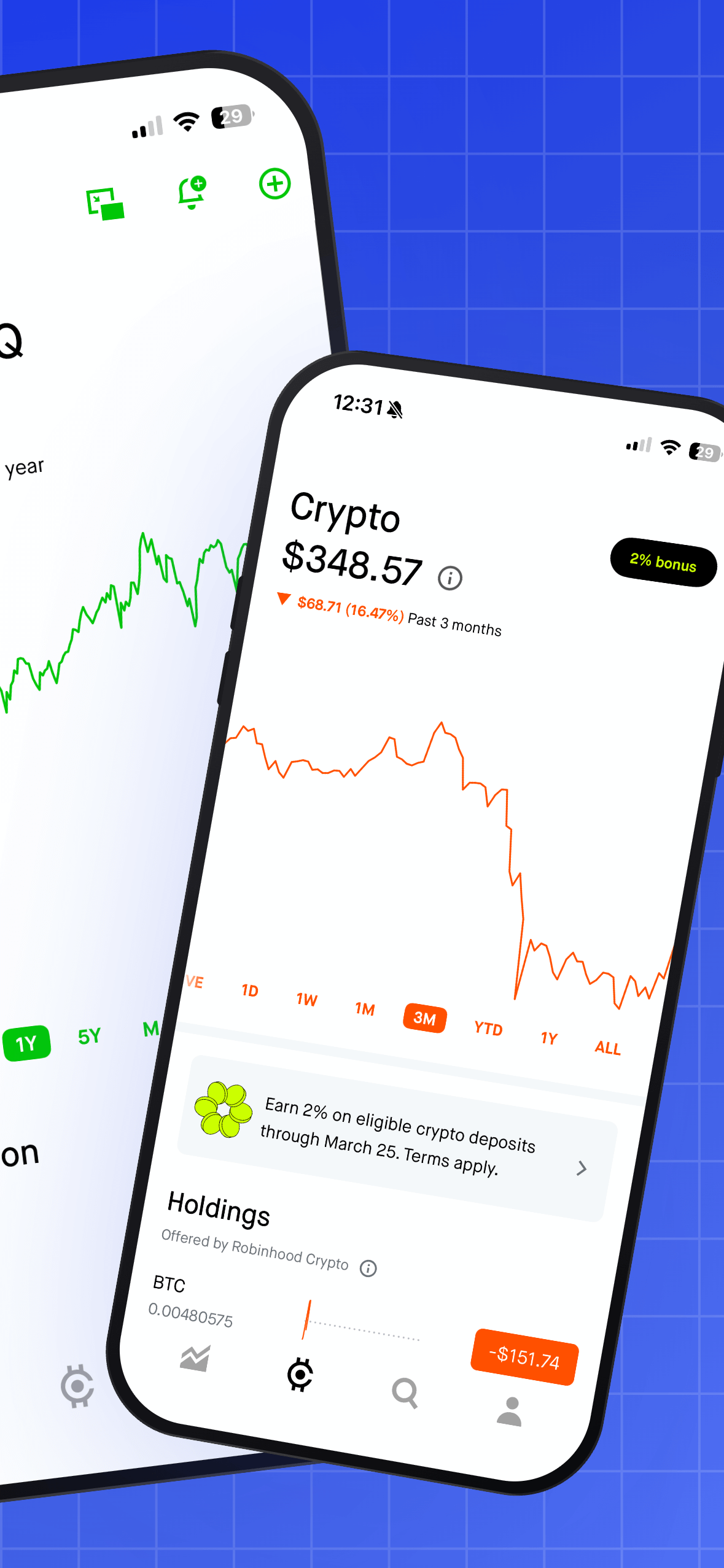
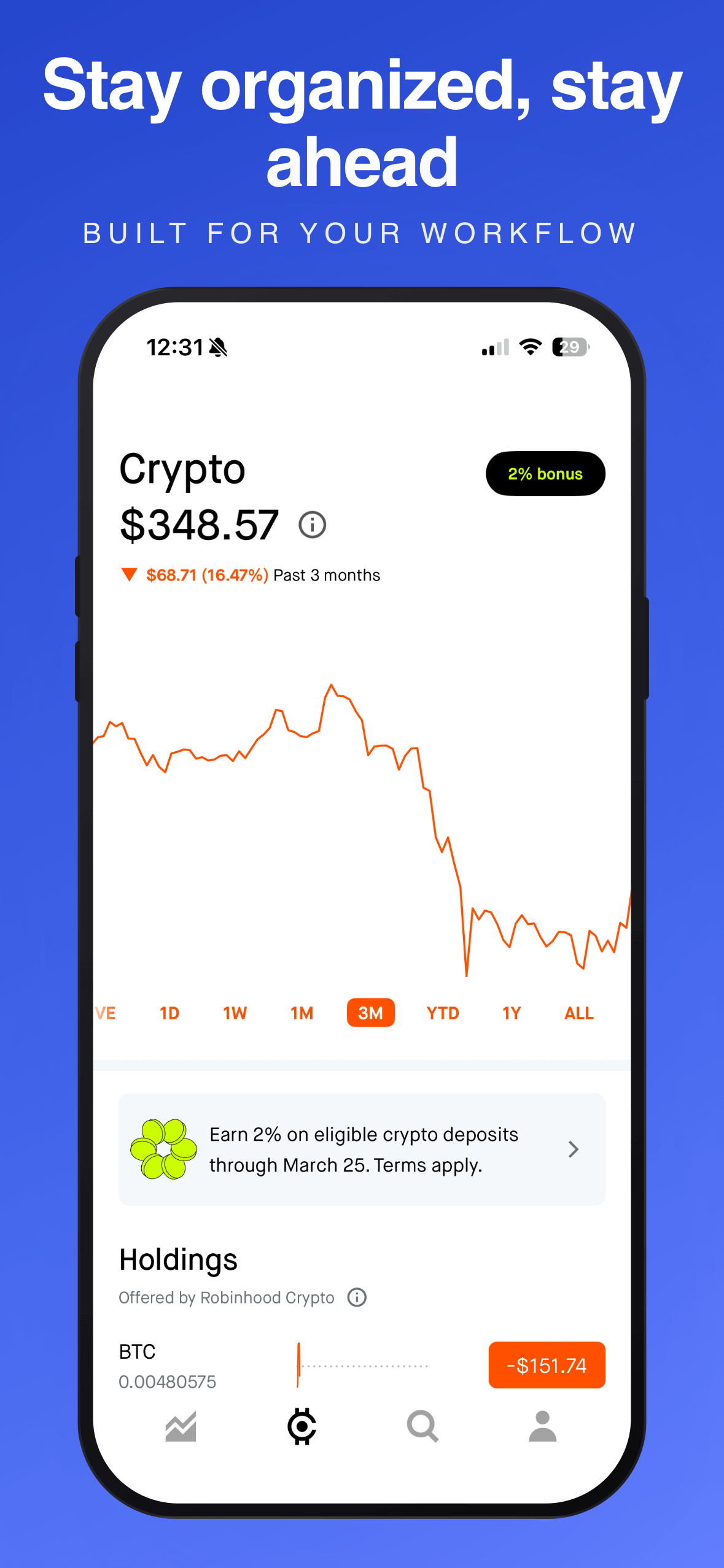
Every time I shipped an app to the App Store, I had the same tedious ritual: open Figma, drop in the raw screenshots, lay out the captions, adjust the design for five slides, export at the right dimensions, repeat for each screen size, then localize the whole thing for every market I was targeting.
It wasn’t complicated work. But it was slow, repetitive, and - for something as important as your App Store first impression - surprisingly painful to do well. Most people I know either rush it or skip the design entirely and upload raw screenshots. Neither is great.
The tool I wished existed
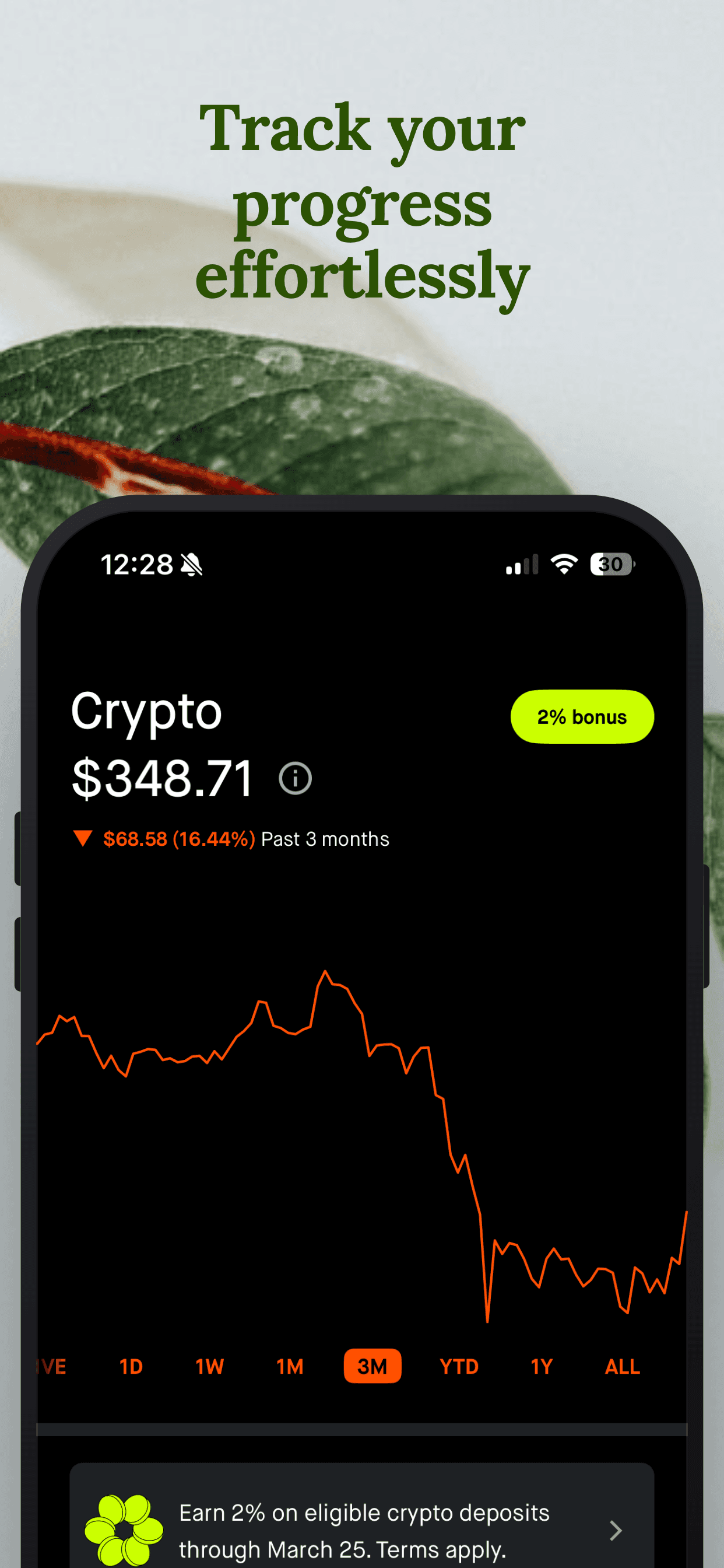
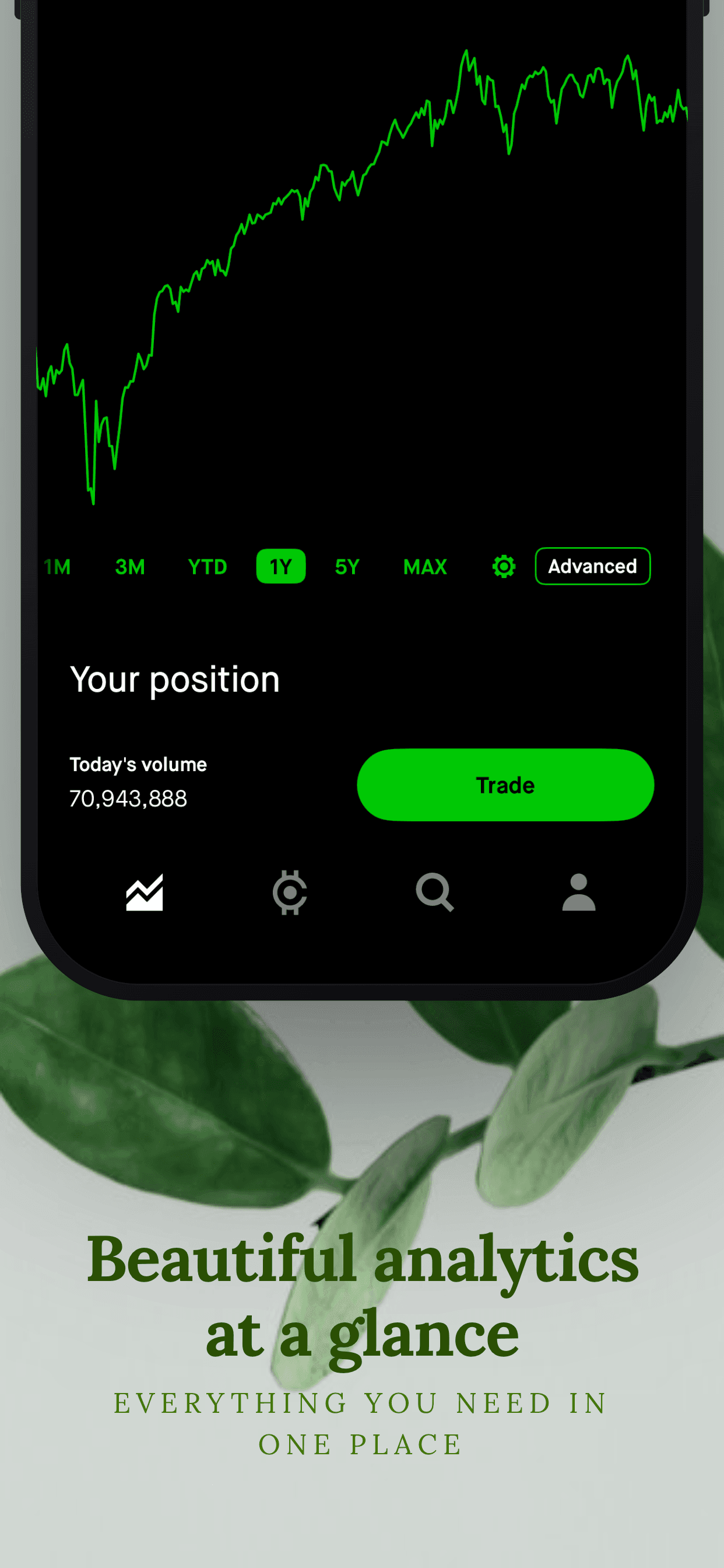
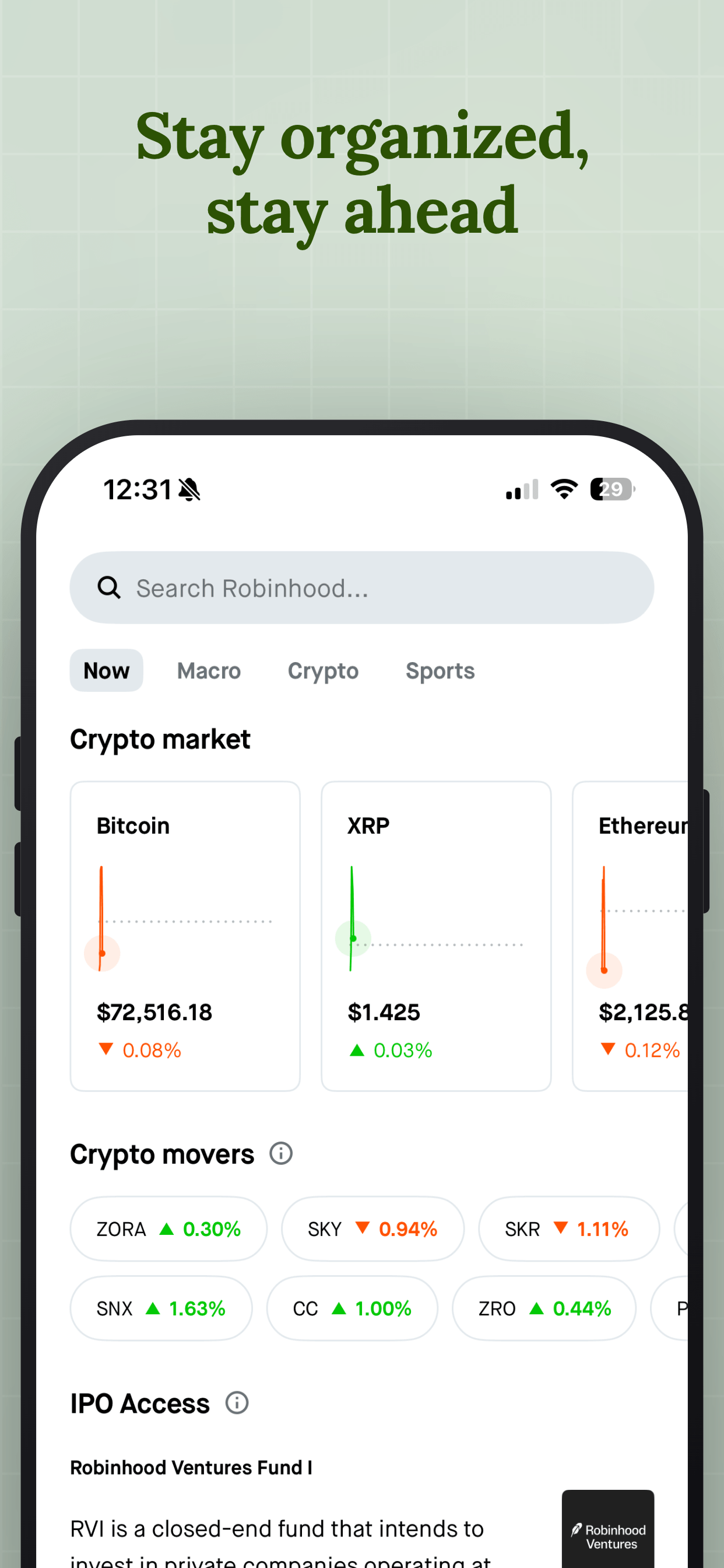
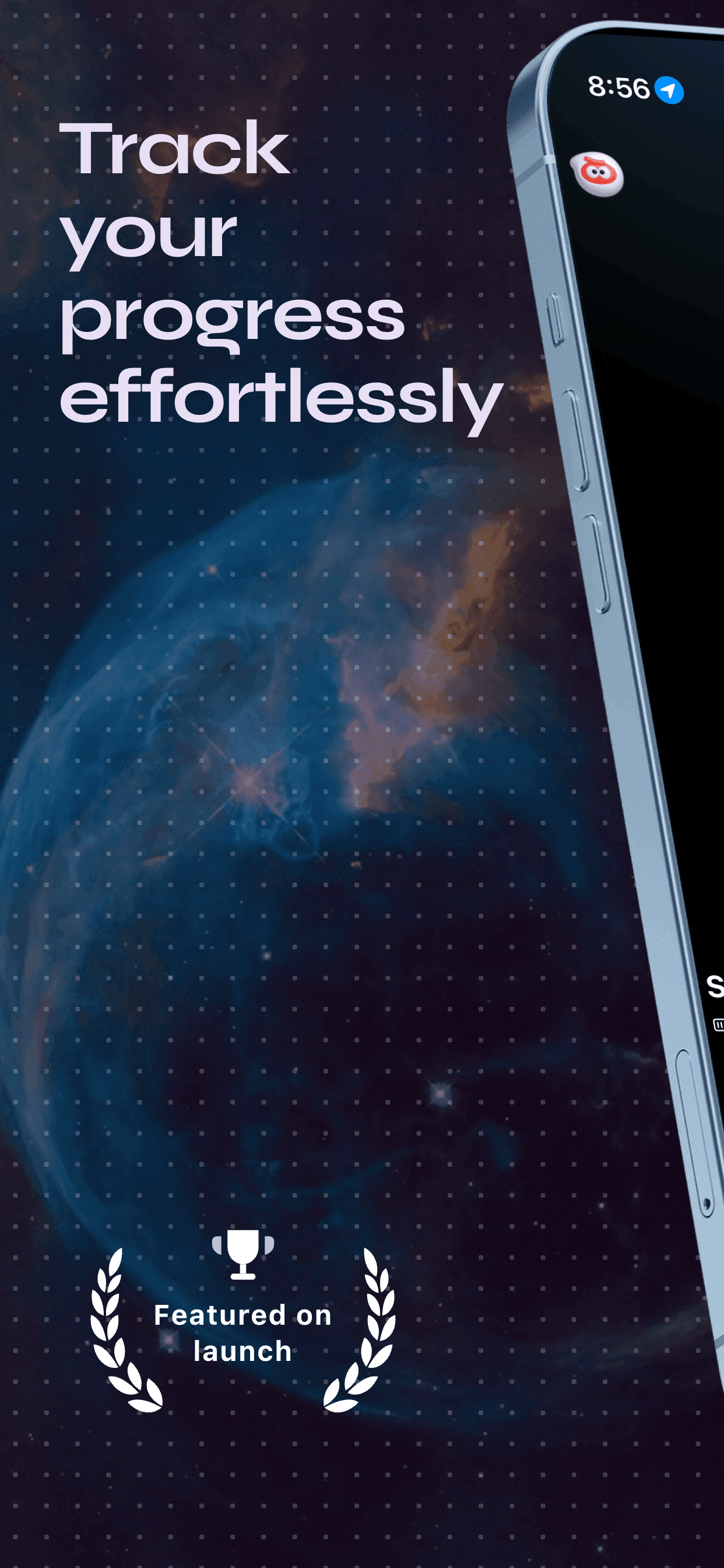
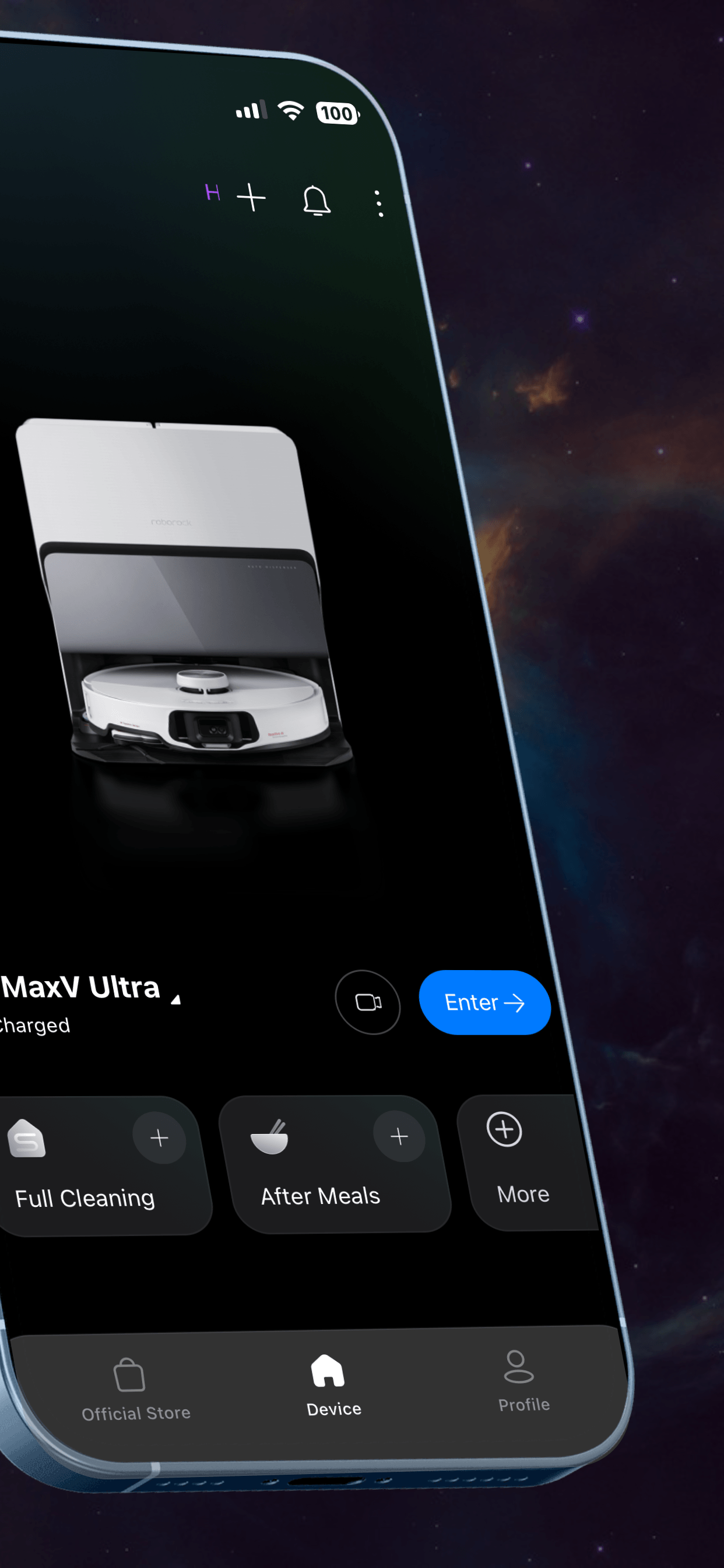
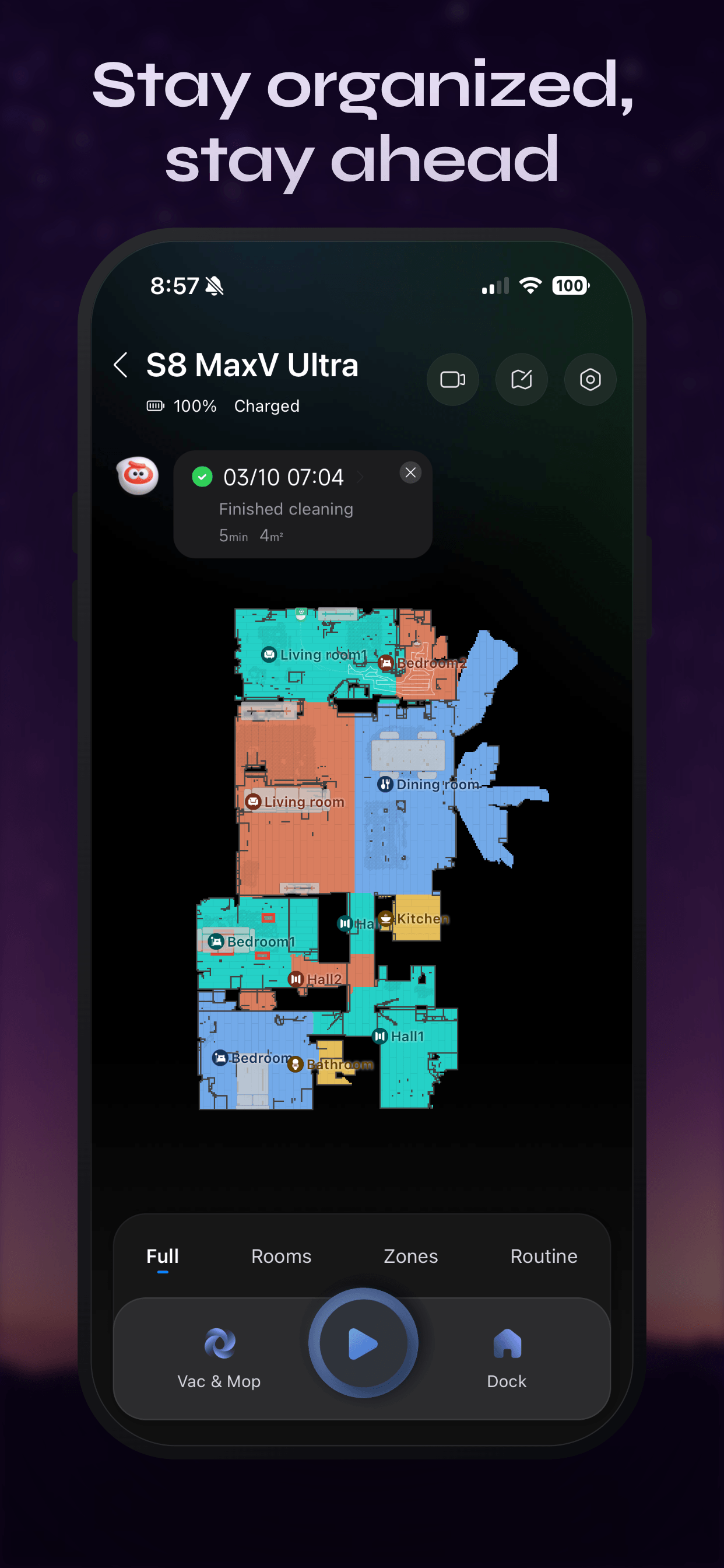
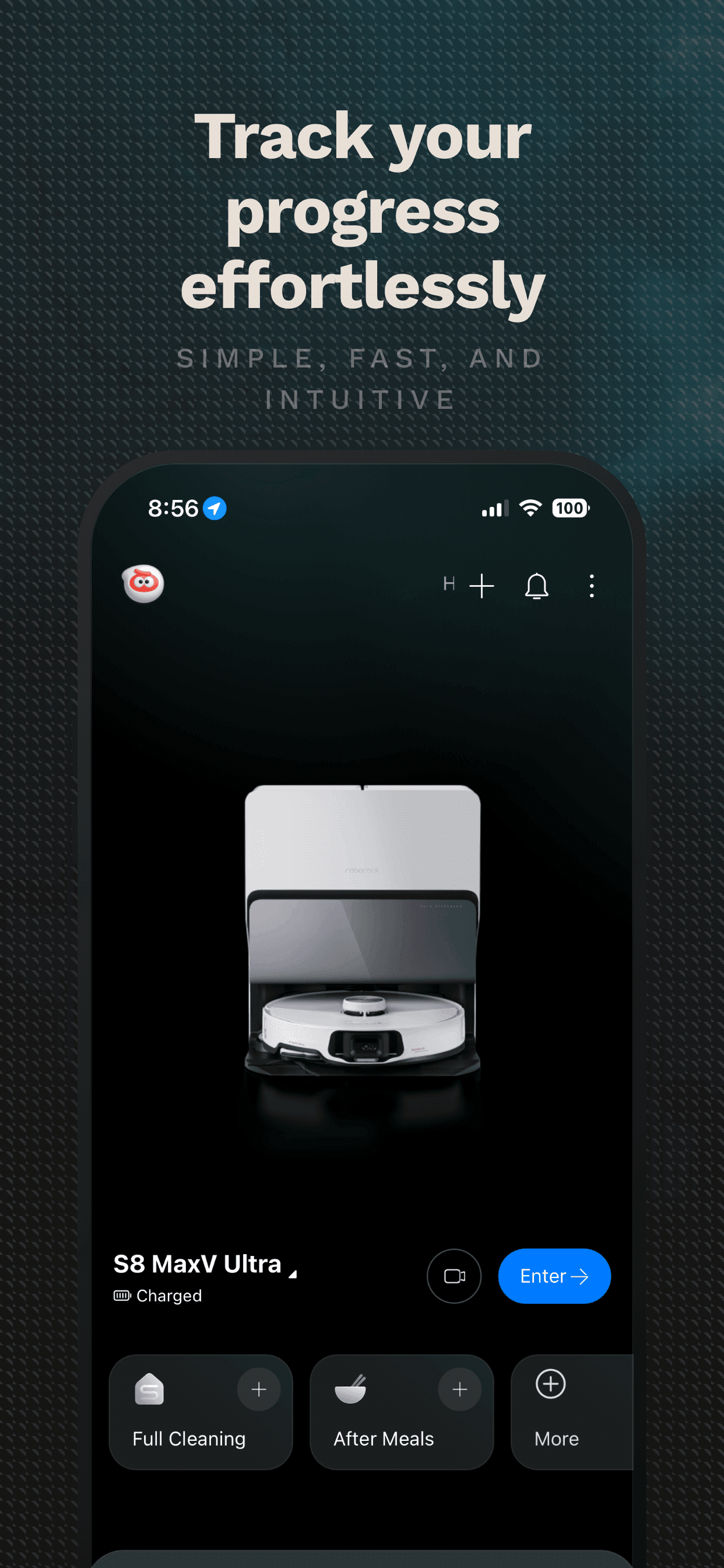
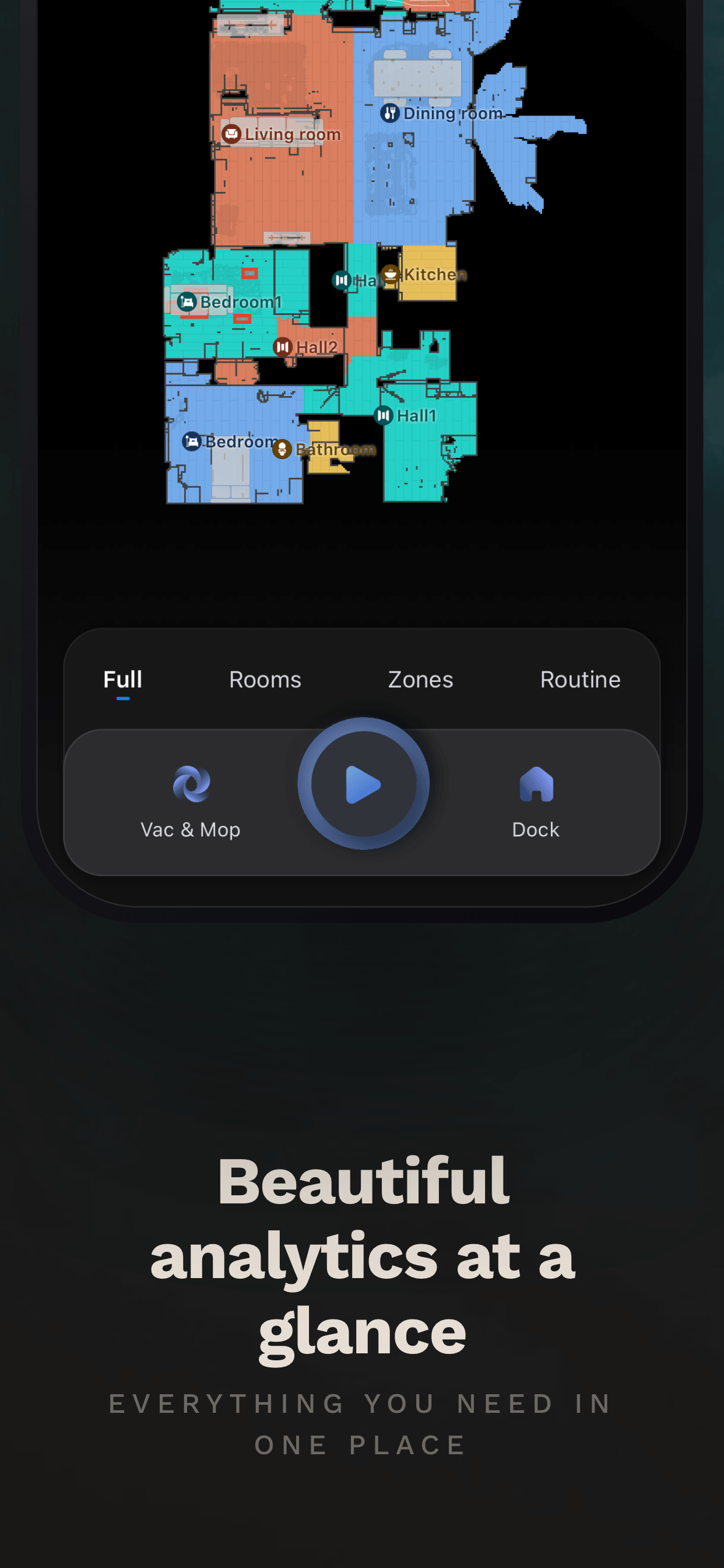
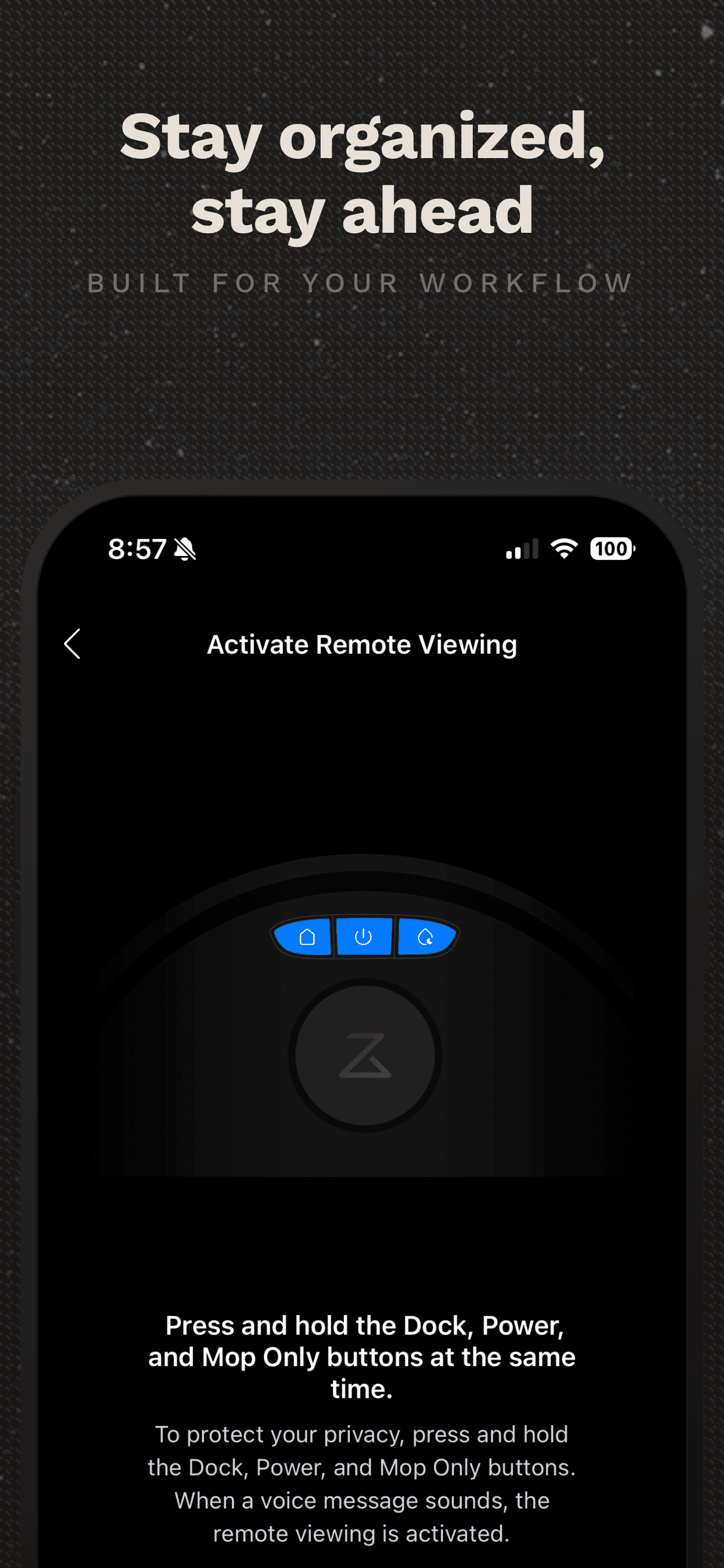
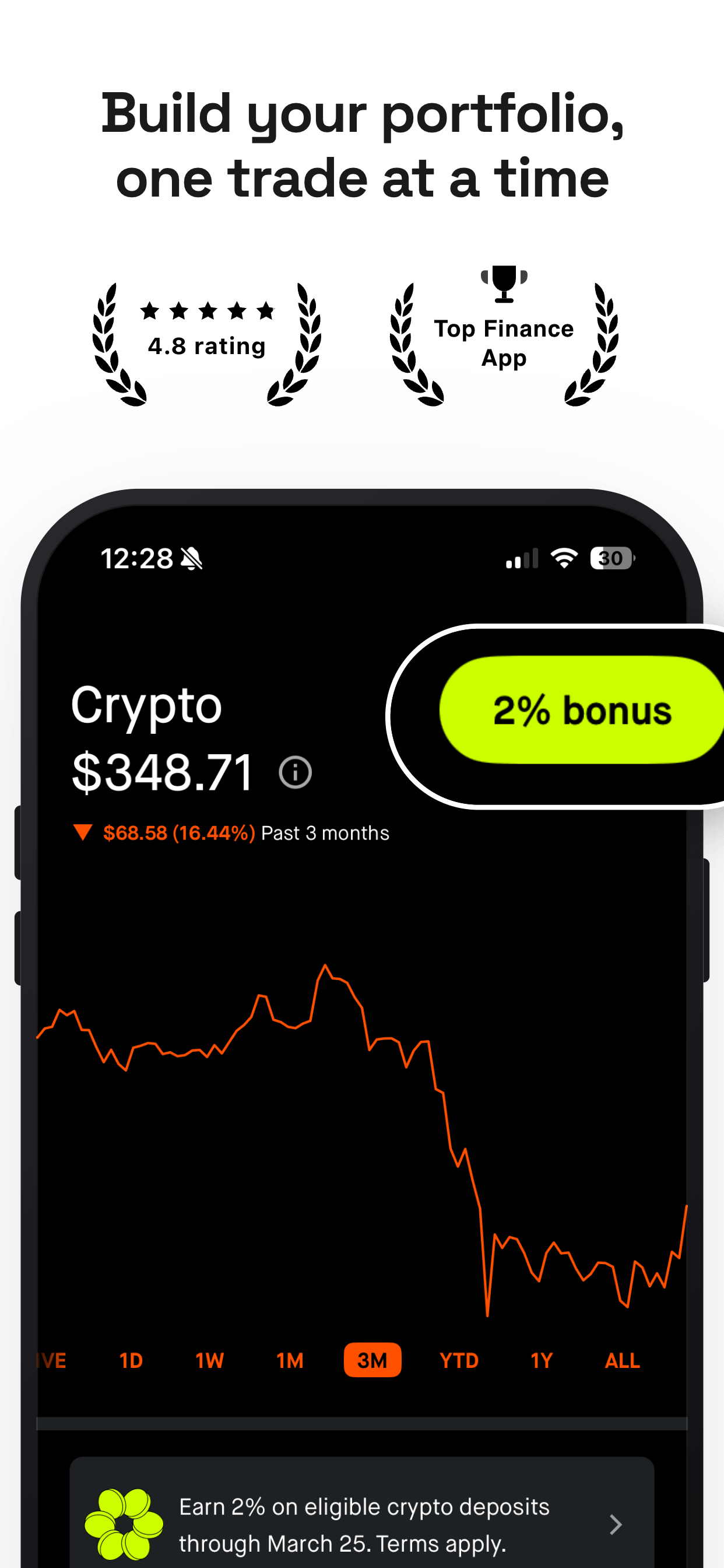
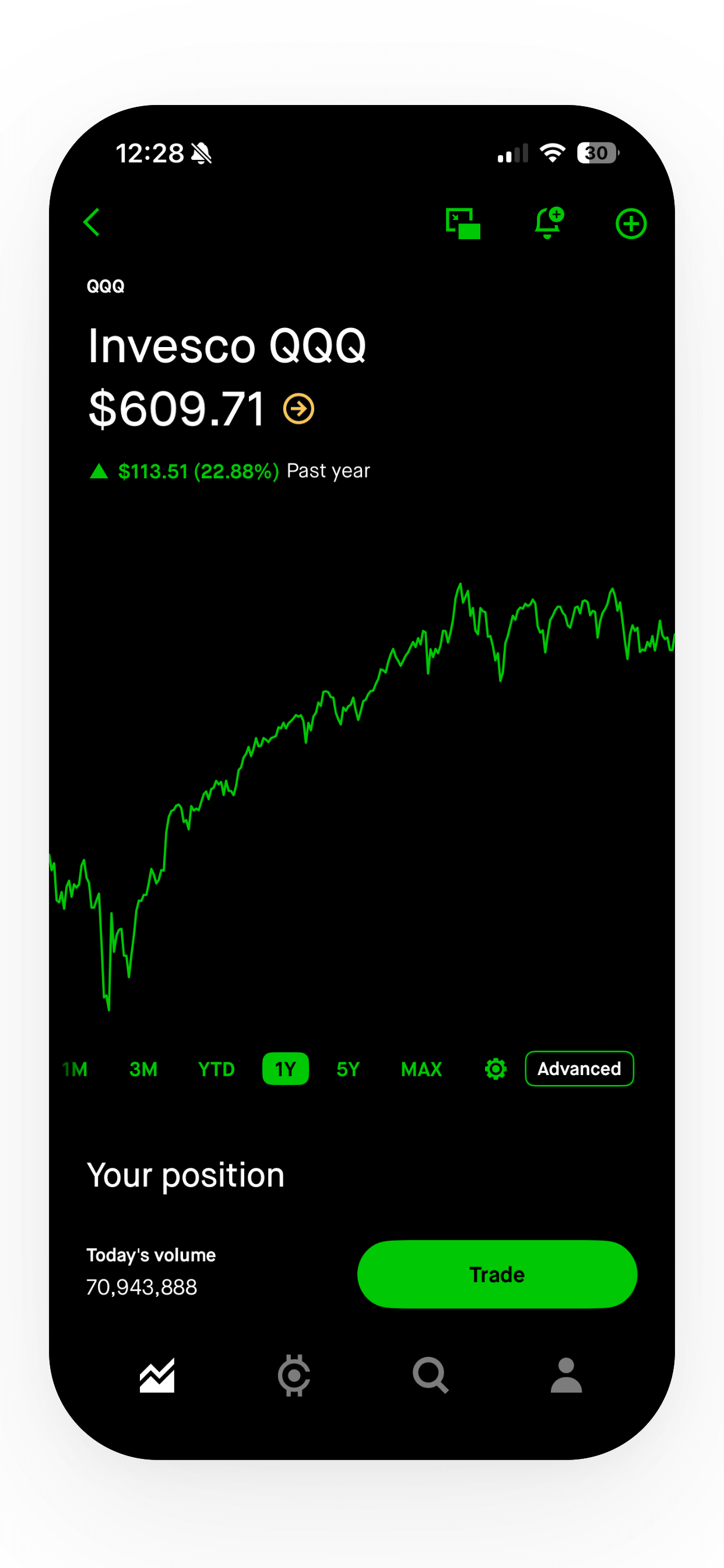
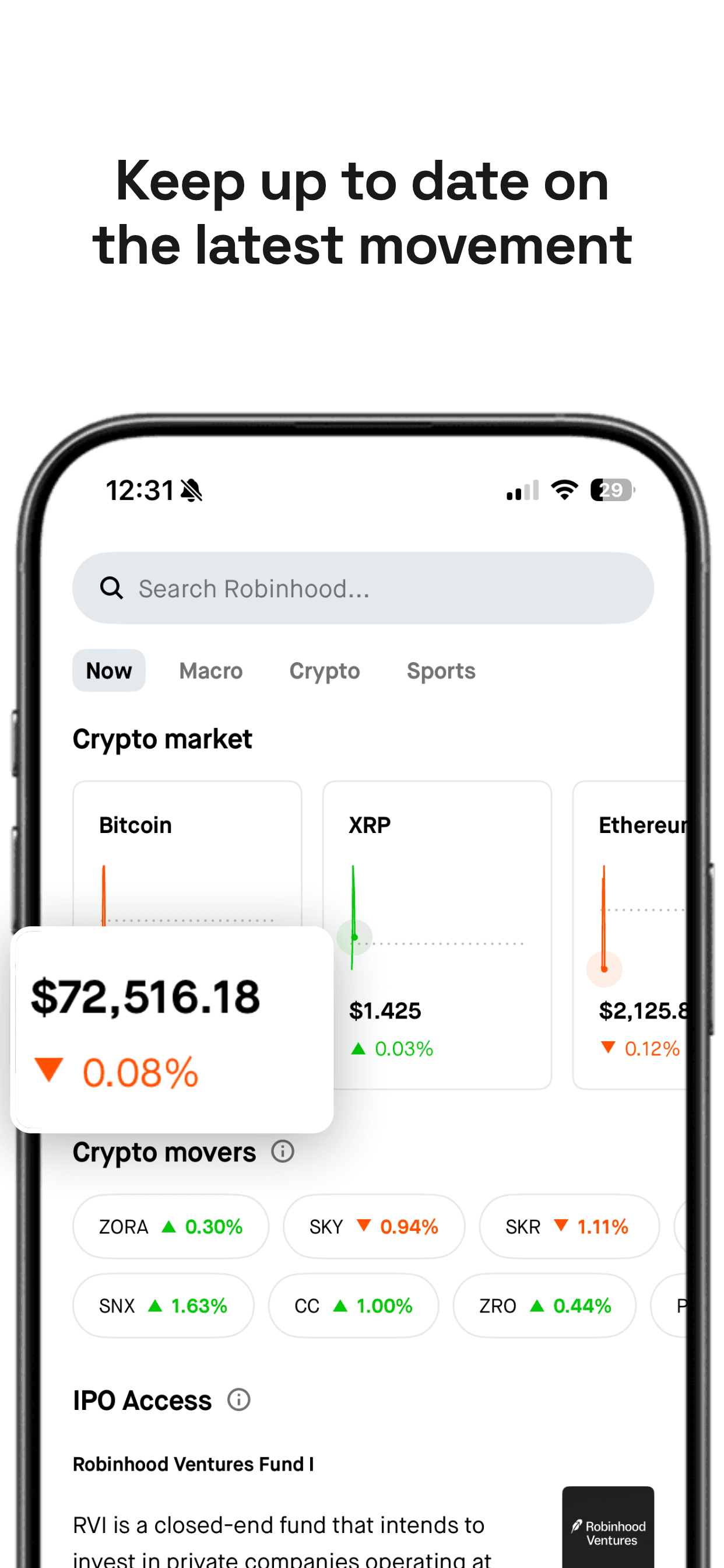
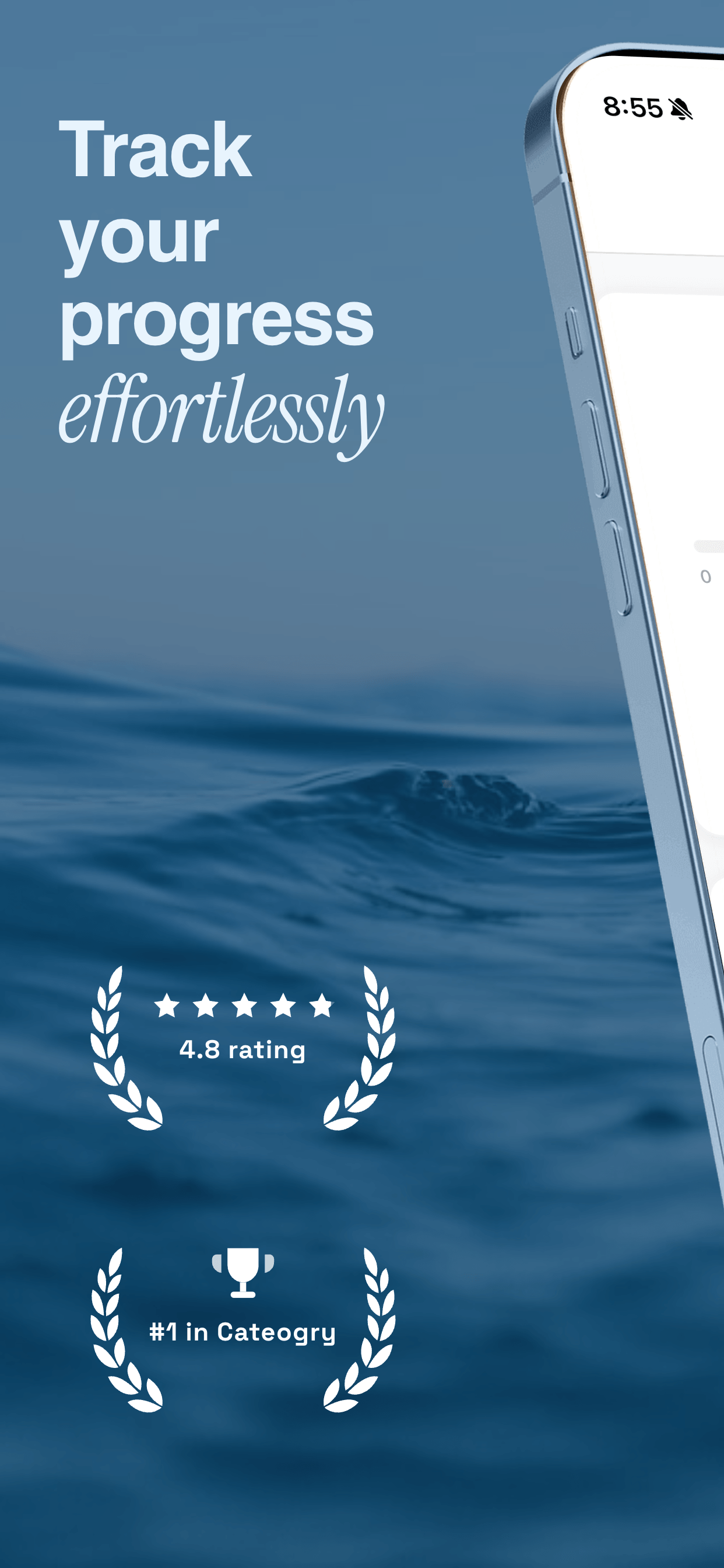
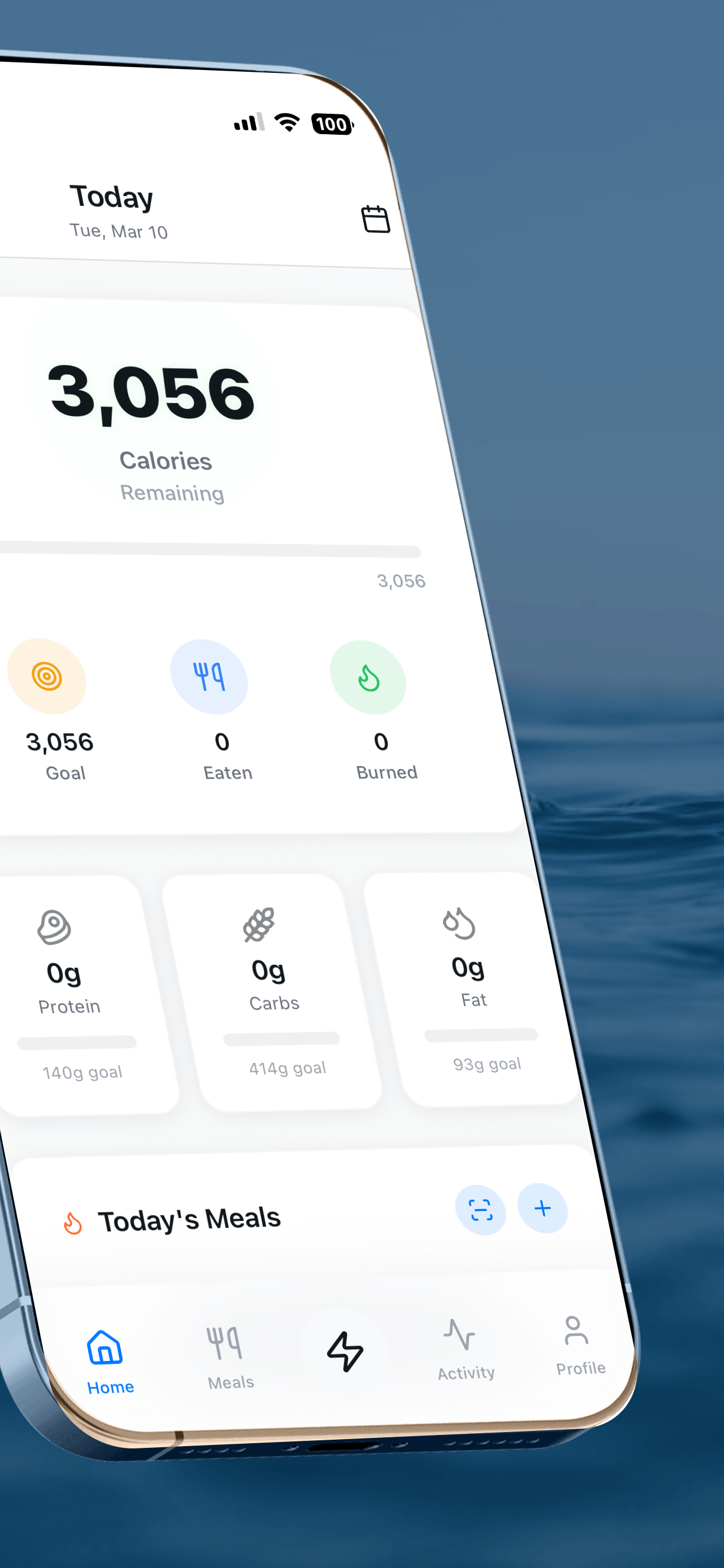
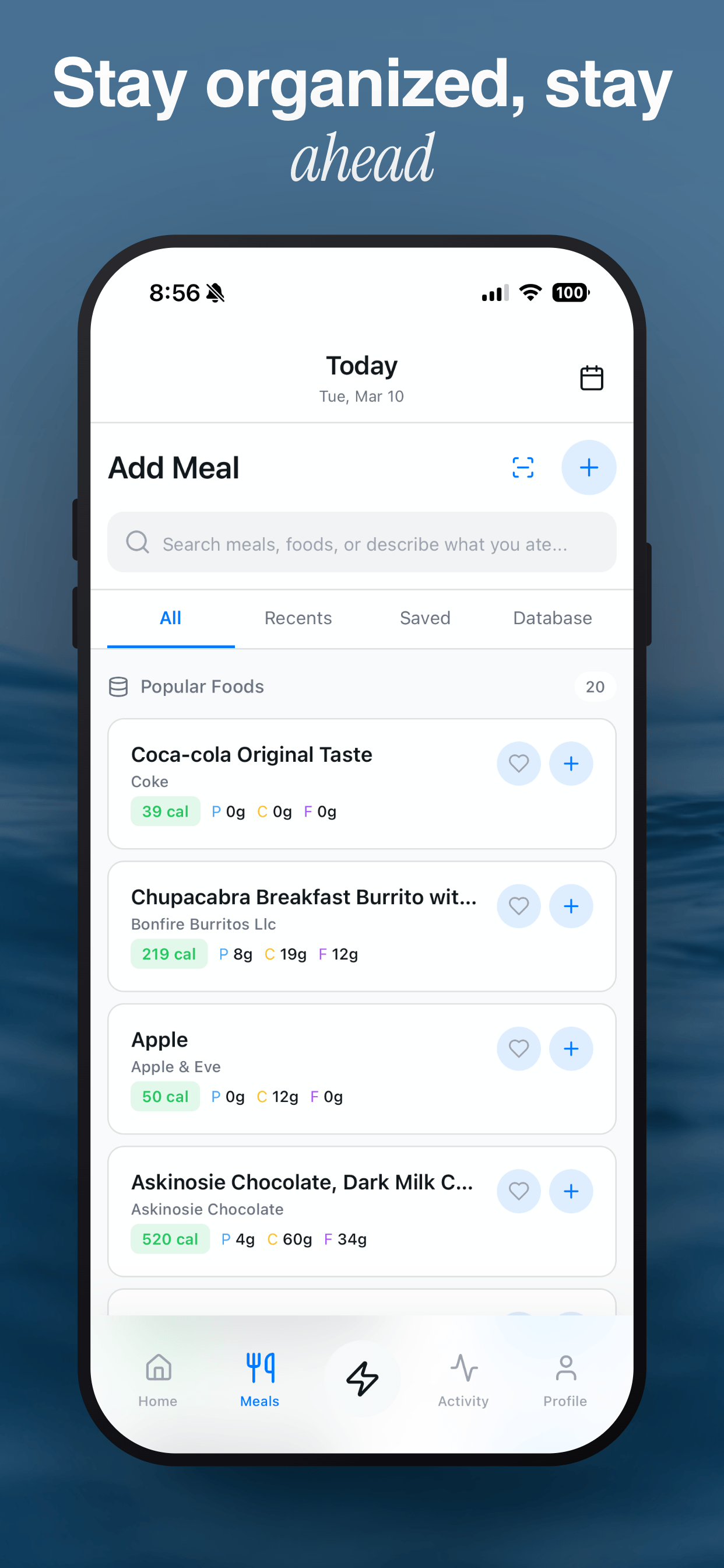
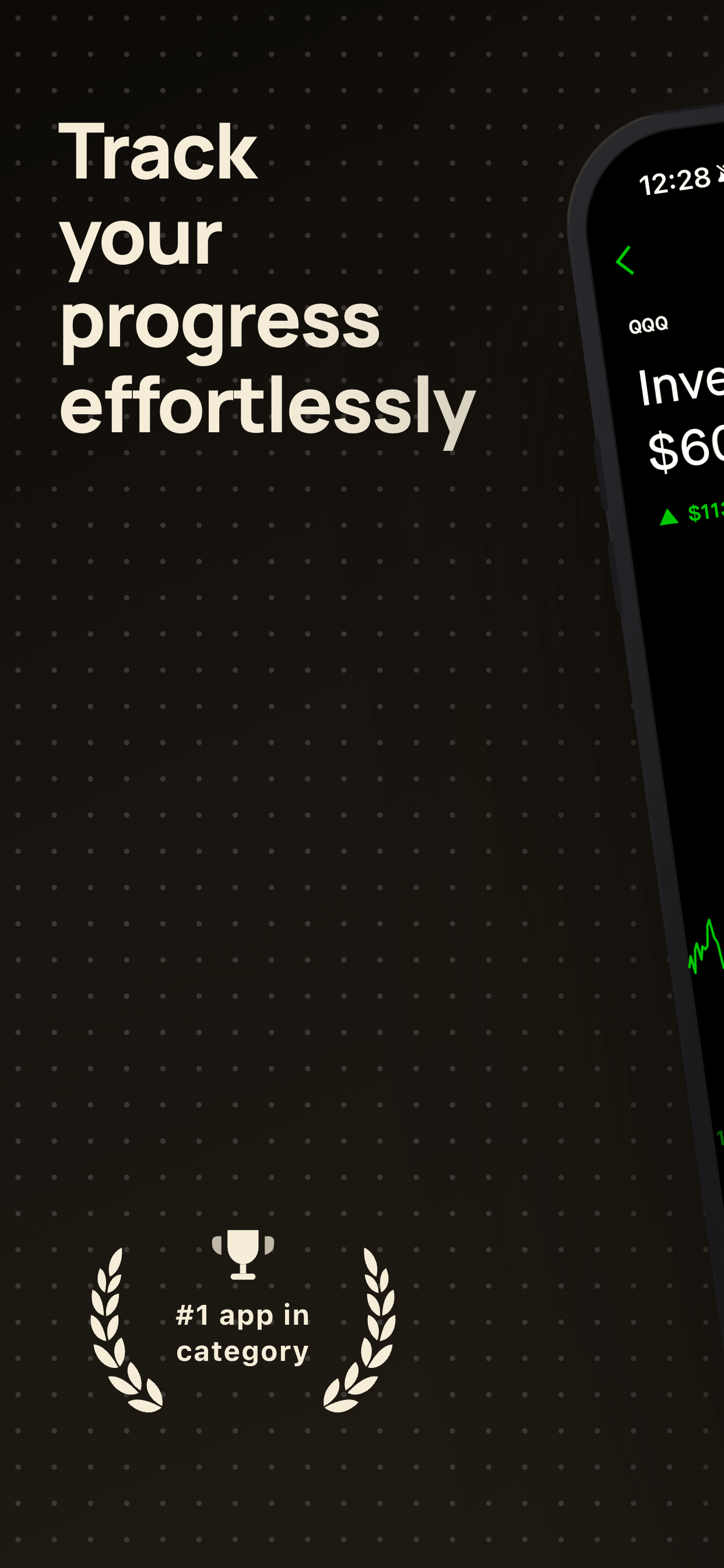
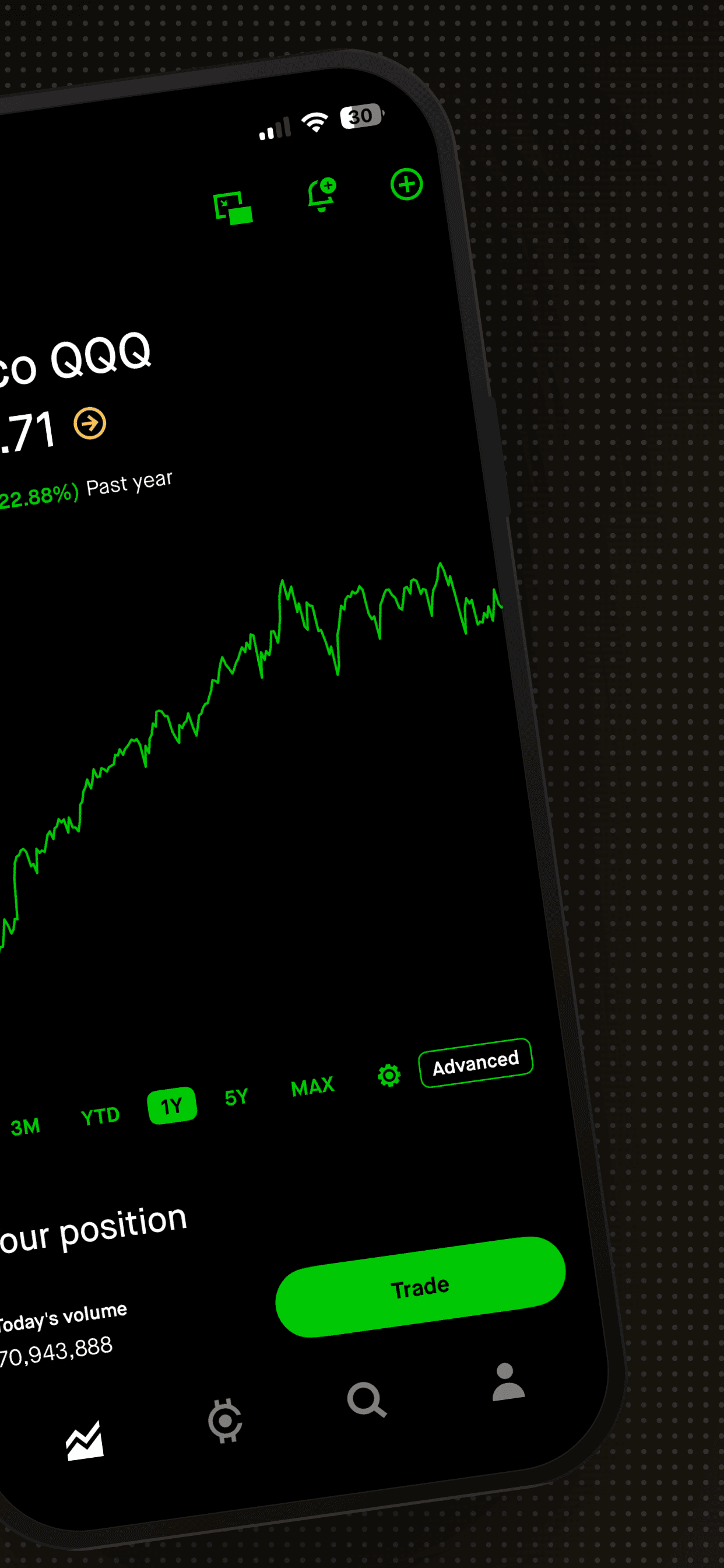
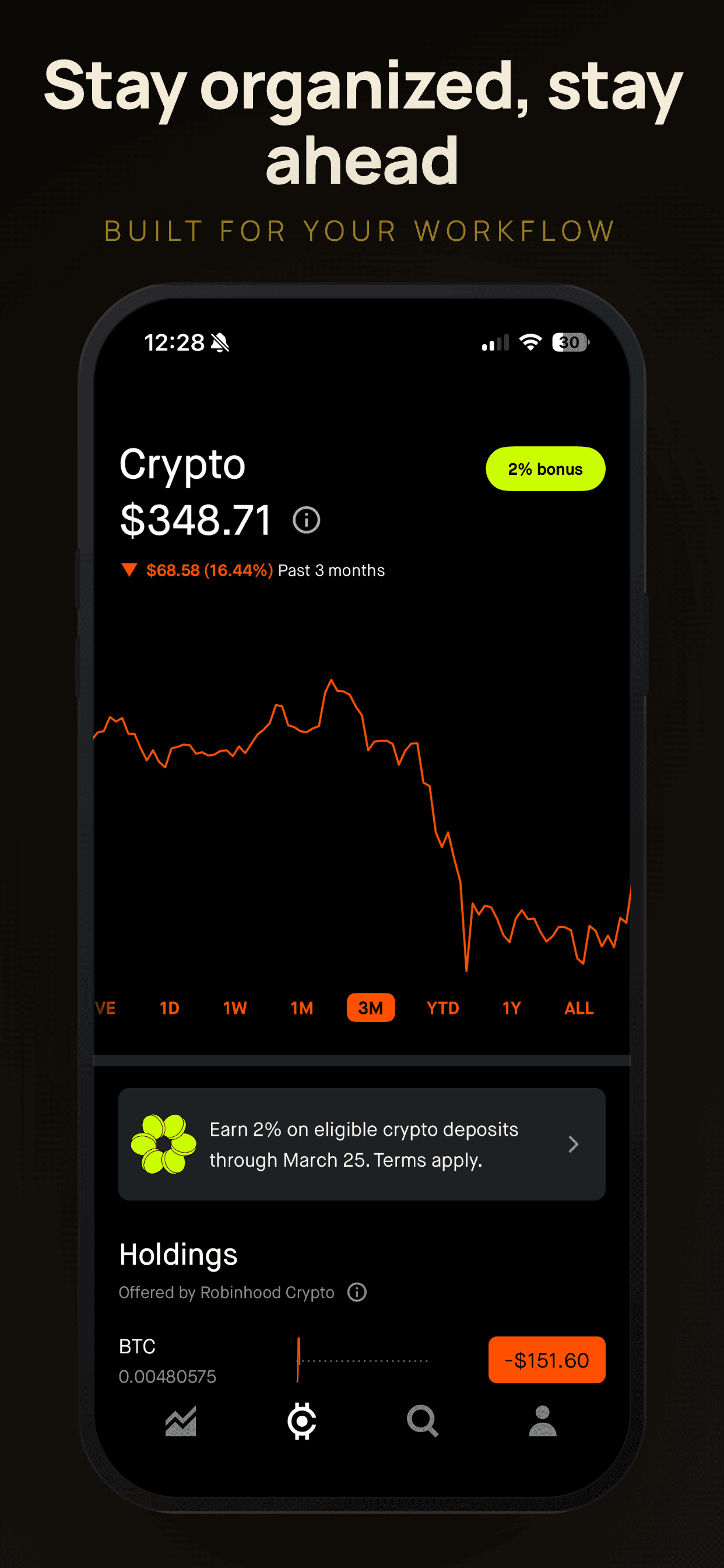
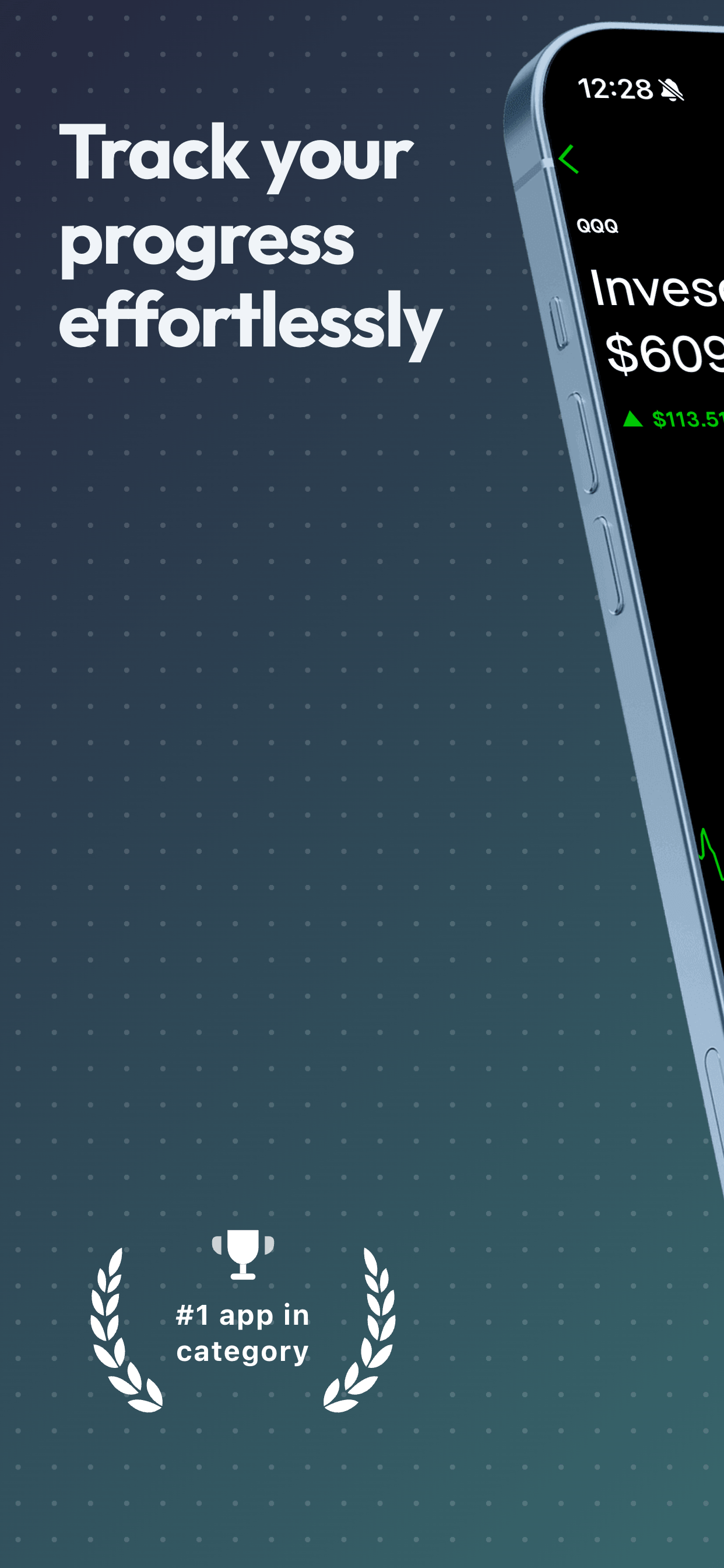
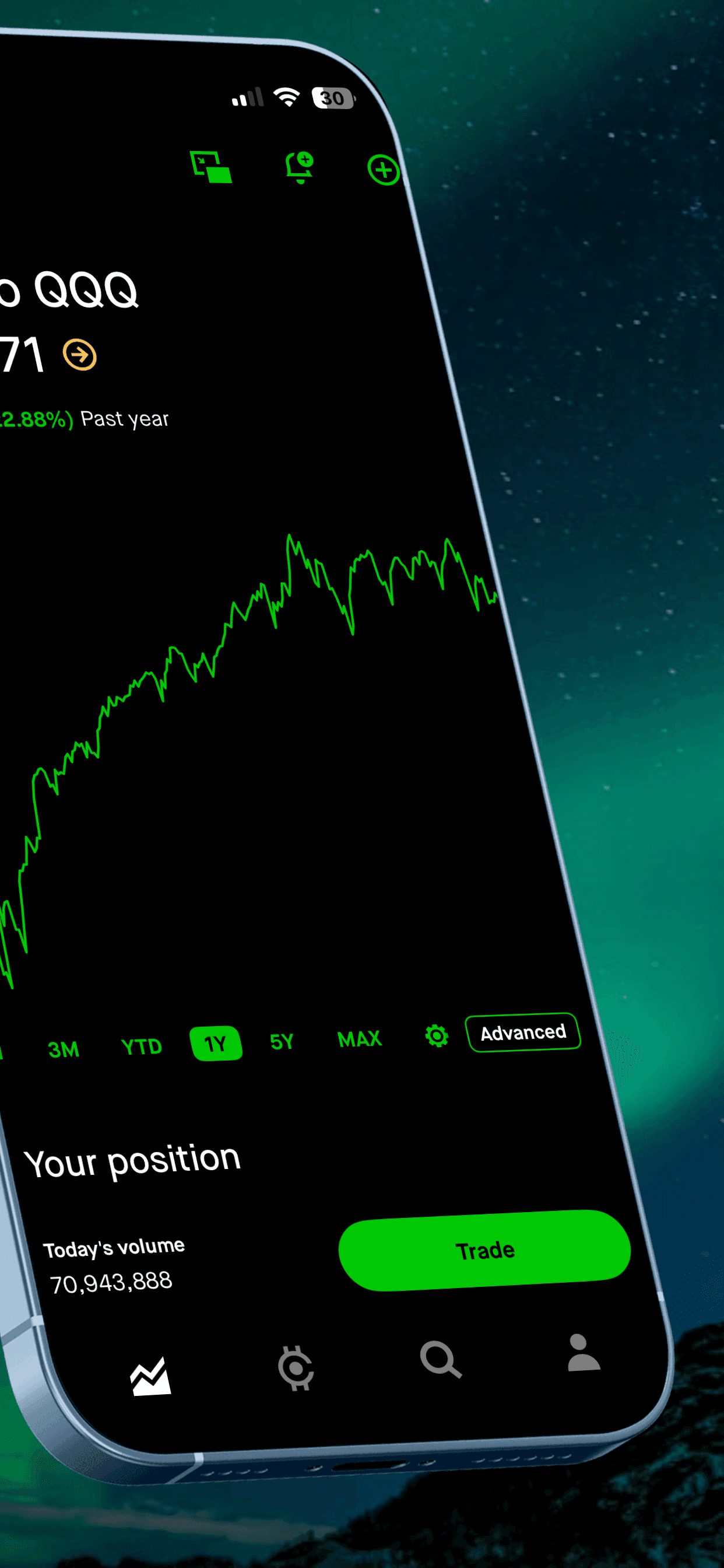
I built Screenshot Otter originally for myself. The idea was simple: upload your raw screenshots, pick a template that fits your app’s vibe, type your captions, download. Done in minutes, not hours.
The first version was rough. But the core loop - upload, template, caption, export - worked. I started using it for every app I shipped, and the results were noticeably better than my previous Figma workflow. Not because the tool was magic, but because having good templates to work from raised the baseline quality without the time cost.
After sharing it with a few developer and designer friends who immediately asked “where can I get this?”, I turned it into a proper product.
Who built it
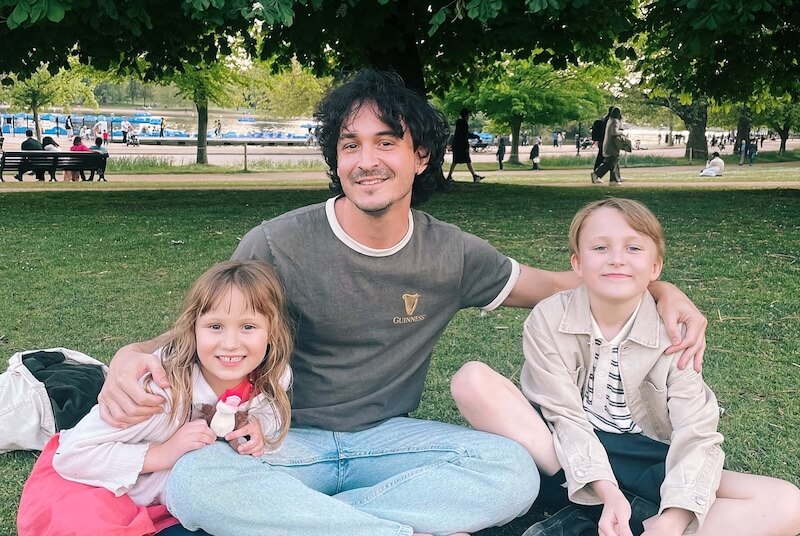
Scott Stewart
Software Designer & Engineer
I’ve spent over 10 years designing and engineering mobile and web products - apps that, collectively, millions of people use daily. I’ve shipped across consumer, enterprise, and indie contexts, which means I’ve gone through the App Store submission process more times than I can count.
Screenshot Otter is a direct result of that experience. It’s opinionated in the ways I believe matter: privacy by default, a small curated template library over a bloated one, and design quality that doesn’t require design skills to access.
What makes Screenshot Otter different
Every template is hand-crafted by a designer
This is the thing I care most about. Every template in Screenshot Otter is designed from scratch by a designer with 10+ years of experience - not generated by AI, not adapted from a generic mockup, not crowd-sourced. If it doesn't look genuinely premium, it doesn't ship. The result is a smaller library than some competitors, and a significantly higher average quality.
Private by default - it's the architecture
Screenshot Otter renders everything in your browser. Your raw screenshots never leave your machine during editing. You can optionally sync projects to the cloud for multi-device access, or keep everything stored locally for maximum privacy. Your data, your choice.
Simple pricing, no tricks
The free tier lets you build and download screenshots with no signup. Pro unlocks all premium templates, full per-slide editing, auto-localization in 40+ languages, direct store upload, and more for $19/mo or $150/yr. There are no per-download fees, no template packs, and no hidden limits within Pro.
Built for developers and designers
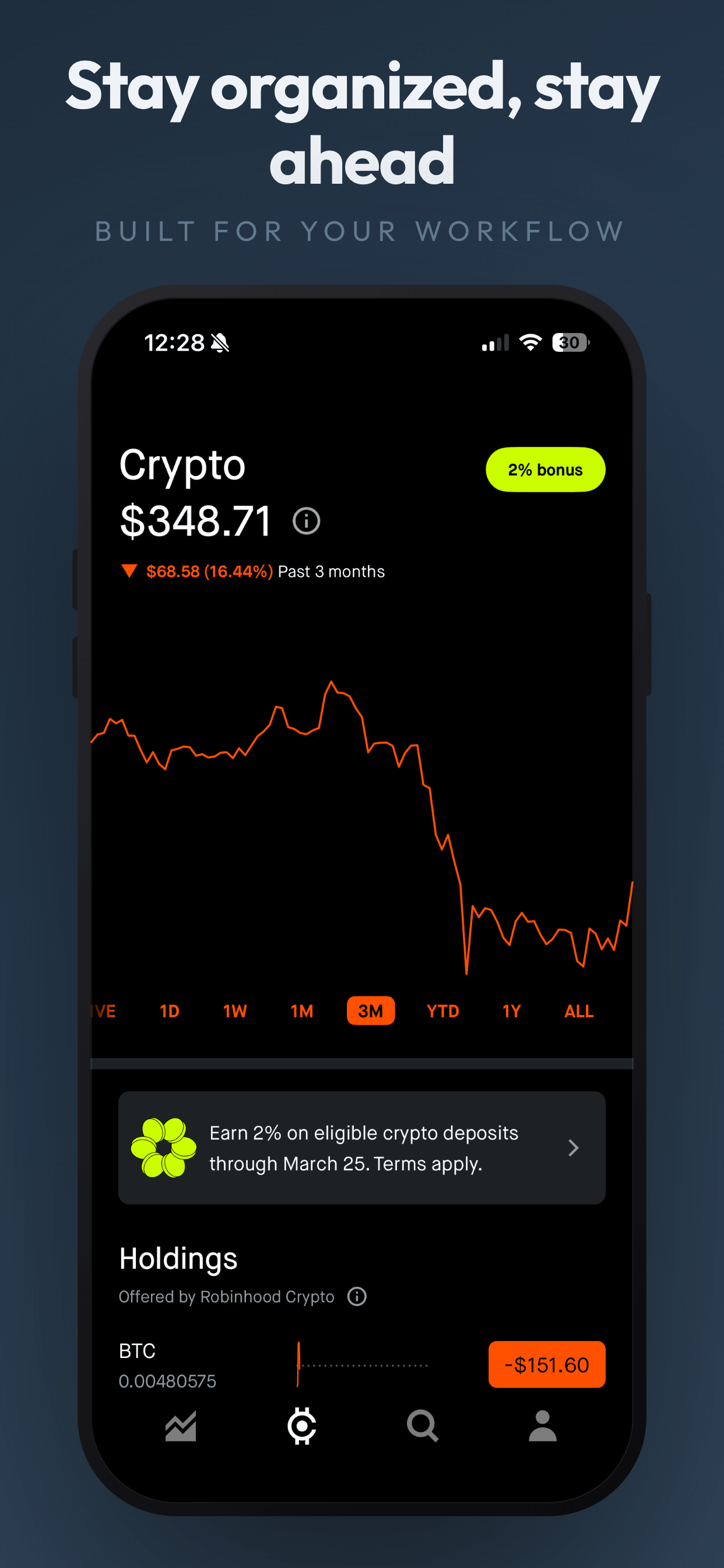
Developers get beautiful templates they can use instantly, no design skills required. Designers get full creative control: customize every element, or start from a blank canvas and build from scratch. Either way, you go from raw screenshots to polished App Store images in minutes.
What’s next
New templates ship regularly. I add them when I have something genuinely worth shipping - not on a quota. Each one takes real time to design, which is the point: fewer, better templates beat an overwhelming library of mediocre ones.
If you have feedback, feature requests, or just want to say hi, you can reach me at hello@screenshototter.com.
Try it yourself
Free templates, no signup. Upload your screenshots and see the difference a good template makes.
Try Screenshot Otter free →