Finance & Budgeting App Screenshot Examples
Finance apps ask for more trust than almost any other category. Visitors want to know, quickly, that the app is safe, that it will actually change their habits, and that it won't be another dashboard they open twice.
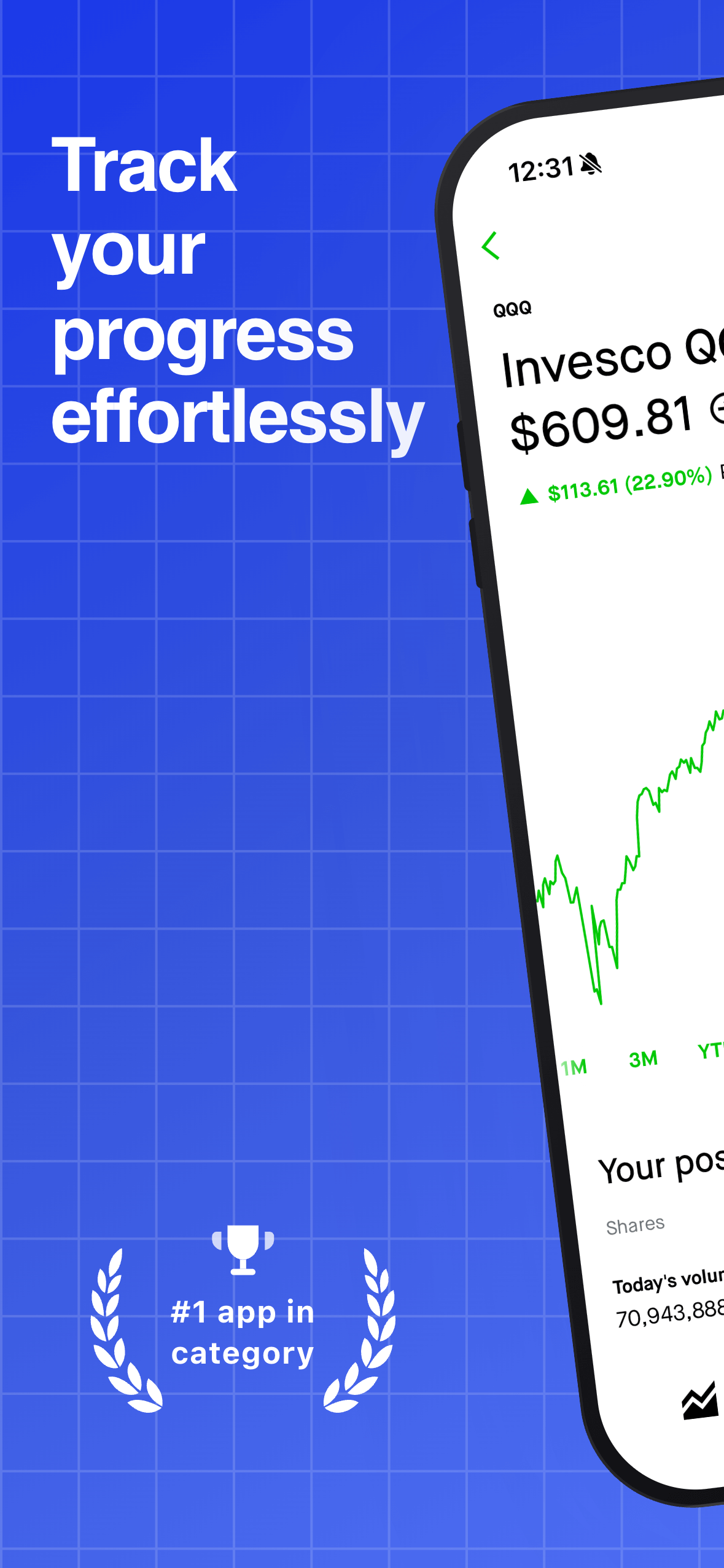
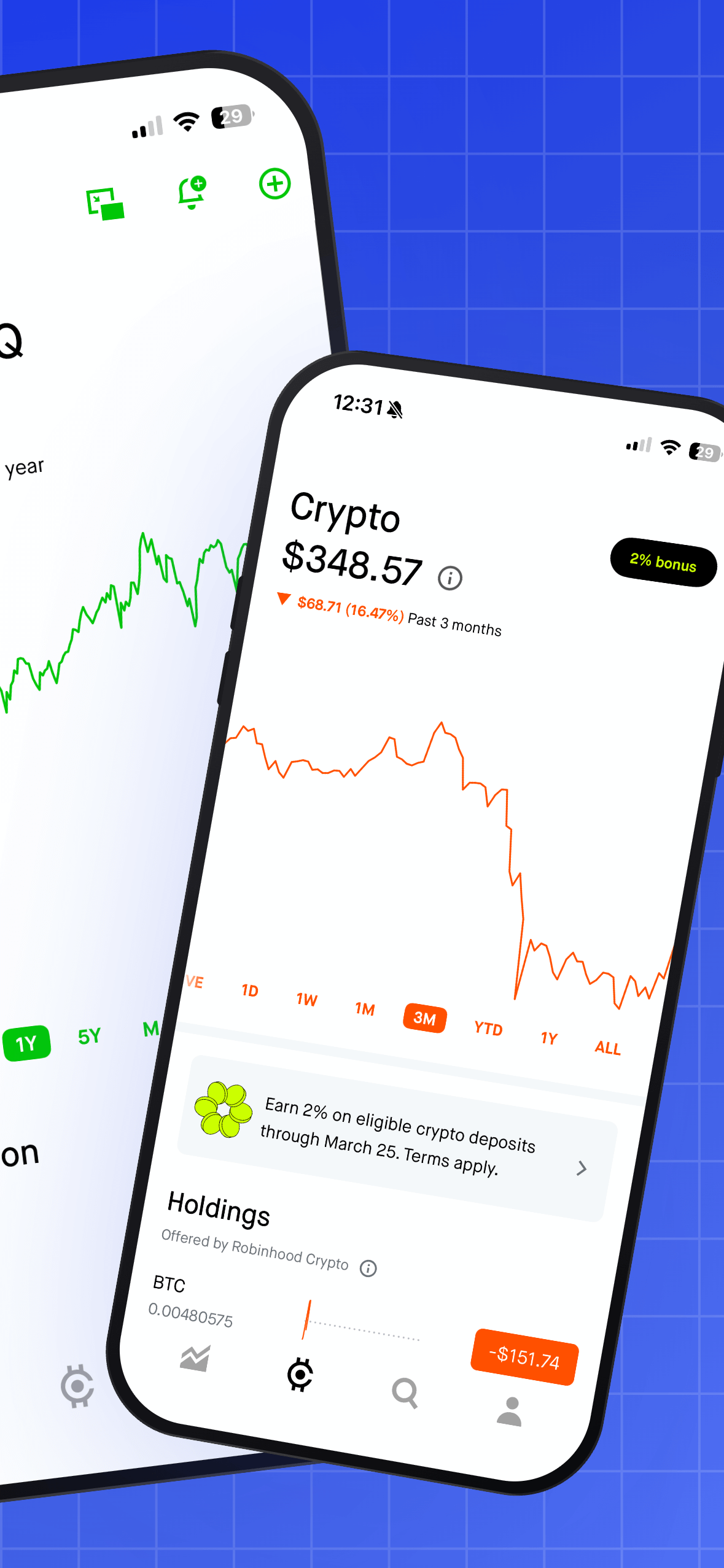
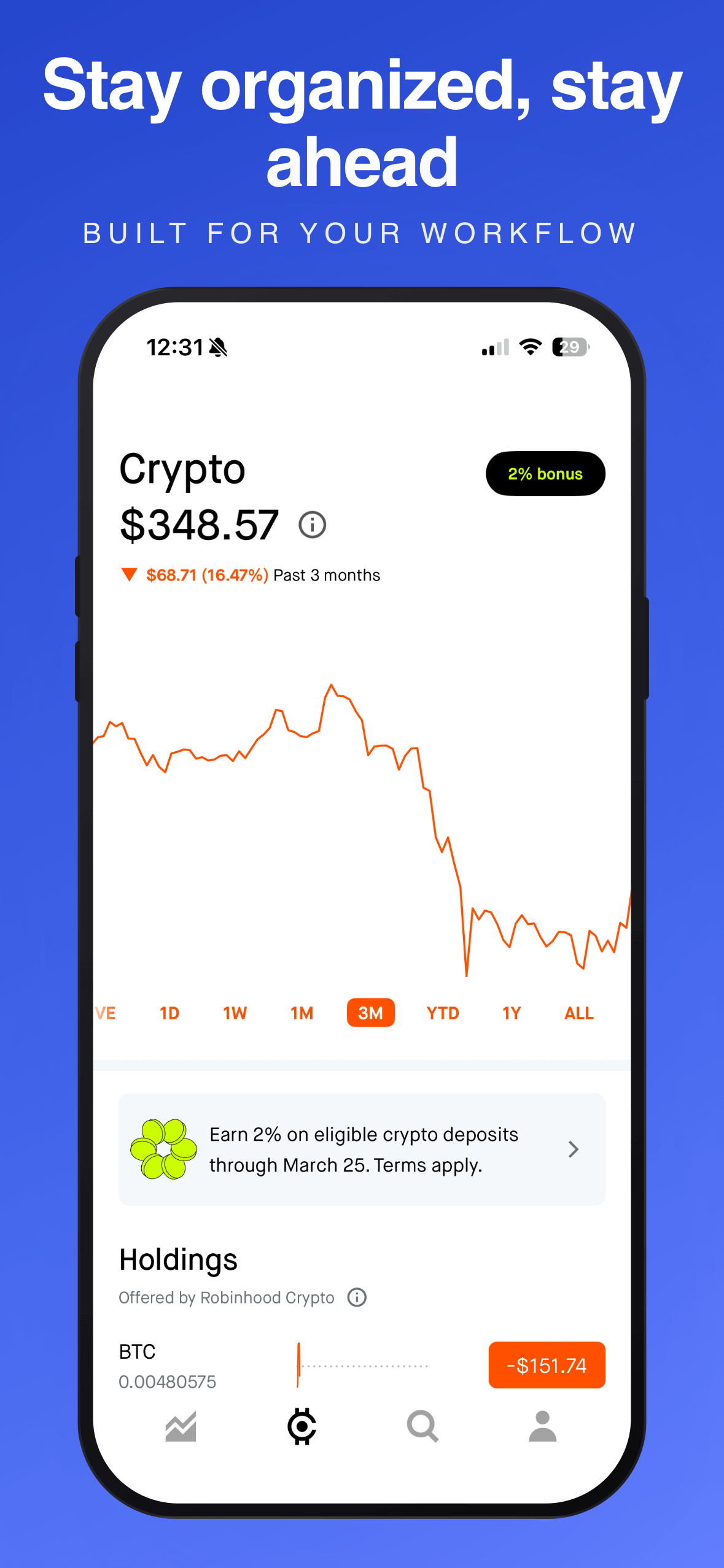
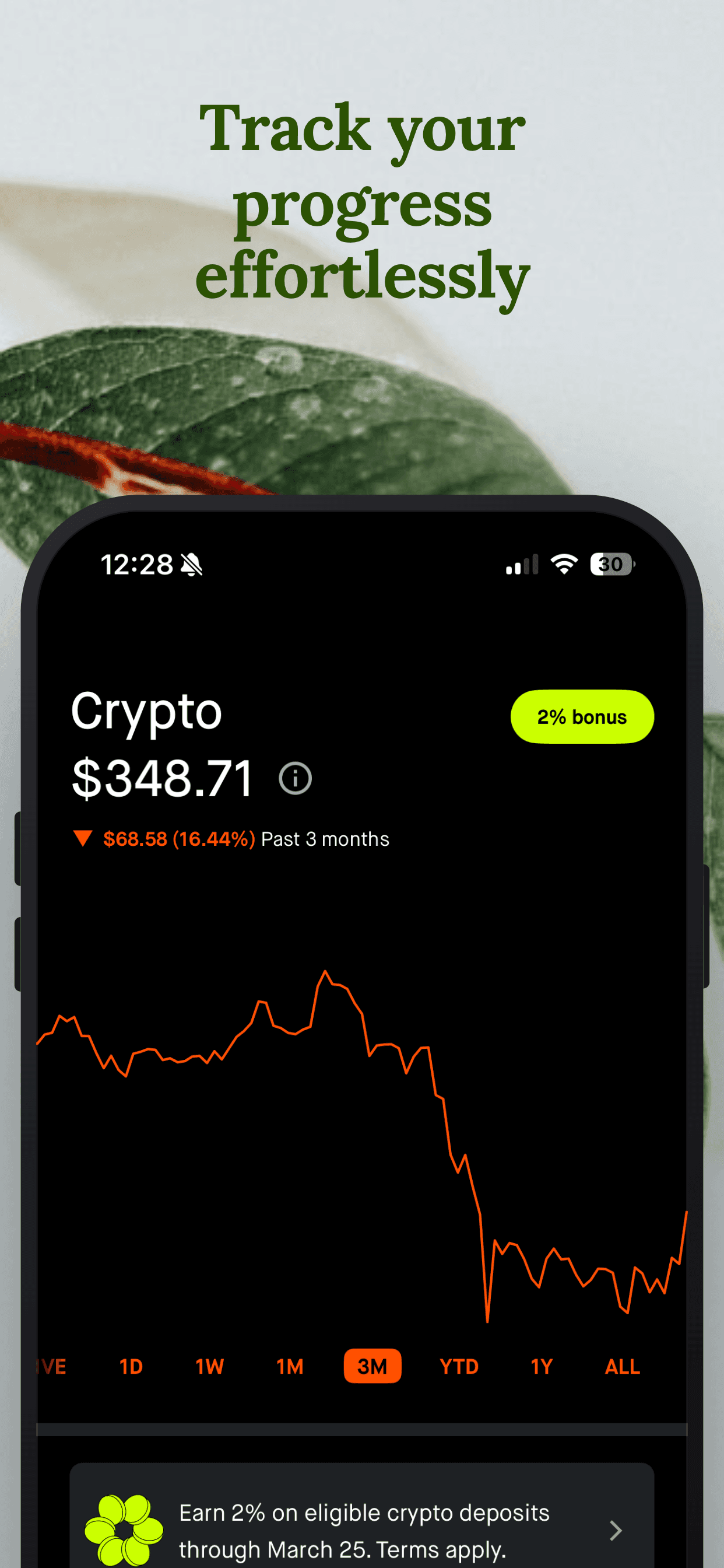
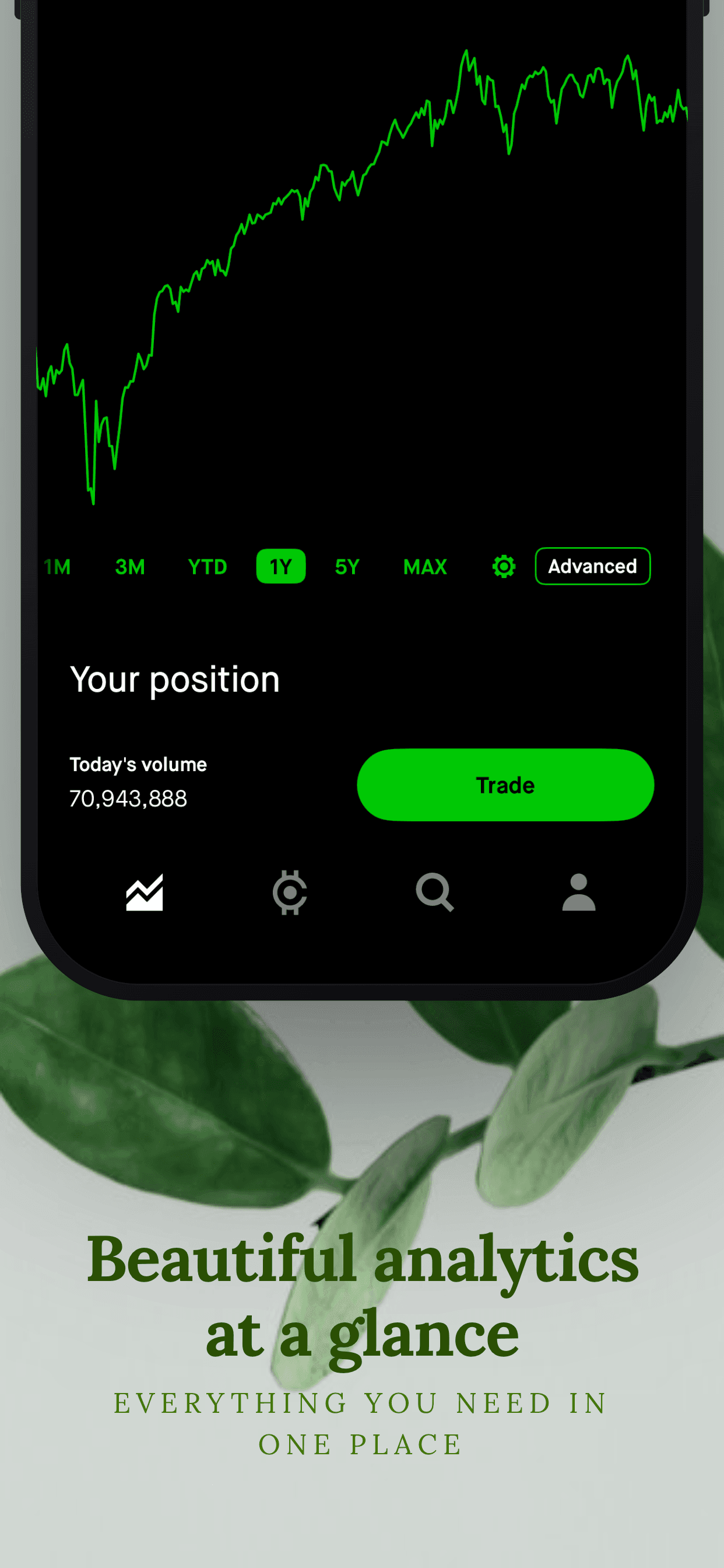
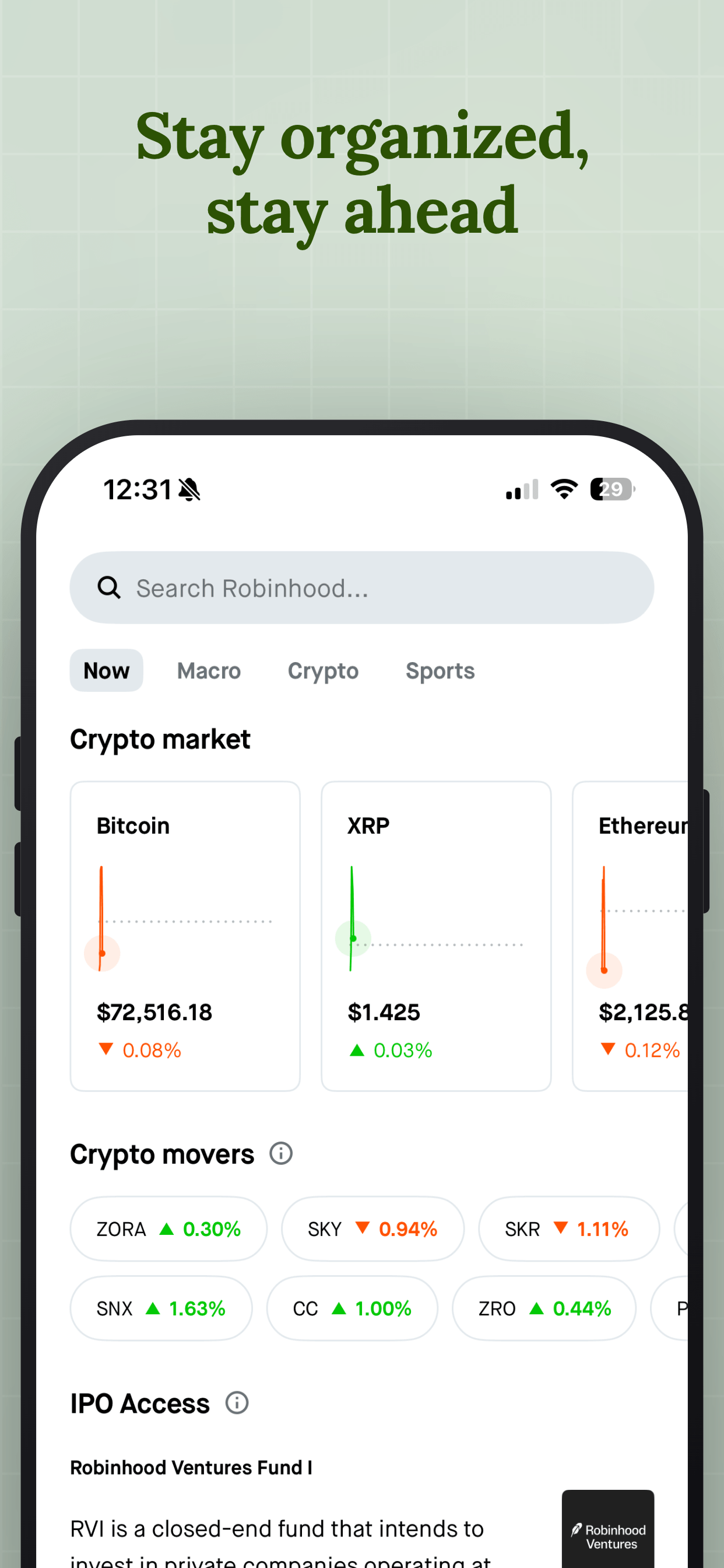
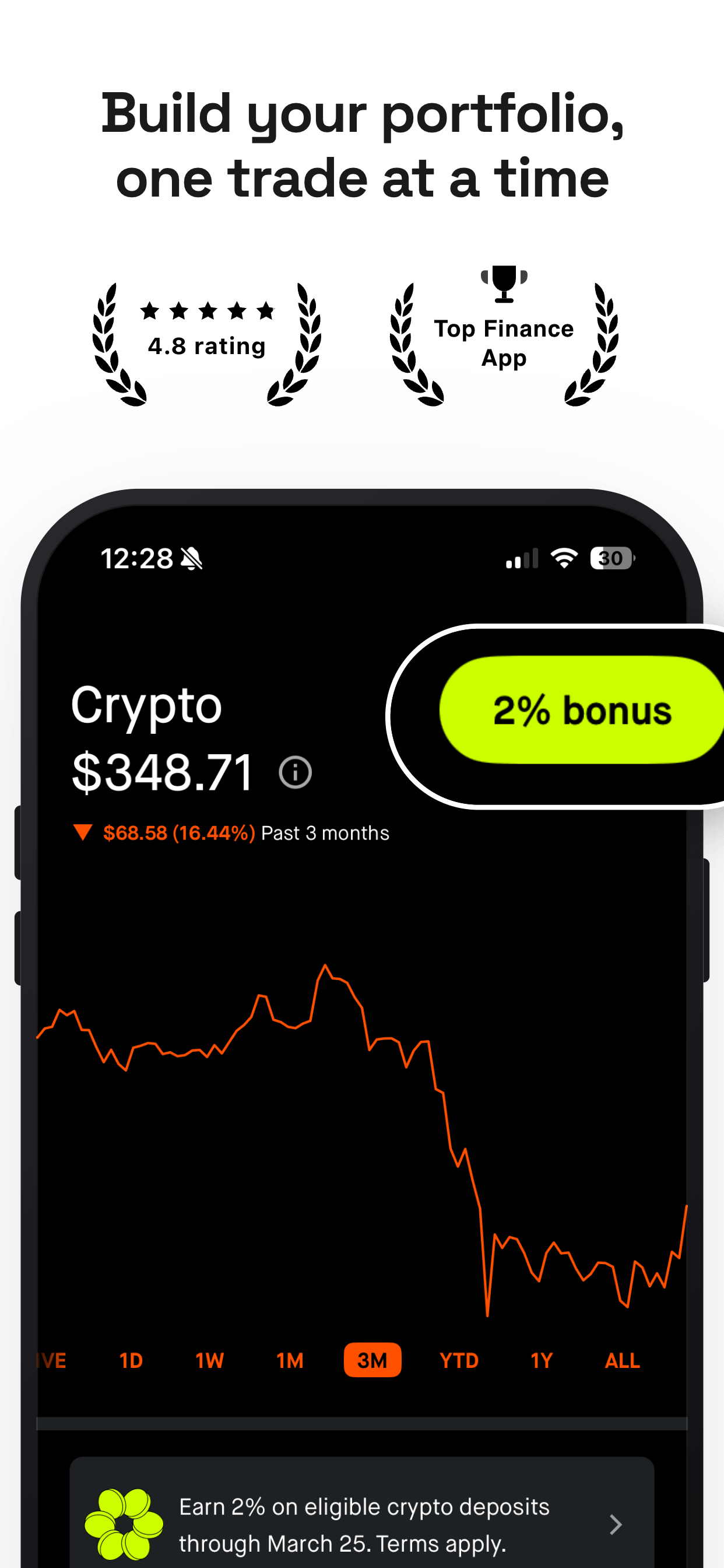
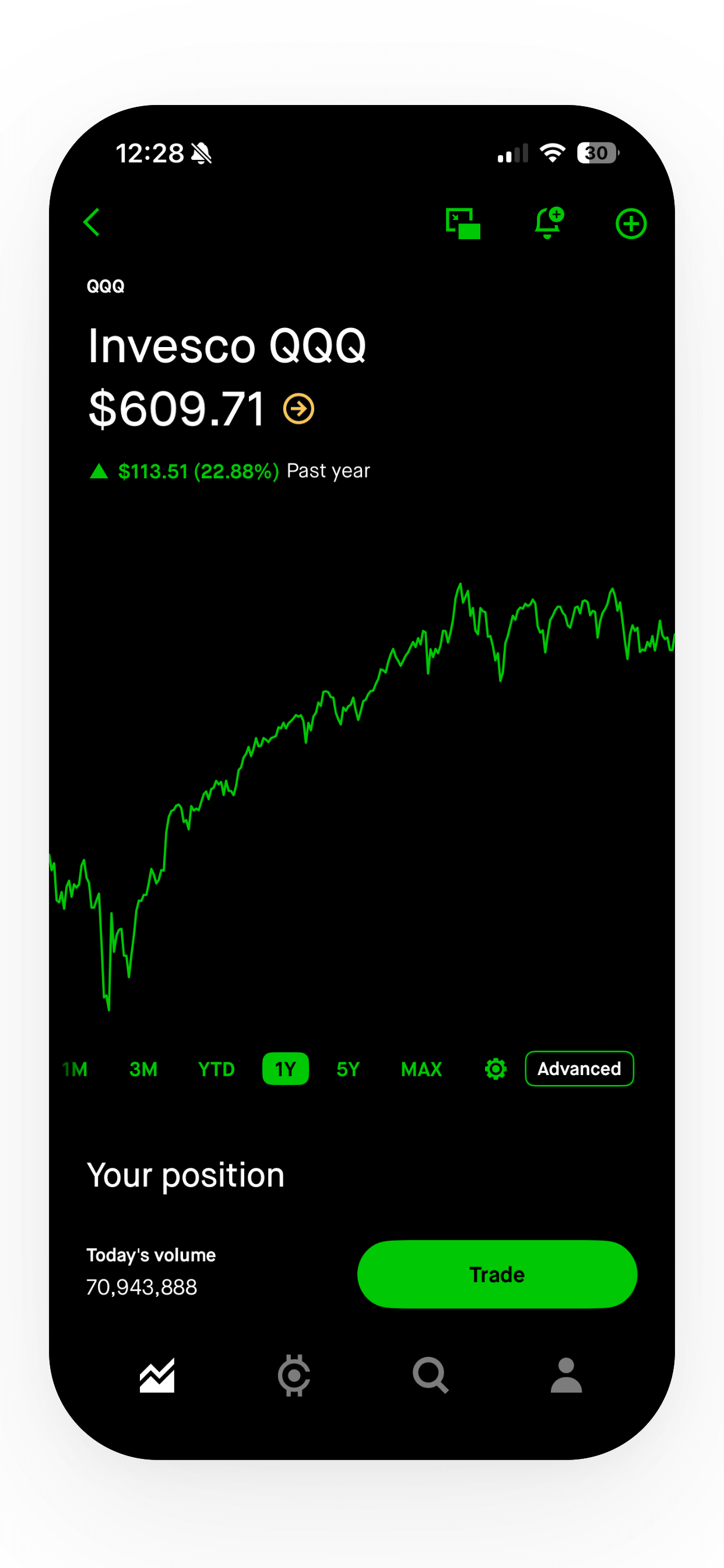
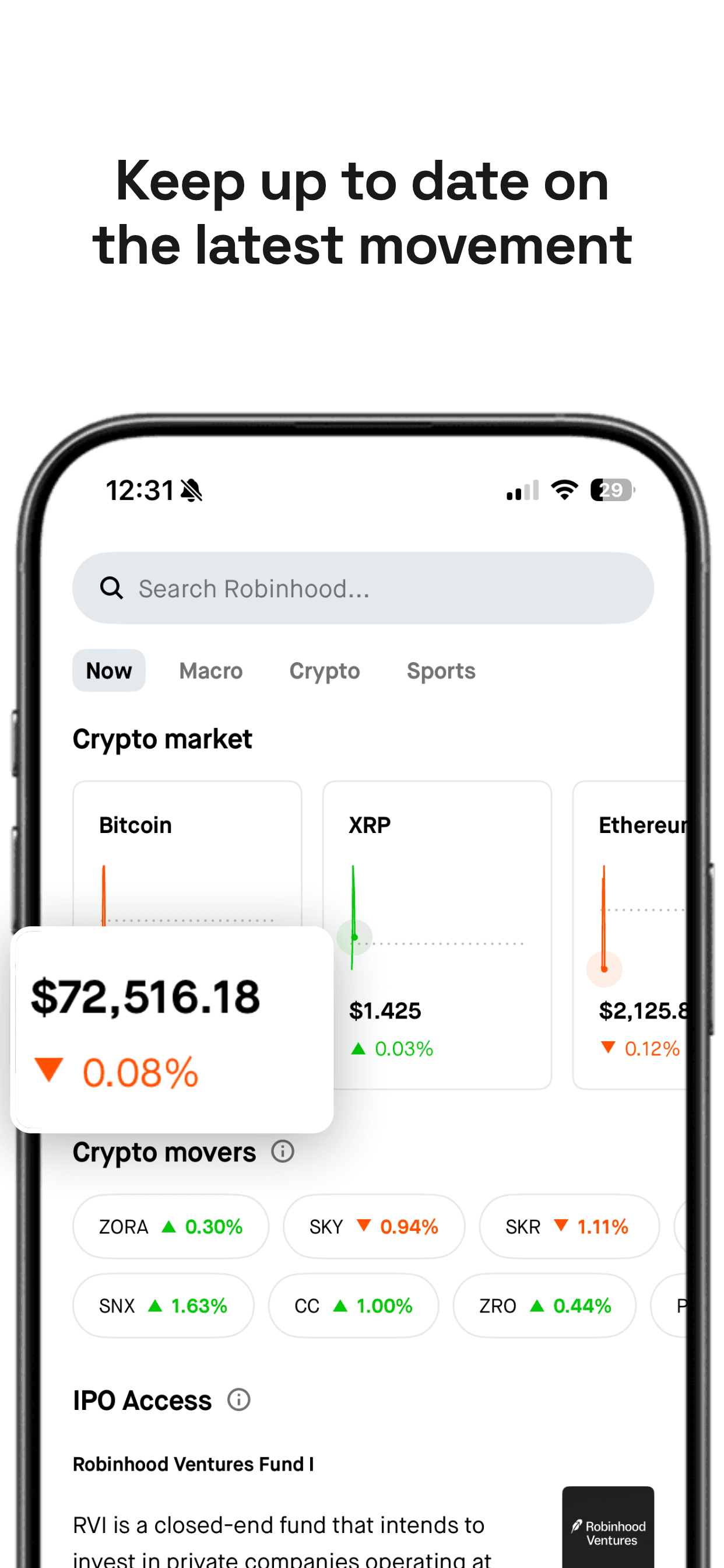
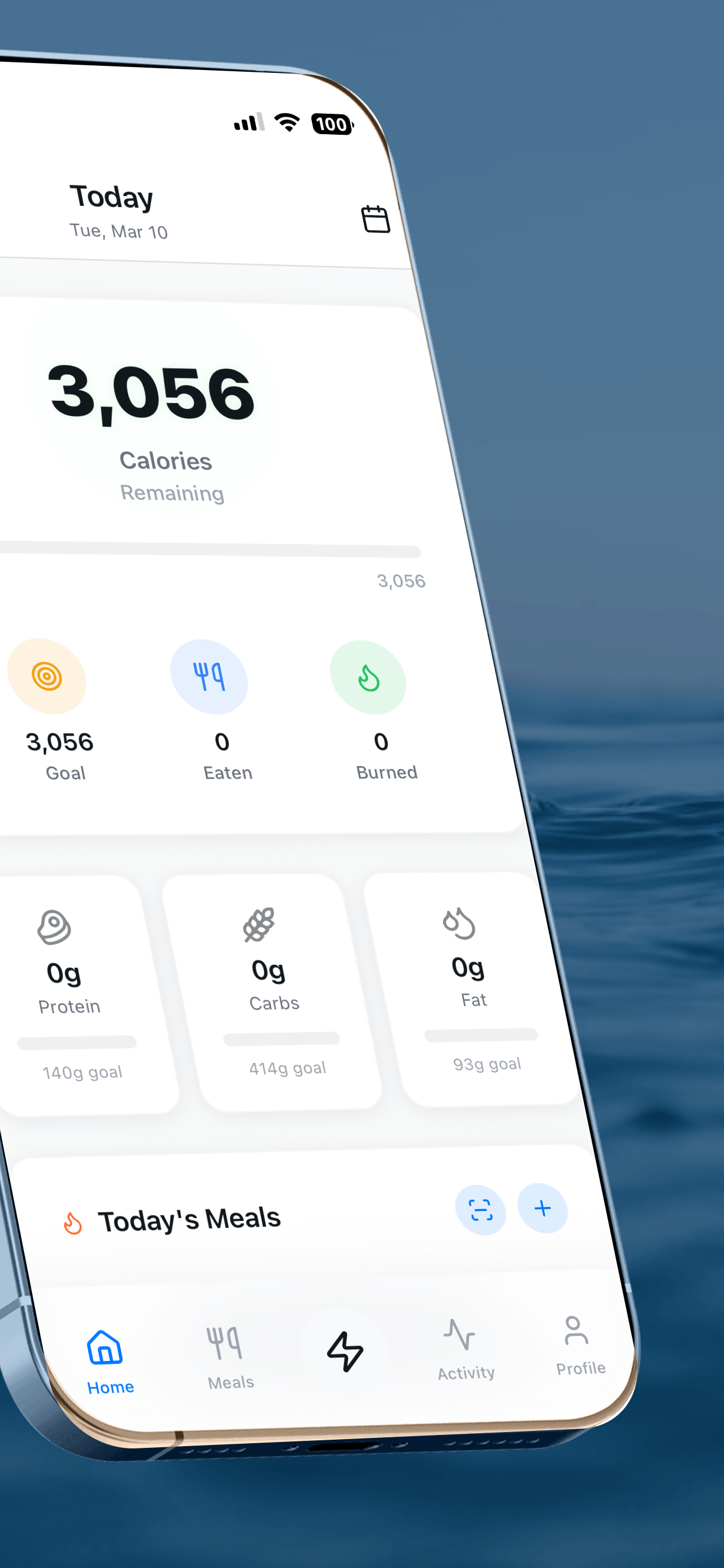
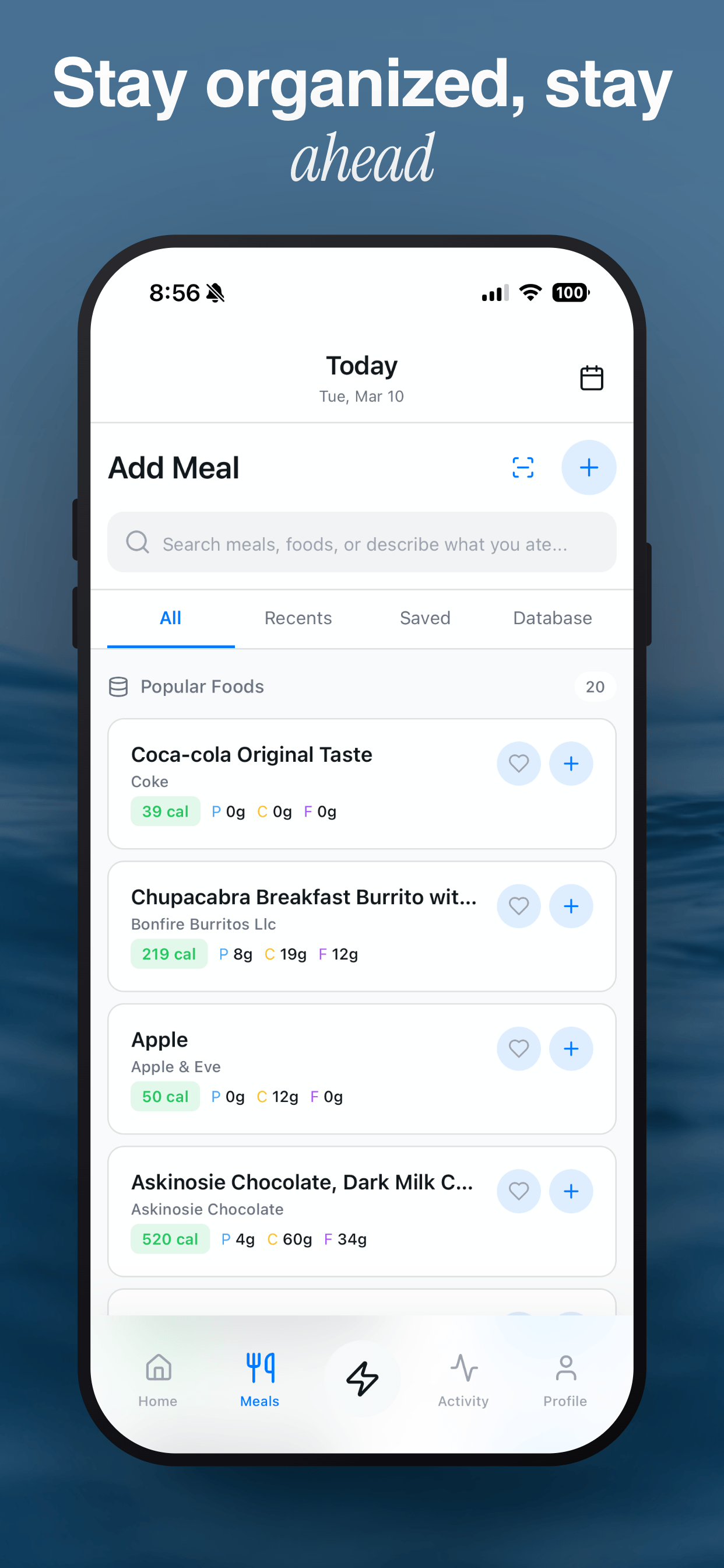
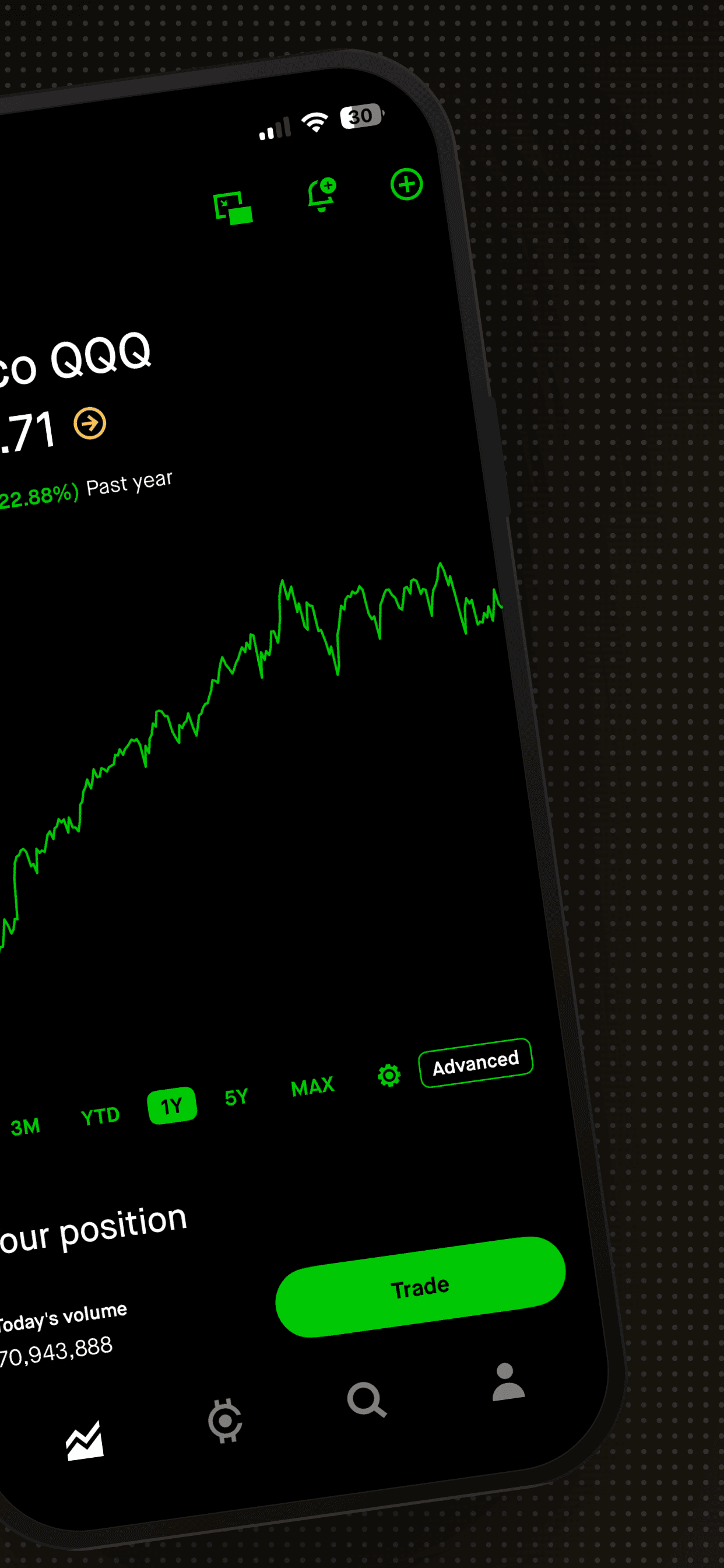
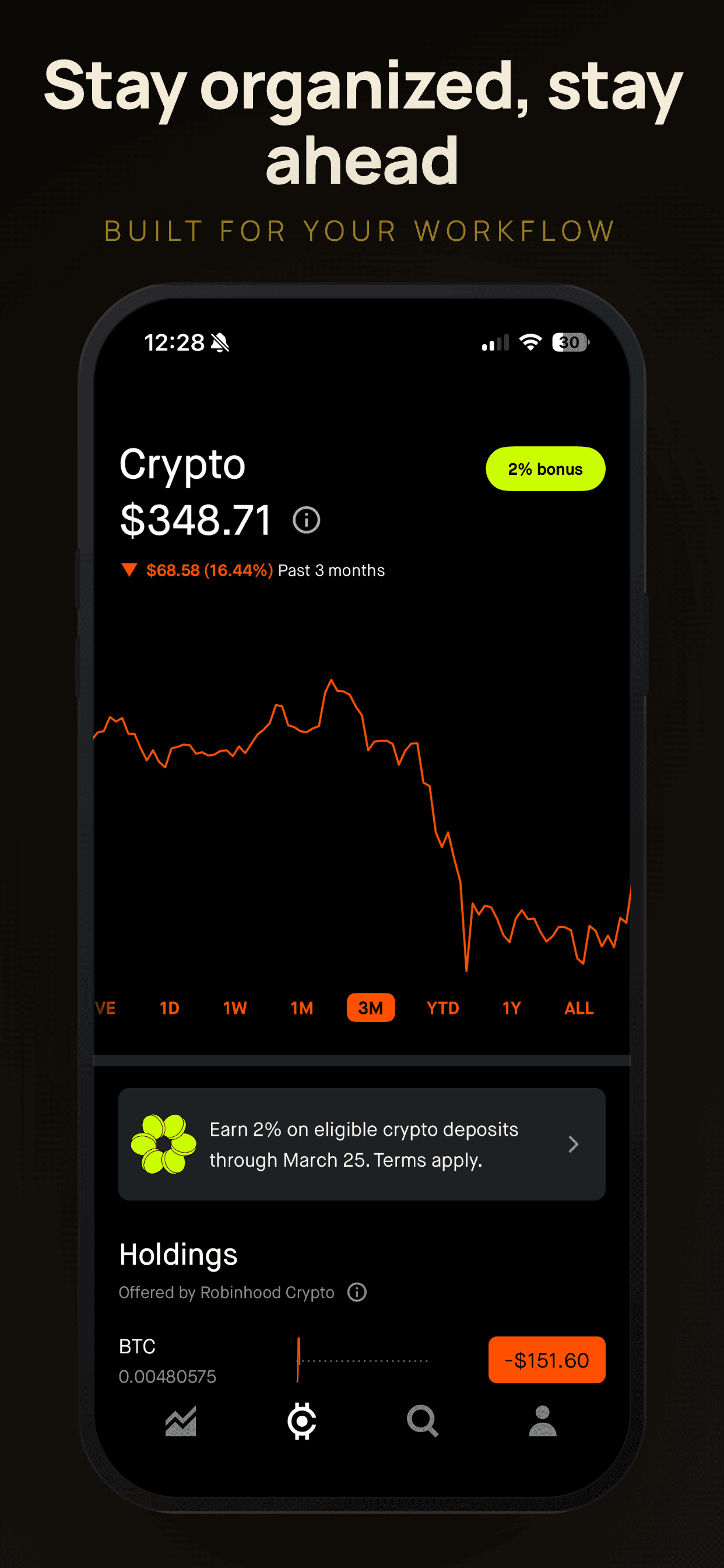
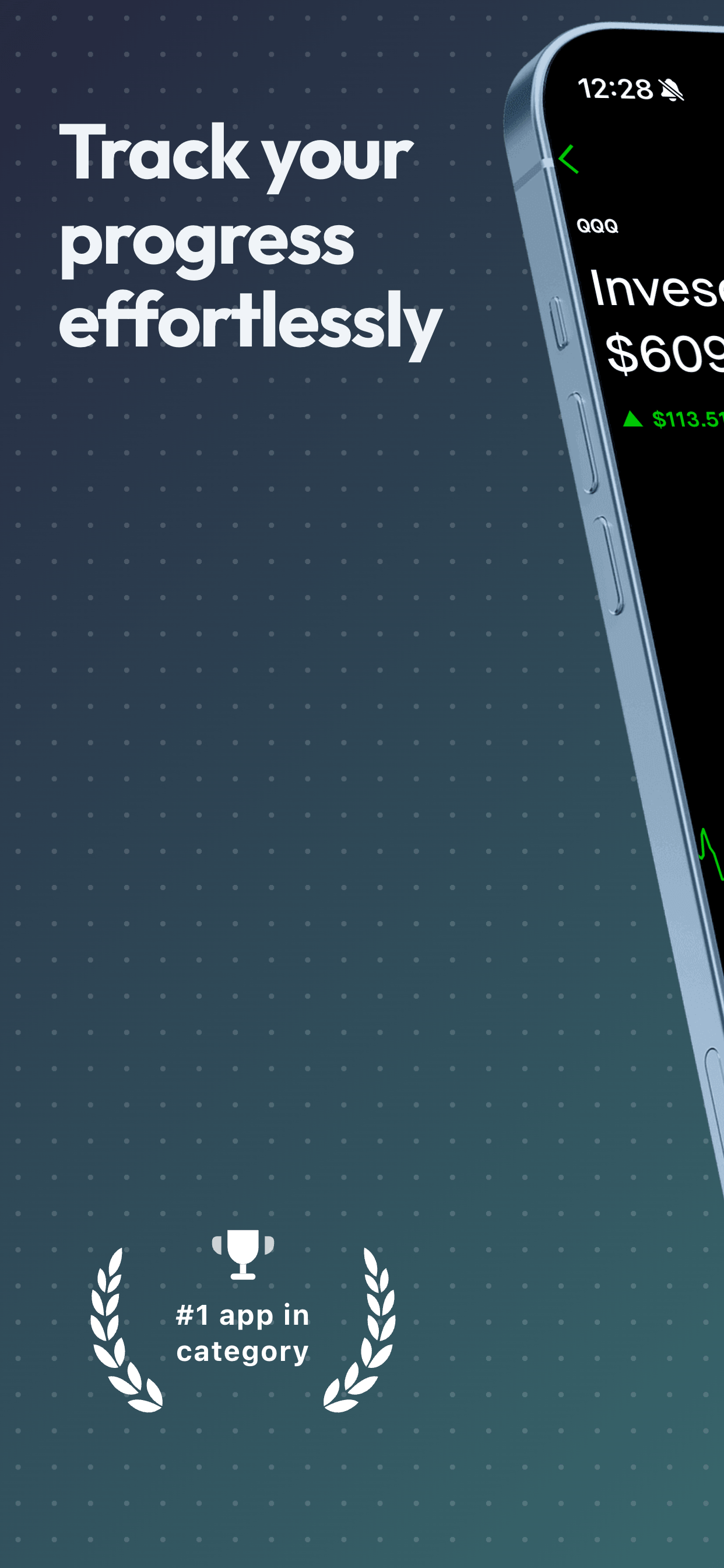
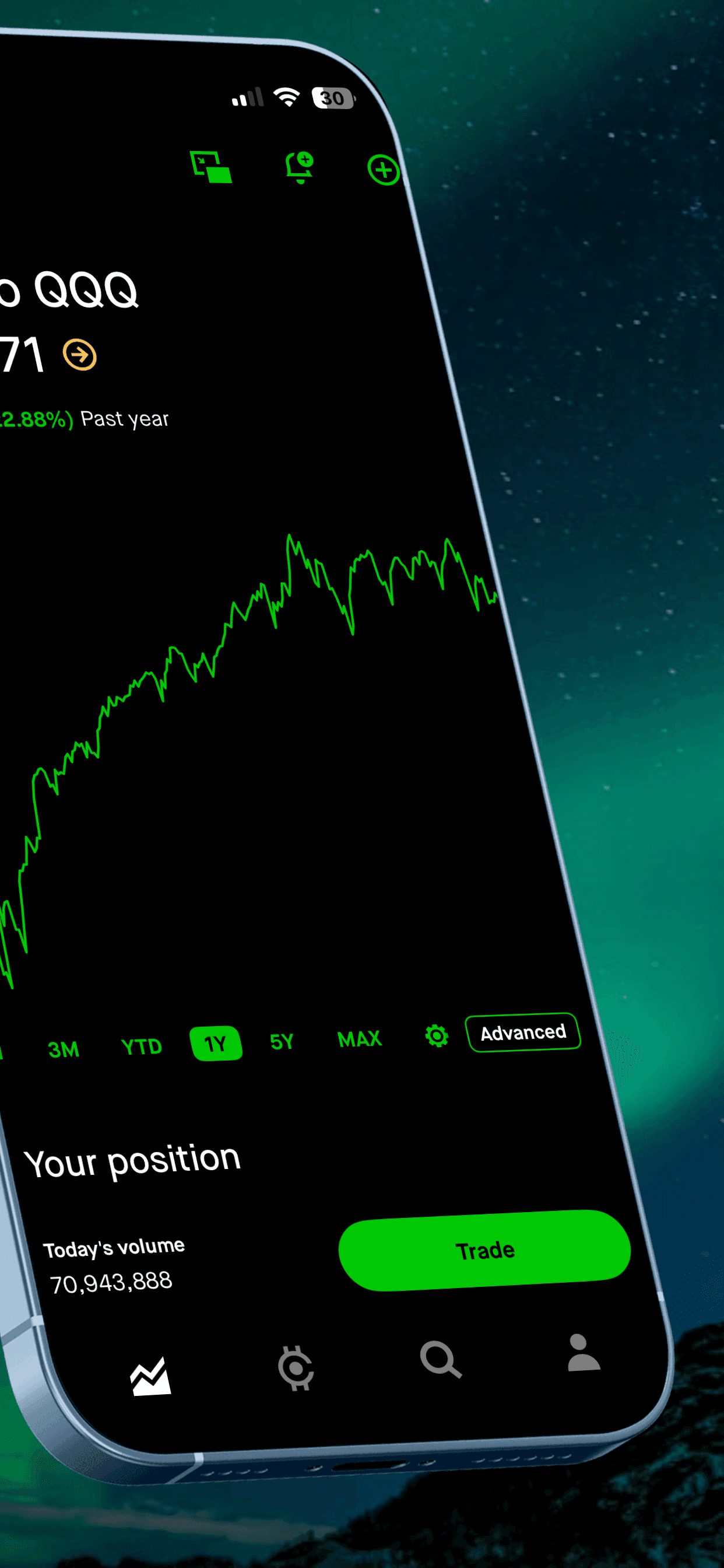
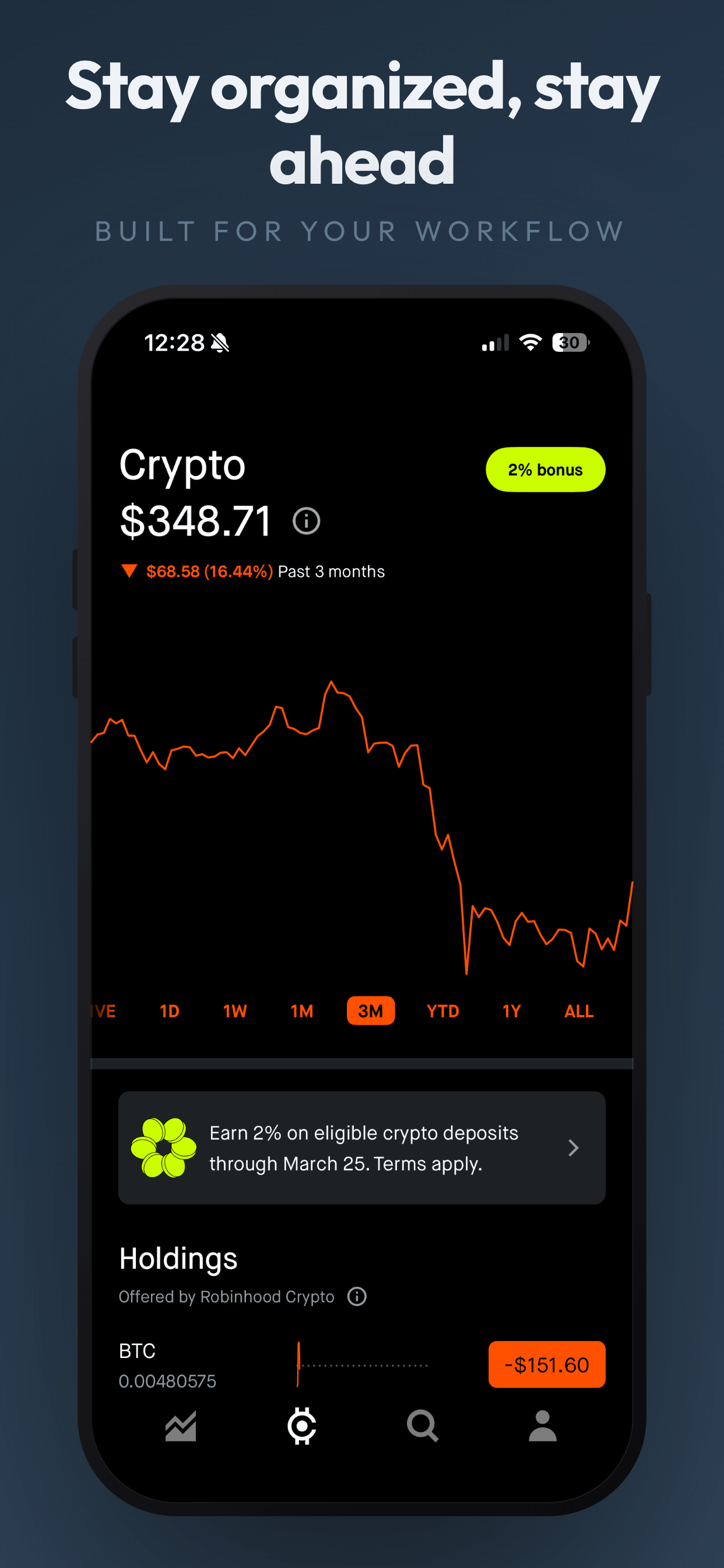
These examples use calm, structured templates with dashboard and analytics screens, the backbone of most budgeting and banking listings.
4 finance screenshot examples
Wise BoldPro
About this templateCobalt EdgePro
About this templateAdaptive CleanPro
About this templateClean WhiteFree
About this templateWhat works for finance app screenshots
Make the first chart readable
A spending breakdown or balance trend should be legible at thumbnail size. Zoom in with a magnifier overlay if your real chart is dense.
Give security its own slide
Read-only access, encryption and biometric lock answer the biggest objection in the category. Don't bury it in the description.
Use believable demo money
Realistic balances and transactions (coffee, rent, a streaming subscription) feel relatable. Huge balances make budgeting apps feel aimed at someone else.
Prefer structured, high-trust styles
Clean layouts, one strong brand color and solid sans-serif type signal stability. Save playful styles for savings-game or kids' money apps.
Frequently asked questions
- Can I show real bank logos in finance app screenshots?
- Bank names and logos are trademarks. Google Play specifically warns against third-party trademarks in listing graphics without permission, so use generic demo accounts unless you have rights.
- What should a budgeting app's first screenshot show?
- A clear spending breakdown or monthly overview with a benefit headline like "See where your money goes". It should be understandable without reading the subtitle.
- How do I communicate security without looking scary?
- Use a calm, positive caption ("Your data stays yours") with two or three concrete specifics such as read-only access, encryption and Face ID lock.
Make your finance app screenshots
Upload your screenshots, pick a template and export every App Store and Google Play size. Free to start, no signup.
Try Screenshot Otter free →