Fitness App Screenshot Examples
Fitness apps sell a feeling before they sell a feature. People browsing the Health & Fitness category are picturing a version of themselves that trains more consistently, so the strongest listings lead with visible progress: a filled-in streak, a chart trending up, a workout logged in a couple of taps.
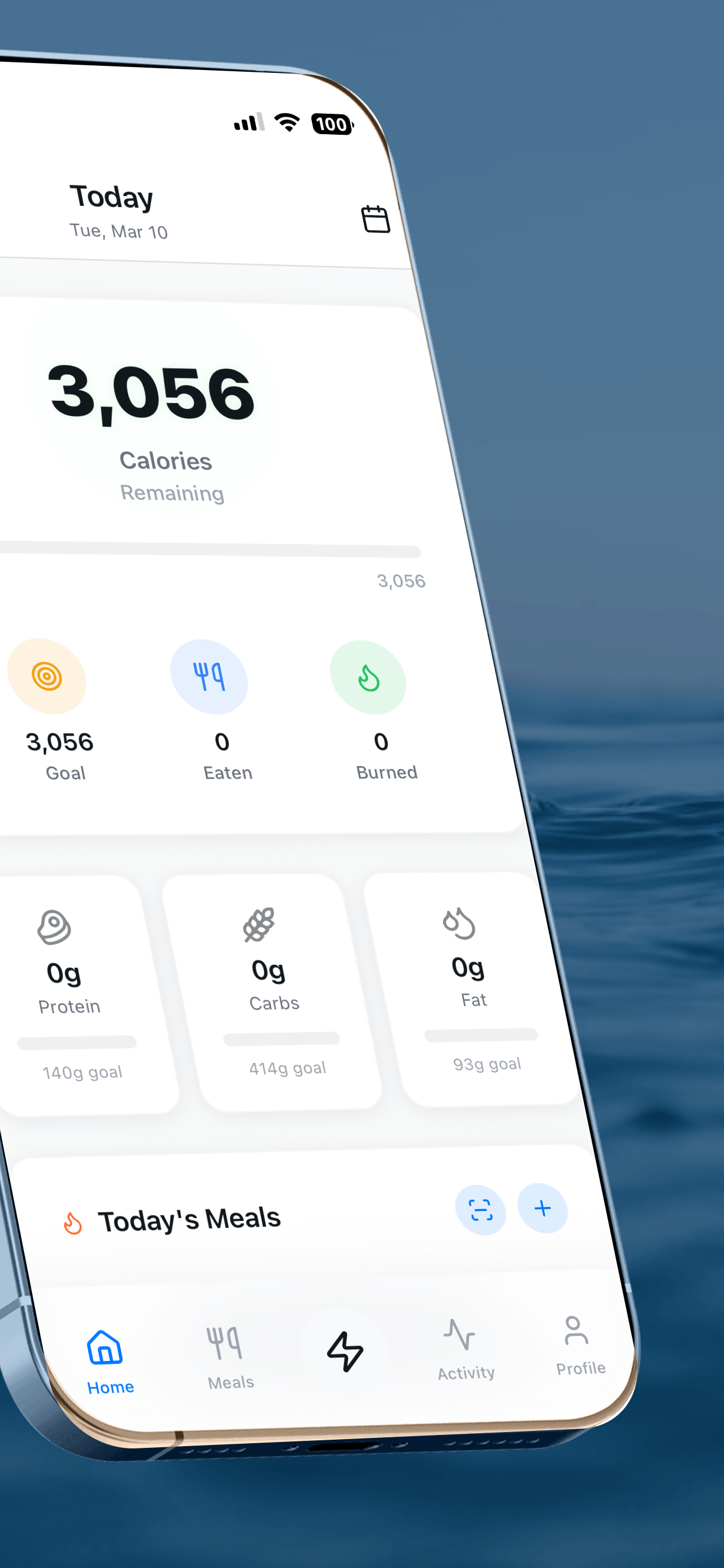
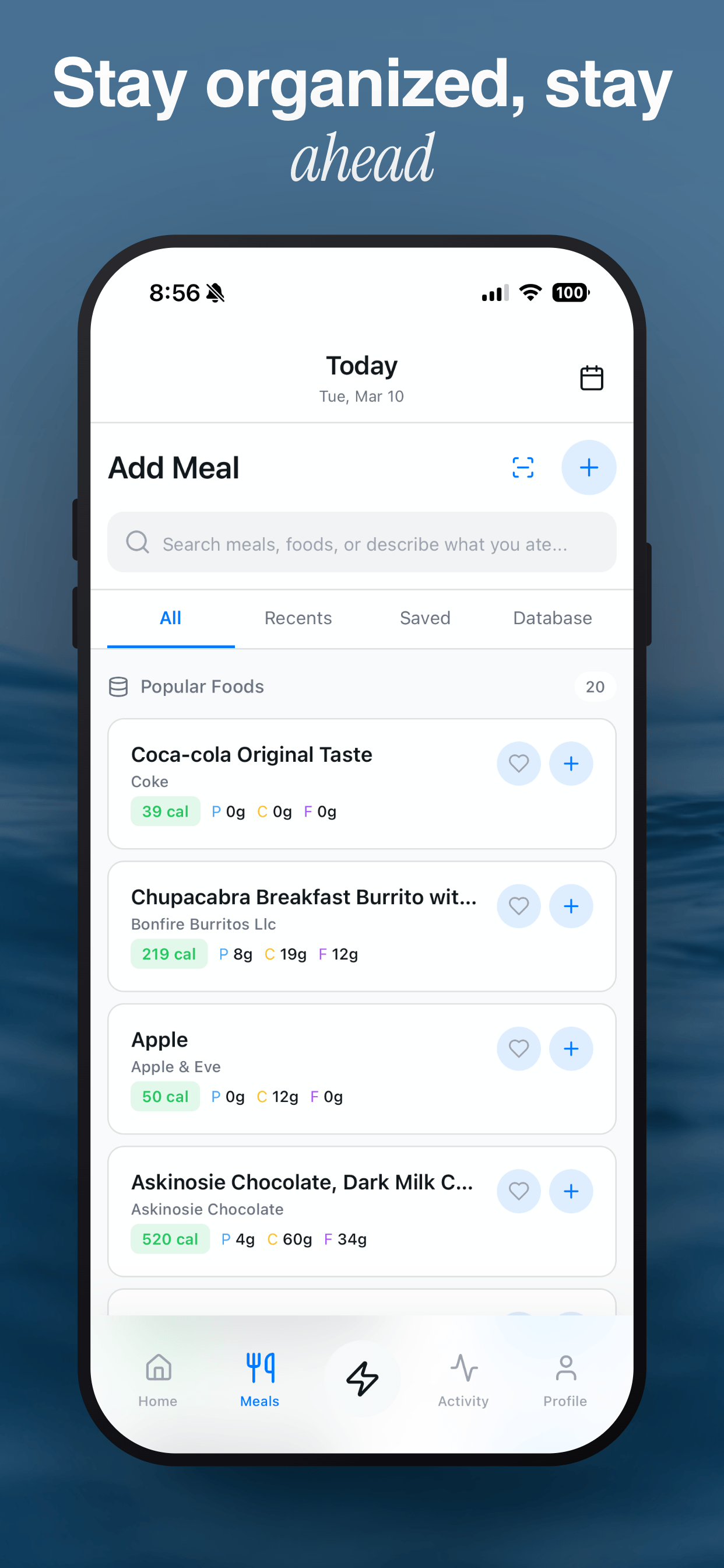
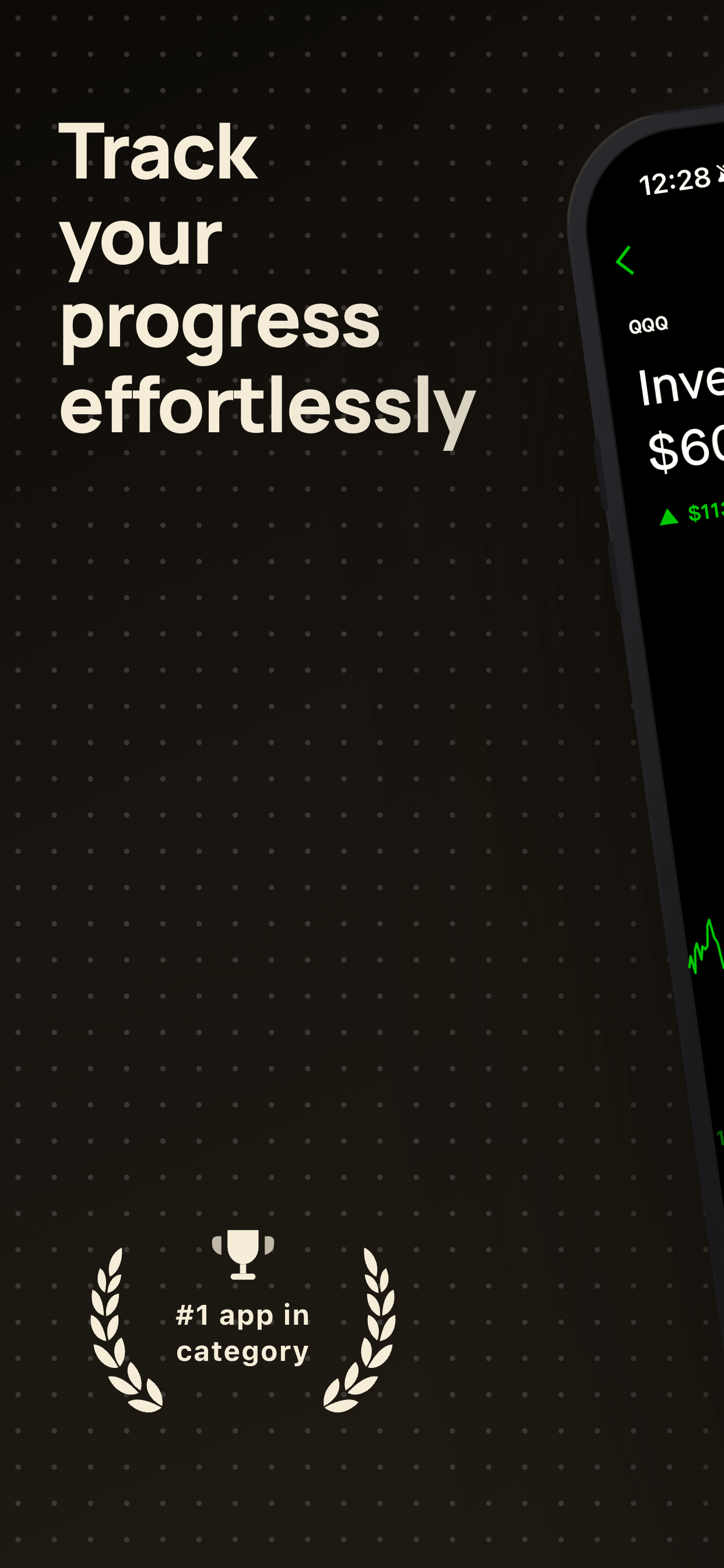
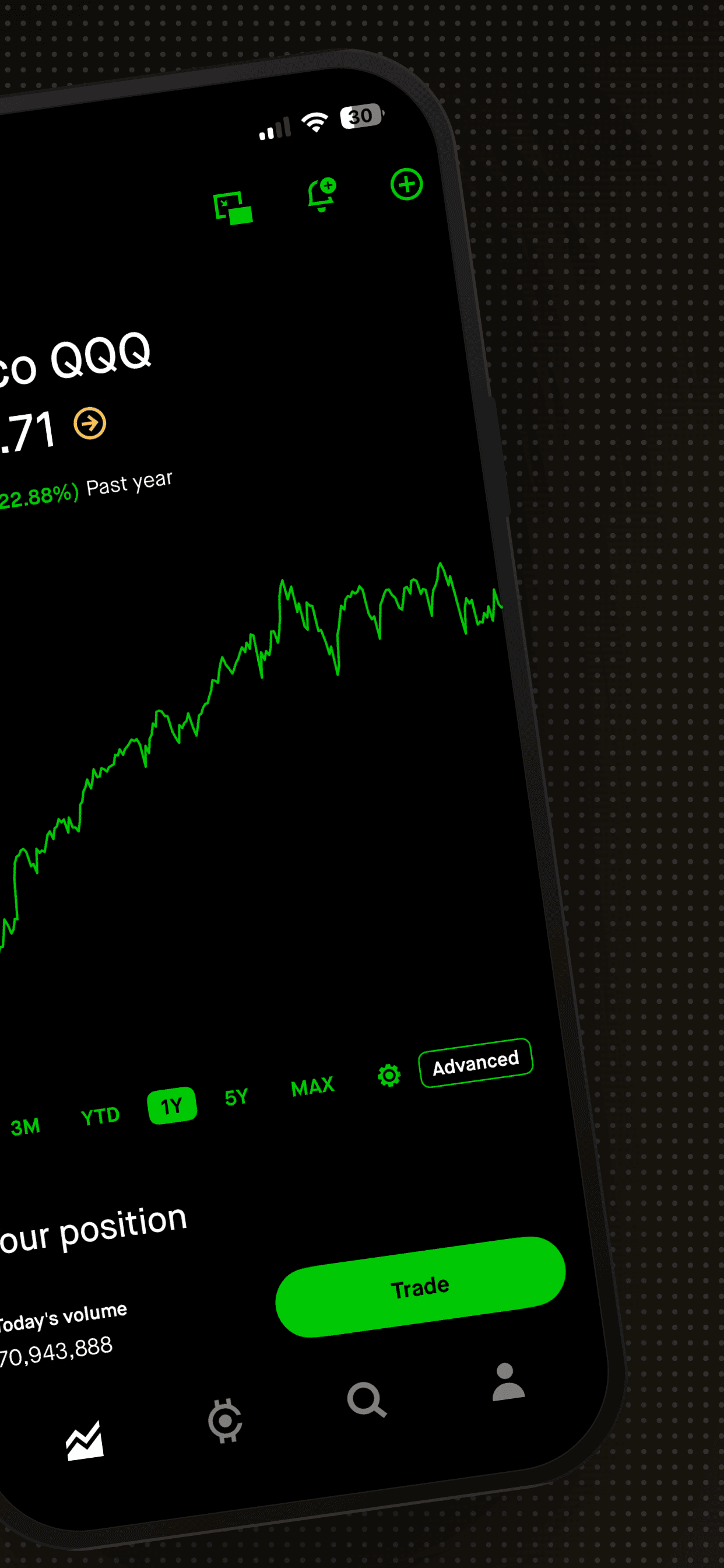
The examples below use real Screenshot Otter templates with fitness-style screens and captions. Swap in your own screenshots and the layout, framing and export sizes are handled for you.
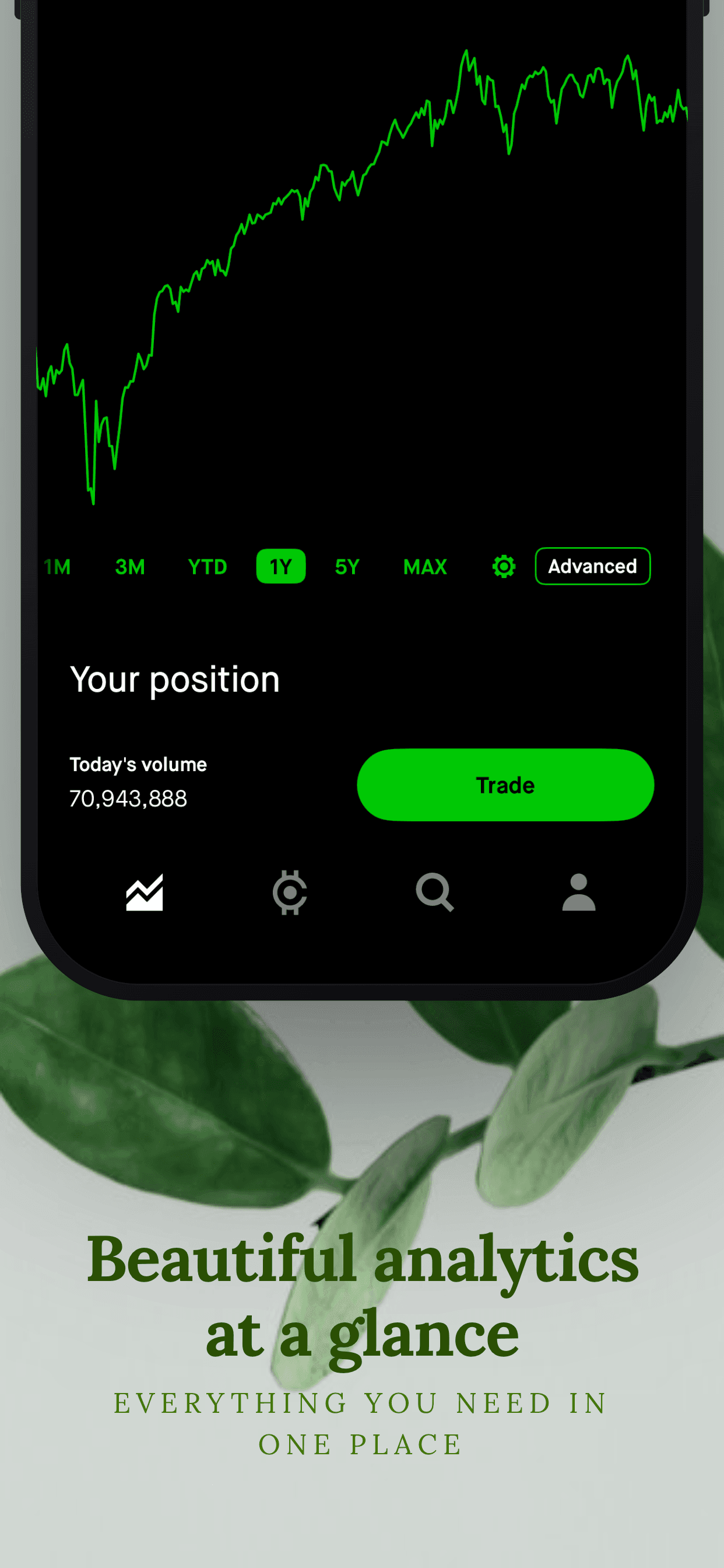
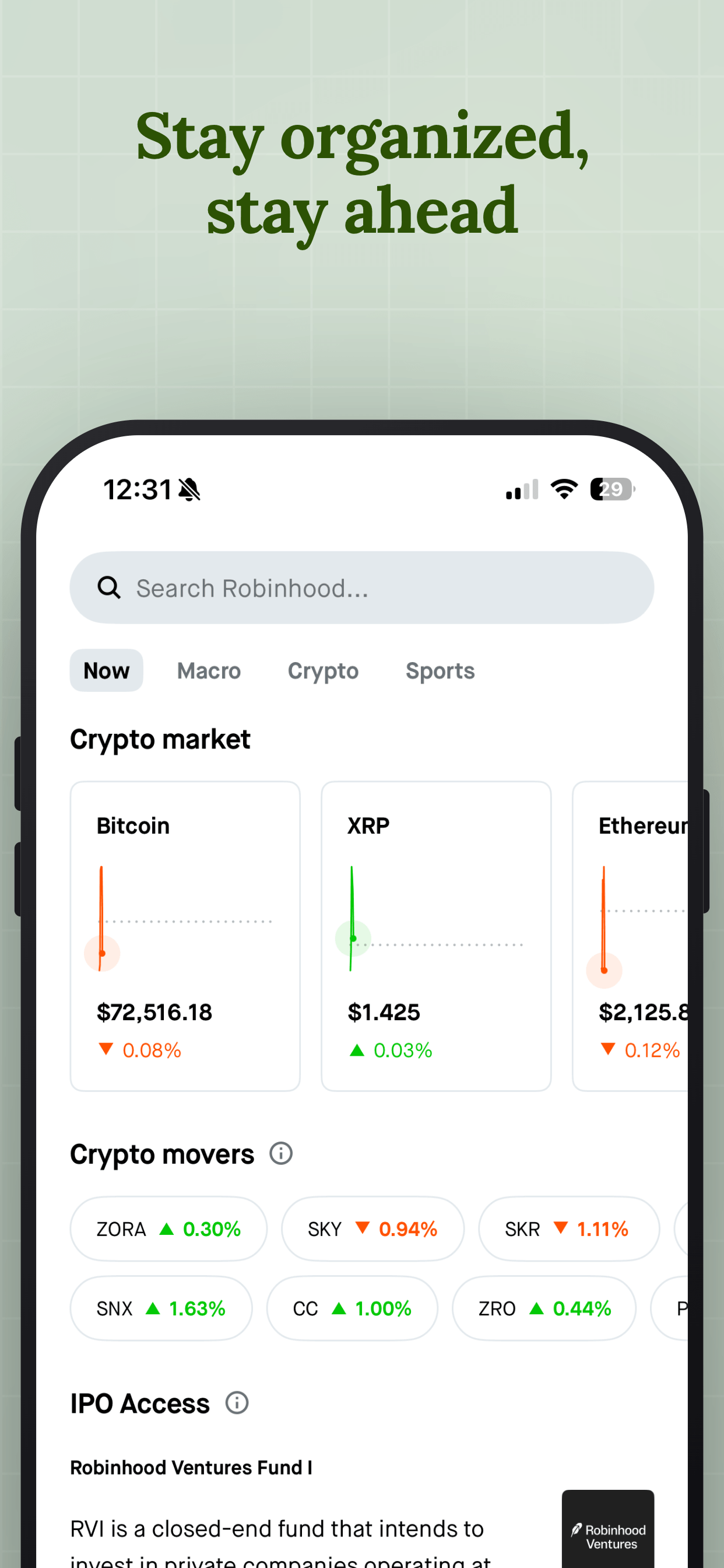
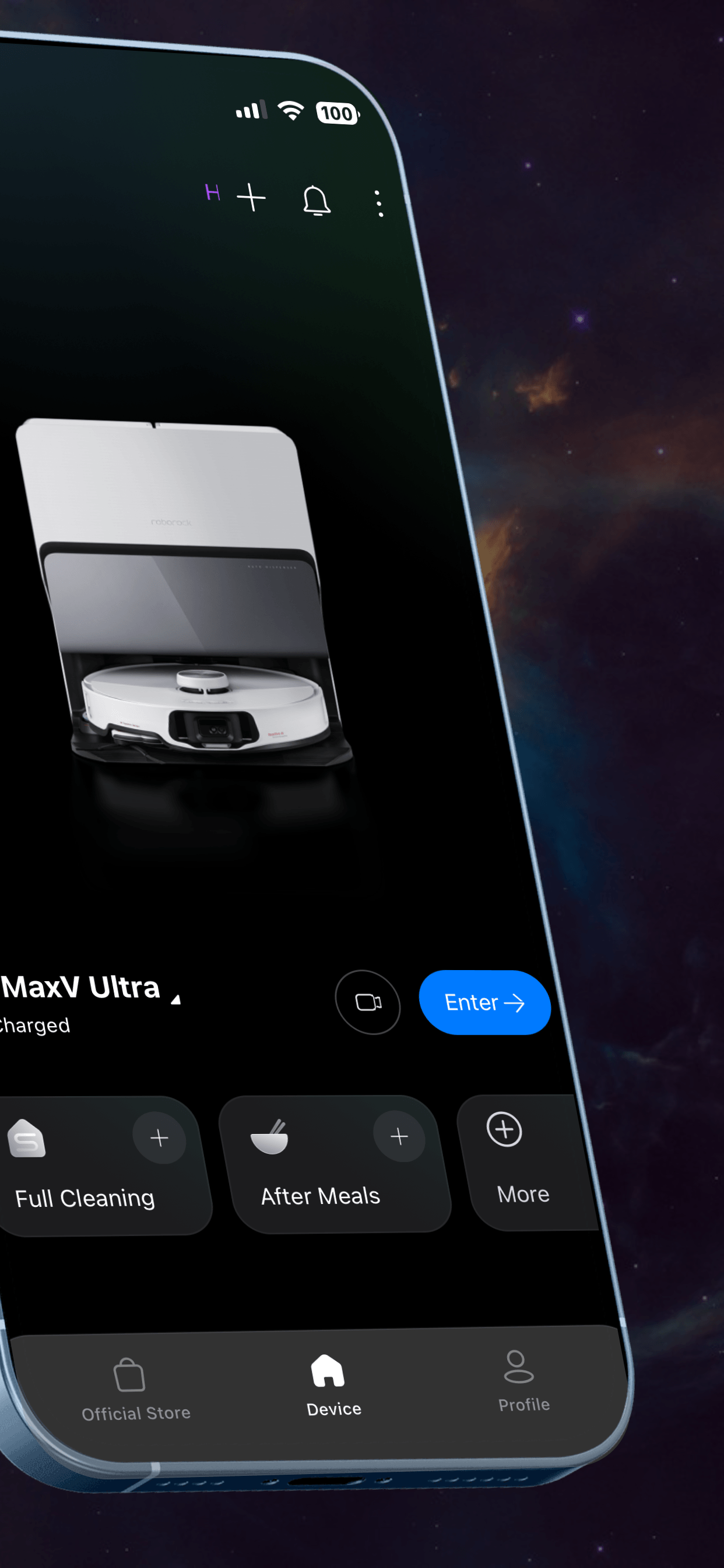
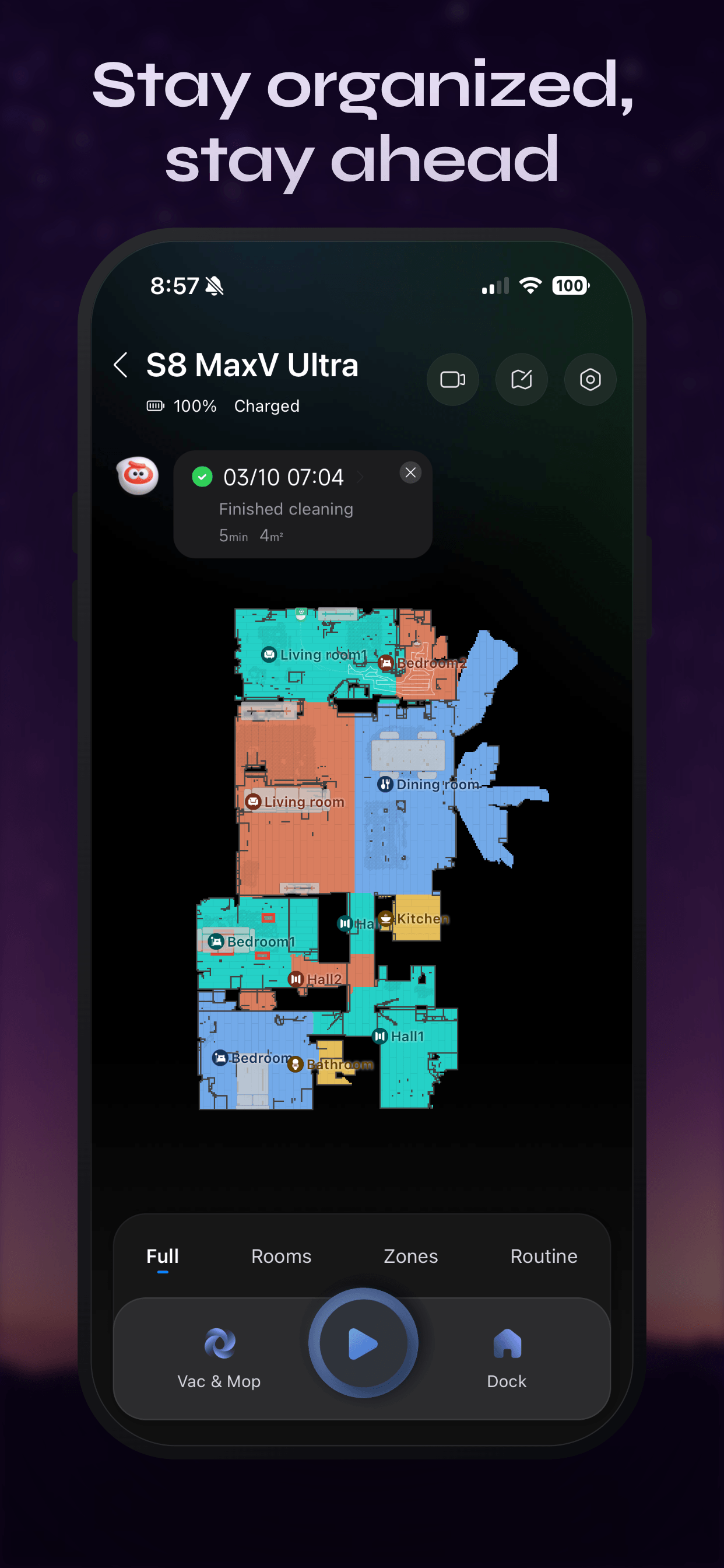
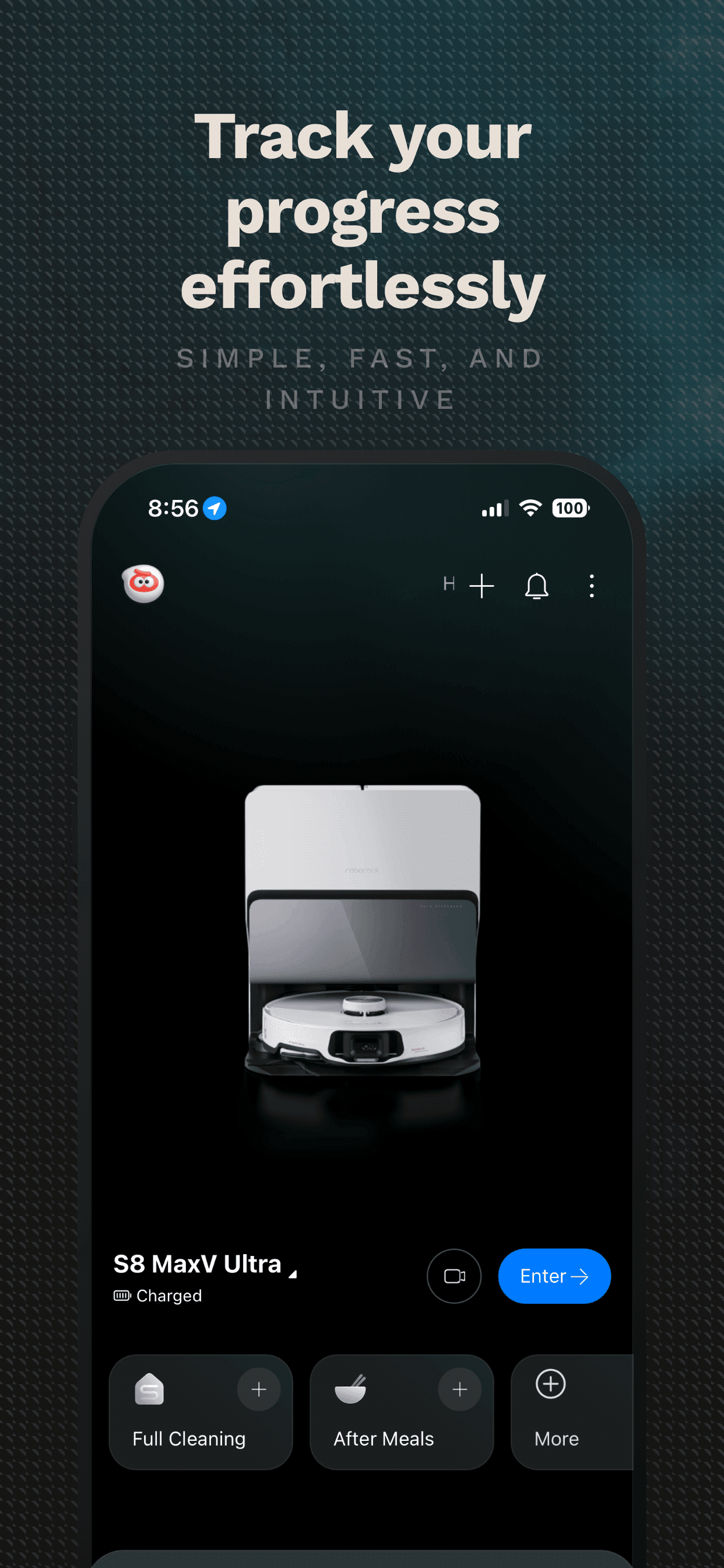
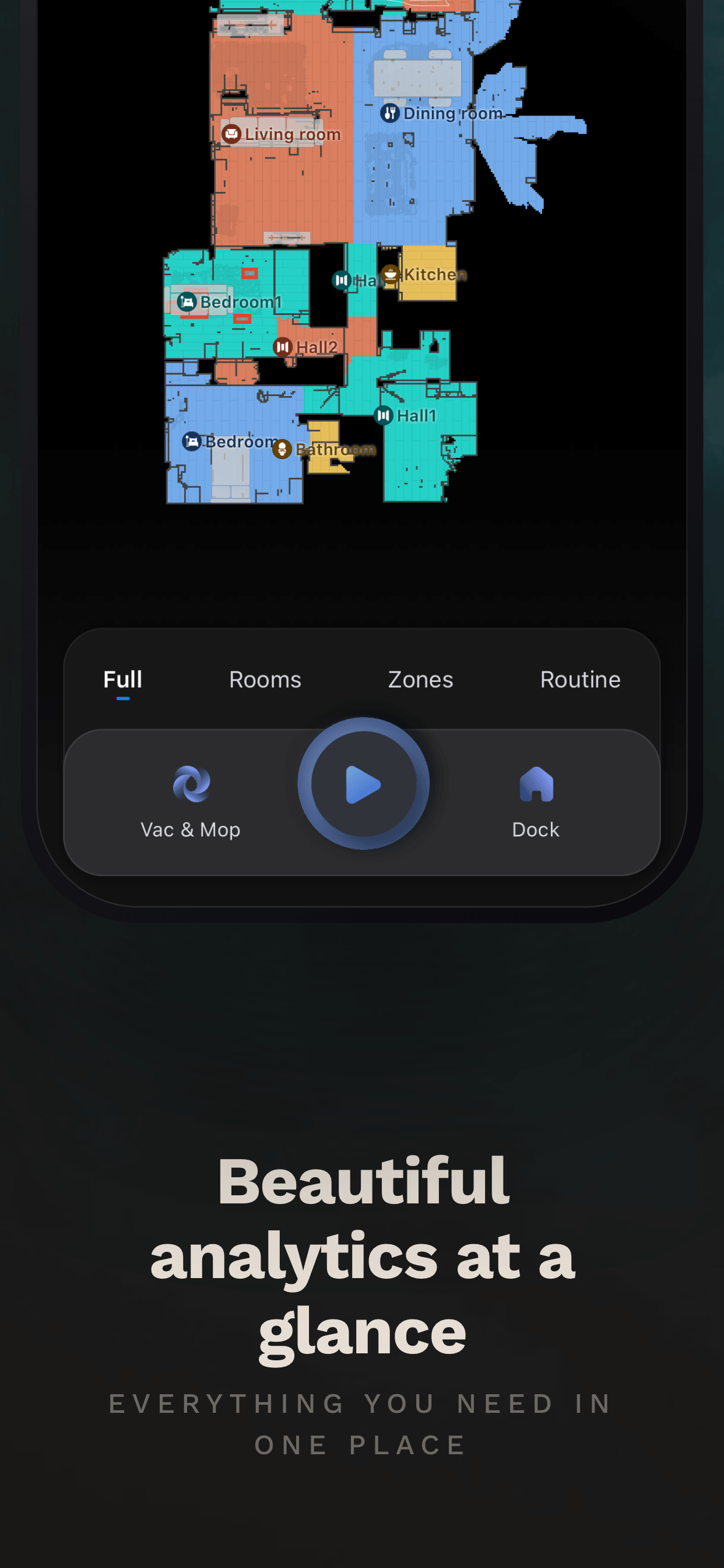
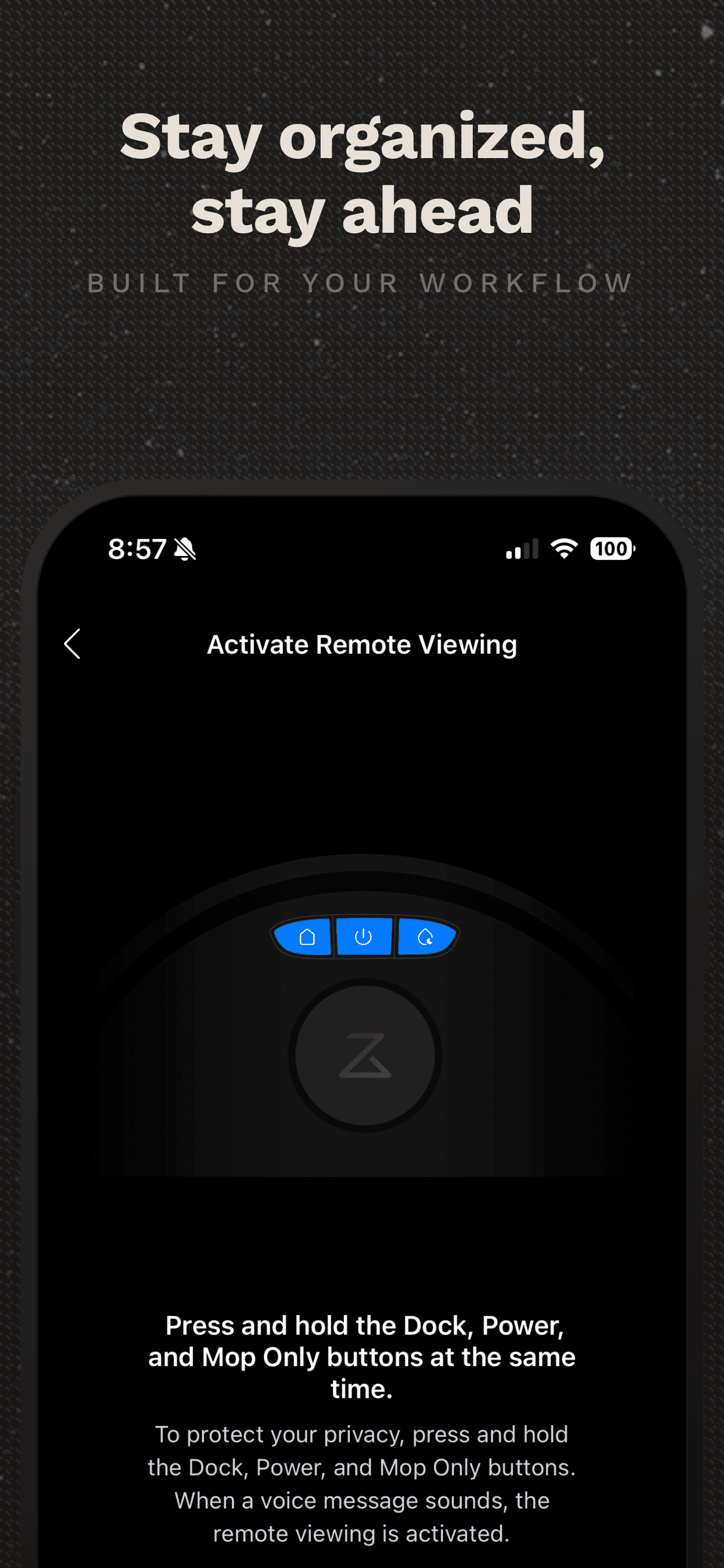
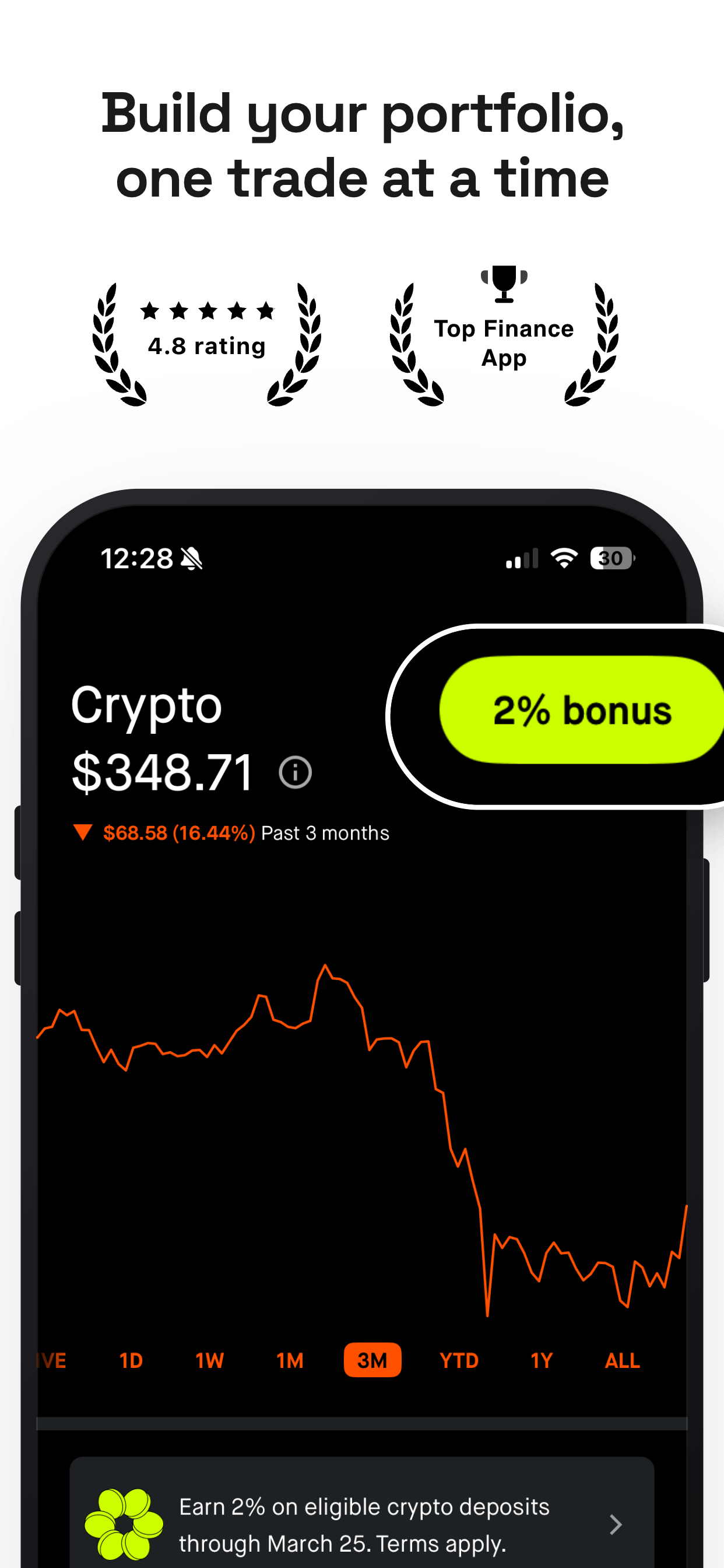
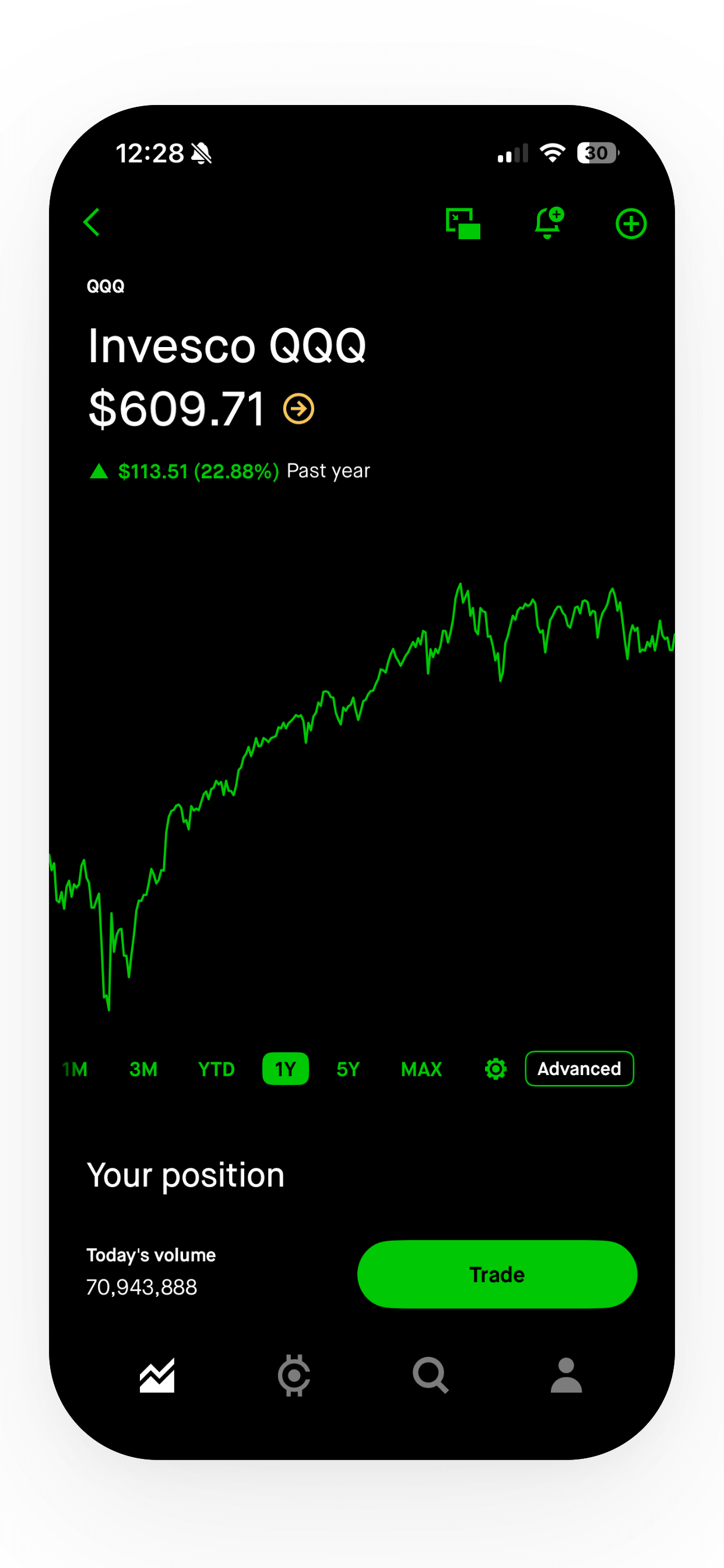
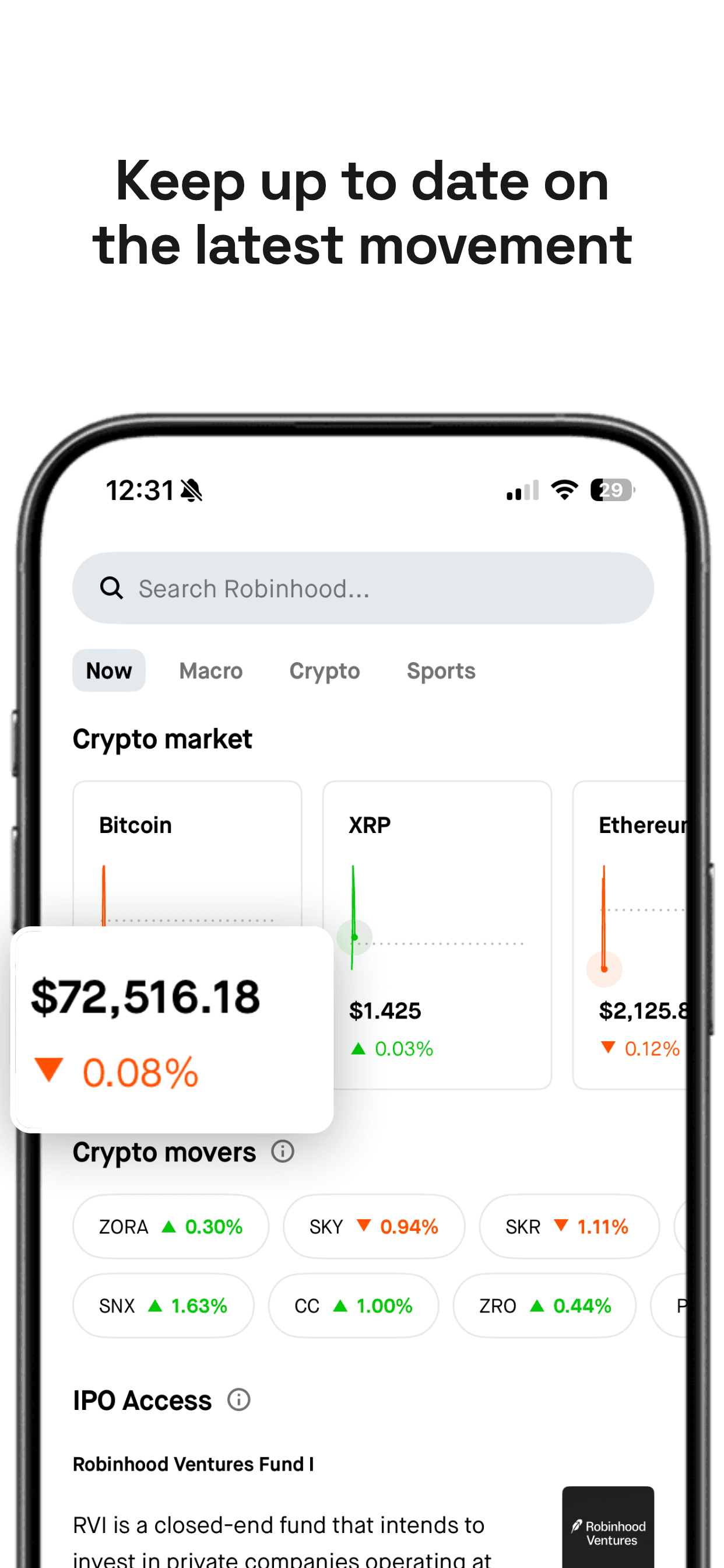
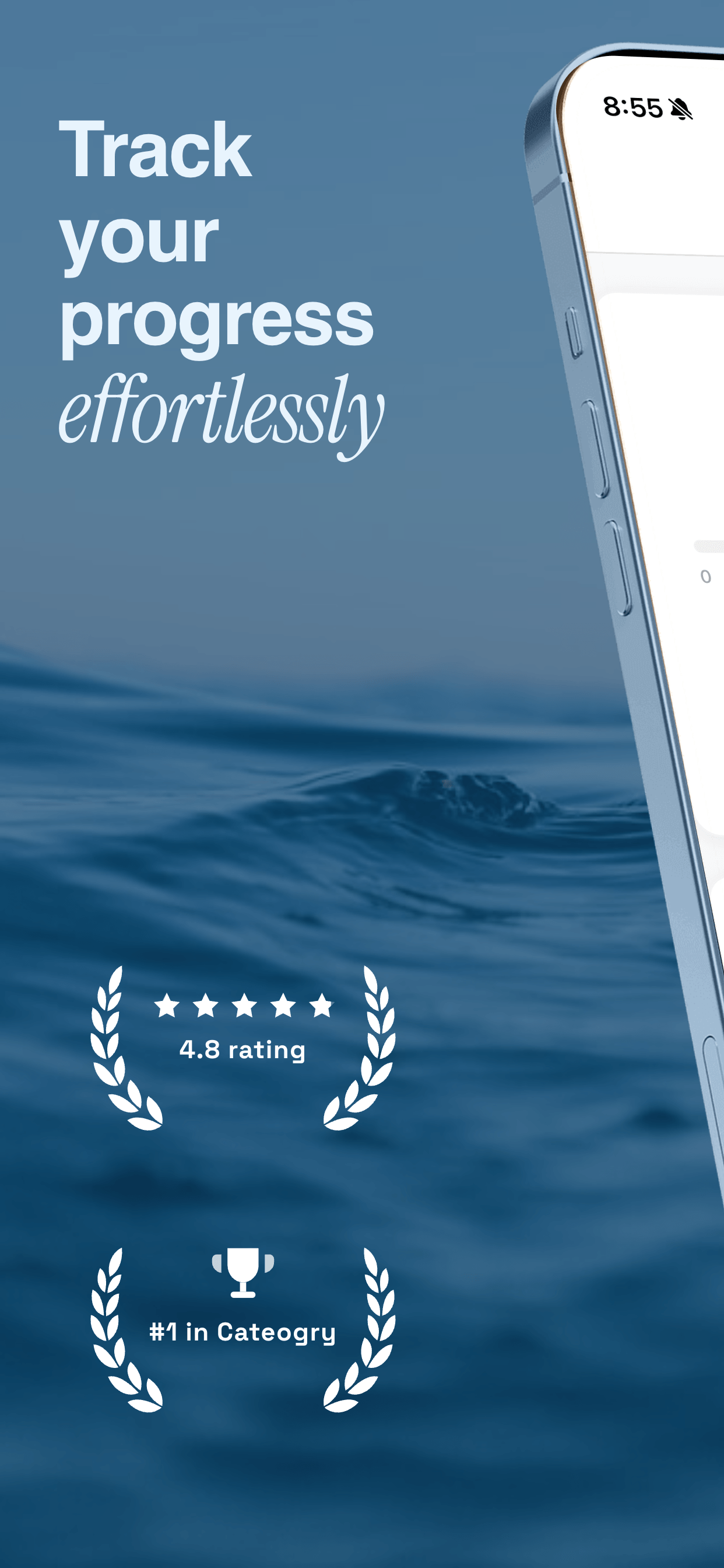
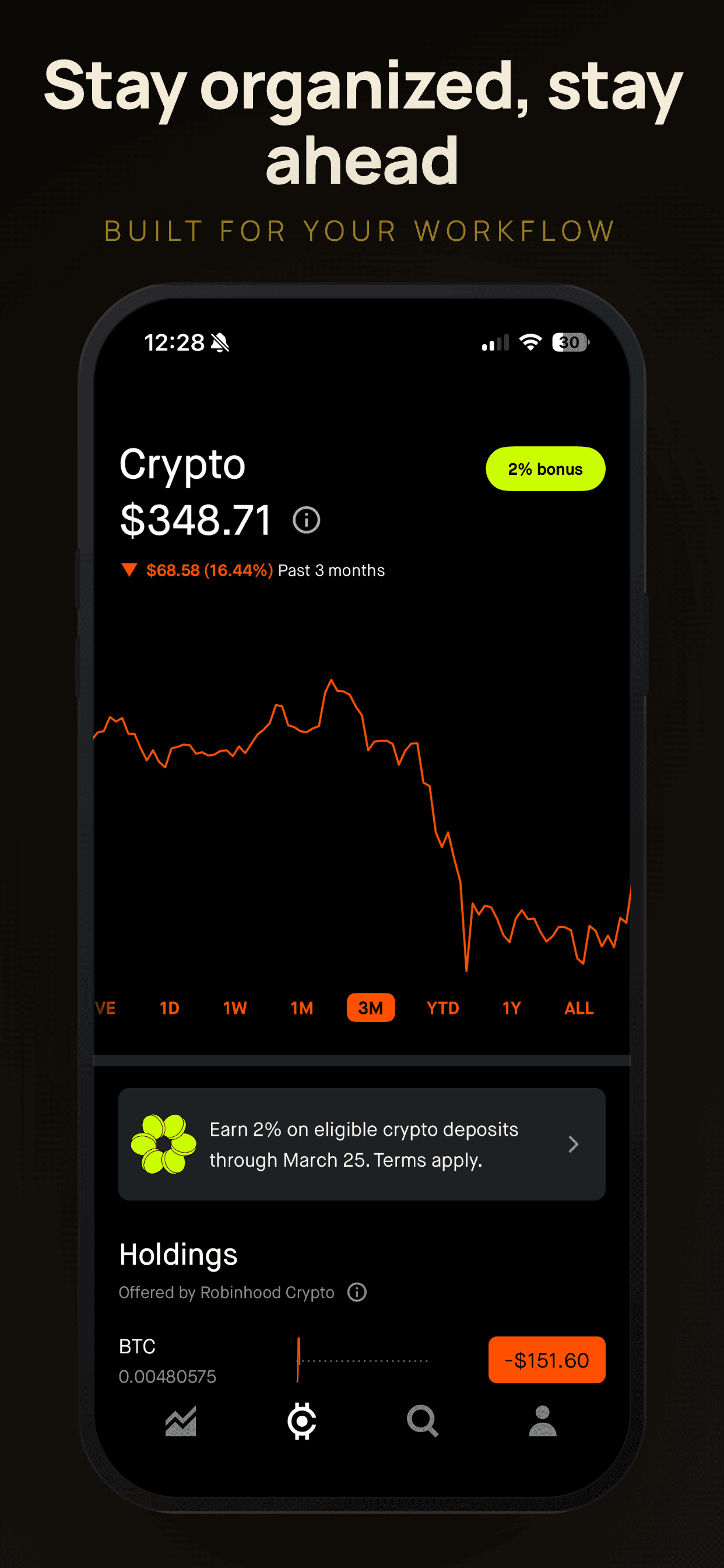
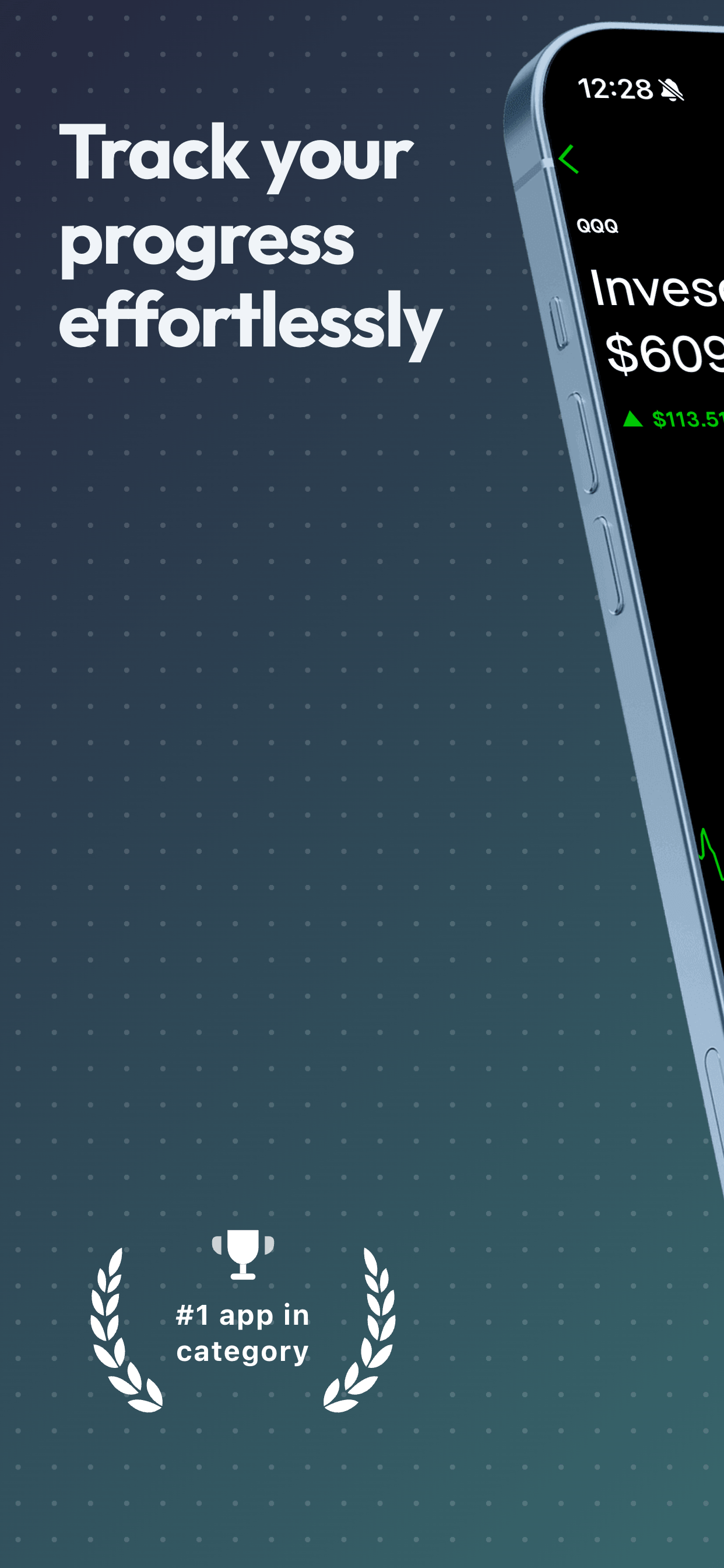
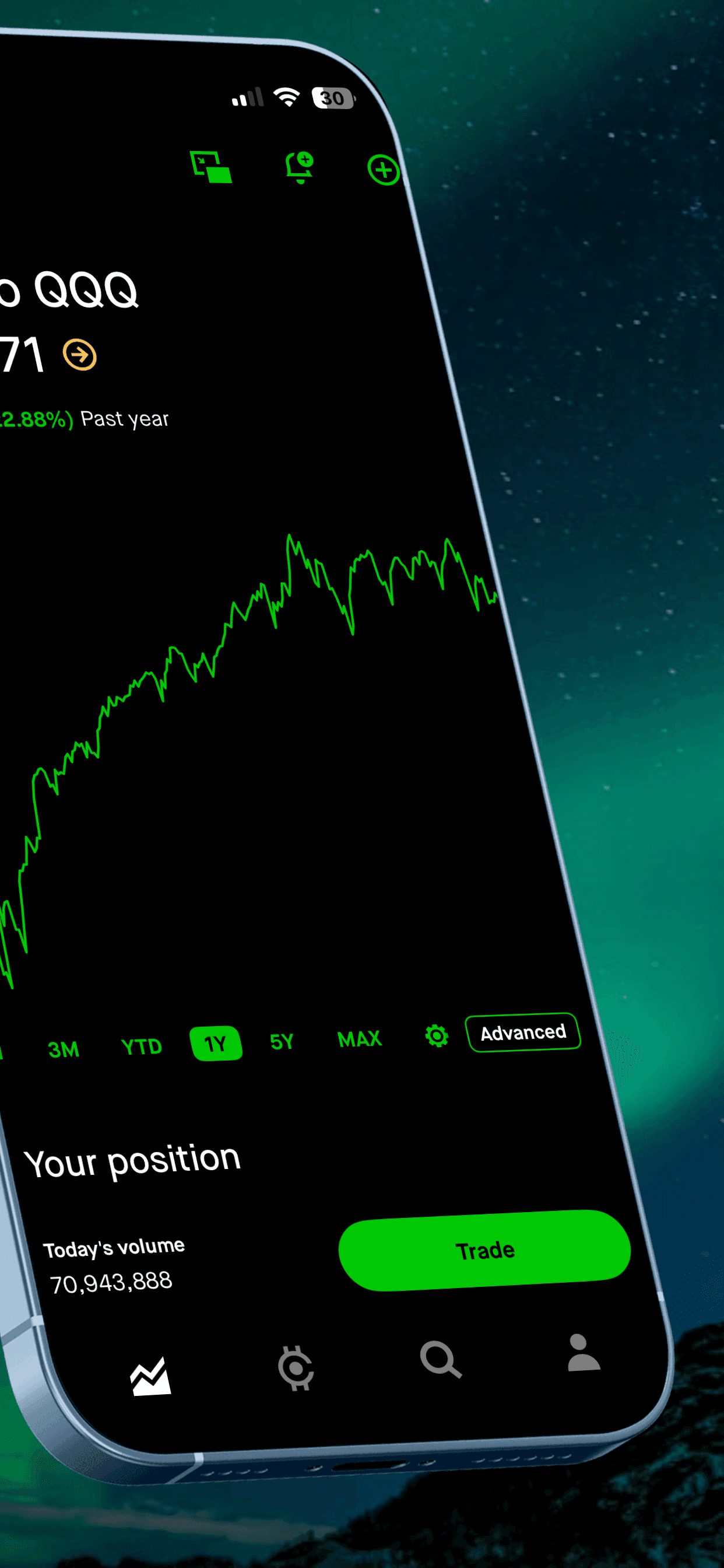
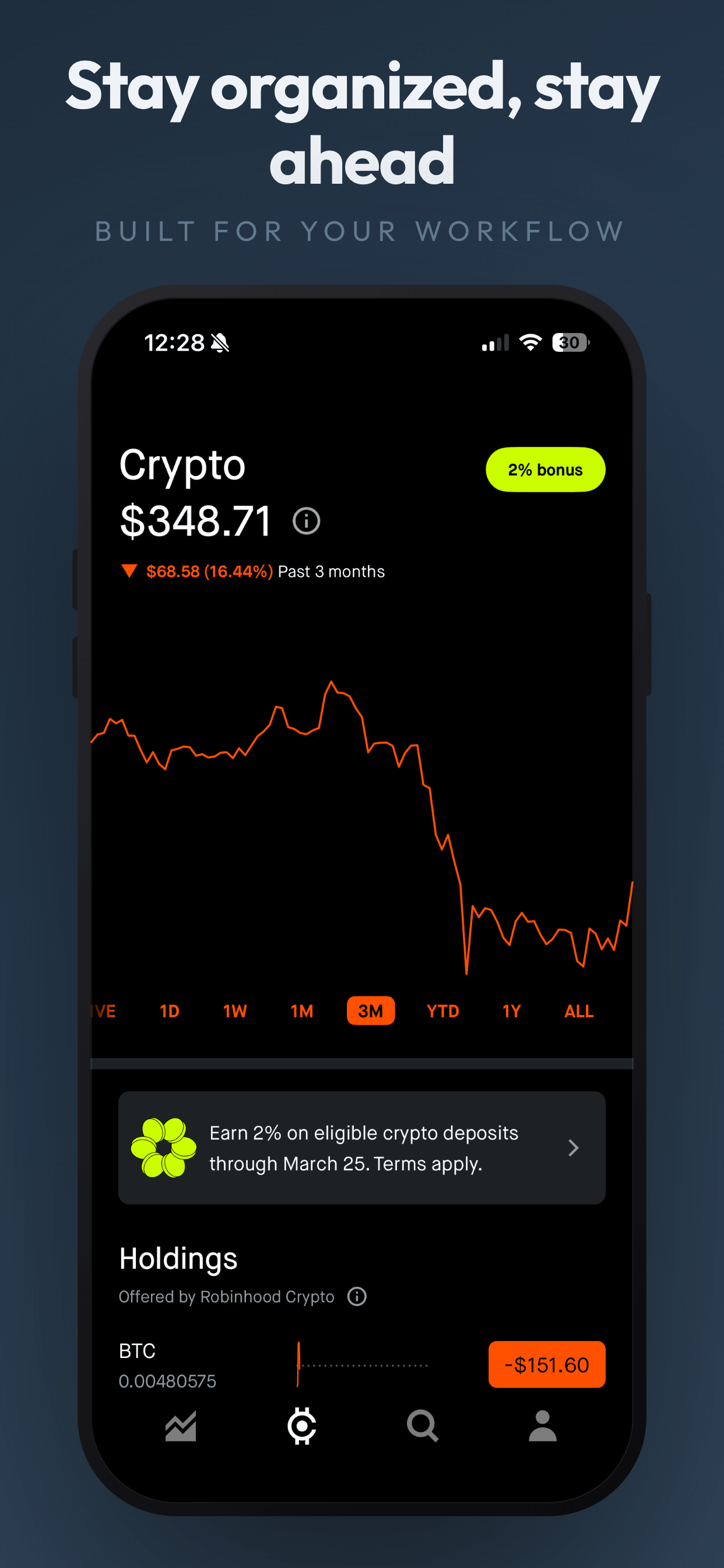
4 fitness screenshot examples
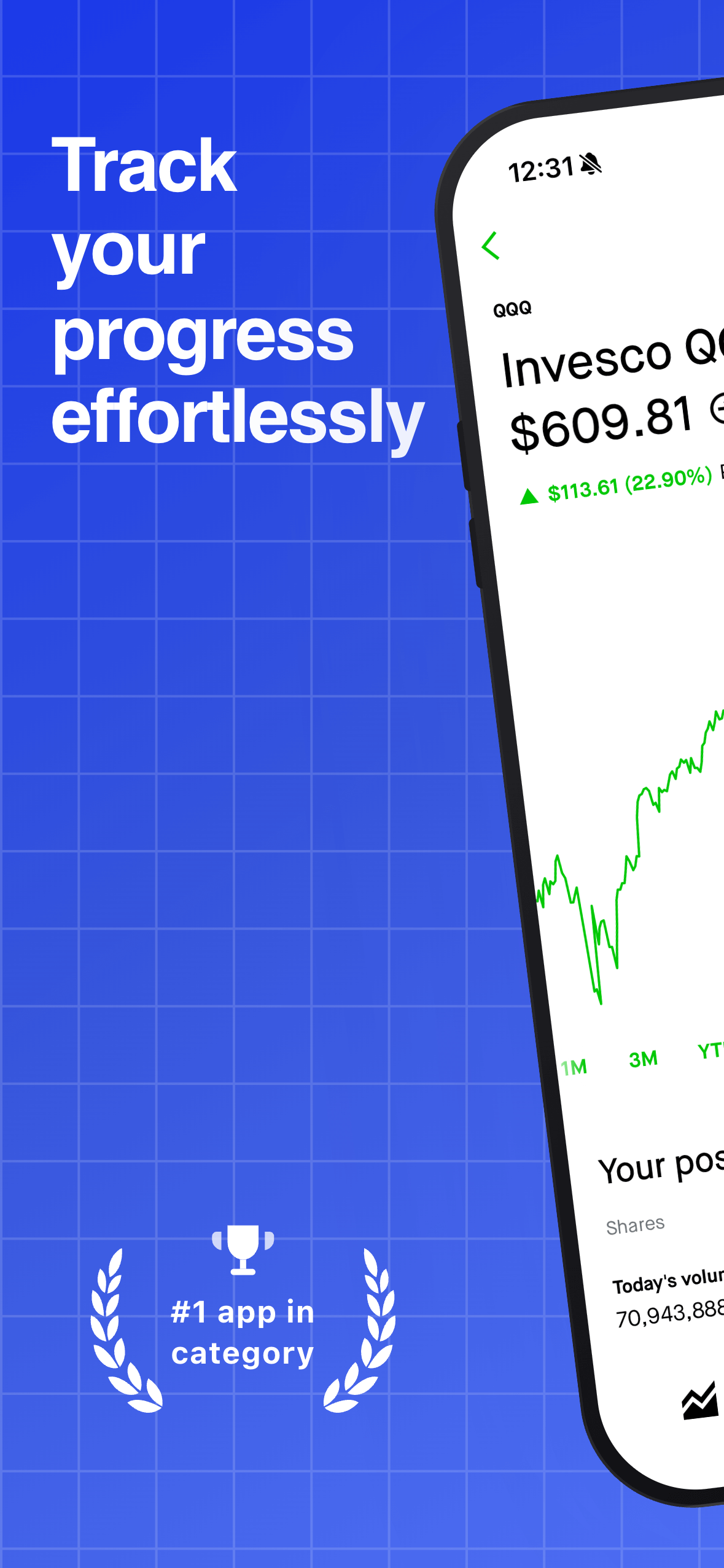
Obsidian EdgePro
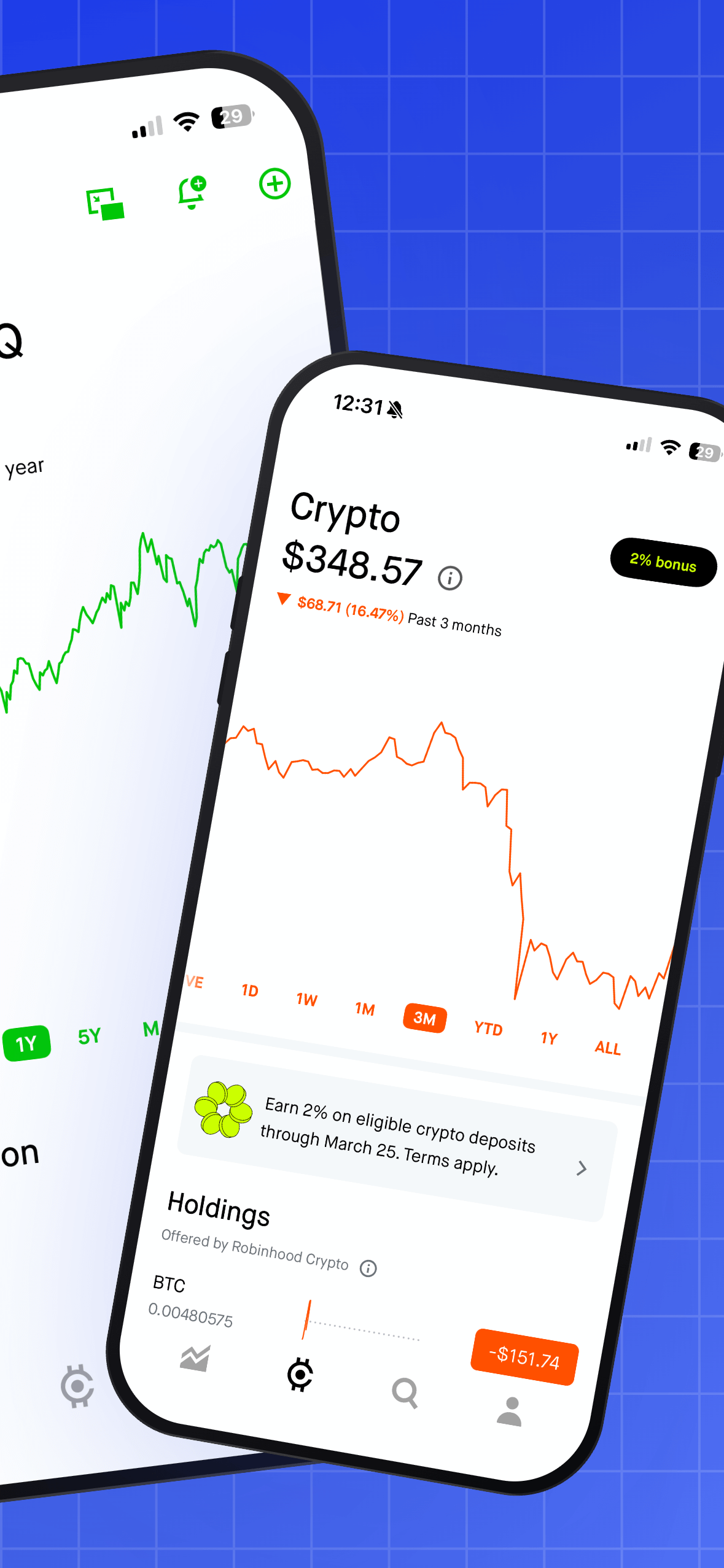
About this templateNeon PopPro
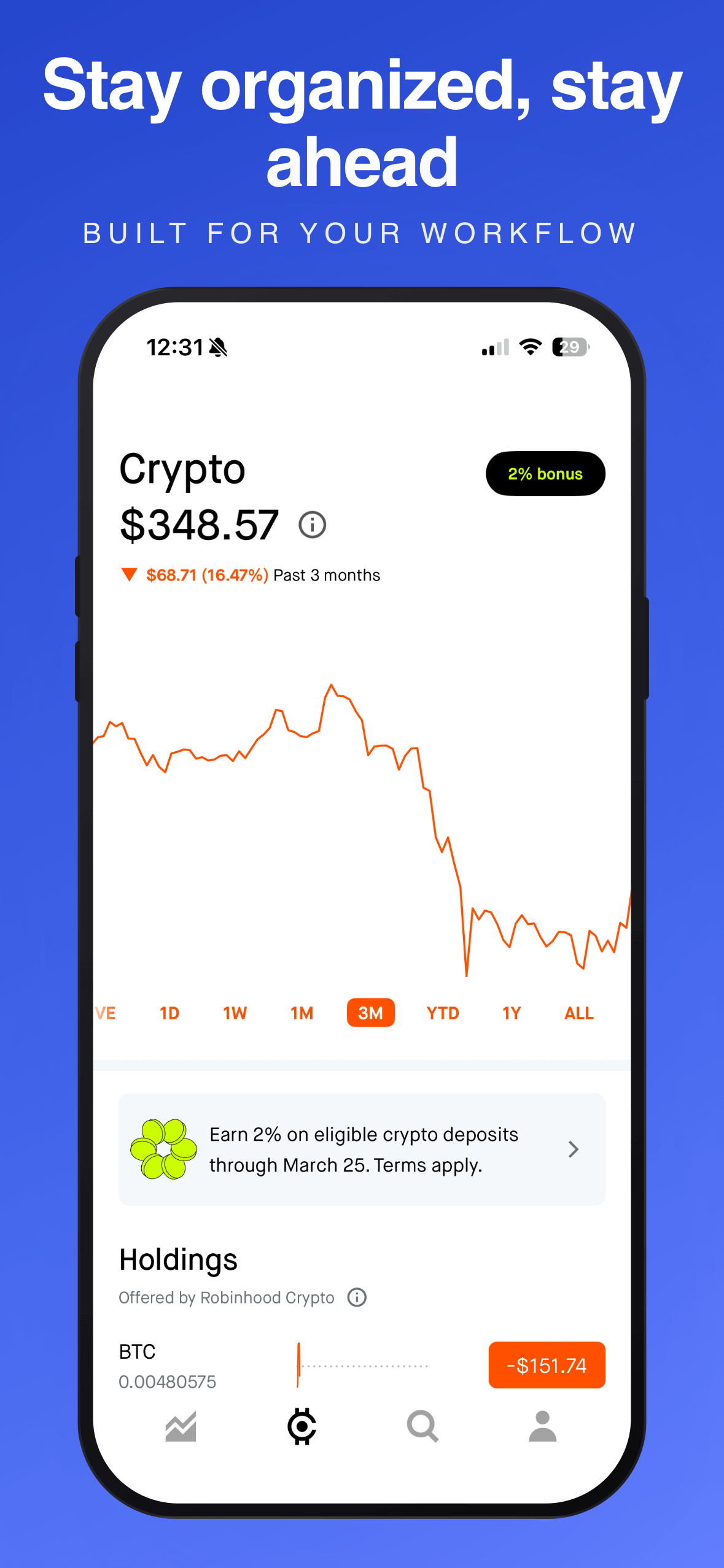
About this templateShadow FormPro
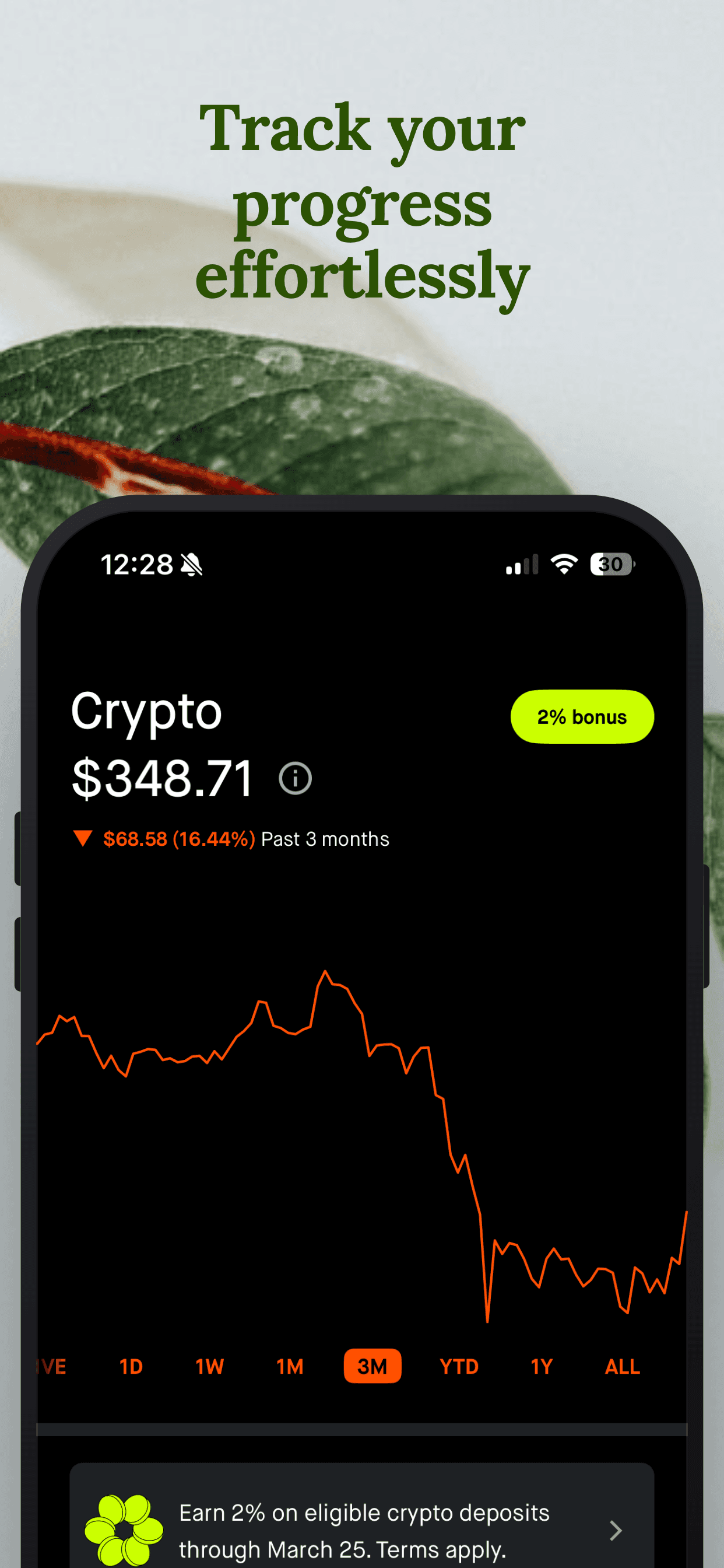
About this templateDark EleganceFree
About this templateWhat works for fitness app screenshots
Show the result, not the menu
A progress chart or a completed streak tells a story in one glance. A list of exercise categories doesn't. Put your most motivating data screen first.
Use real-looking numbers
Fill demo data with believable figures (a 12-day streak, a 5 km run at 27:40). Round, perfect numbers look staged and make the app feel empty.
Name the time cost
Fitness buyers worry about effort. Captions like "10-minute workouts" or "Log a set in one tap" answer that objection before they scroll.
Pick high-contrast, energetic styles
Dark backgrounds with one bright accent color read as "performance" in this category and stand out against the white App Store page.
Frequently asked questions
- How many screenshots should a fitness app use?
- Use all 10 slots on the App Store and all 8 on Google Play if you have distinct features to show. Most people only see the first three, so put progress, logging and plans there.
- Should fitness screenshots show people?
- Lifestyle photos can work as a background, but Google Play asks that screenshots show the real app experience. Keep the app UI as the hero and use people sparingly.
- What colors work best for fitness app screenshots?
- High-contrast palettes (dark backgrounds with one energetic accent like lime, orange or electric blue) are common in top fitness apps because they signal intensity and stand out on the store page.
Make your fitness app screenshots
Upload your screenshots, pick a template and export every App Store and Google Play size. Free to start, no signup.
Try Screenshot Otter free →