Health & Wellness App Screenshot Examples
Wellness apps (habits, hydration, sleep, mindfulness) compete on how gentle they feel. Where fitness apps push intensity, wellness listings win by making a small daily habit look effortless and rewarding.
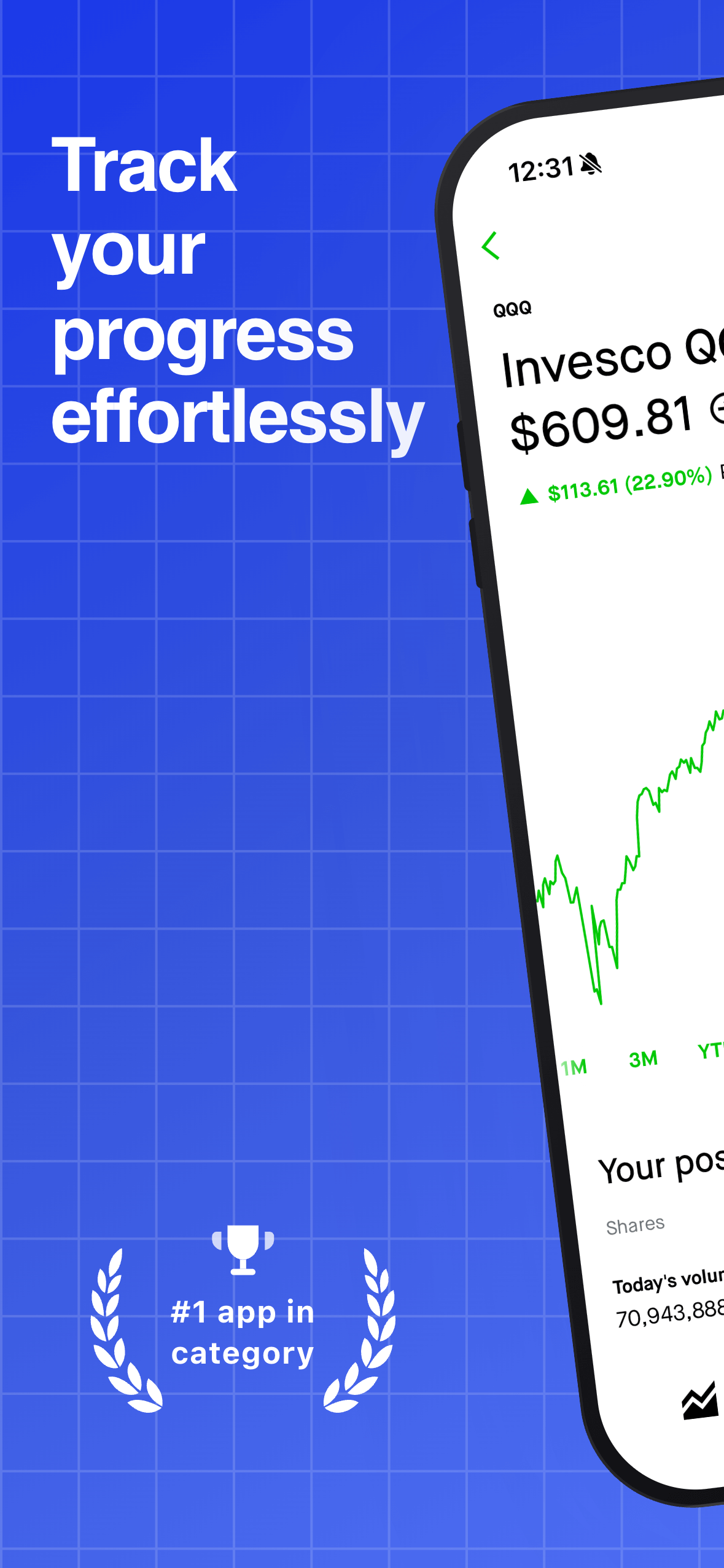
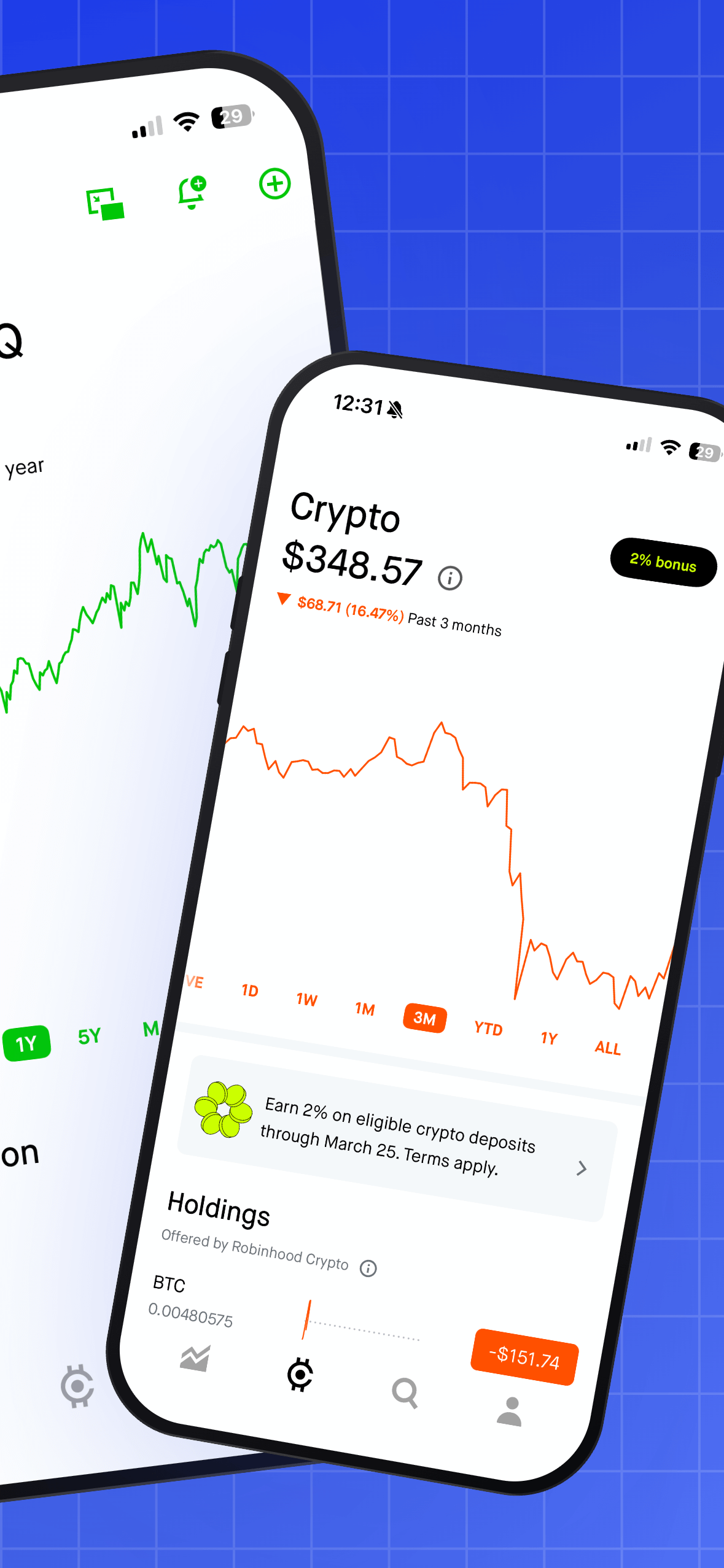
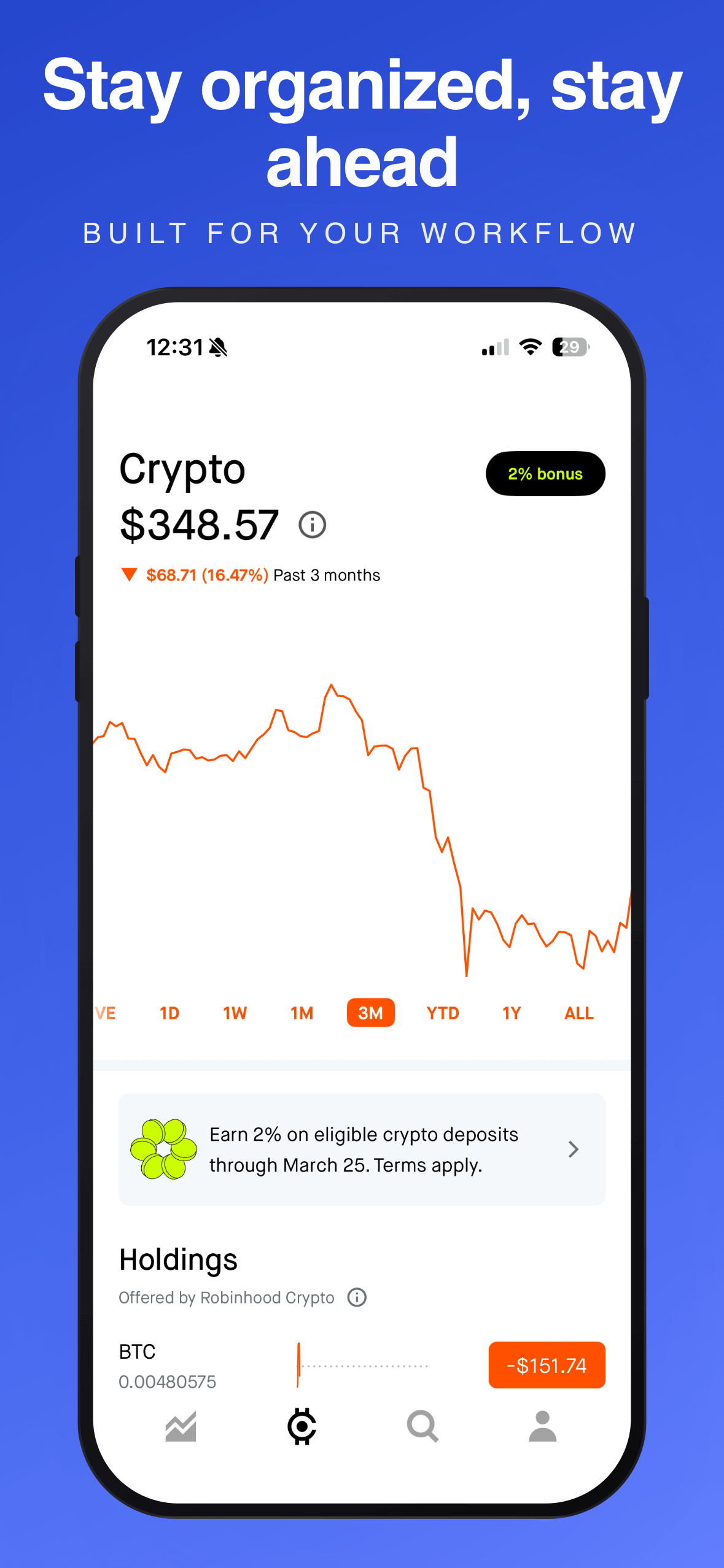
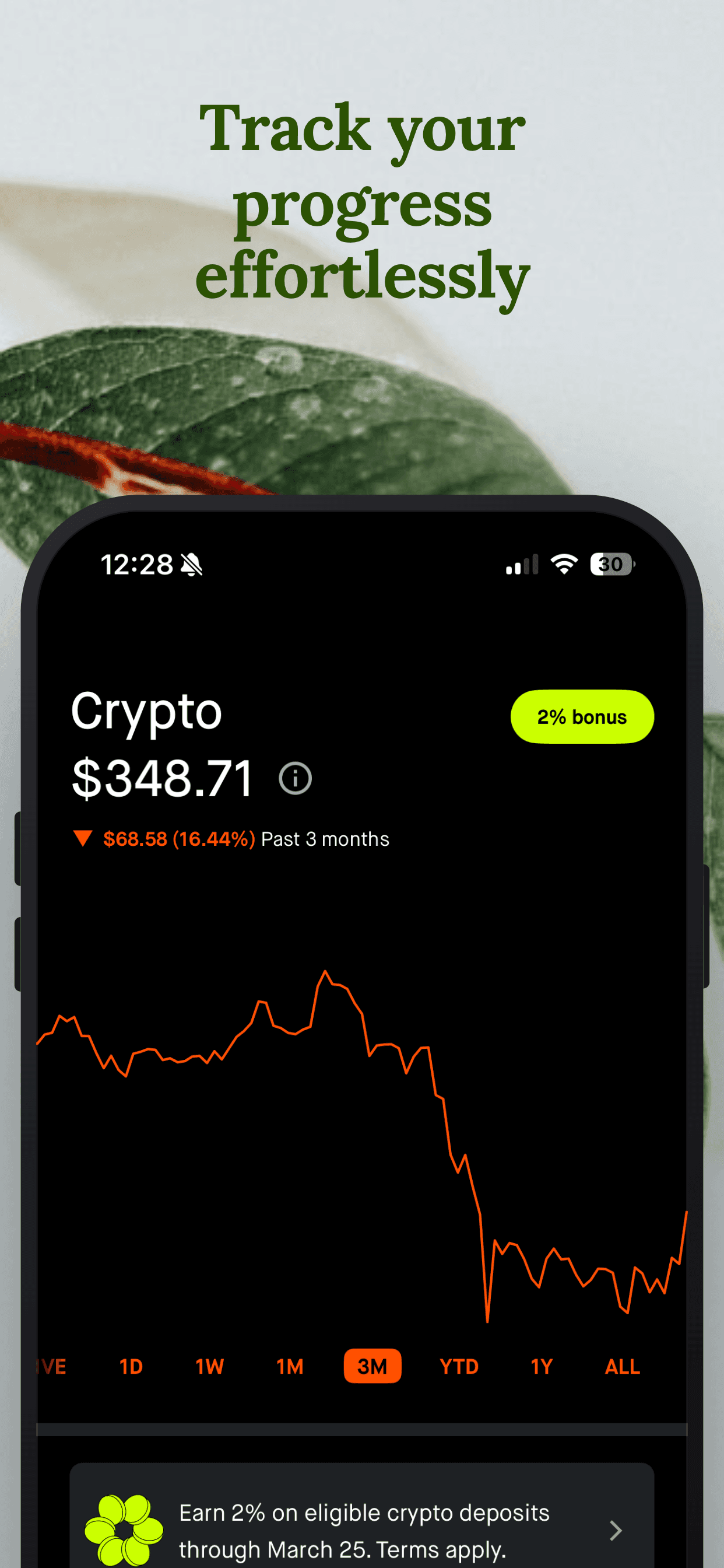
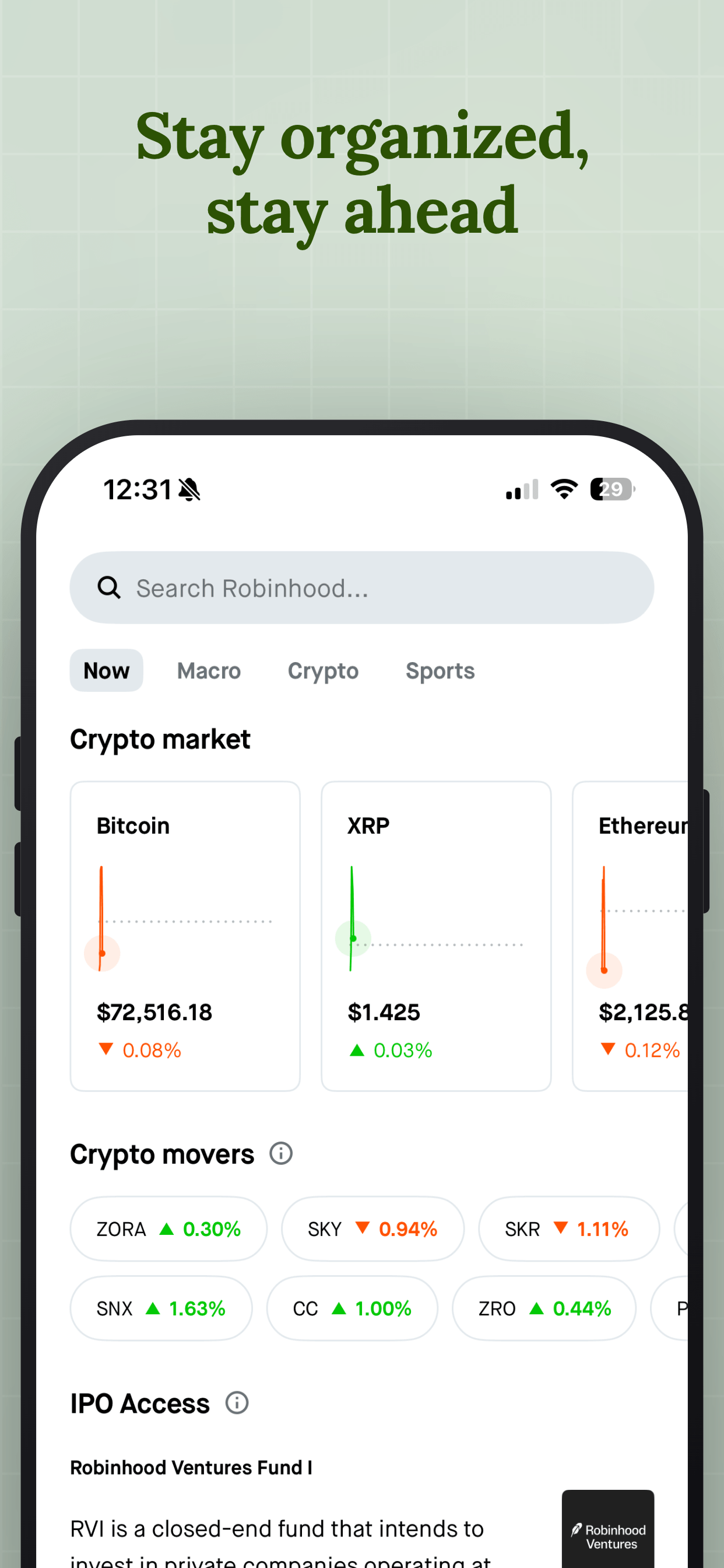
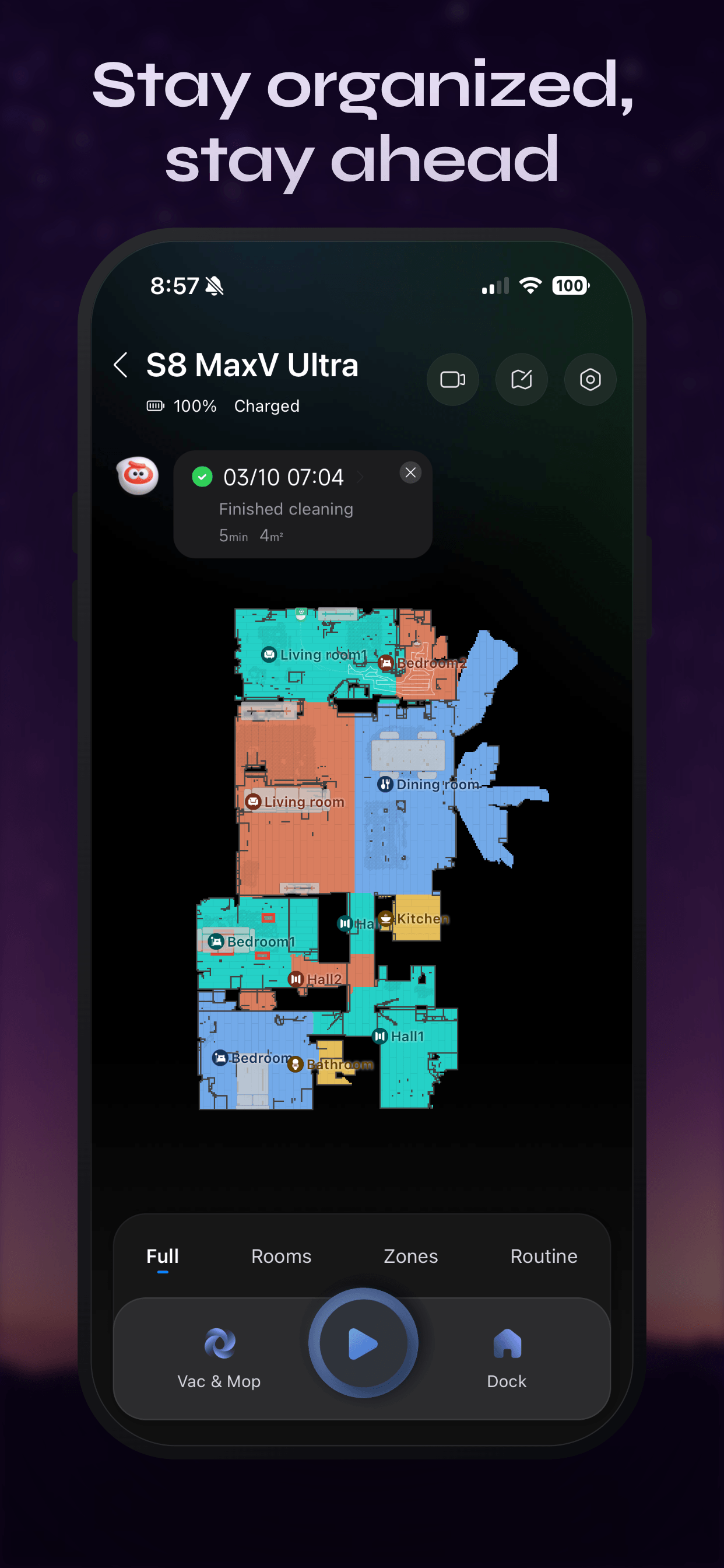
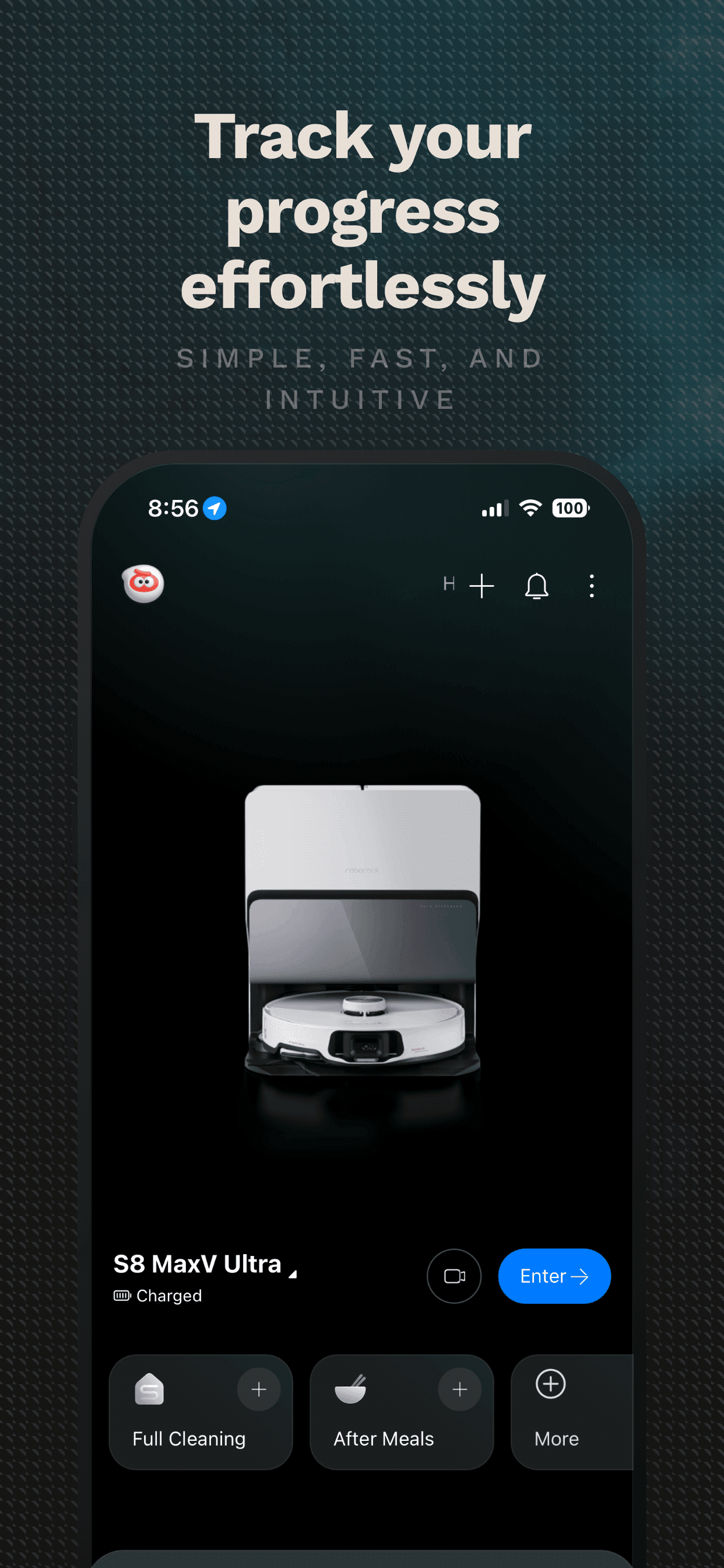
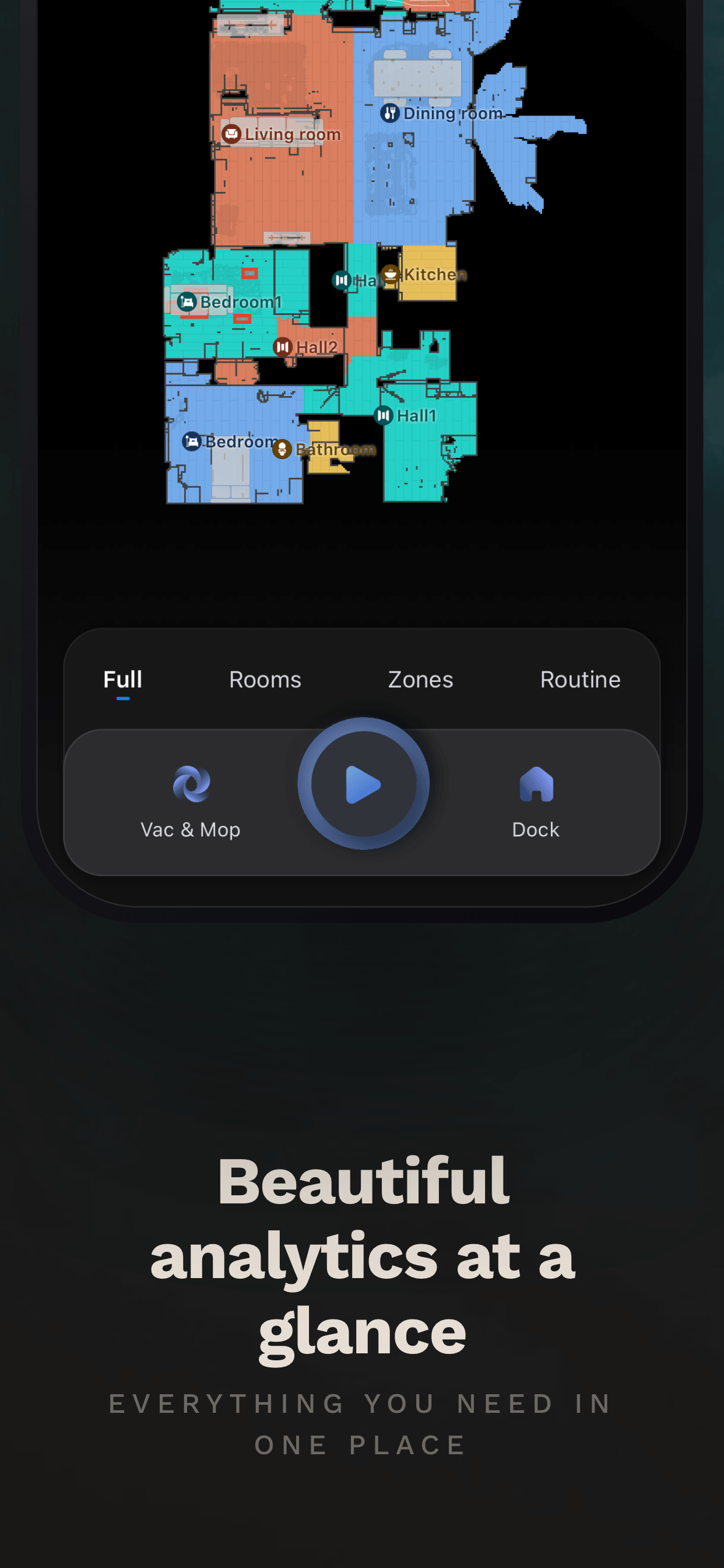
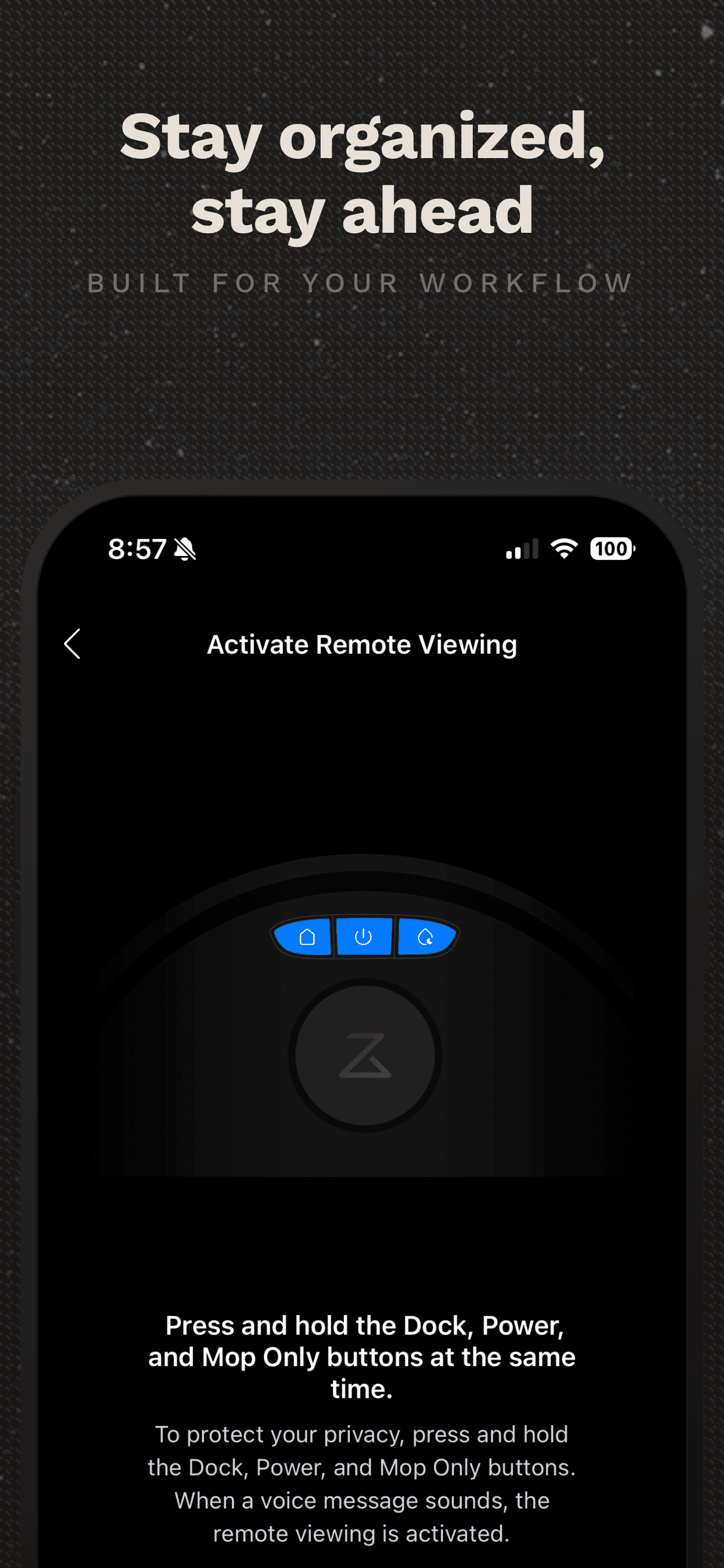
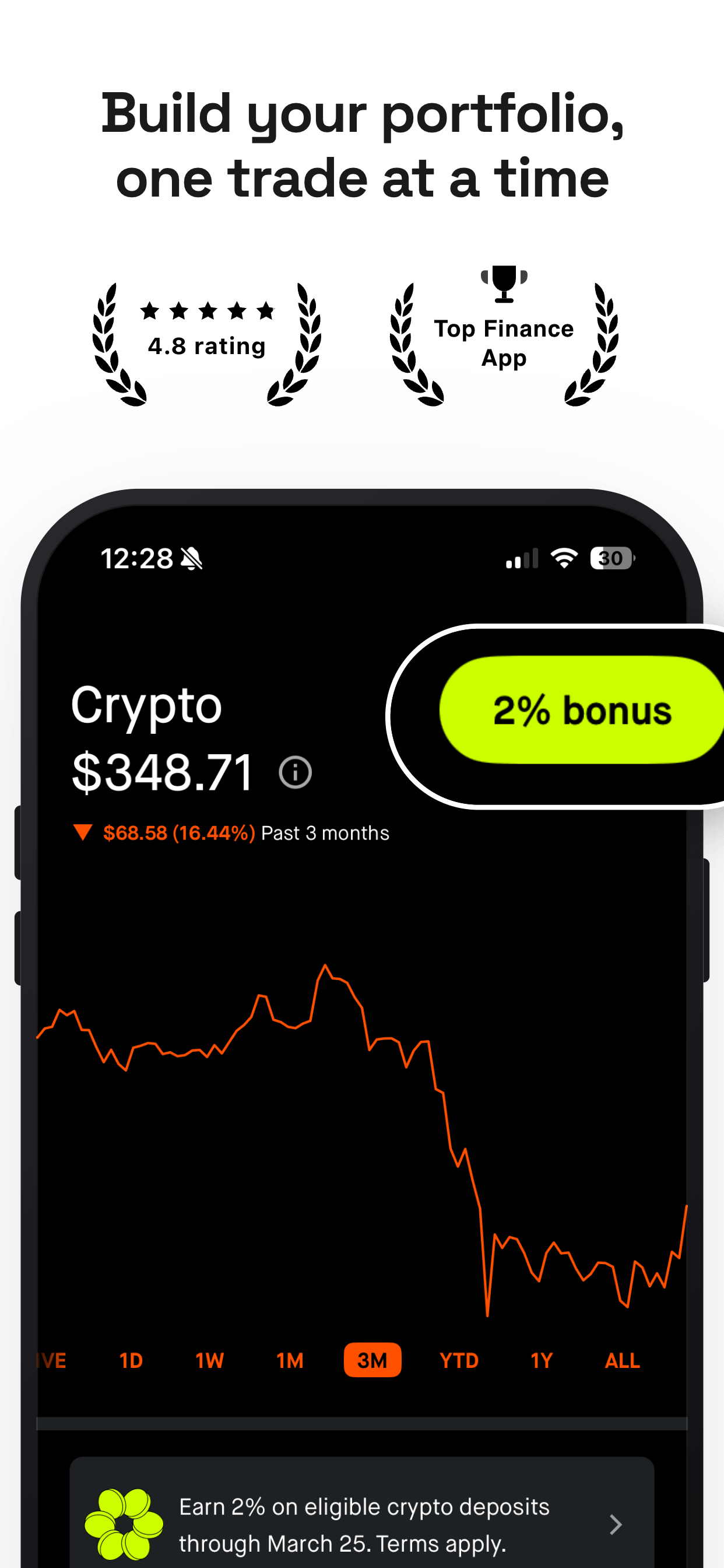
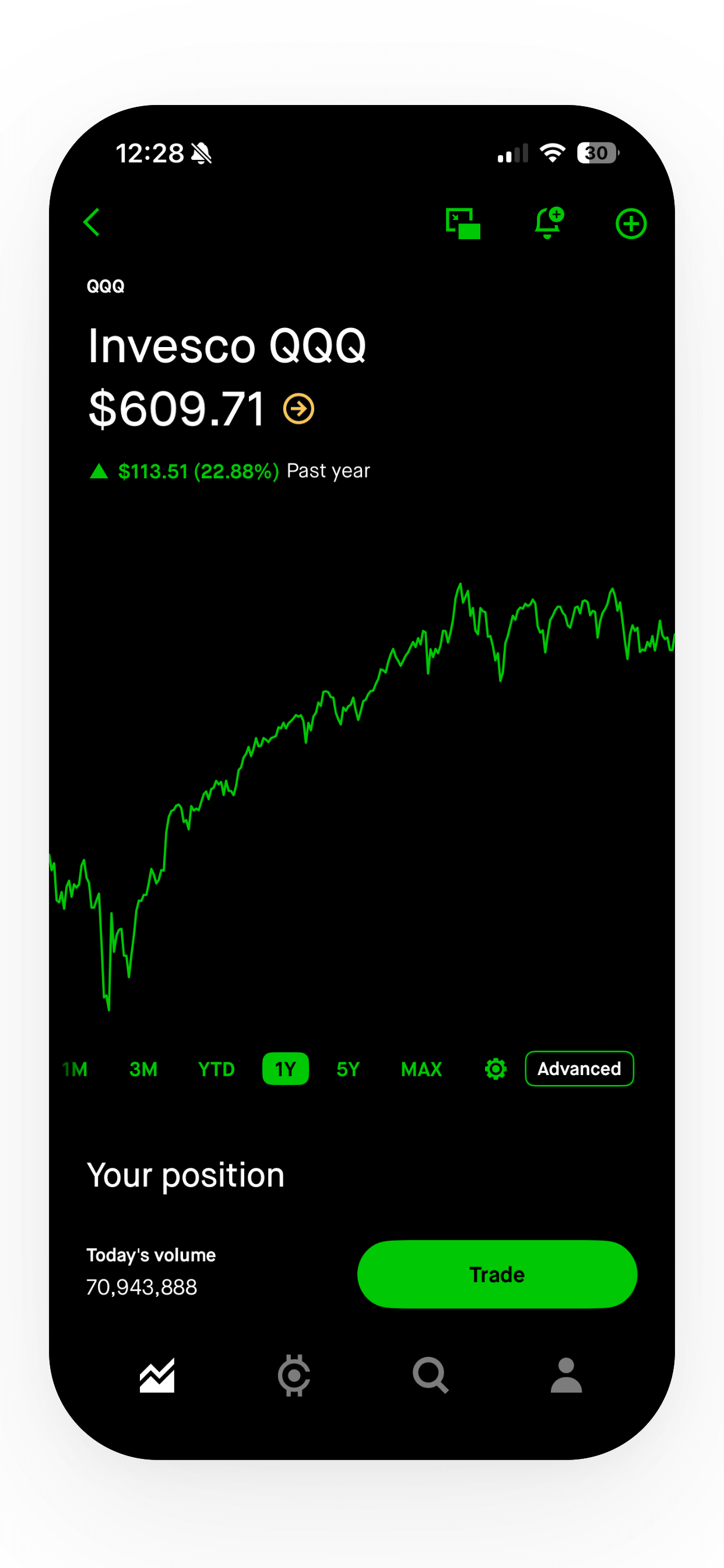
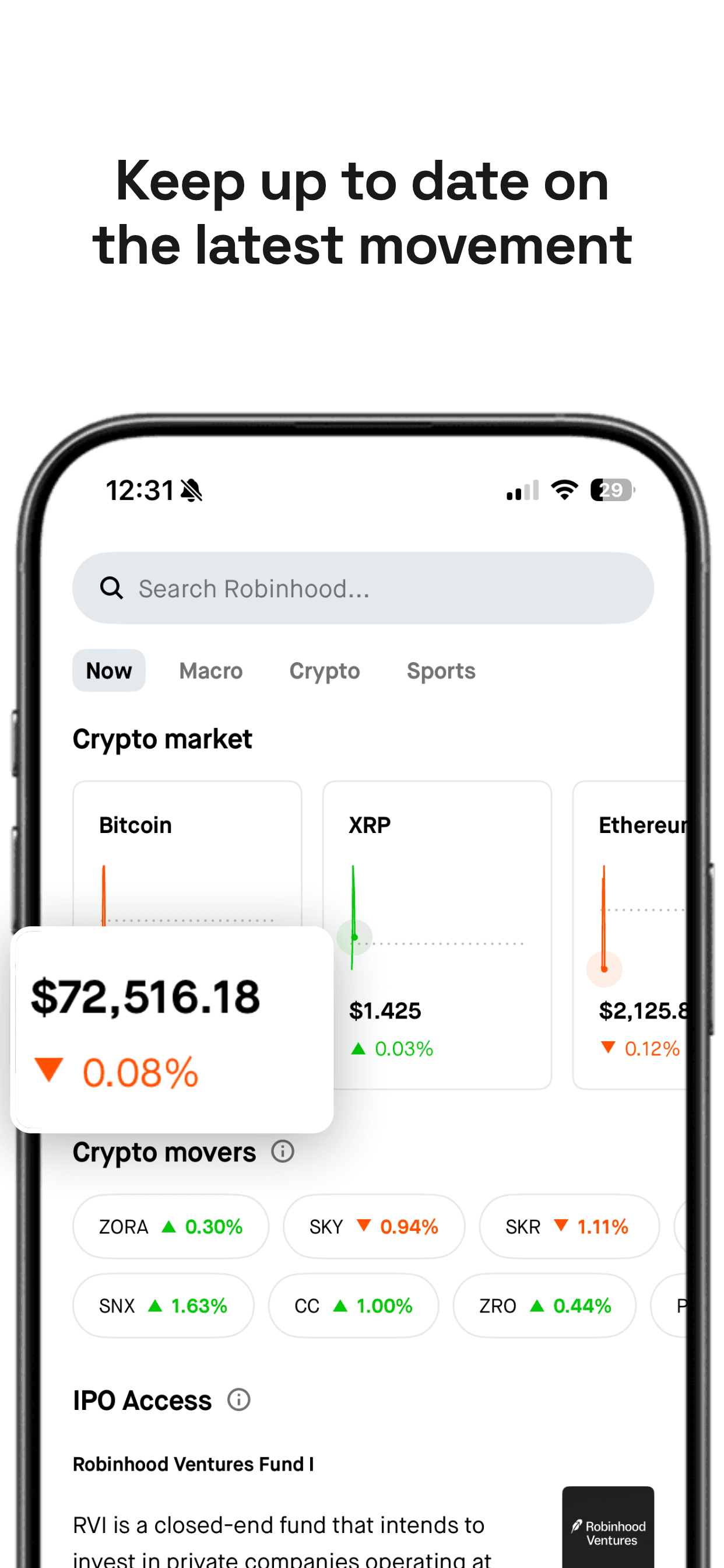
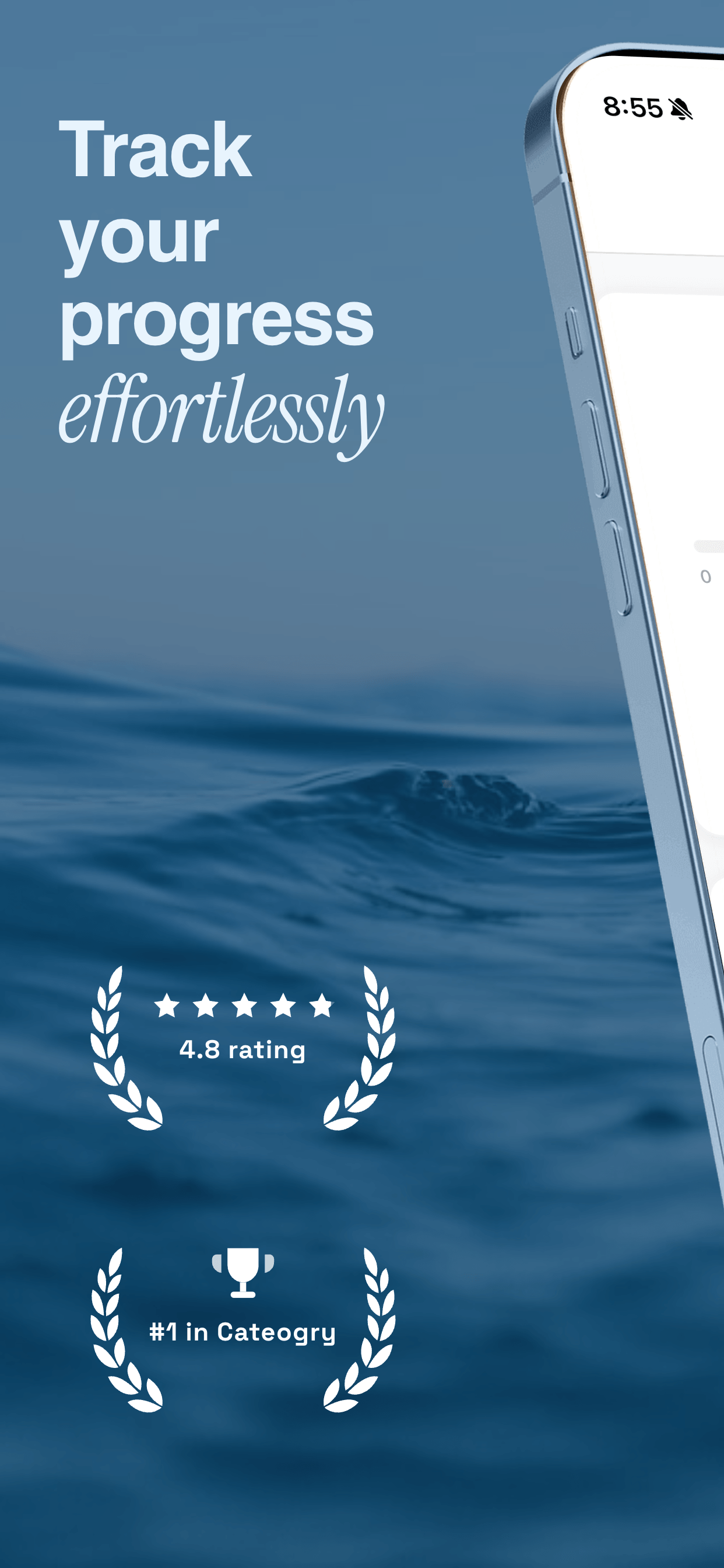
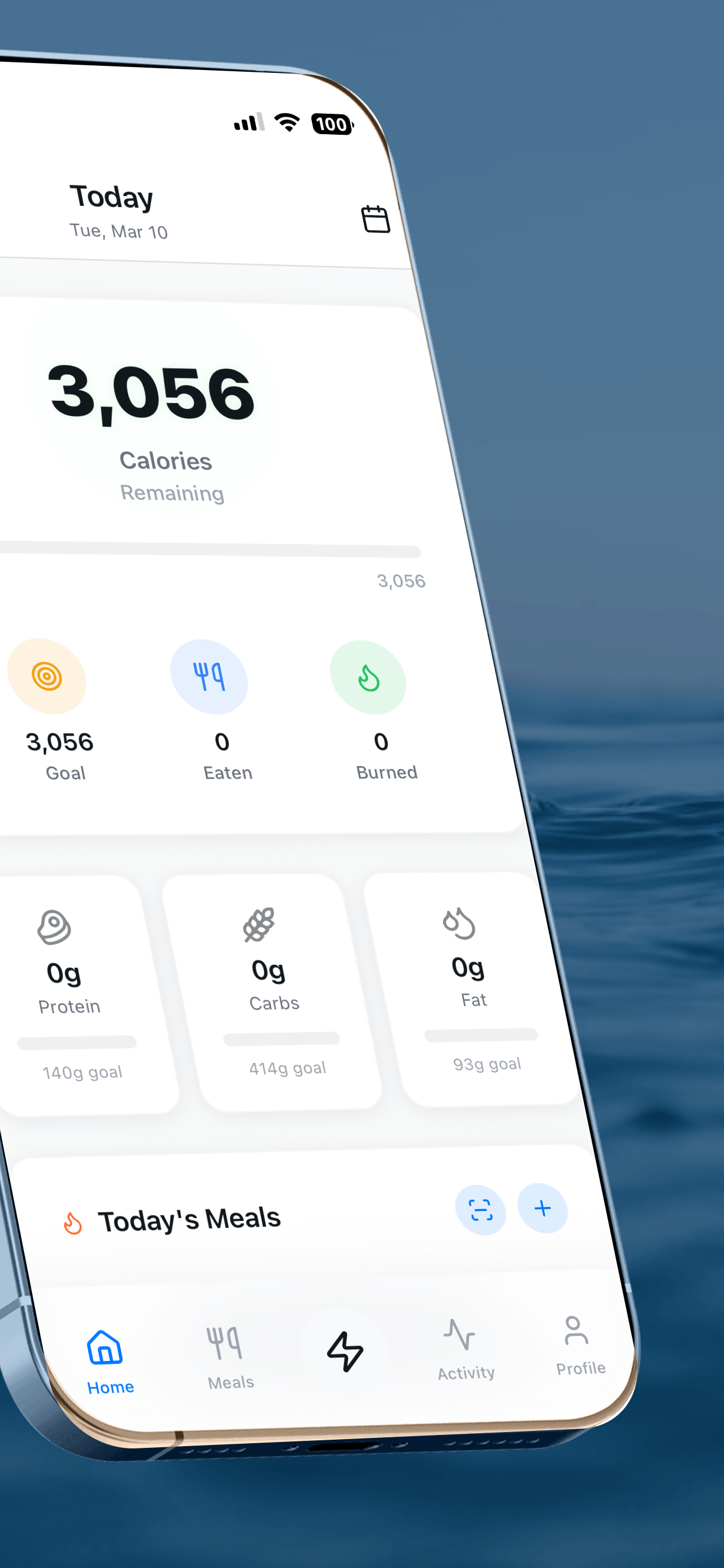
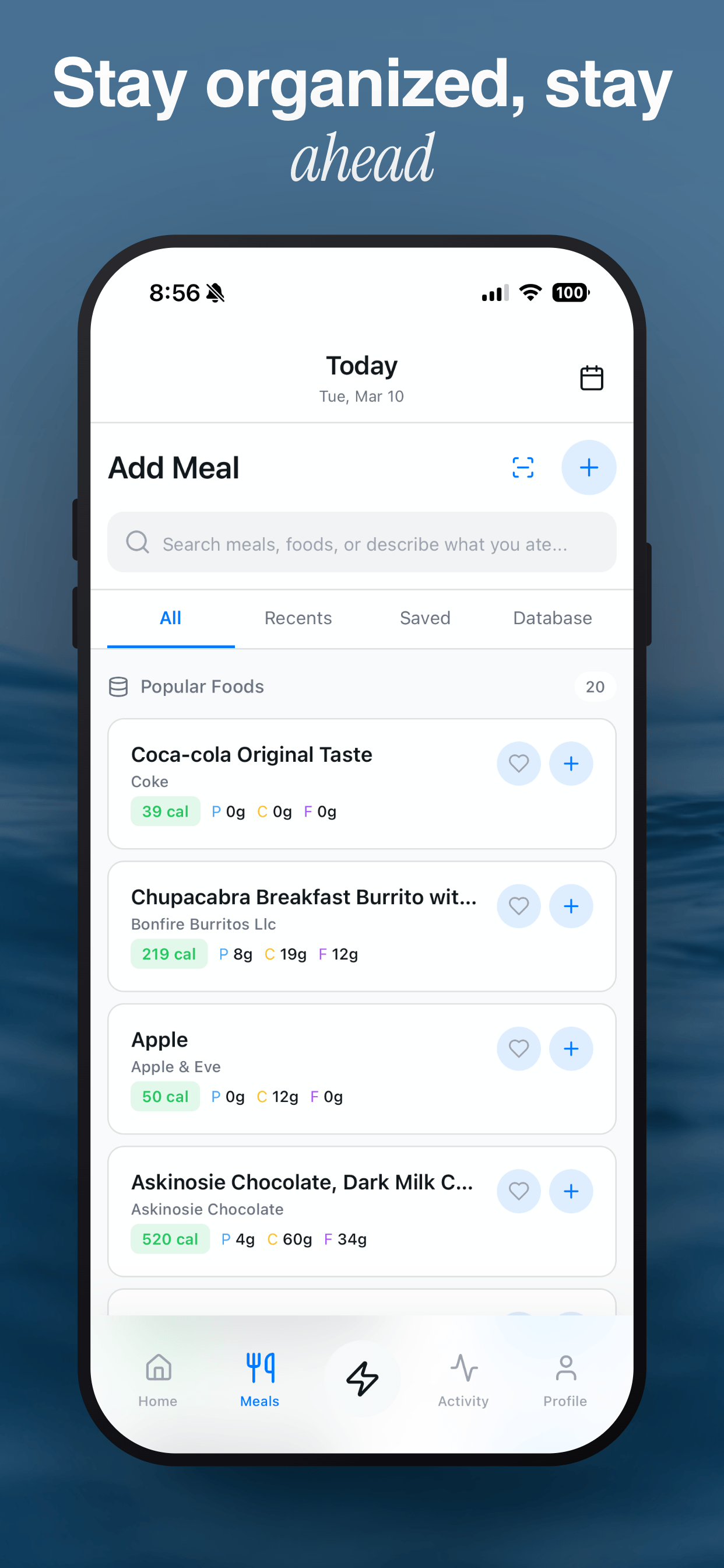
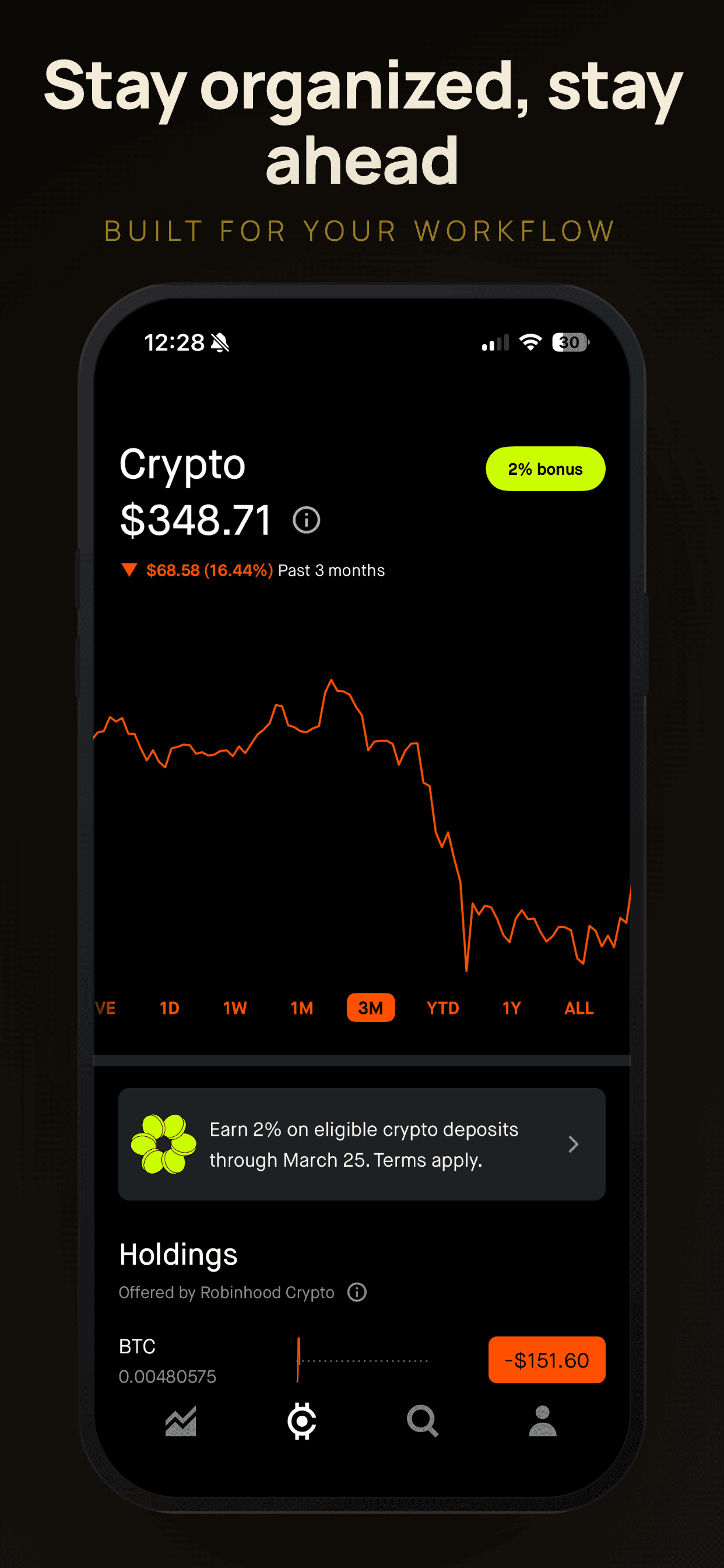
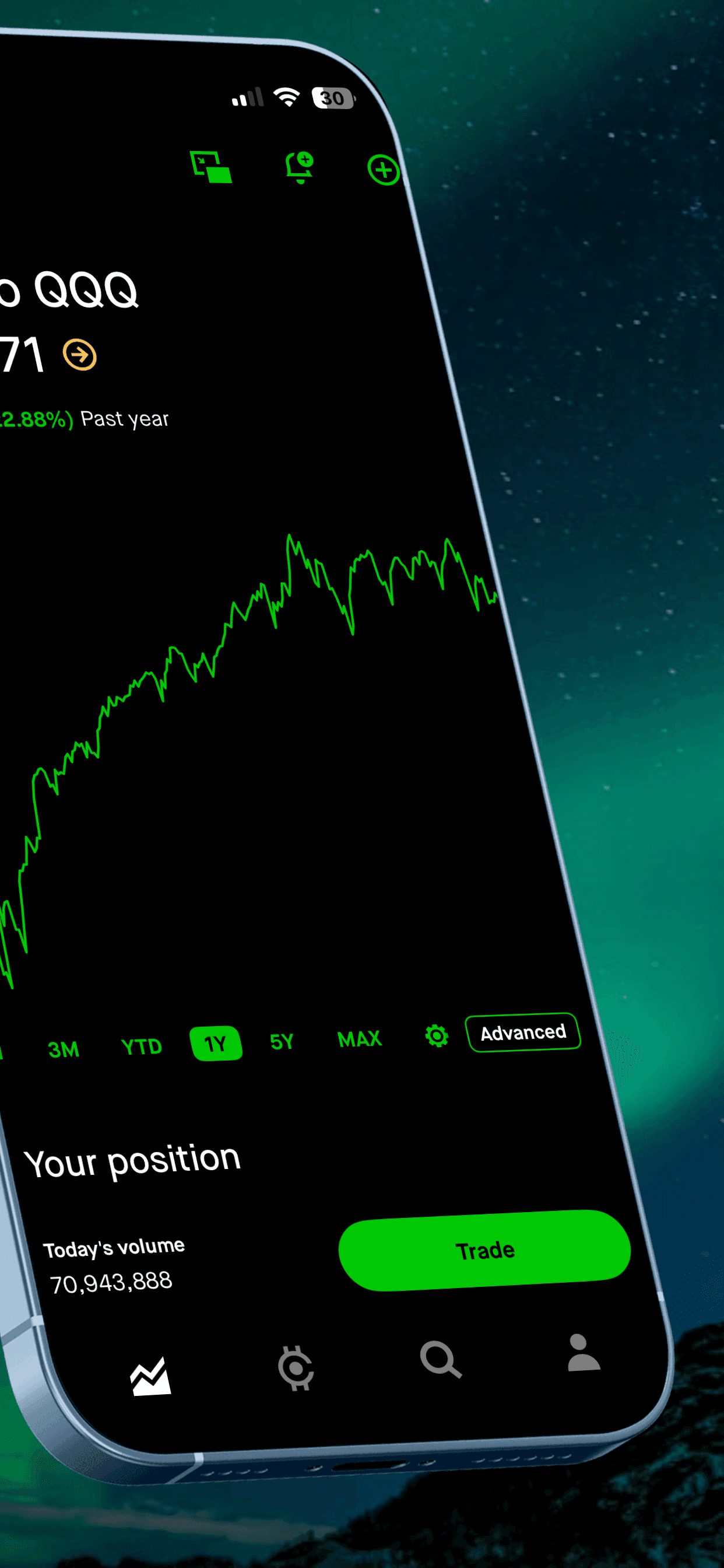
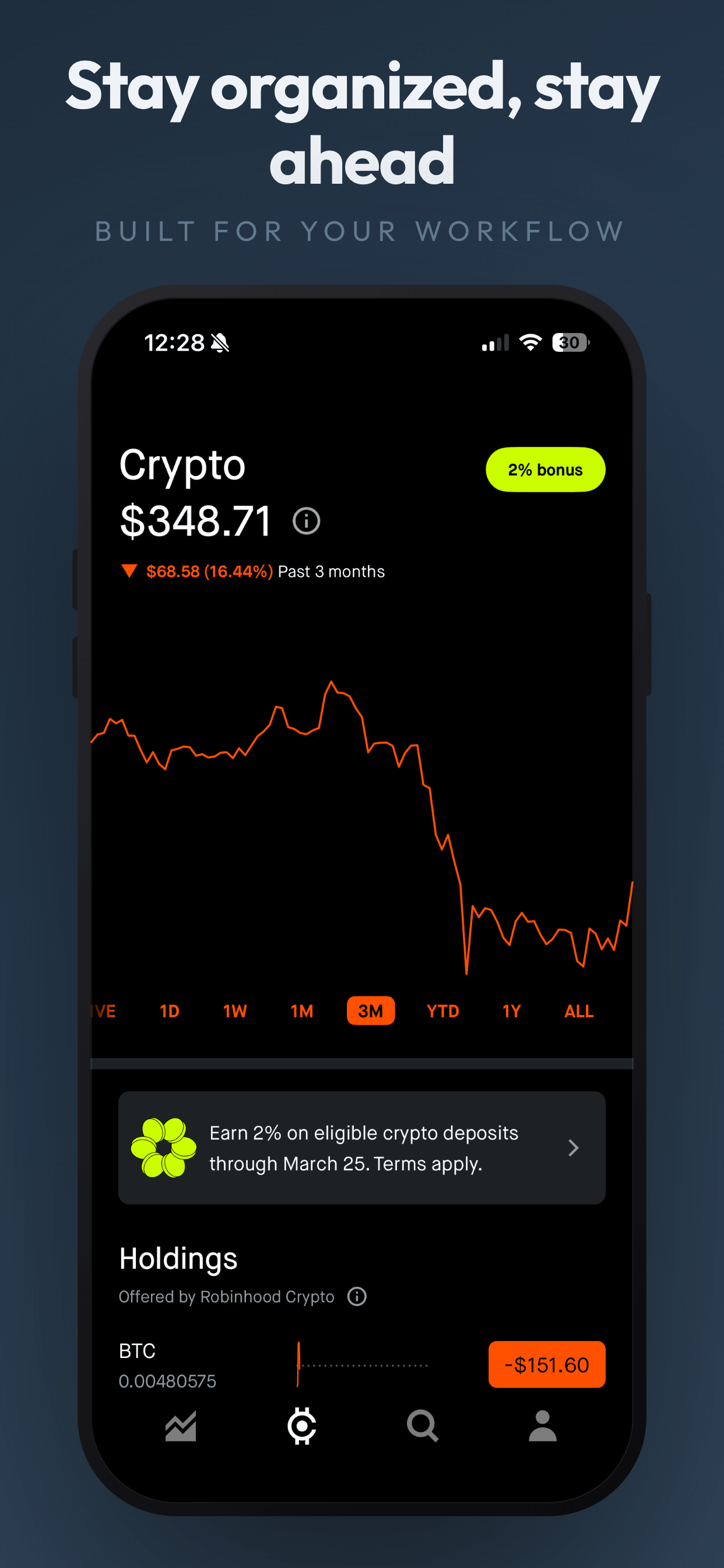
These examples use soft, warm templates with tracker and progress screens.
4 health & wellness screenshot examples
Soft PastelPro
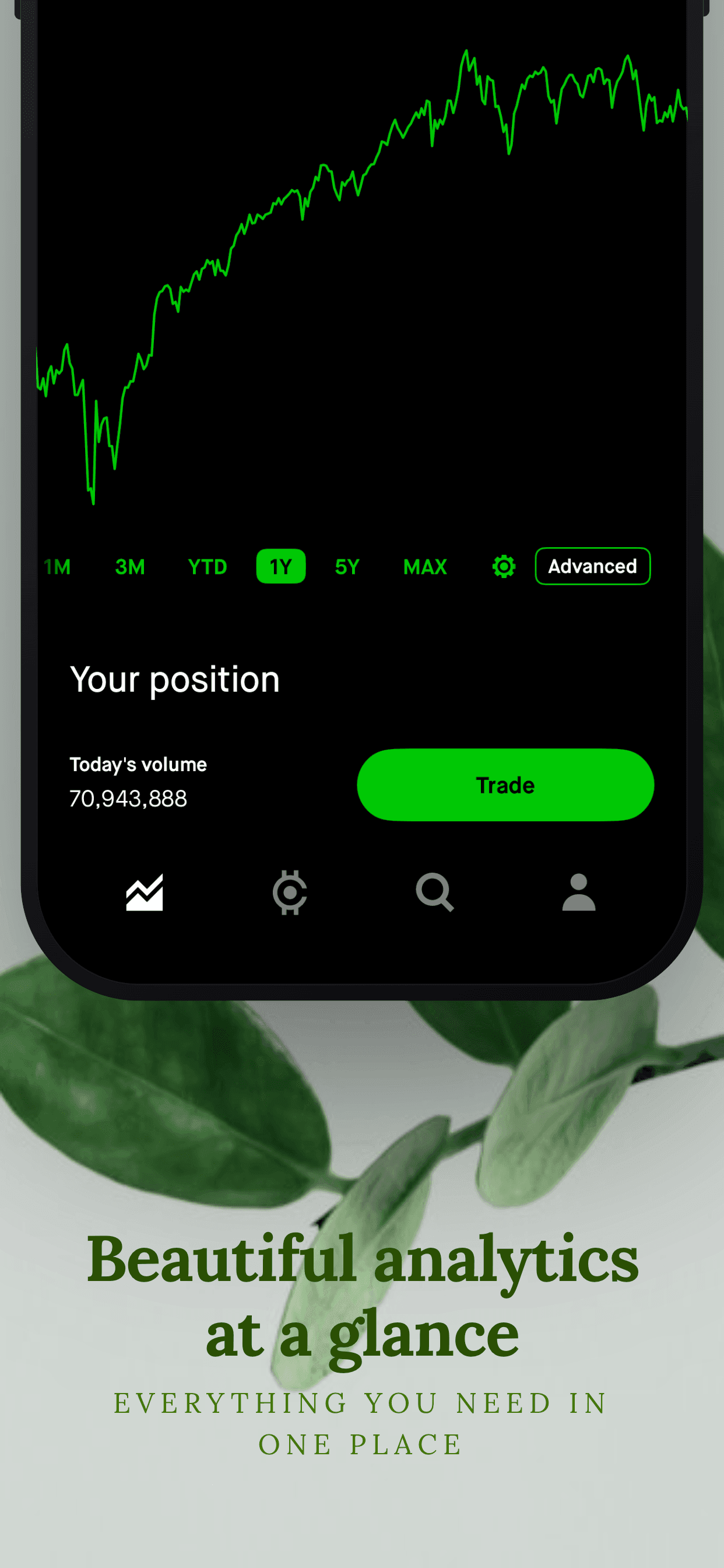
About this templateBotanicaPro
About this templateGradient FloatFree
About this templateWhat works for health & wellness app screenshots
Keep the tone encouraging
Avoid guilt or pressure in captions. "Celebrate every streak" converts better in this category than "Don't break the chain".
Show one tap, one win
The core loop of most wellness apps is tiny. Show logging and the reward (a filled ring, a badge) side by side so the value is obvious.
Use soft palettes
Pastels, warm neutrals and rounded type match the category's expectations and feel approachable next to clinical health apps.
Mention integrations
Apple Health, Health Connect and watch support are strong signals of quality. Give them a slide or a badge.
Frequently asked questions
- Can wellness apps make health claims in screenshots?
- Be careful. Both stores restrict medical claims. Describe habits and features ("track your water intake") rather than outcomes ("cure headaches").
- What templates suit wellness apps?
- Soft, light templates with pastel or warm backgrounds and rounded fonts. They feel calm and approachable, which matches what wellness users are looking for.
- Should I show Apple Watch or Wear OS screens?
- Yes, if your app supports them. On Google Play, Wear OS screenshots are uploaded separately as 1:1 images without device frames.
Make your health & wellness app screenshots
Upload your screenshots, pick a template and export every App Store and Google Play size. Free to start, no signup.
Try Screenshot Otter free →