Comparison
Best App Store Screenshot Tools Compared (2026)
A comprehensive side-by-side comparison of the top five screenshot generators: Screenshot Otter, AppScreens, AppLaunchpad, AppMockup, and Screenshots.pro. Features, pricing, and who each is built for.

Scott Stewart · Mar 19, 2026
Quick Answer
For most indie developers and small teams, Screenshot Otter offers the best combination of value, features, and simplicity at $19/month. AppScreens is better suited for agencies managing many apps. AppLaunchpad is strong for teams that need advanced A/B testing. AppMockup works if you only need one or two templates and prefer one-time purchases.
Choosing the right screenshot tool can save you hours during app launches and seasonal updates. The wrong choice, though, costs time in workflow friction: slow exports, missing features, or learning curves that don't match your team's needs. I’ve built Screenshot Otter, so I have bias in this comparison. I’ve tried to be accurate about what each tool does well and where the trade-offs matter most.
Side-by-side comparison
| Feature | Screenshot Otter | AppScreens | AppLaunchpad | AppMockup | Screenshots.pro |
|---|---|---|---|---|---|
| Price | $19/mo | $9.99/mo+ | $29/mo | $9.97-$14.97/template | $49 one-time |
| Free tier | ✓ (2 templates) | ✗ | ✗ | ✗ | ✗ |
| Premium templates | 30+ | 40+ | 20+ | 50+ (paid each) | 15+ |
| AI captions | ✓ | ✗ | ✗ | ✗ | ✗ |
| Auto-upload to stores | ✓ | ✗ | ✗ | ✗ | ✓ (REST API) |
| Localization | ✓ (30+ languages) | ✓ | Limited | ✗ | ✗ |
| A/B test variants | ✓ | ✗ | ✓ | ✗ | ✗ |
| Panoramic layouts | ✓ | ✗ | ✗ | ✗ | ✗ |
| Device frames | iPhone, iPad, Android | iPhone, iPad, Android | iPhone, iPad, Android | iPhone, iPad, Android | iPhone, iPad |
| No account to start | ✓ | ✗ | ✗ | ✗ | ✗ |
Screenshot Otter
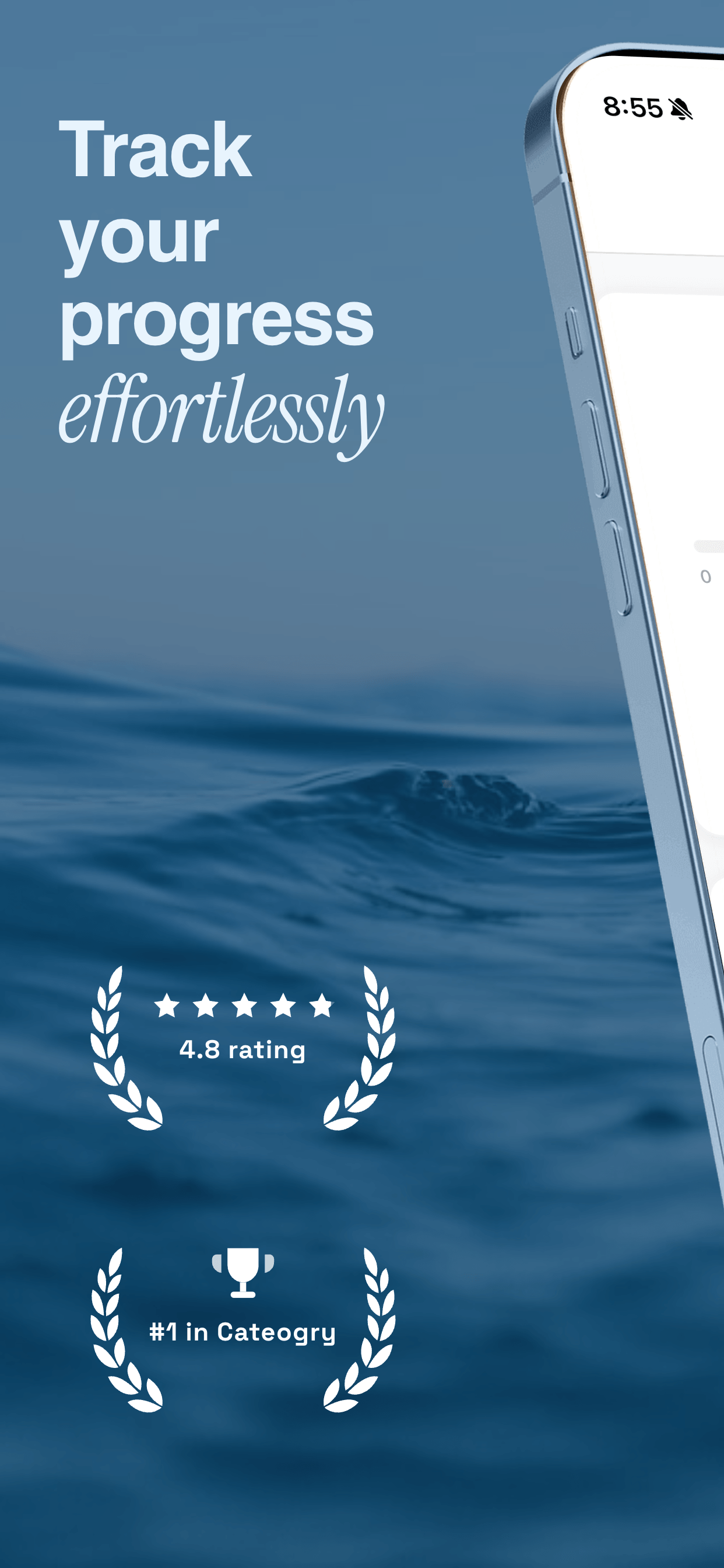
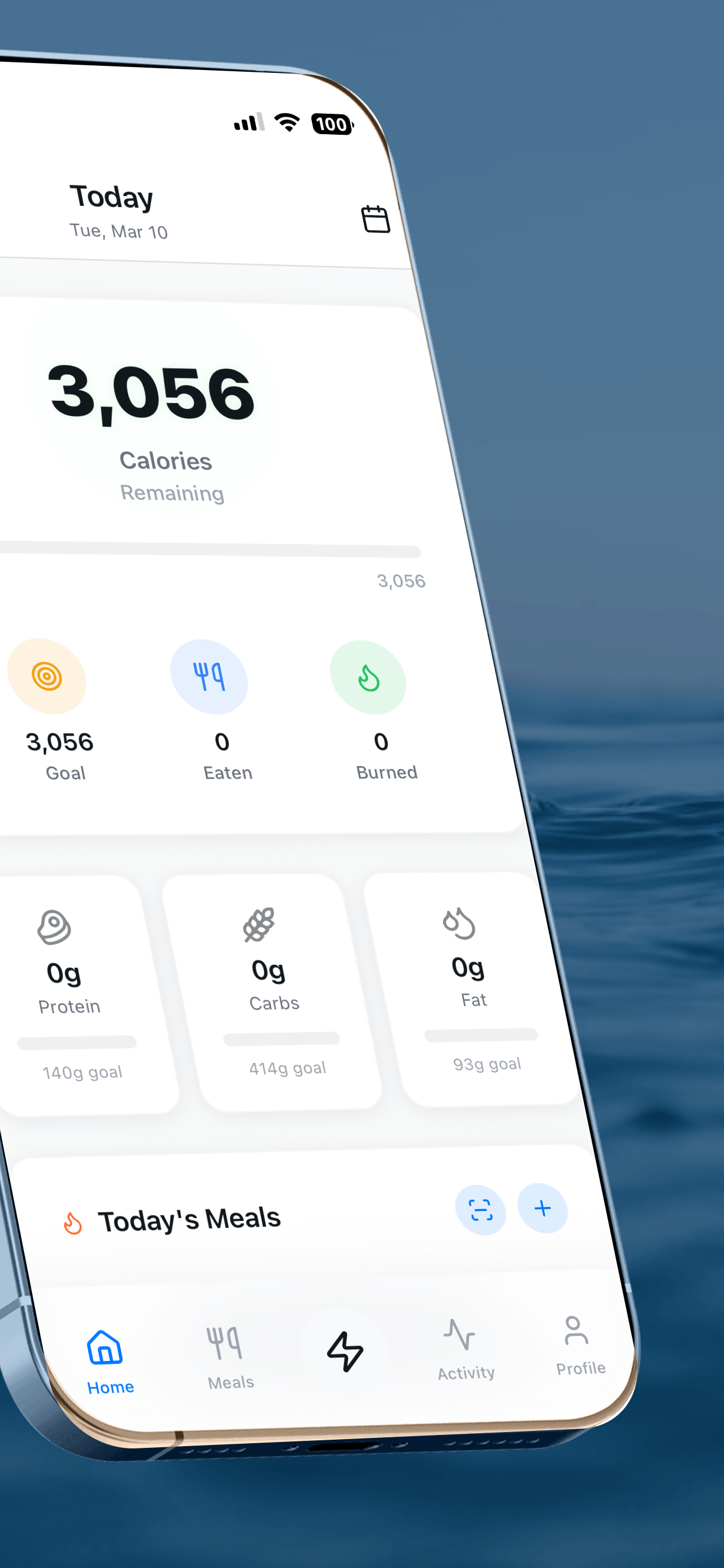
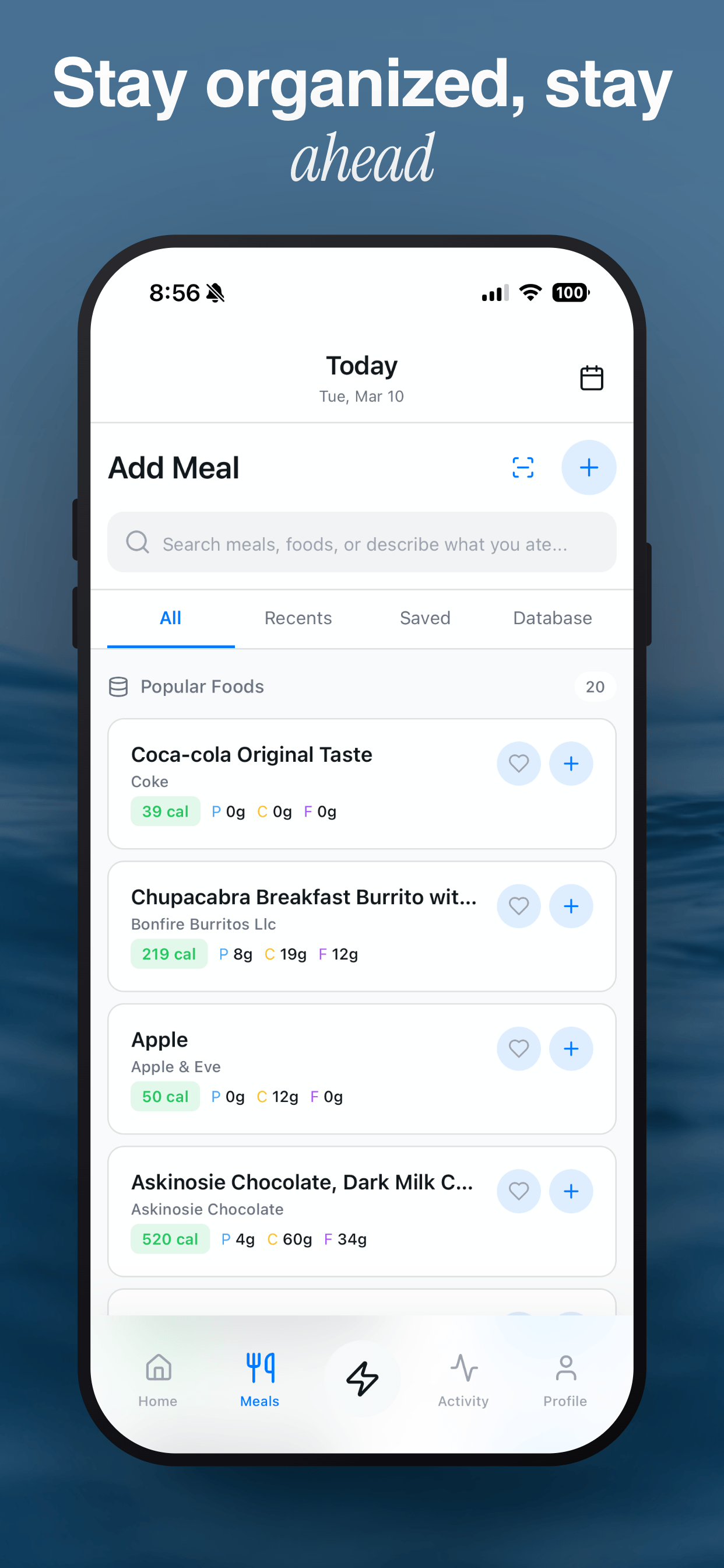
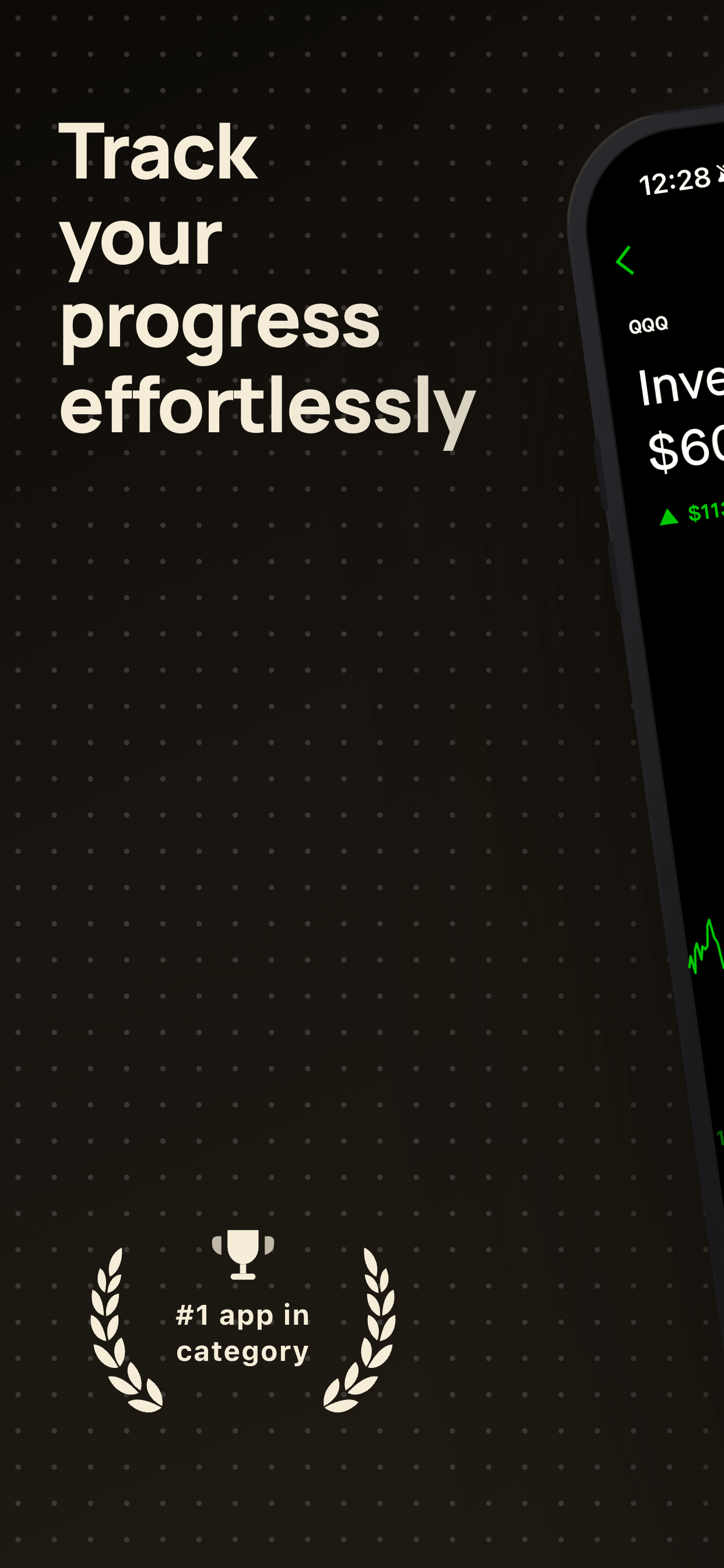
Screenshot Otter is a browser-based screenshot generator with a focus on design quality and speed of iteration. Every template is hand-crafted and included in the subscription. The free tier includes curated templates with no signup required, making it a quick way to test the product.
The main differentiator is the subscription model: you pay once and get access to all templates (30+), new templates as they release, AI-powered captions, auto-translation into 30+ languages, and built-in app store uploading. A/B test variants let you quickly iterate on different captions and see analytics.
Best for indie developers and small teams who want to update screenshots regularly without worrying about per-template costs.
AppScreens
AppScreens is built for teams and agencies managing multiple apps. It has 40+ templates and a collaboration workflow designed around shared projects, team approval, and batch operations. The interface is optimized for managing campaigns across many apps at once.
Pricing starts at $9.99/month but scales with team size and features. They offer localization and batch exporting, which can be time-savers for agencies. The tool is cloud-based and supports collaborative editing.
Best for agencies and larger teams managing multiple apps simultaneously. If you're an indie developer, the collaboration overhead may not justify the cost.
AppLaunchpad
AppLaunchpad positions itself as a complete app launch suite, not just screenshots. It includes A/B testing variants, which lets you create multiple caption options and test which performs better in stores. They have 20+ templates and a flat $29/month pricing model.
The A/B testing feature is genuinely useful if store conversion is a primary focus. They also offer limited localization support. The main trade-off is fewer templates than competitors, so you may outgrow the selection more quickly.
Best for teams building data-driven launch campaigns and A/B testing caption effectiveness. If you just need solid templates, the pricing is harder to justify.
AppMockup
AppMockup is a free web-based editor with a unique per-template pricing model. Each template costs $9.97-$14.97, and you own what you buy forever (no subscription). The free tier includes the editor itself, but you build from scratch without pre-built templates. They have 50+ templates available.
If you only need one or two templates for a single app, AppMockup is potentially cheaper than a monthly subscription. If you need variety or plan to update screenshots regularly across multiple apps, the per-template model becomes expensive. AppMockup has solid panoramic and background tools, but lacks localization and app store uploading.
Best for one-off projects where you need only one or two templates and prefer a one-time payment. Not ideal if you manage multiple apps or update screenshots frequently.
Screenshots.pro
Screenshots.pro is a minimalist, one-time purchase tool ($49) with 15+ templates. It focuses on simplicity and speed without a subscription model. Their main advantage is automatic uploading via REST API, which integrates well if your app release workflow is already API-driven.
The trade-off is a smaller template library, no localization, no AI features, and limited device support (iPhone and iPad only, no Android). Because it’s one-time pricing, new features and templates don’t automatically come your way after purchase.
Best for developers who want a one-time purchase, don’t need Android support, and already use API-based workflows for app store uploads. For most teams, the feature gaps outweigh the pricing advantage.
Founder’s Take
I obviously have skin in the game here, but I built Screenshot Otter after spending years using these alternatives. The thing that frustrated me most was the feedback loop: make a change, wait for export, realize the caption is wrong, start over. We optimized for speed of iteration above everything else. Every feature in Screenshot Otter—from canvas rendering to template design to the editor interface—exists to eliminate friction. That’s why we built it in the browser instead of requiring downloads, why we included cloud project saving from day one, and why AI captions and auto-translation are built in rather than add-ons.
How to choose
You’re an indie developer or solo founder
Screenshot Otter is designed for you. Monthly cost is low, all templates are included, and you can iterate fast. The free tier is a zero-friction way to get started. See our guide to ASO tools for indie developers for more insights.
You run an agency managing many apps
AppScreens or Screenshot Otter work here. AppScreens has collaboration tools if your team needs them. Screenshot Otter costs less per app but lacks team workflows.
You need A/B testing and analytics
AppLaunchpad specializes here. Screenshot Otter also has A/B variants and analytics, but at a lower price point ($19/mo vs $29/mo).
You need one or two templates for one app
AppMockup’s per-template pricing ($9.97-$14.97 each) can be cheaper than monthly subscriptions if your scope is truly limited.
You publish only iOS and don’t need localization
Screenshots.pro’s one-time fee ($49) and REST API integration might appeal. But for most teams, Screenshot Otter is a better value. If localization is important to you, read our localization strategy guide to understand the ROI.
Ready to choose?
Most indie developers start with Screenshot Otter’s free tier to evaluate templates, then upgrade to Pro for auto-localization and direct App Store uploads. Check out our full template gallery to see if the designs match your brand, and read our app store screenshot tips for conversion-focused copywriting advice.
Frequently Asked Questions
- Which screenshot tool is best for indie developers?
- For most indie developers and small teams, Screenshot Otter offers the best combination of value, features, and simplicity at $19/month. You get unlimited templates, auto-translation into 30+ languages, and cloud project saving. If you only need one template, AppMockup's per-template pricing ($9.97-$14.97) might be cheaper to start, but Screenshot Otter's cost becomes more attractive as you scale.
- What's the difference between a free tier and a free tool?
- Screenshot Otter and AppMockup both have free tiers, but they work differently. Screenshot Otter's free tier includes curated templates and lets you download screenshots with no signup. AppMockup's free tier gives you the editor with no pre-built templates, so you start from scratch. The other tools (AppScreens, AppLaunchpad, Screenshots.pro) have no free option at all.
- Do any of these tools support automatic store uploads?
- Yes. Screenshot Otter and Screenshots.pro both offer automatic upload to Apple App Store and Google Play. Screenshots.pro provides a REST API for integration, while Screenshot Otter's upload feature is built directly into the app. The other tools require manual download and upload to app stores.
- Which tool has the most templates?
- AppMockup has 50+ templates, but each one costs extra ($9.97-$14.97). AppScreens has 40+ available, AppLaunchpad has 20+, and Screenshot Otter has 30+ with new templates added regularly. The total template count matters less than whether all templates are included in your subscription. With Screenshot Otter, every template is included at $${PRICING.PRO.monthly}/month.
Try Screenshot Otter free
No signup, no credit card. Download real screenshots in under two minutes.
Try Screenshot Otter free →