Guide
Best ASO Tools for Indie Developers 2026
You don’t need a $500/month enterprise suite to do ASO well. Here are the tools that actually matter when you’re shipping on your own, organized by what they do and what they cost.

Scott Stewart · Mar 9, 2026
Quick answer
The best ASO stack for indie developers costs under $20/month: Apple Search Ads (free keyword research), Astro or AppVector ($9/month for rank tracking), Screenshot Otter ($19/mo or free tier), and free built-in A/B testing from Apple (Product Page Optimization) and Google (Store Listing Experiments).
The indie ASO stack in 2026
App Store Optimization breaks down into four jobs: finding the right keywords, creating screenshots that convert, testing what works, and tracking your results over time. Enterprise teams use platforms that bundle all of these together at enterprise prices ($500+/month). Indie developers are better served by picking the best tool for each job and keeping total spend under $30/month.
This guide covers eight essential tools across those four categories. Some are free. Some cost less than a coffee subscription. This updated 2026 edition includes current pricing and positioning for indie-friendly tools. For each one, I’ll cover what it does, what it’s good at, what it’s not, and who it’s for.
Keywords
Apple Search Ads (Free Keyword Research)
Apple’s official advertising platform doubles as the best free keyword research tool for iOS. You can see search popularity scores for any keyword, discover related terms, and check competition levels. You do not need to spend money on ads to use the keyword tools.
Strengths: Free. First-party data directly from Apple. Search popularity scores are more reliable than third-party estimates.
Limitations: iOS only. No historical data unless you track it yourself. The interface is built for advertisers, not ASO researchers, so it takes some getting used to.
Best for: Every iOS developer, regardless of budget.
Testing & Analytics
Google Play Console (Free A/B Testing + Analytics)
Google’s developer console includes store listing experiments, which let you A/B test your screenshots, icon, description, and short description against real Play Store traffic at no cost. It also shows keyword-level acquisition data and detailed conversion funnels.
Strengths: Free. Native A/B testing built in. Retained-installer metrics are more meaningful than raw install counts.
Limitations: Android only. Experiments need at least a week of data and enough traffic to reach statistical significance, which can be a challenge for smaller apps.
Best for: Every Android developer.
Keywords
Astro
A native macOS app focused entirely on App Store keyword optimization. It provides keyword suggestions, difficulty scores, and lets you track ranking changes over time. The interface is clean and purpose-built for solo developers who do not need enterprise dashboards.
Strengths: Designed for indie developers. macOS-native so it feels fast and polished. Straightforward pricing at around $108/year.
Limitations: iOS only. No Android support. No screenshot or creative tools included.
Best for: Solo iOS developers who want focused keyword research without the complexity of larger platforms.
Keywords & Intelligence
AppTweak
A full-featured ASO intelligence platform covering keyword optimization, competitor analysis, creative performance, and market insights. Their Atlas AI engine is trained on large-scale app store data and provides some of the most reliable keyword difficulty and volume estimates in the industry.
Strengths: Covers both App Store and Google Play. Deep competitor analysis. Creative performance insights help you understand how your screenshots compare to competitors.
Limitations: Pricing starts higher than indie-friendly tools. The depth of features can be overwhelming if you just need basic keyword tracking.
Best for: Developers ready to invest in ASO as a serious growth channel, or those managing multiple apps.
Screenshots & Creative
Screenshot Otter
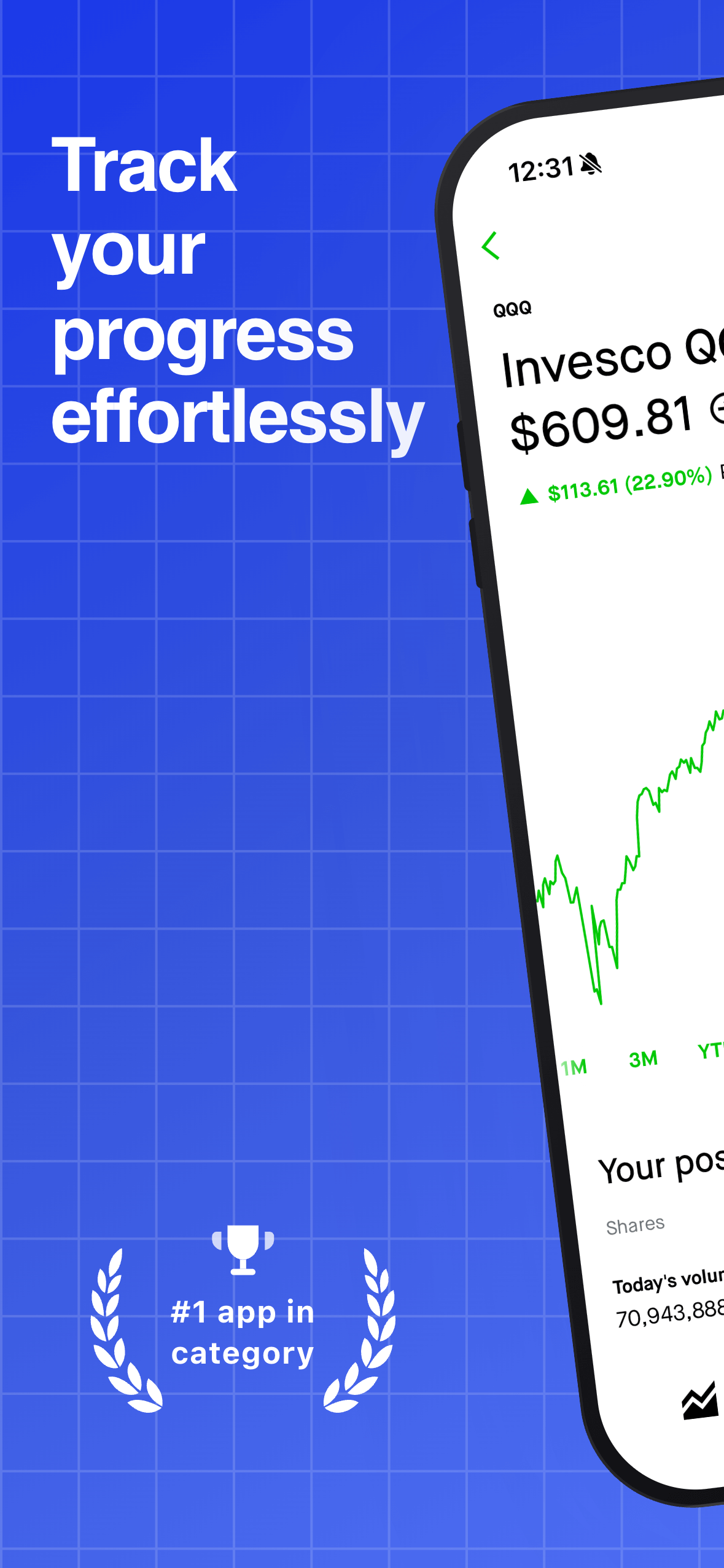
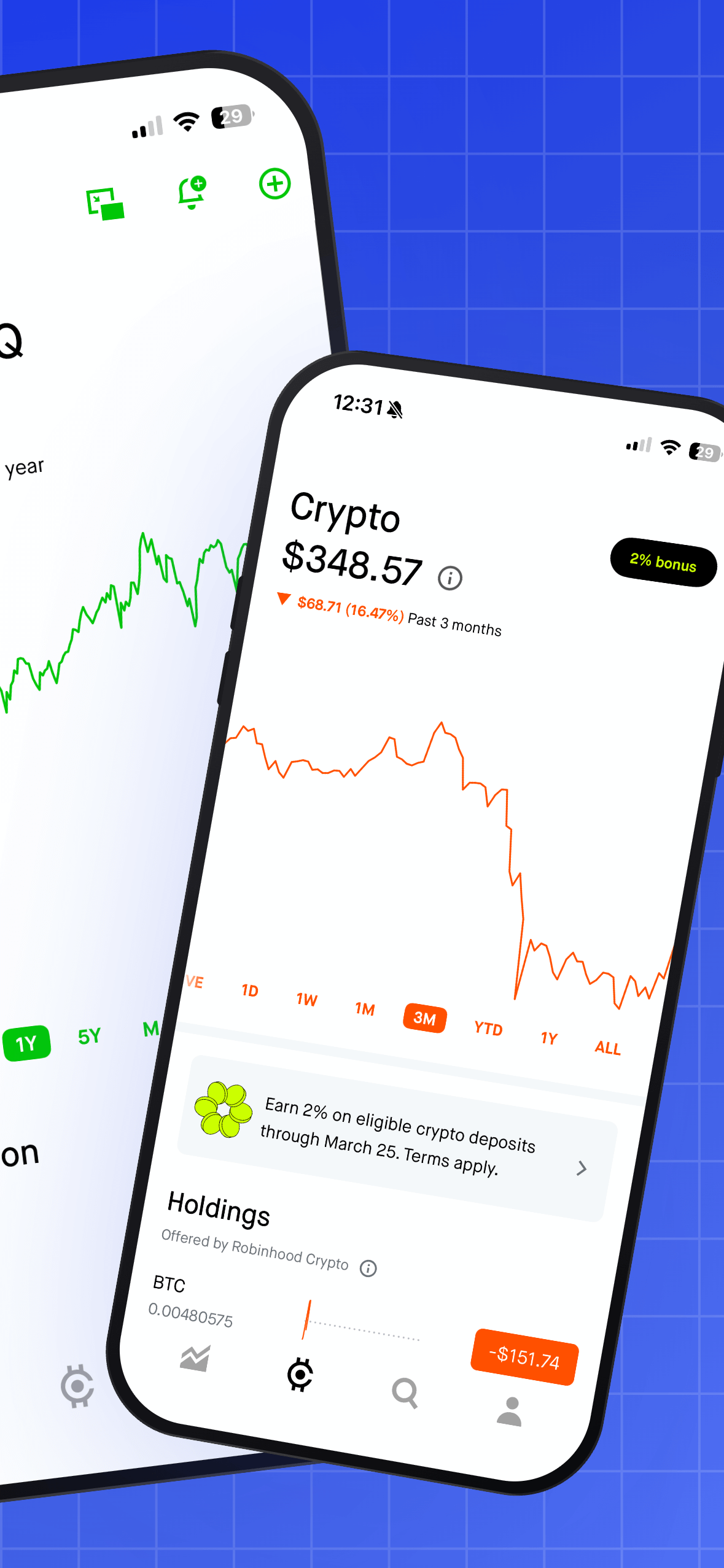
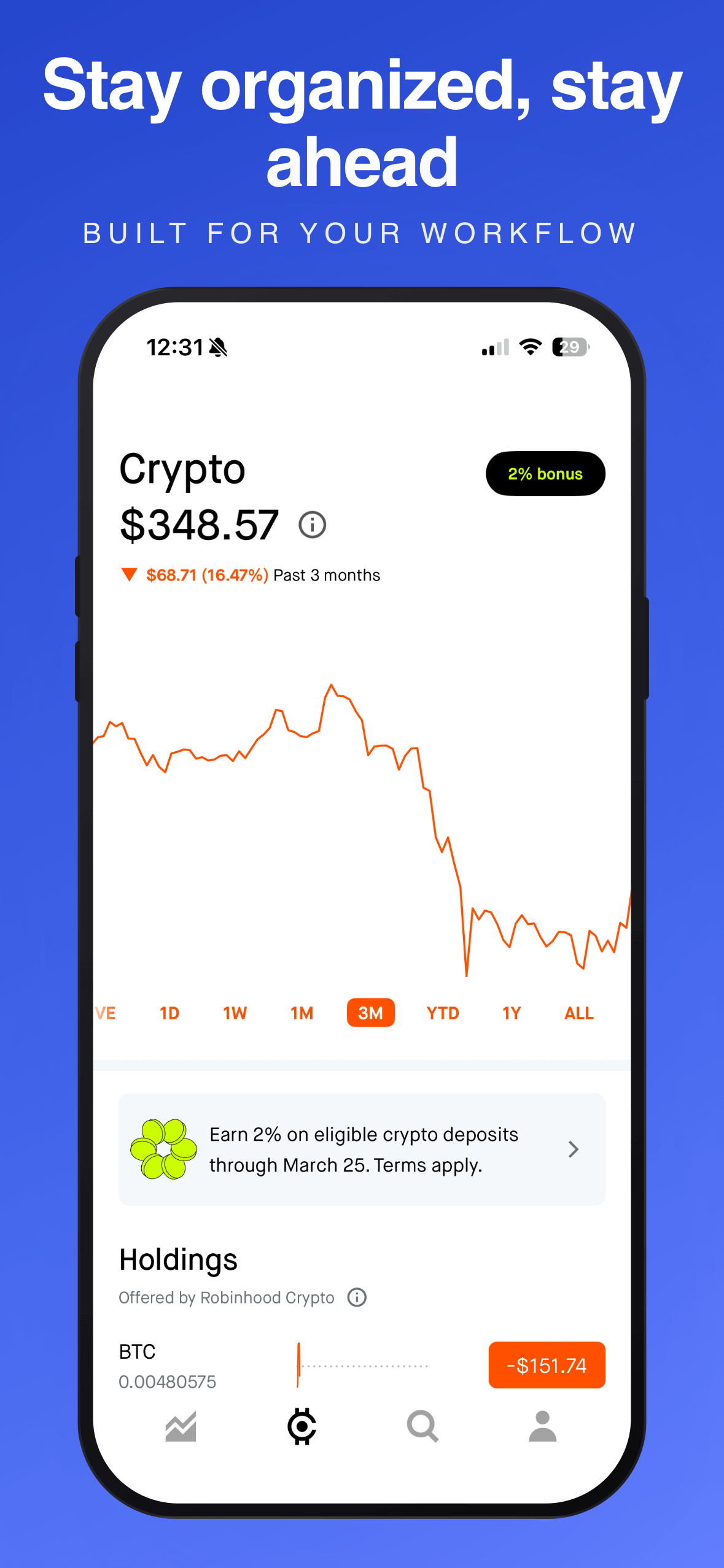
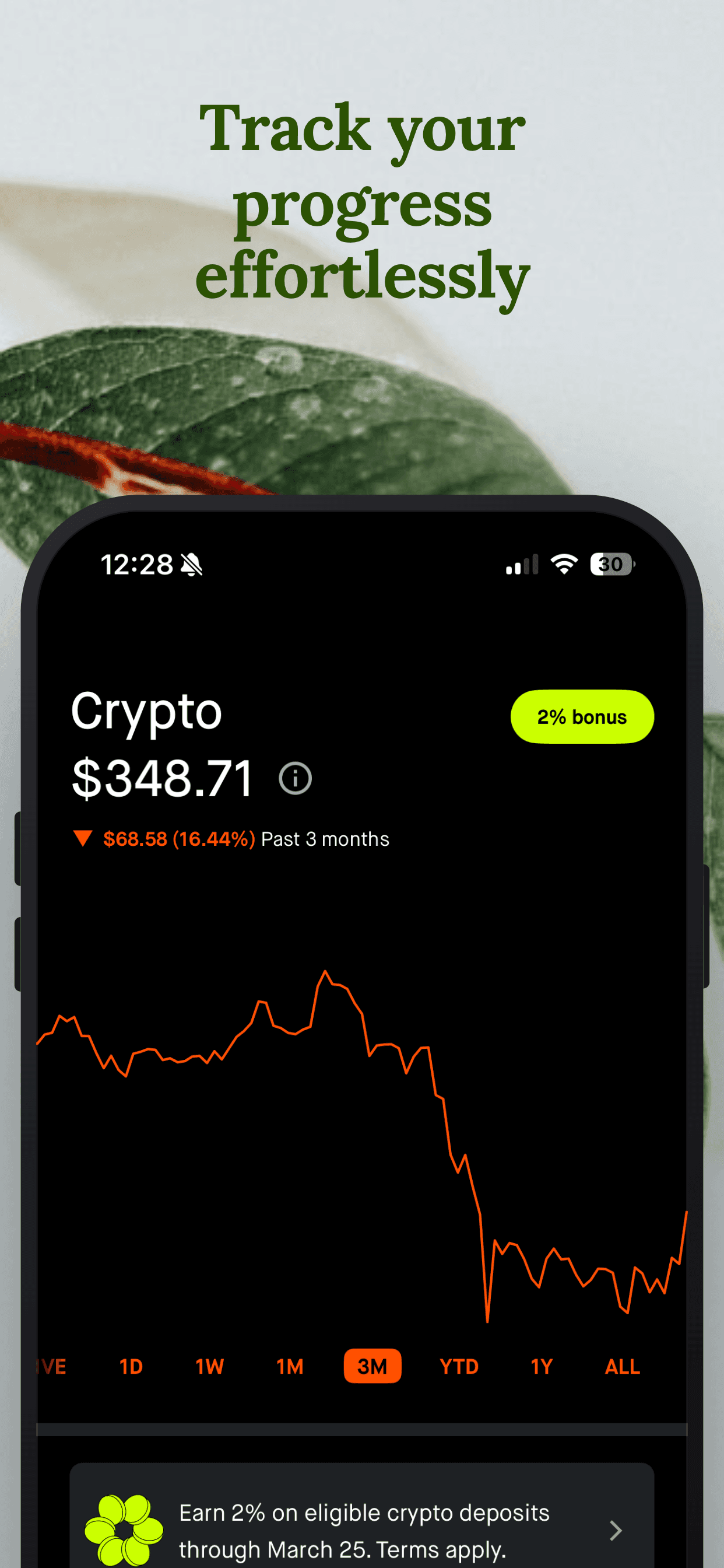
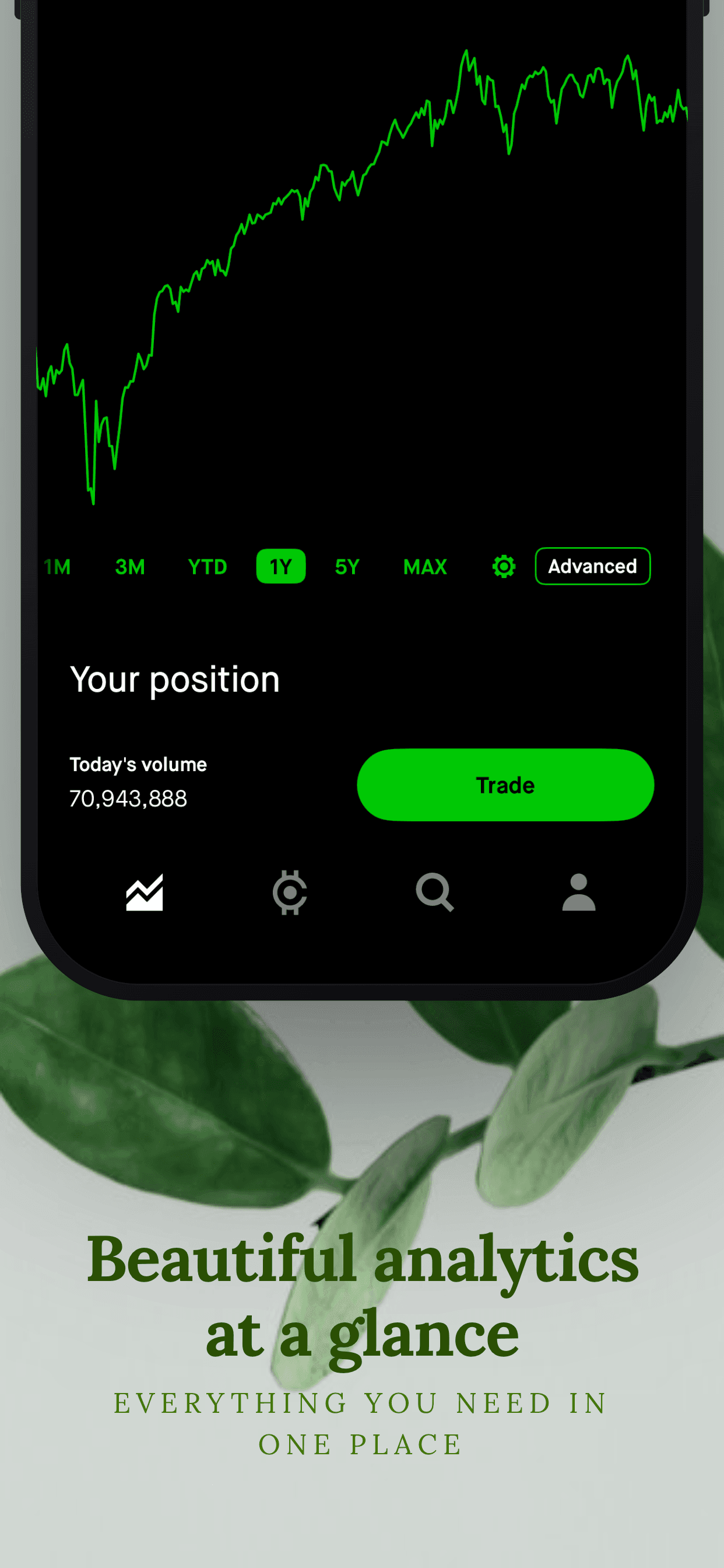
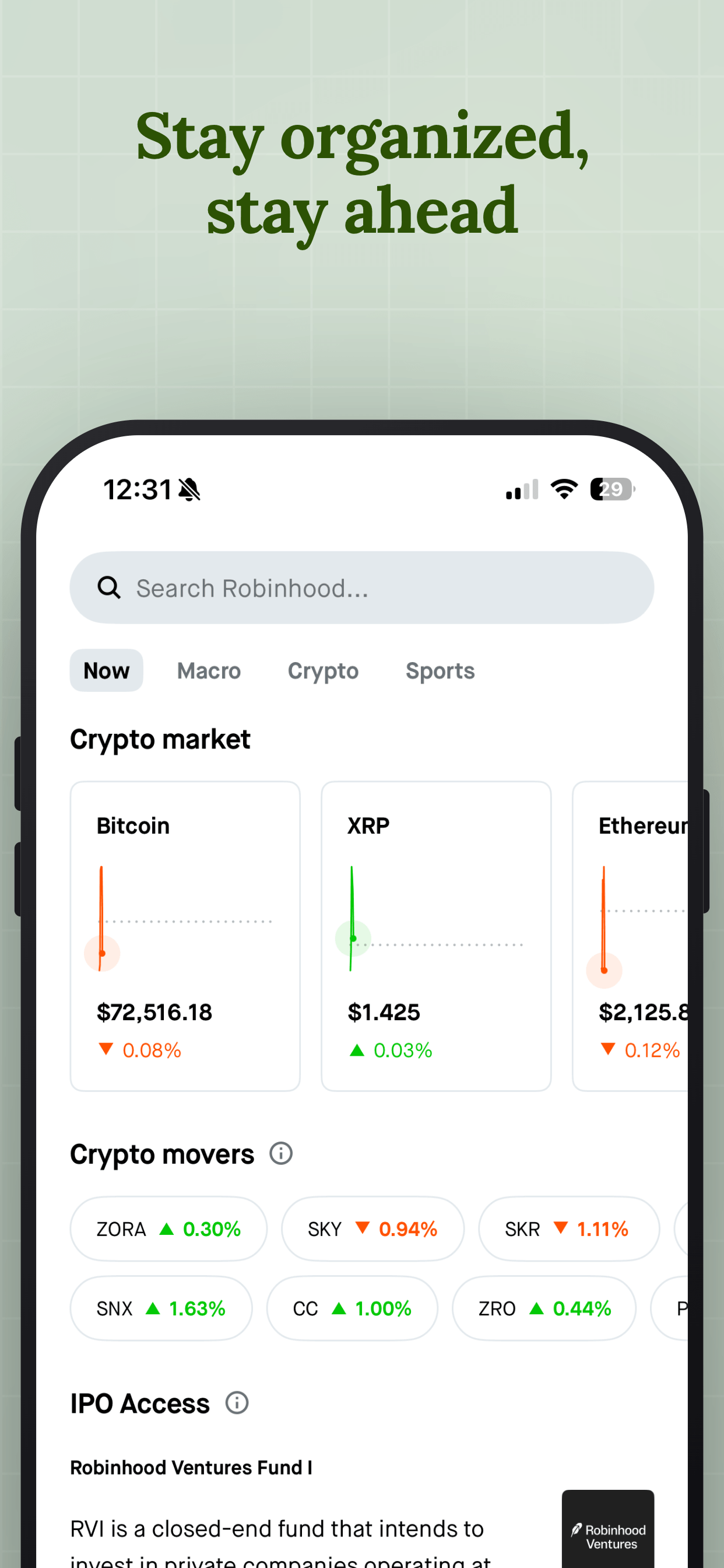
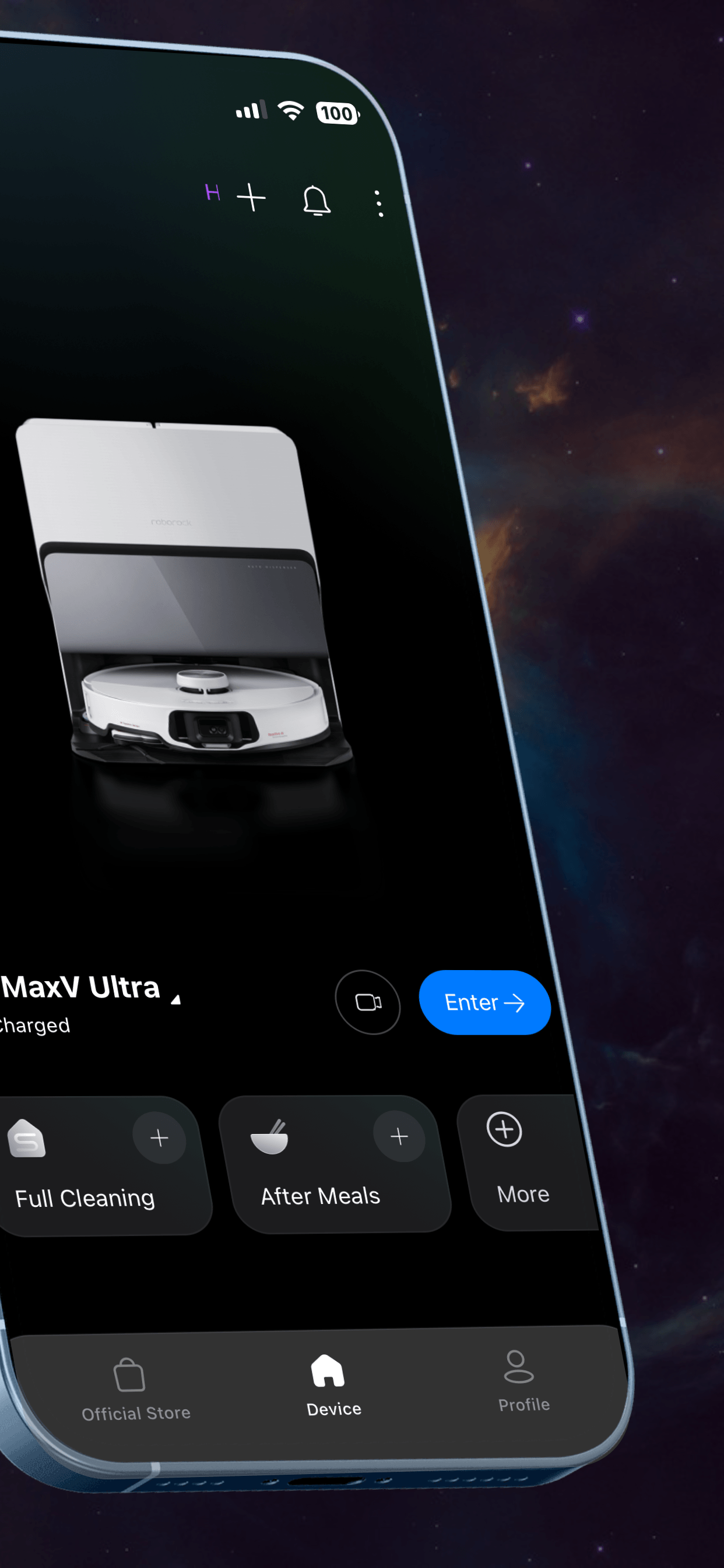
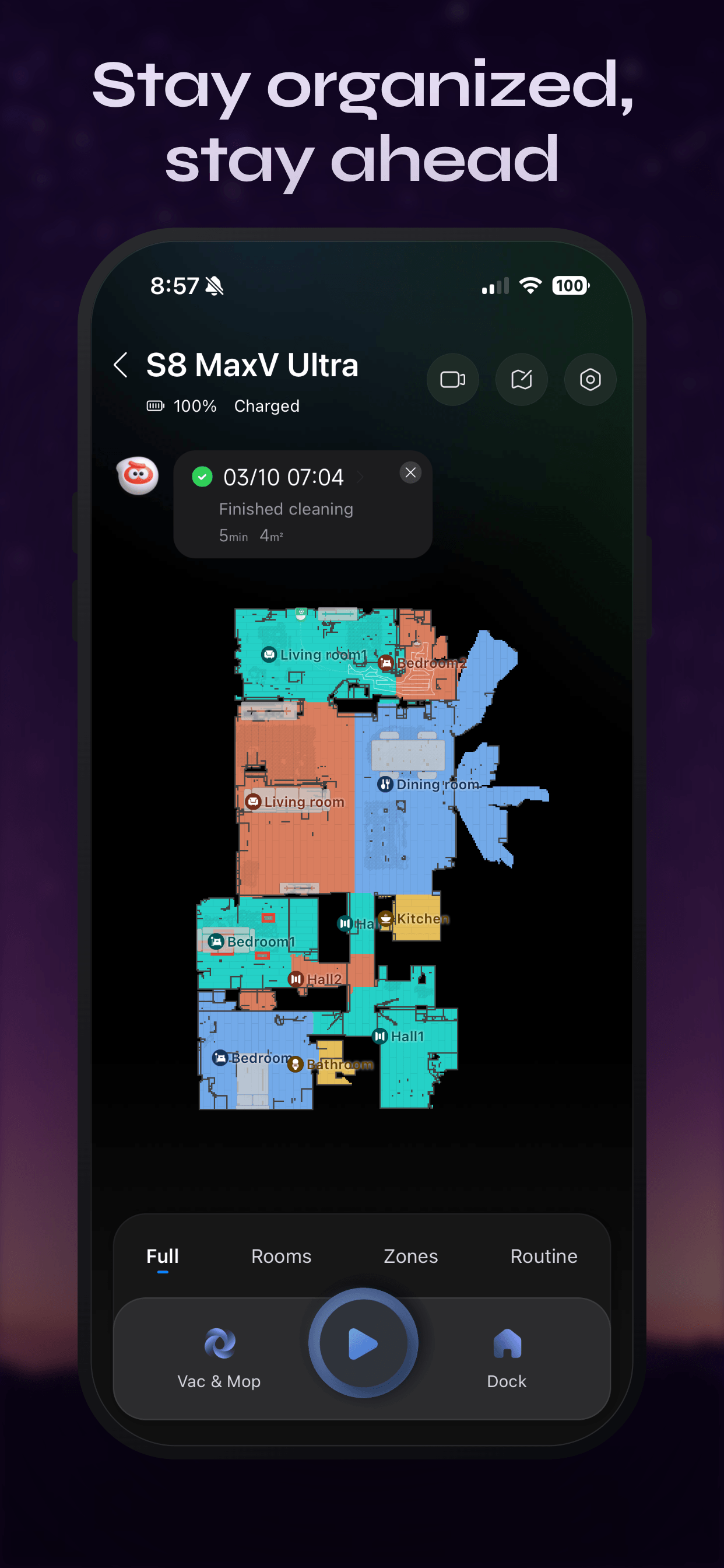
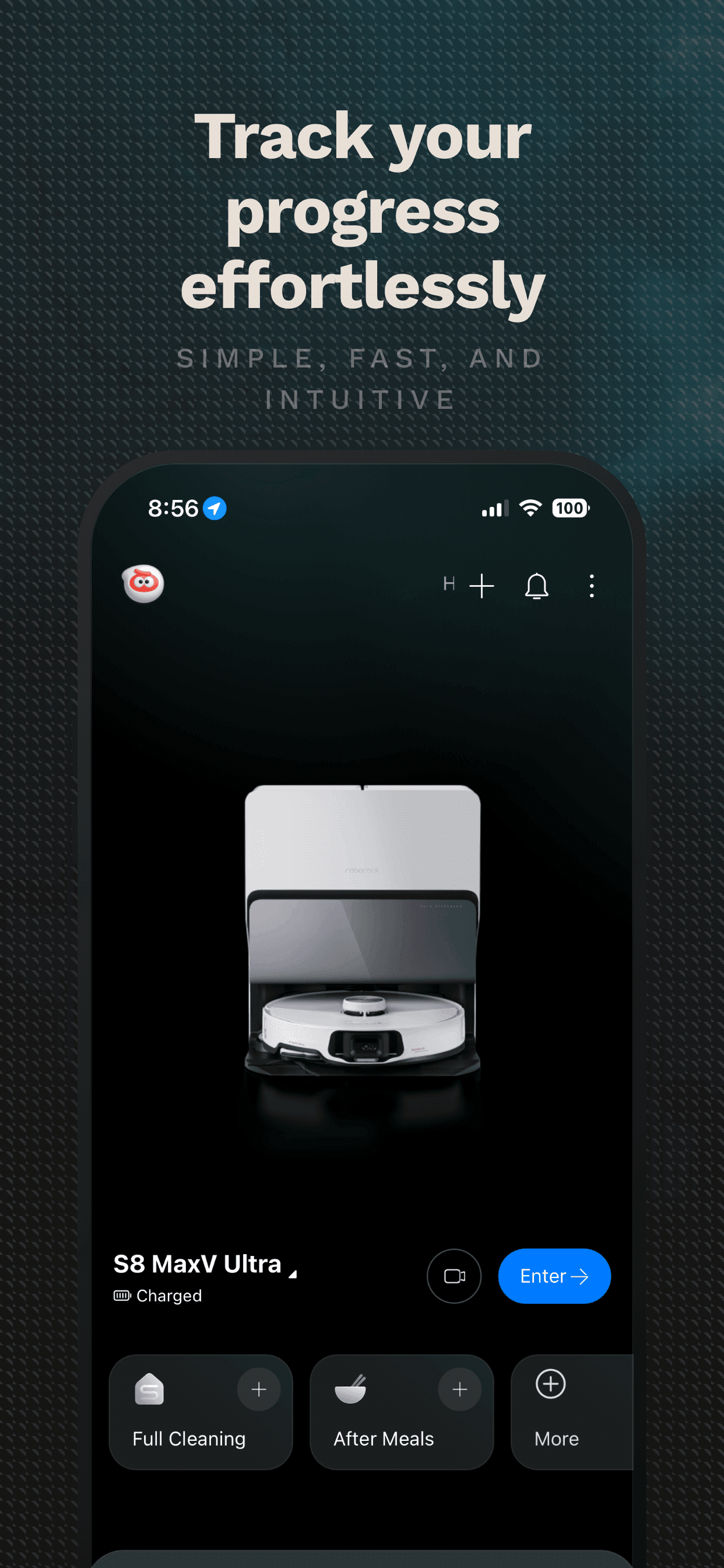
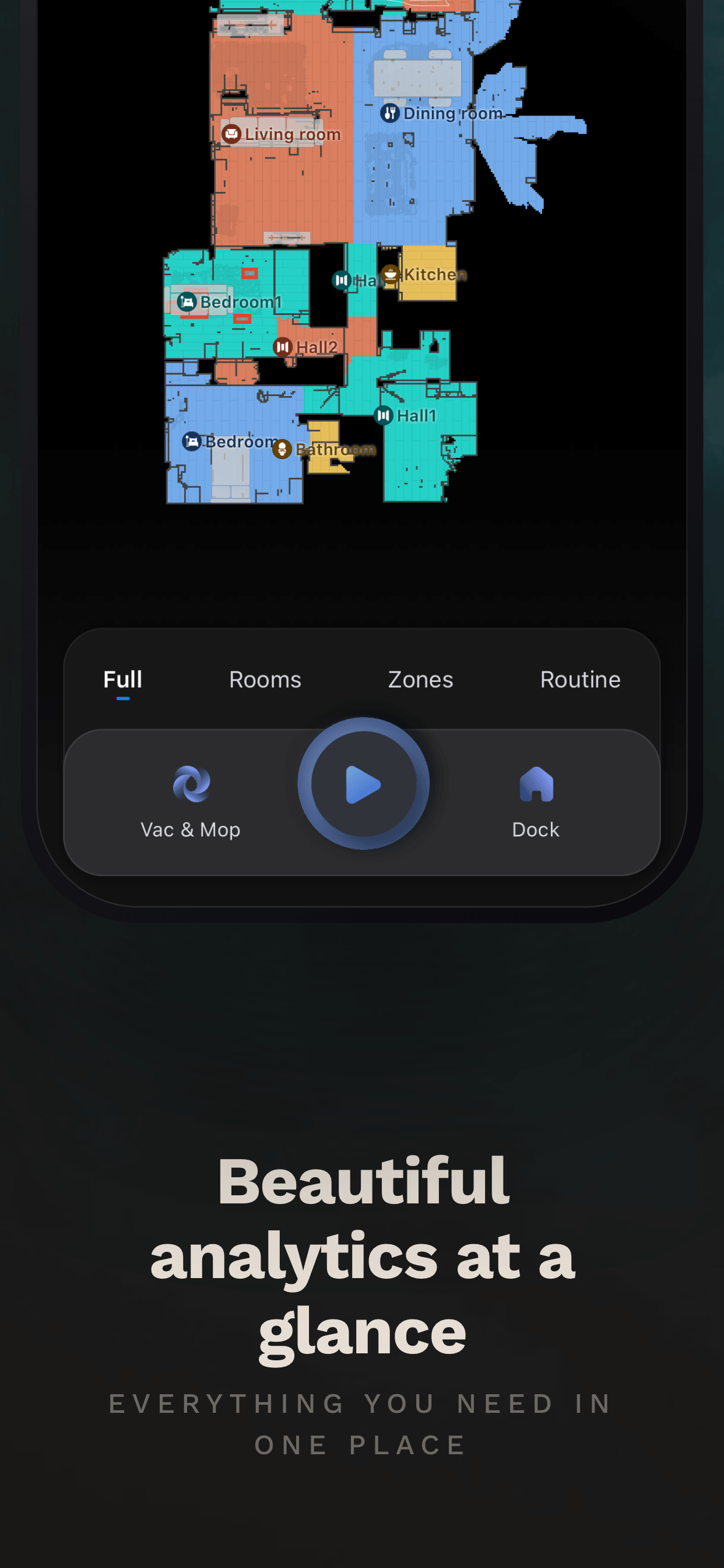
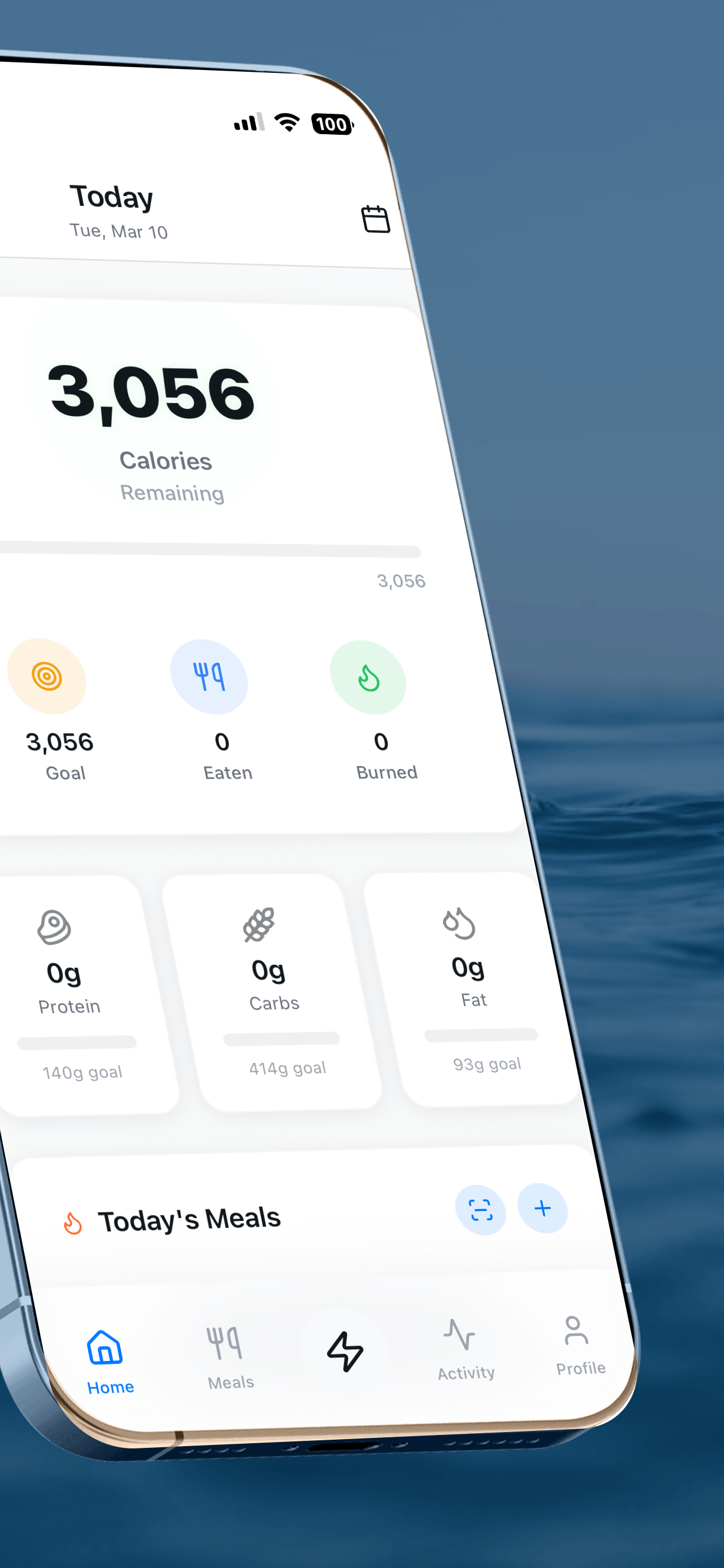
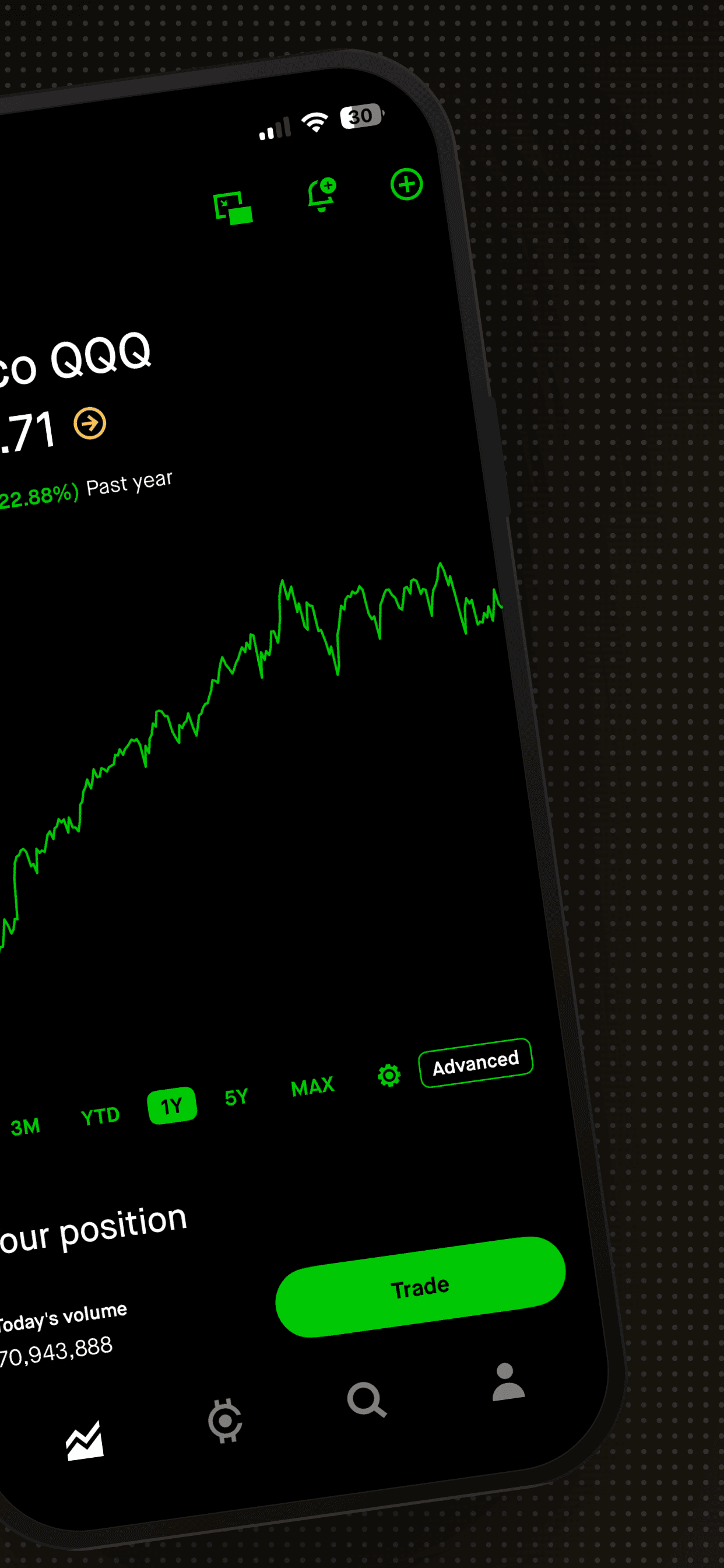
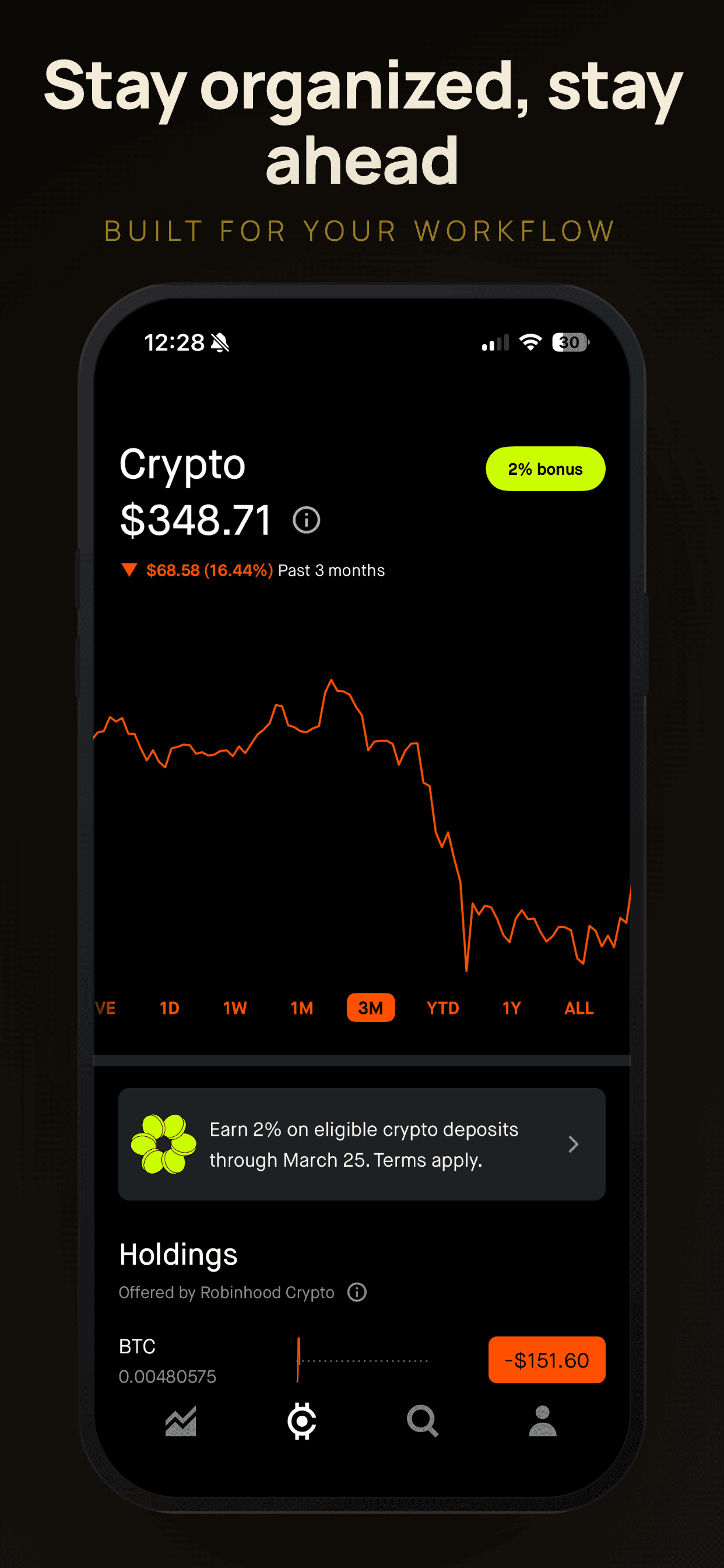
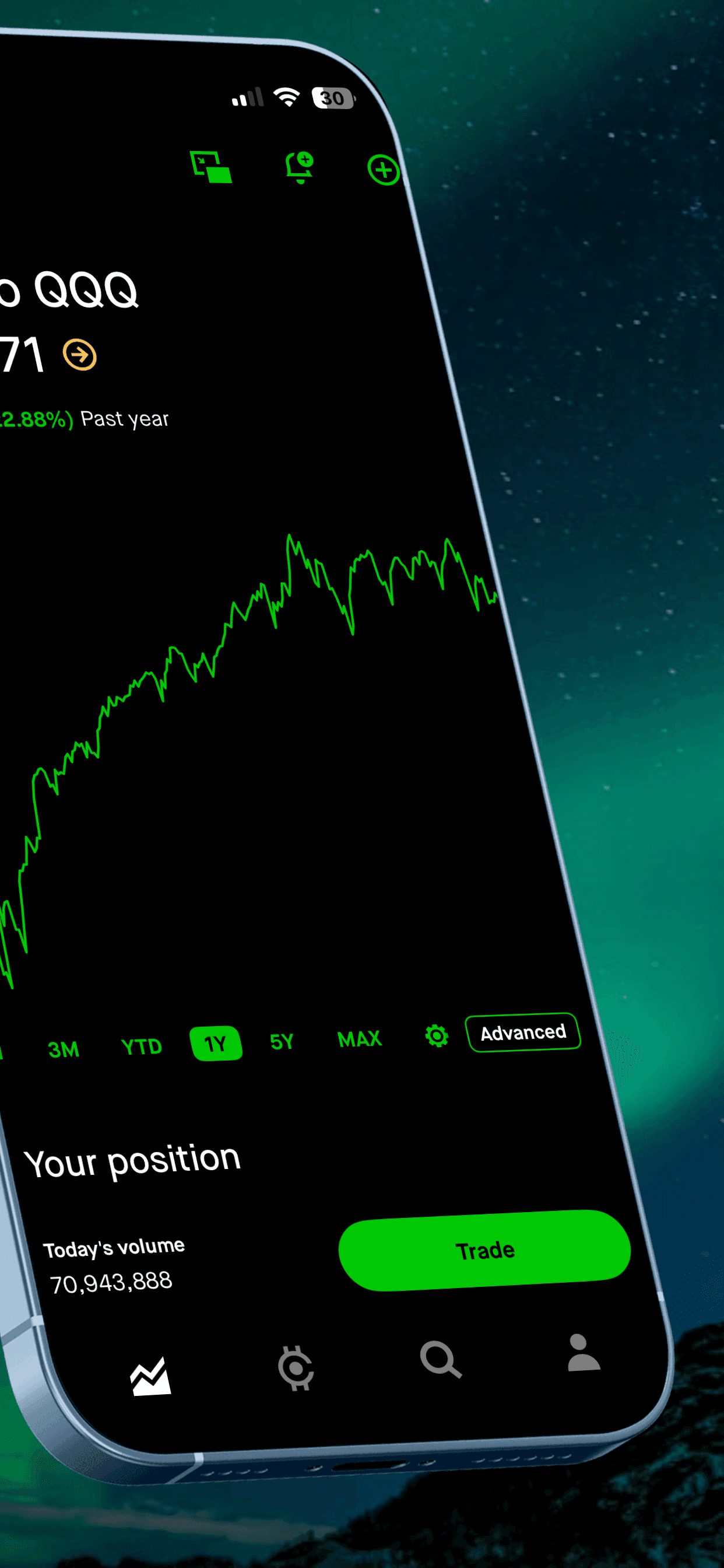
A screenshot generator built for speed. Upload your raw screenshots, pick from professionally designed templates, use the AI Caption Assistant to generate conversion-focused captions, and export production-ready images for both App Store and Google Play. Includes auto-localization into 40+ languages and direct upload to App Store Connect and Google Play Console.
Strengths: Free tier with no signup. AI Caption Assistant generates captions powered by Claude. One-time design produces every device size. Localization and store upload save hours of manual work. Privacy-first: rendering happens in your browser.
Limitations: Focused on screenshots and store upload, not keyword research or analytics.
Best for: Any developer who wants professional screenshots without learning Figma or paying for design tools.
Reviews & Monitoring
AppFollow
Consolidates reviews, ratings, and rankings from the App Store, Google Play, Amazon, and Microsoft Store into a single dashboard. Tracks keyword rankings, monitors competitor changes, and can auto-reply to reviews based on rules you set.
Strengths: Multi-store monitoring in one place. Review management features become valuable once you have meaningful review volume. Integrates with Slack and other tools.
Limitations: The free tier is very limited. The pricing model is per-app, which gets expensive if you have multiple apps. Overkill for a single app with low review volume.
Best for: Developers with established apps that receive regular reviews, or those who publish across multiple stores.
Keywords
RankMyApps
An AI-powered ASO tool that offers unlimited keyword research and metadata generation at no cost. It generates optimized titles, subtitles, and keyword fields based on your app and target market.
Strengths: Genuinely free with no usage caps. AI-generated metadata suggestions can be a helpful starting point, especially if you are new to ASO.
Limitations: Newer tool with a smaller community. AI suggestions need manual review and refinement. Less established track record than Astro or AppTweak.
Best for: Budget-conscious developers who want a free starting point for keyword research.
Keywords & Tracking
AppVector
An affordable ASO platform focused on keyword rank tracking. Their Lite plan starts at $9/month and lets you track around 50 keywords, making it one of the cheapest ways to monitor your keyword positions over time.
Strengths: Very affordable. Simple interface. Gets the job done for basic rank tracking.
Limitations: Limited feature set compared to AppTweak or Sensor Tower. Fewer advanced analytics.
Best for: Developers who need affordable, focused keyword tracking without enterprise features.
The $20/month indie stack
If you want a concrete recommendation, here is a stack that covers every ASO essential for roughly $20/month:
Keywords: Apple Search Ads (free) for iOS keyword research. Astro ($9/month) or AppVector ($9/month) if you want rank tracking over time.
Screenshots: Screenshot Otter ($19/month or free tier) for screenshot design, localization, and direct store upload.
A/B testing: Apple Product Page Optimization (free, built into App Store Connect) and Google Play store listing experiments (free, built into Play Console).
Analytics: App Store Connect and Google Play Console both provide conversion data broken down by territory. This is enough for most indie developers.
Total: roughly $10-20/month depending on whether you need a paid keyword tracker. The free tools alone can carry you surprisingly far.
When to upgrade to enterprise tools
The tools above will serve most indie developers well. Consider upgrading to AppTweak, Sensor Tower, or a similar enterprise platform when you are managing multiple apps with meaningful revenue, spending on paid acquisition and need to connect ASO data with ad performance, or competing in a category where deep competitor intelligence gives you a real edge.
Until then, spend your budget on making your app better. The best ASO in the world can’t save a mediocre product, but a good product with decent ASO will find its audience.
Frequently Asked Questions
- What is the best free ASO tool for indie developers?
- Apple Search Ads and Google Play Console are the best free starting points. Apple Search Ads provides keyword popularity data at no cost (you do not need to run ads to access it). Google Play Console includes built-in store listing experiments for A/B testing and keyword analytics. For screenshot creation, Screenshot Otter offers a free tier with no signup required.
- How much should an indie developer spend on ASO tools?
- Most indie developers can build an effective ASO stack for under $30 per month. A keyword tracker ($9-18/month), a screenshot tool ($10/month or less), and the free built-in tools from Apple and Google cover the essentials. Enterprise-grade tools like Sensor Tower or AppTweak are overkill until you are managing multiple apps or spending heavily on paid acquisition.
- Do I need an ASO tool if I only have one app?
- Yes, but you can start small. Even a single app benefits from keyword research, professional screenshots, and conversion tracking. The free tools (Apple Search Ads for keywords, Google Play Console for A/B testing, Screenshot Otter for screenshots) can carry you a long way before you need to invest in paid tooling.
- What is the difference between ASO tools and paid user acquisition?
- ASO tools help you improve organic discovery and conversion. They optimize your app listing so that more people find your app through search and more of those visitors install it. Paid user acquisition (Apple Search Ads campaigns, Google App Campaigns) drives traffic directly through advertising. Most indie developers should optimize their listing first, then layer on paid acquisition once the listing converts well.
Related
Professional screenshots in minutes
Premium templates, auto-localization, direct upload to both stores. Free tier, no signup.
Try Screenshot Otter free →