Google Play
Google Play Store Listing Checklist: Every Asset & Limit (2026)
Every text limit and graphic asset you need for a Google Play store listing, in one checklist: title, descriptions, icon, feature graphic, screenshots, large-screen images and video.

Scott Stewart · Oct 20, 2026
Quick answer
A Google Play listing needs a title (30 characters), short description (80), full description (4,000), a 512 × 512 px icon, a 1024 × 500 px feature graphic and at least 2 screenshots. For featured placements, upload at least 4 phone screenshots at 1,080 px or more in 9:16 or 16:9, and at least 4 large-screen screenshots if you support tablets or Chromebooks.
Play Console spreads listing requirements across several screens and help pages. This is the whole list on one page, with the numbers you need while you design and write. Bookmark it for your next release.
The checklist
| Asset | Requirement |
|---|---|
| Title | Up to 30 characters. Lead with your brand, add a keyword only if it reads naturally. |
| Short description | Up to 80 characters. Shown above the fold, so state the main benefit. |
| Full description | Up to 4,000 characters. Scannable sections, real feature names, no keyword stuffing. |
| App icon | 512 × 512 px, 32-bit PNG with alpha, up to 1,024 KB. No ranking or price badges. |
| Feature graphic | 1024 × 500 px, JPEG or 24-bit PNG, no alpha. Required. |
| Phone screenshots | 2 to 8. JPEG or 24-bit PNG, 320 to 3,840 px, long side at most 2× the short side. |
| Large-screen screenshots | At least 4 for tablets and Chromebooks, 16:9 or 9:16, 1,080 to 7,680 px. |
| Preview video | Optional. One public or unlisted YouTube URL, ads off, not age-restricted, embeddable. |
| Alt text | 140 characters or less for screenshots and the feature graphic. |
Screenshot rules that trip people up
- No transparency. Screenshots and the feature graphic must be JPEG or 24-bit PNG without an alpha channel.
- Ratio limit. The long side can be at most twice the short side, so 1080 × 2400 phone captures need cropping or a template canvas.
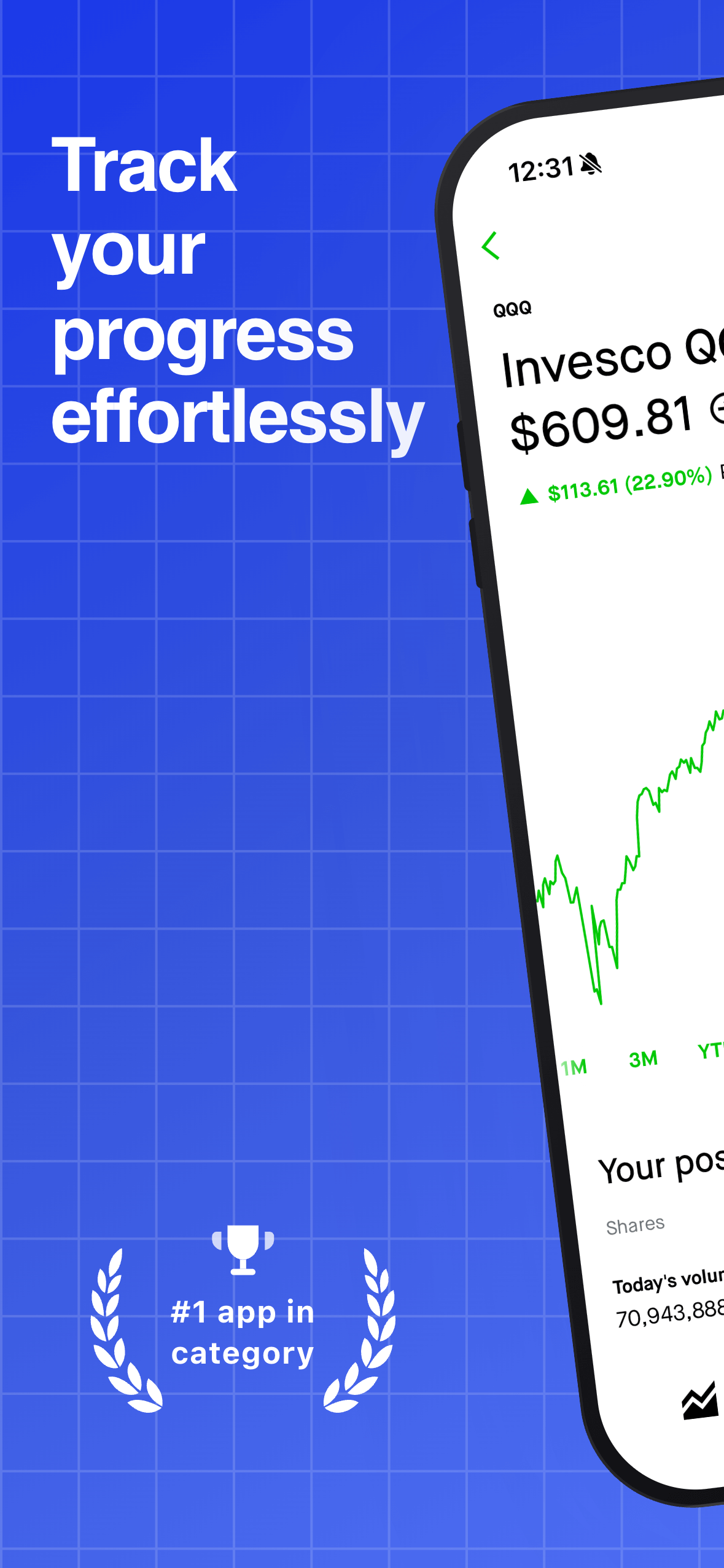
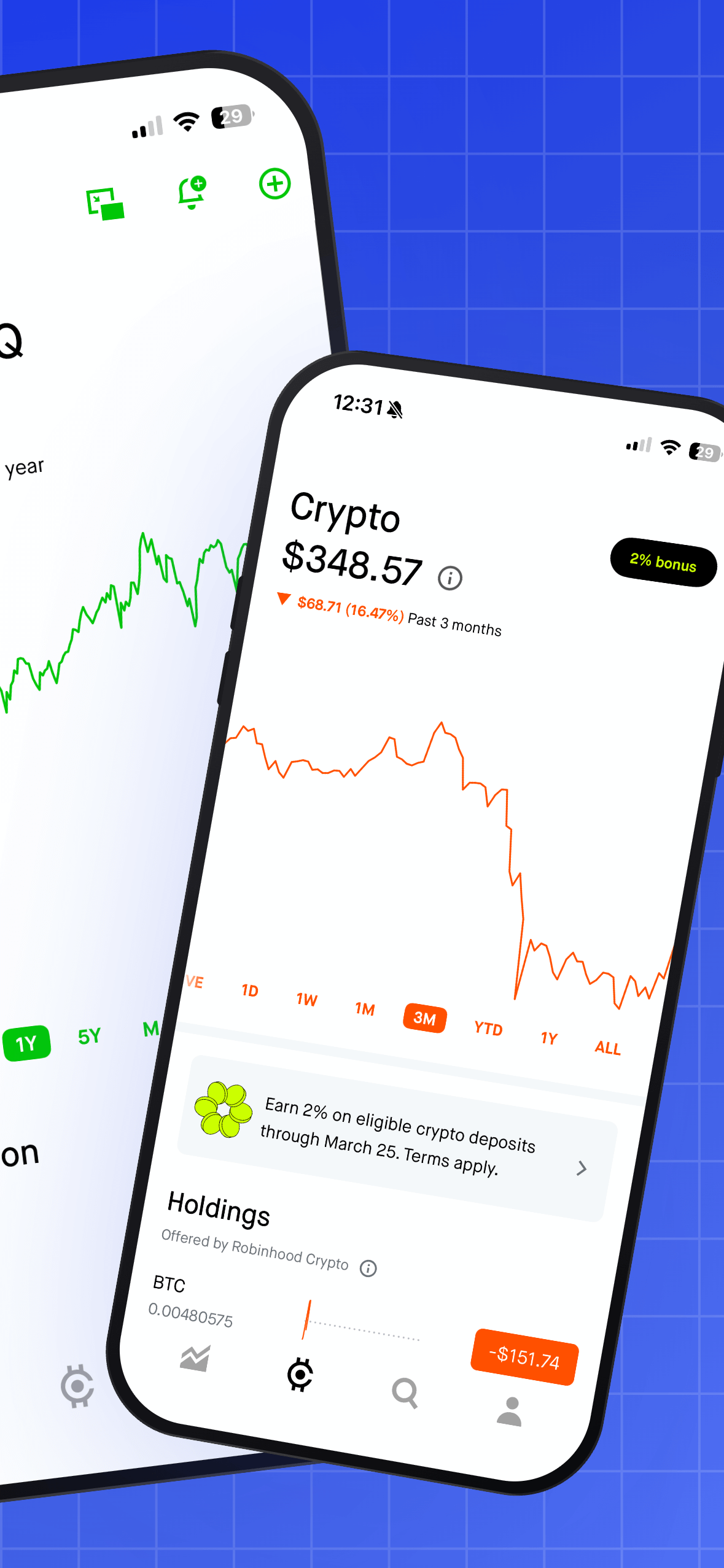
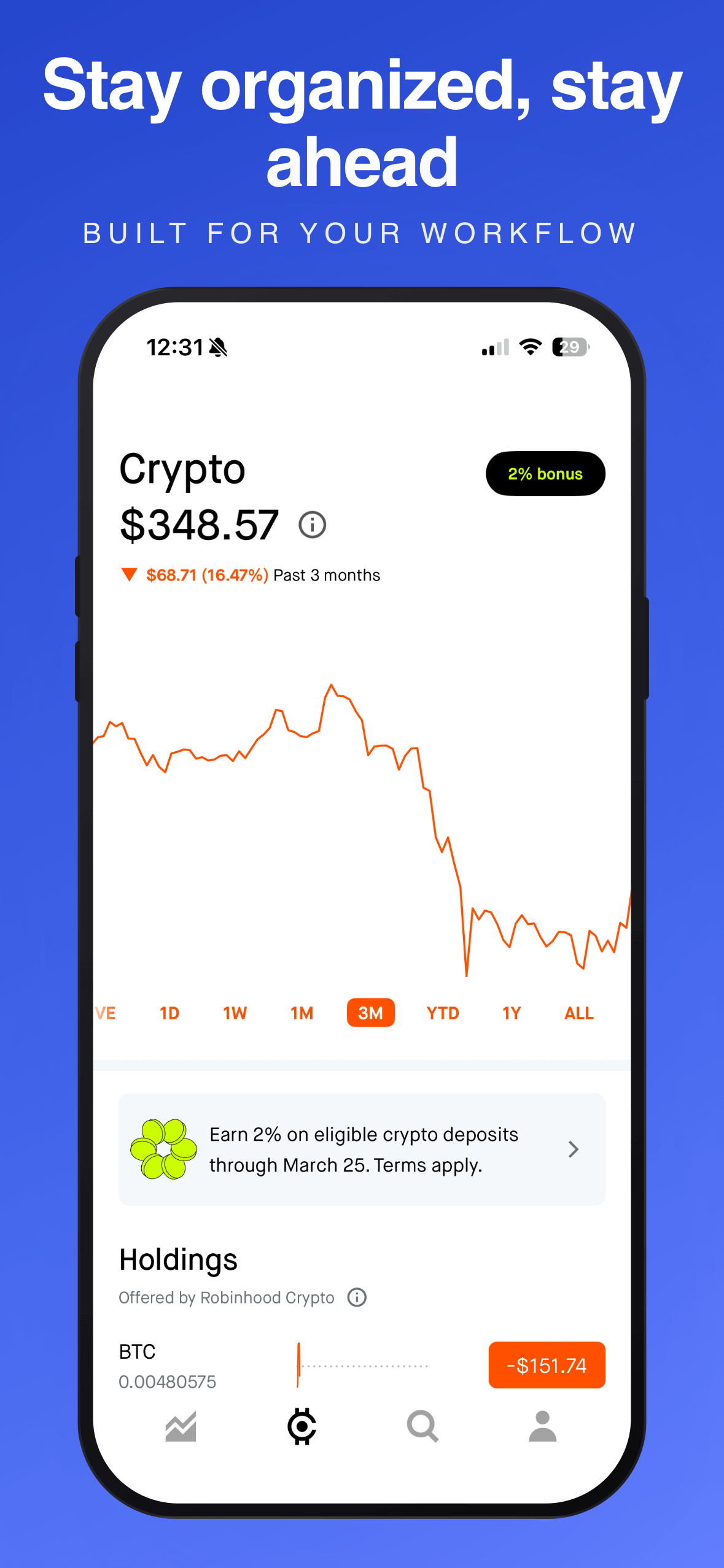
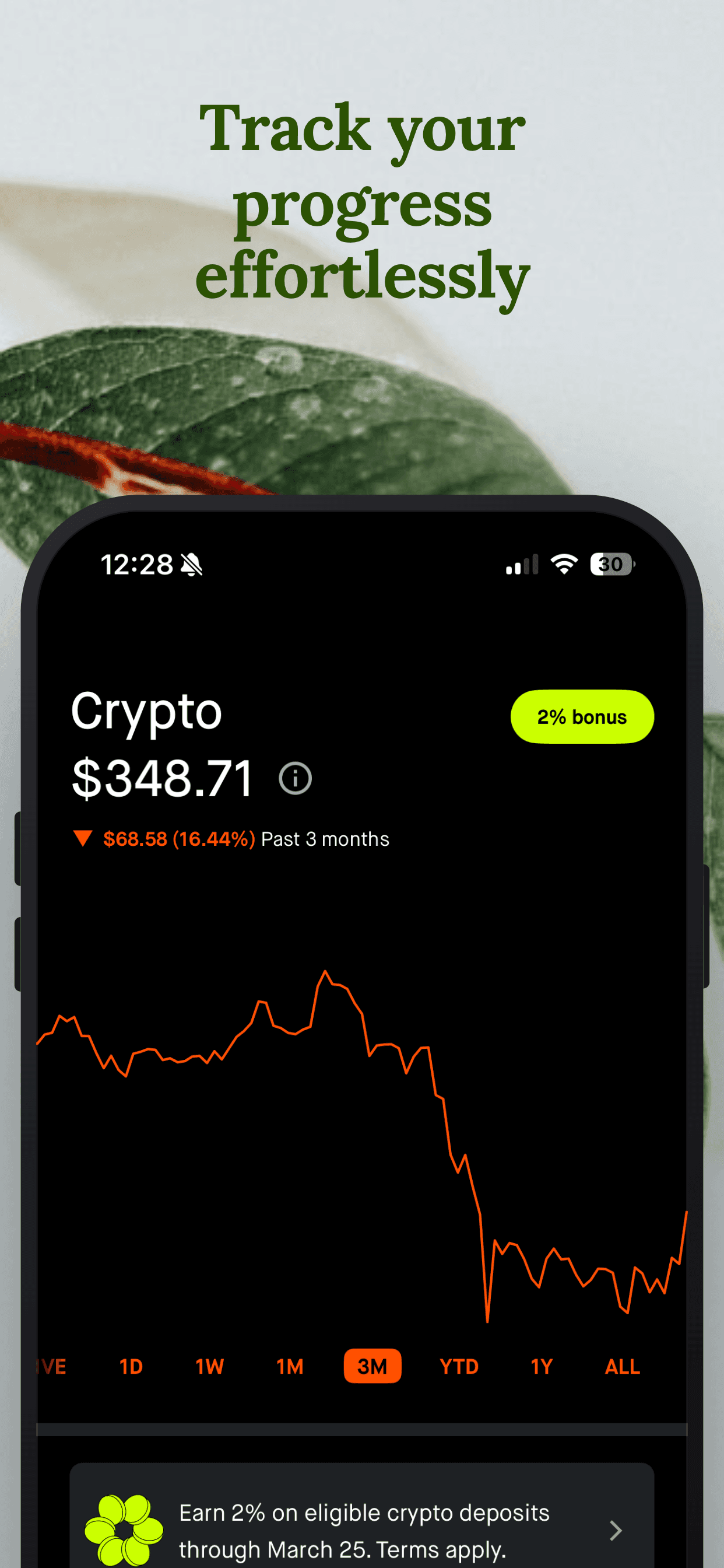
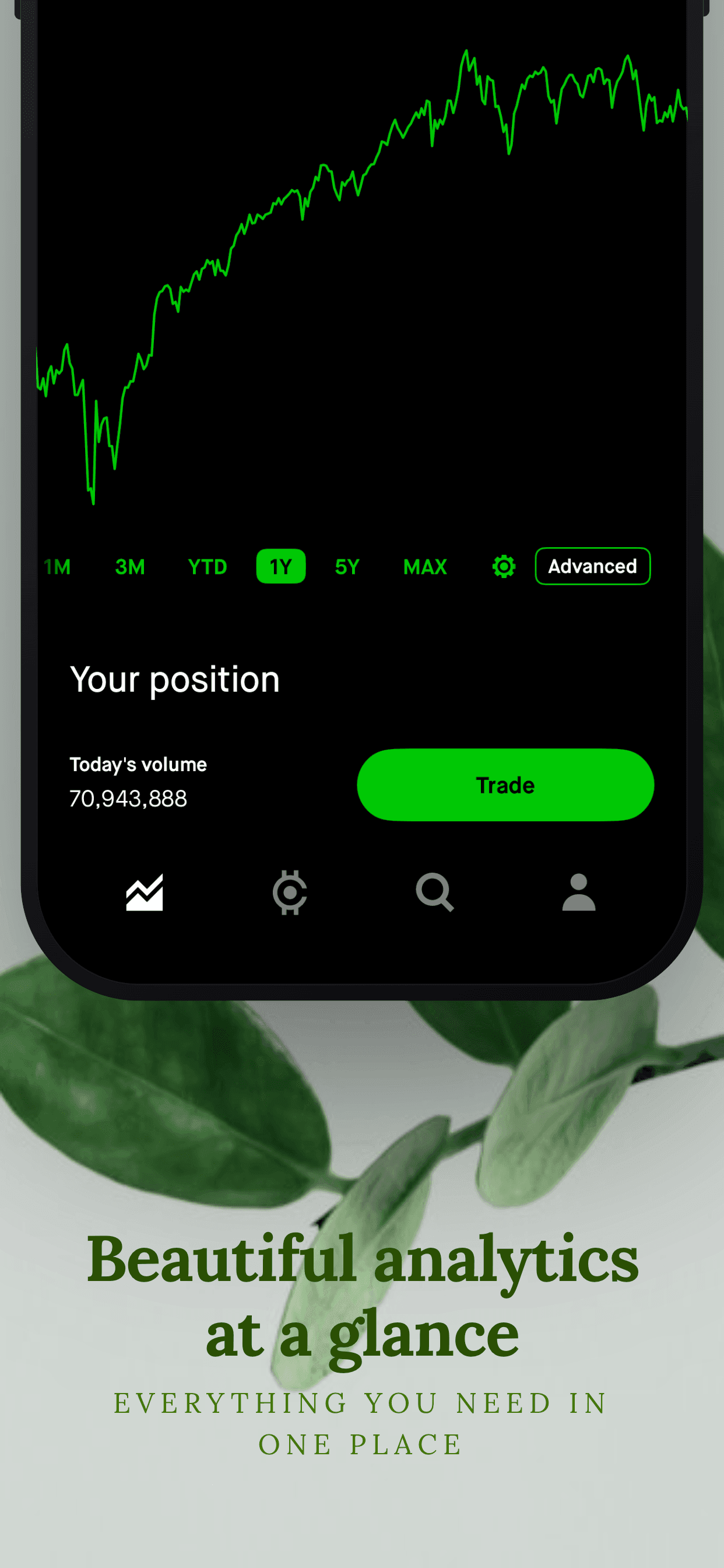
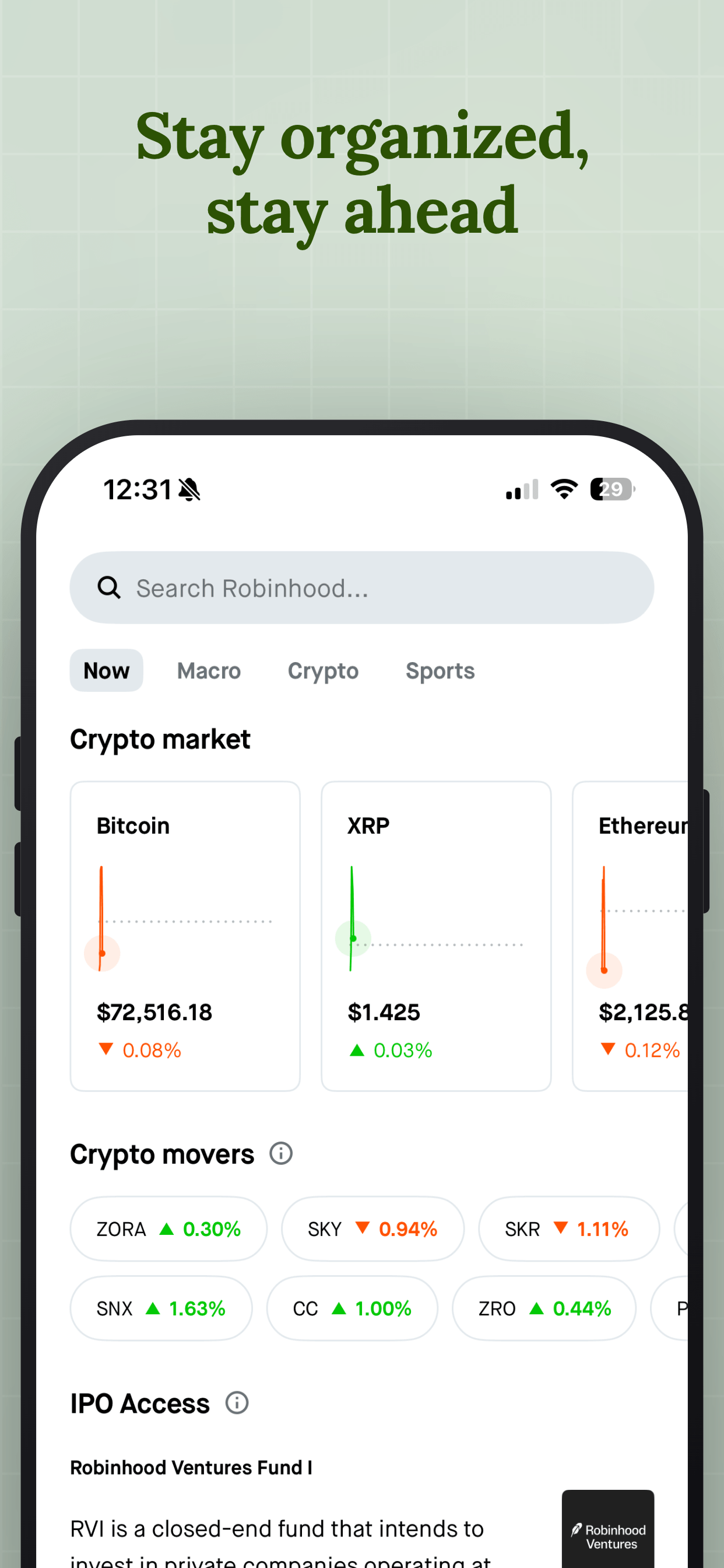
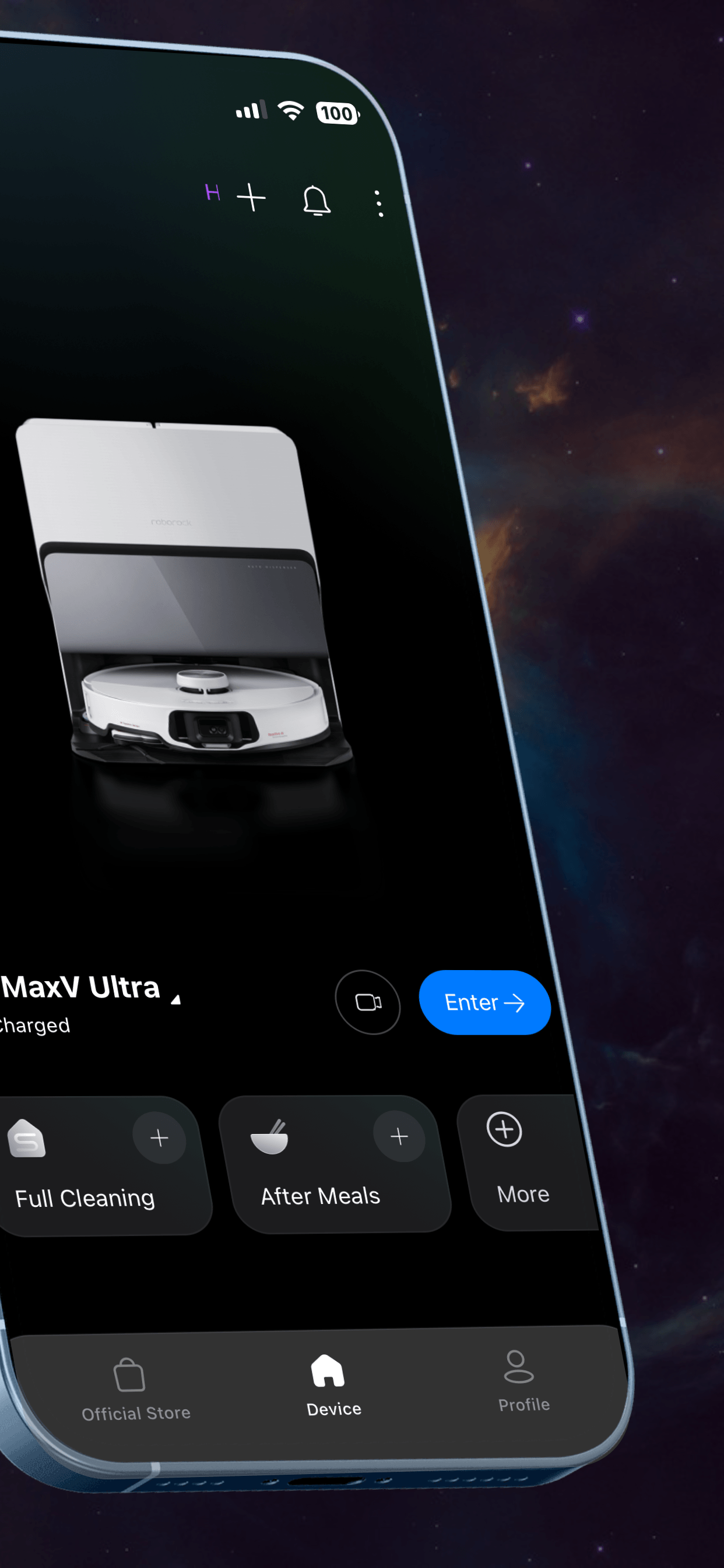
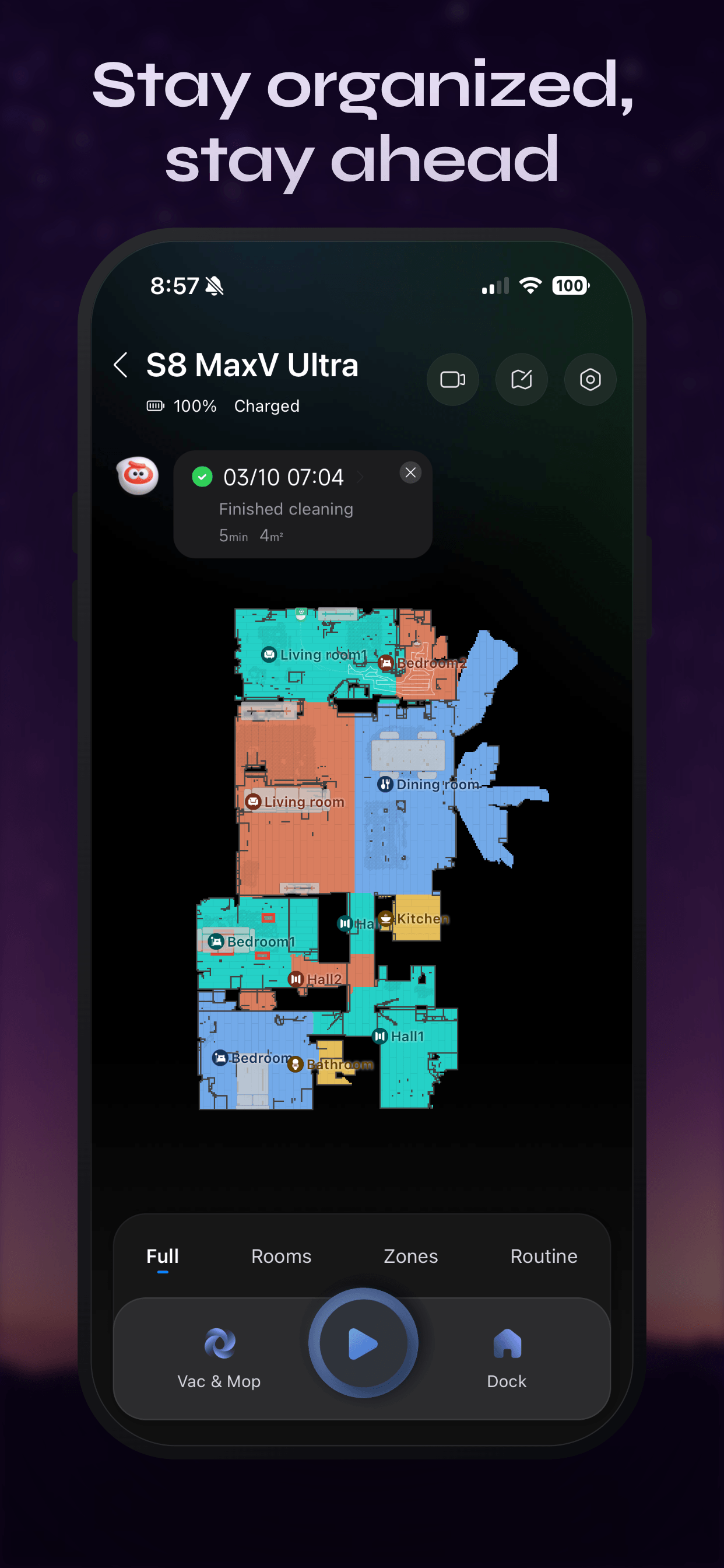
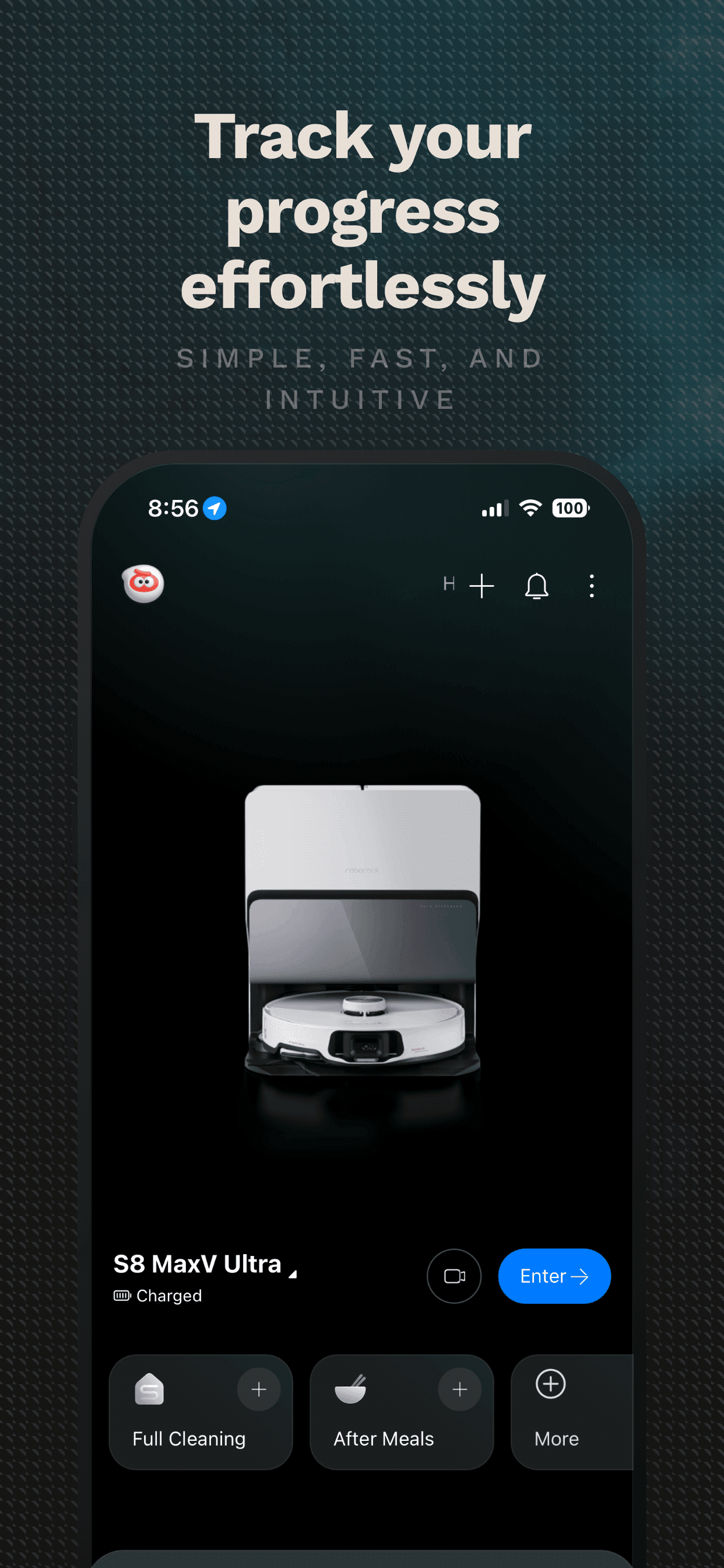
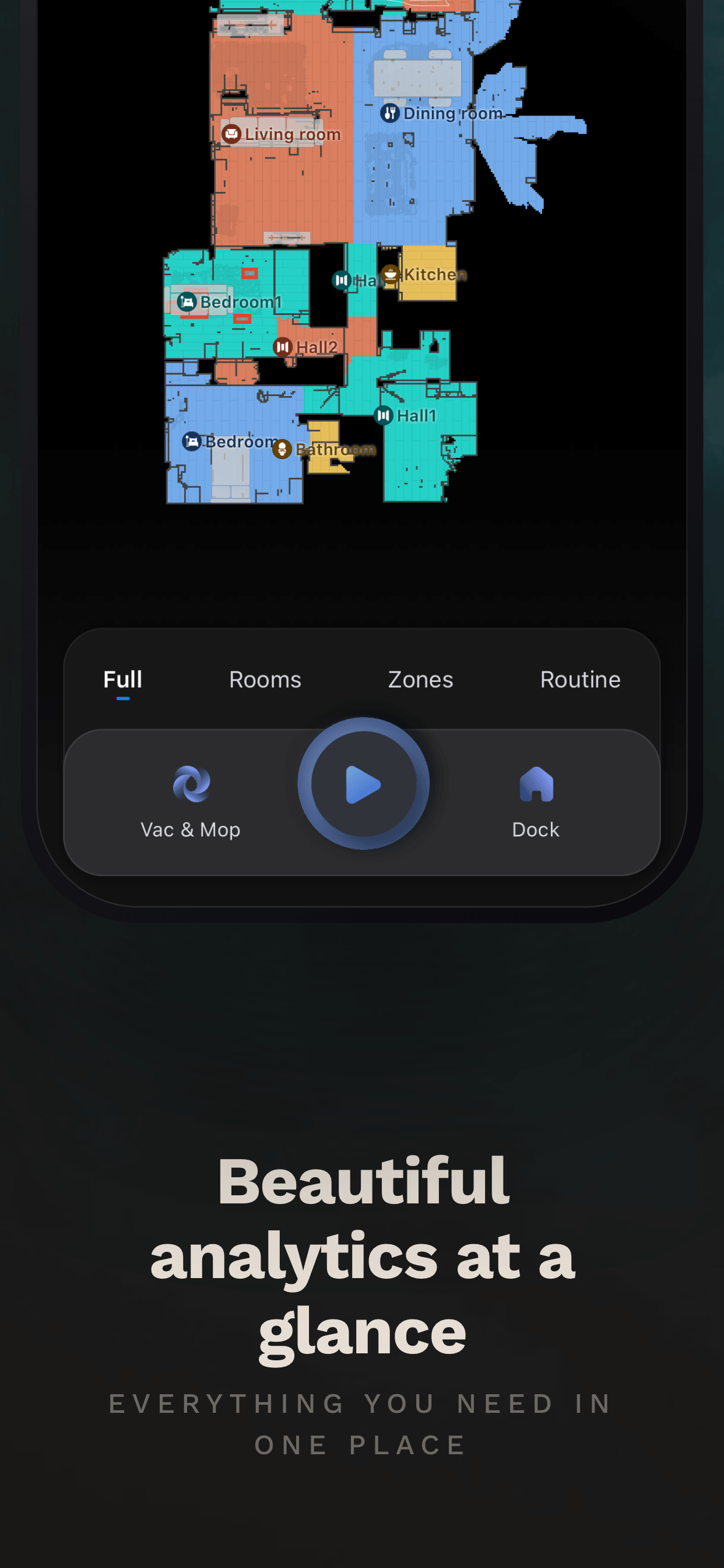
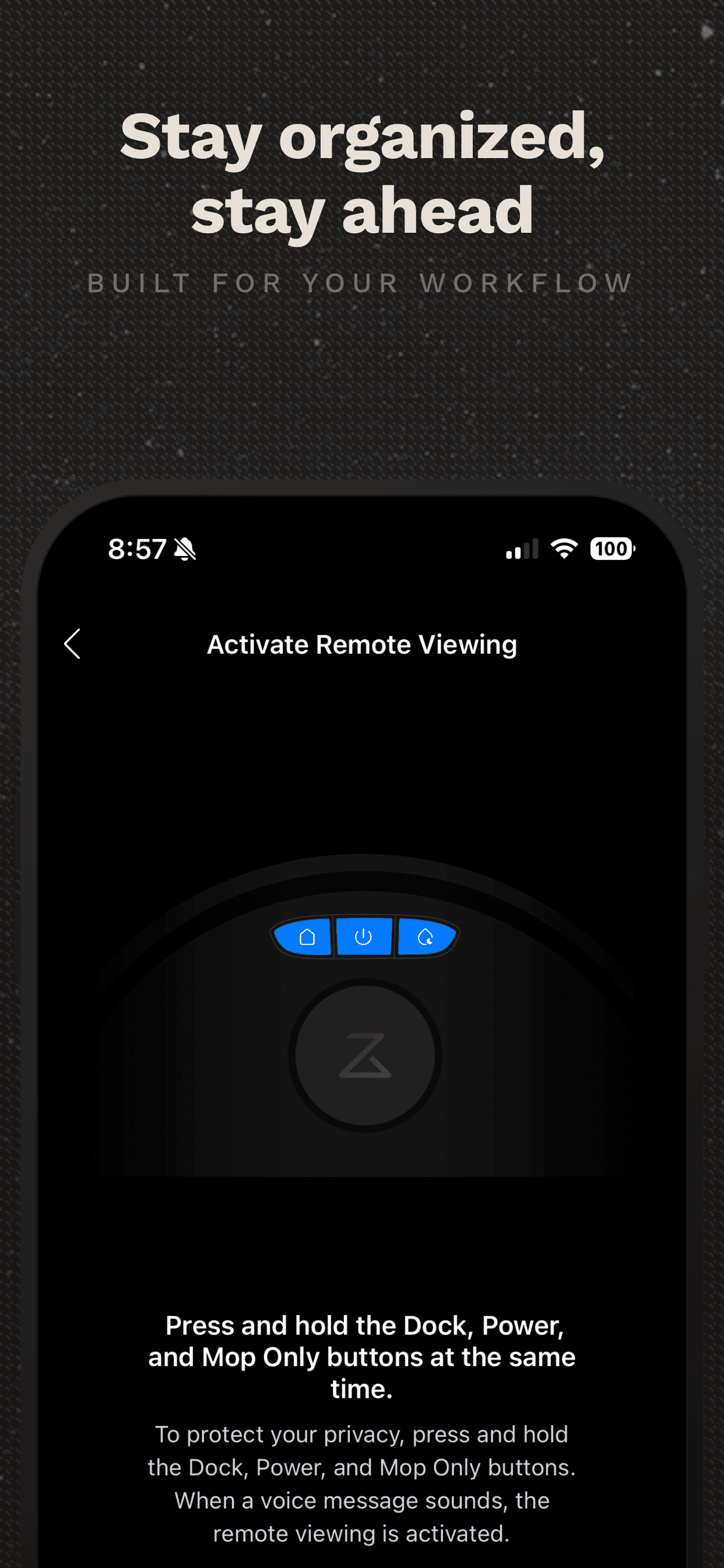
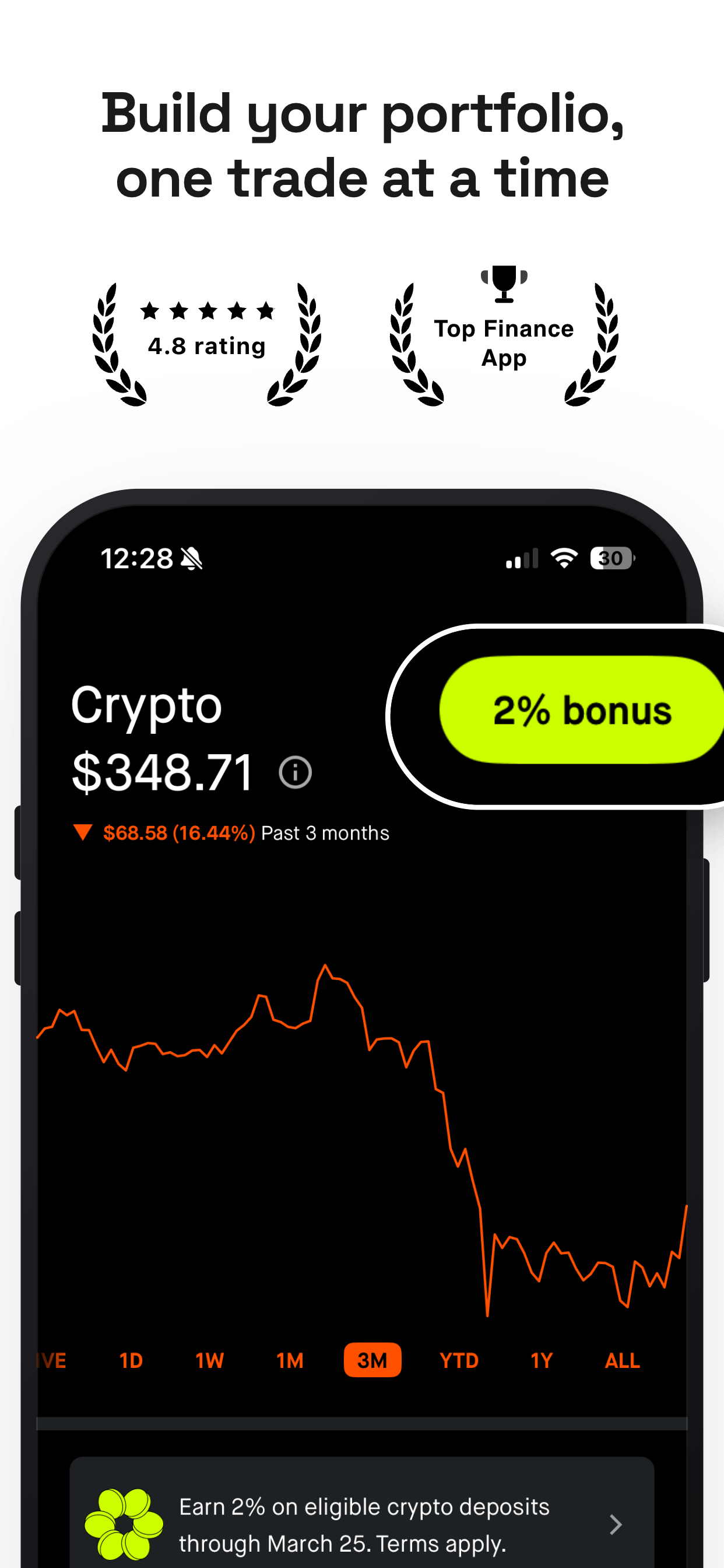
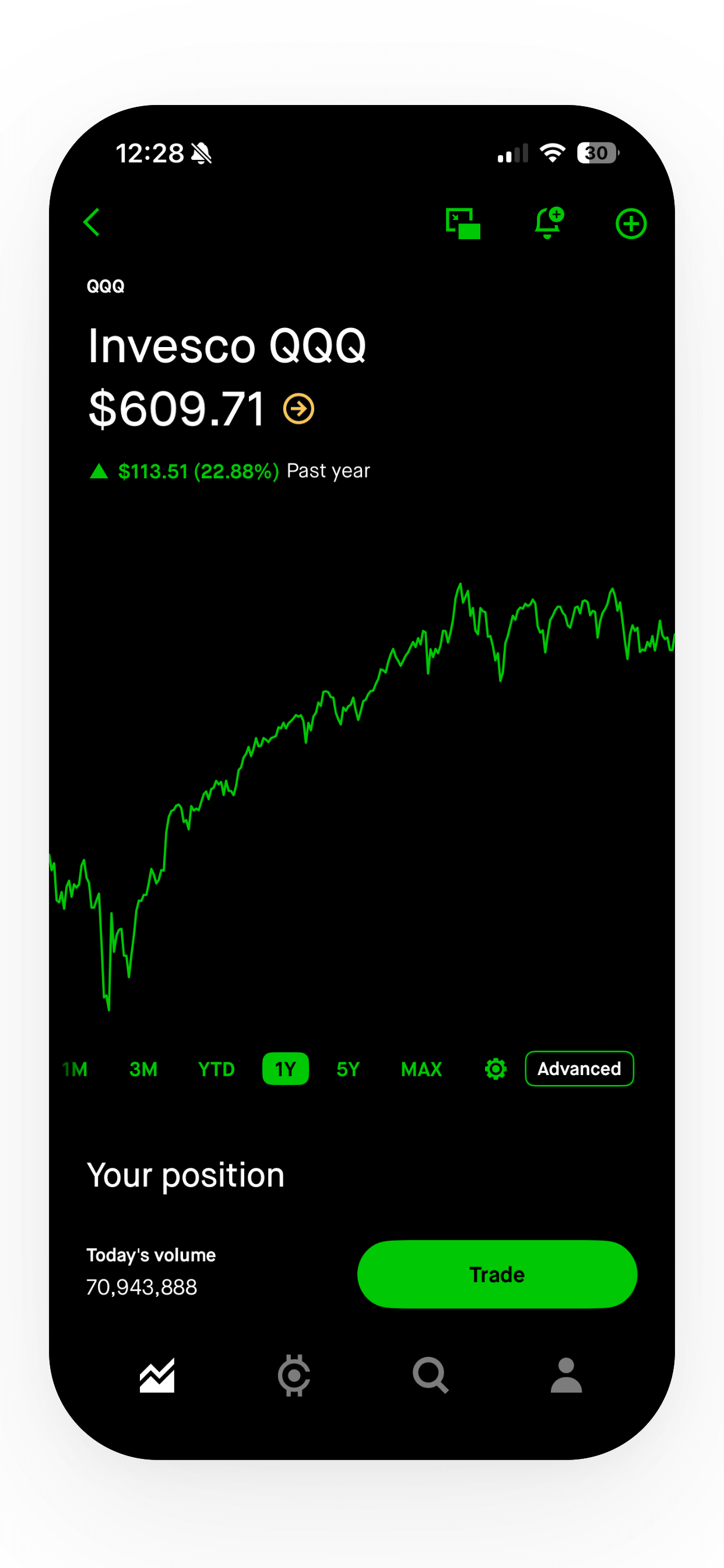
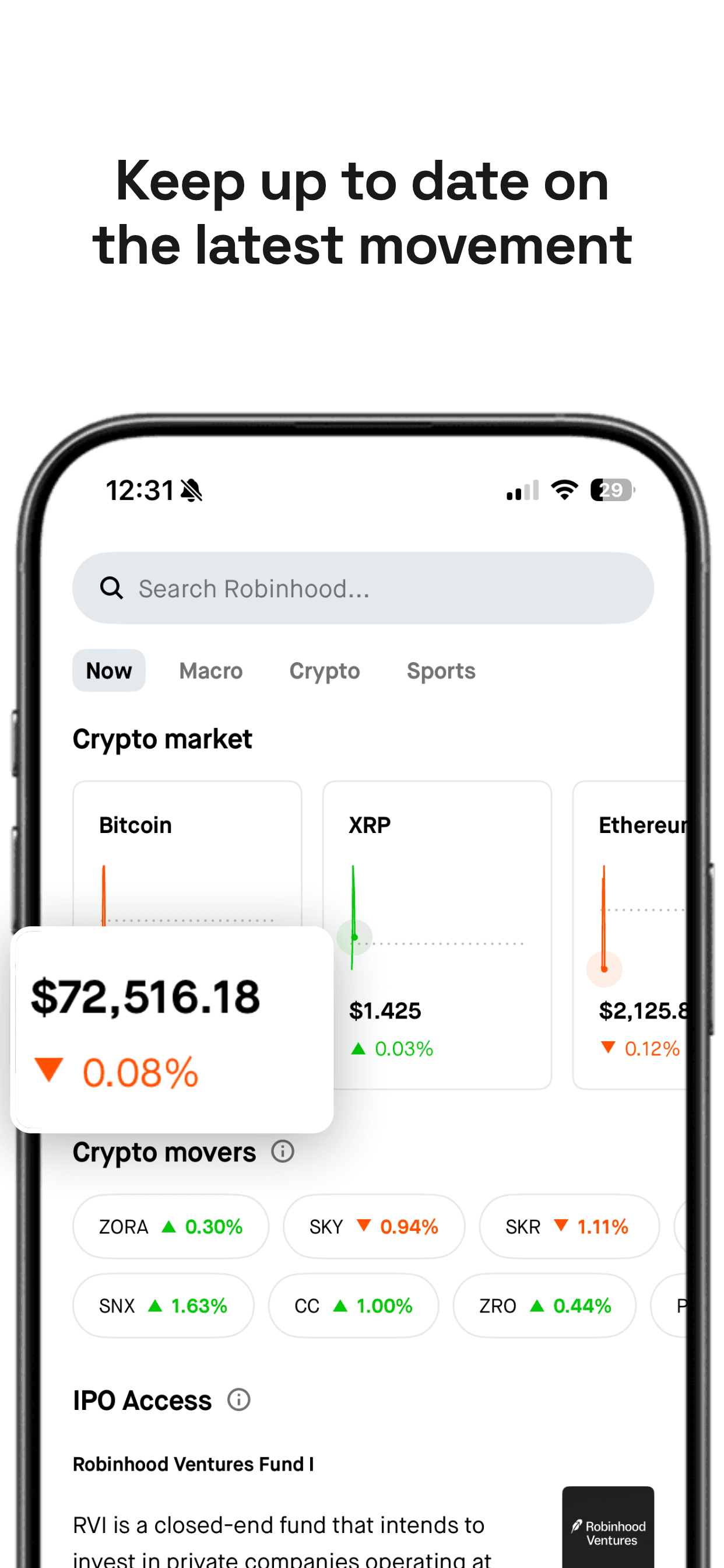
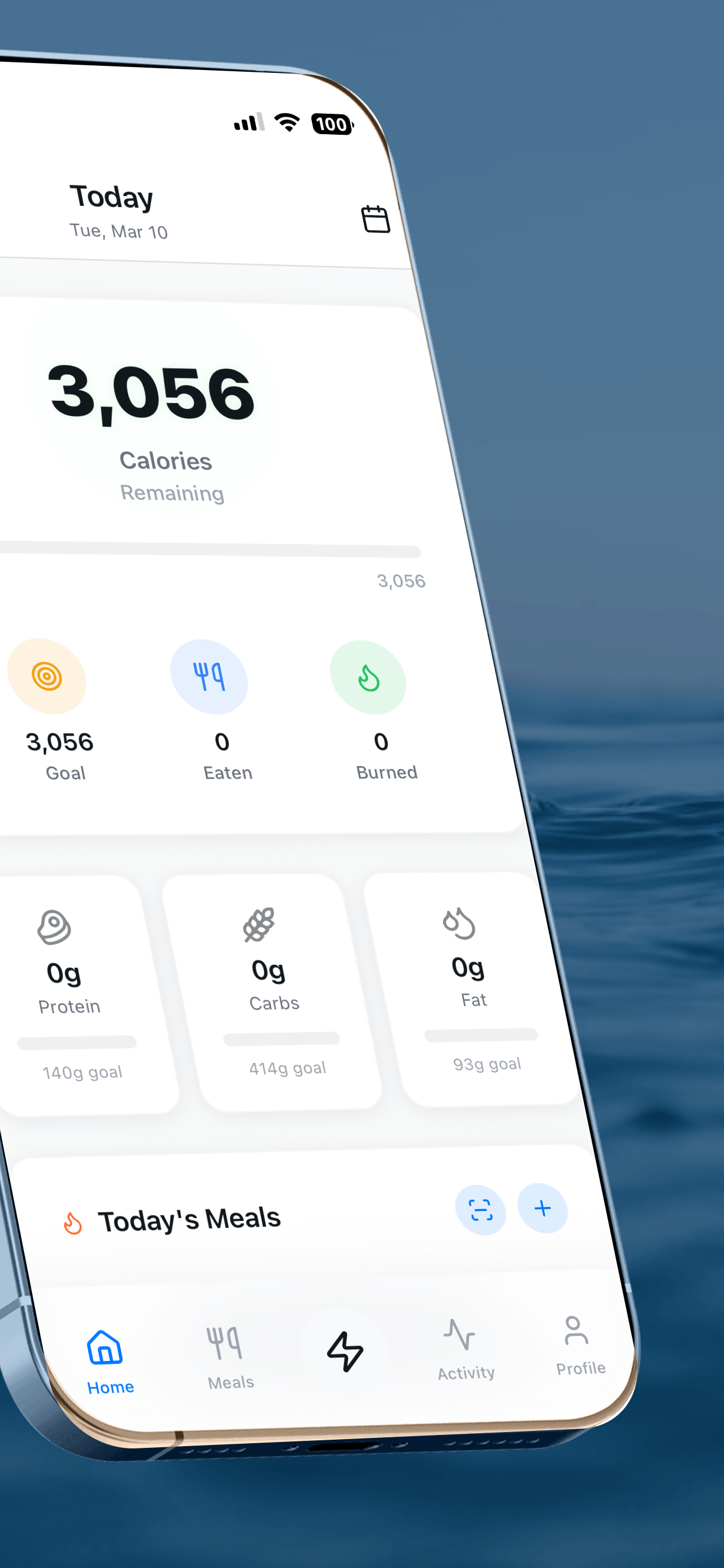
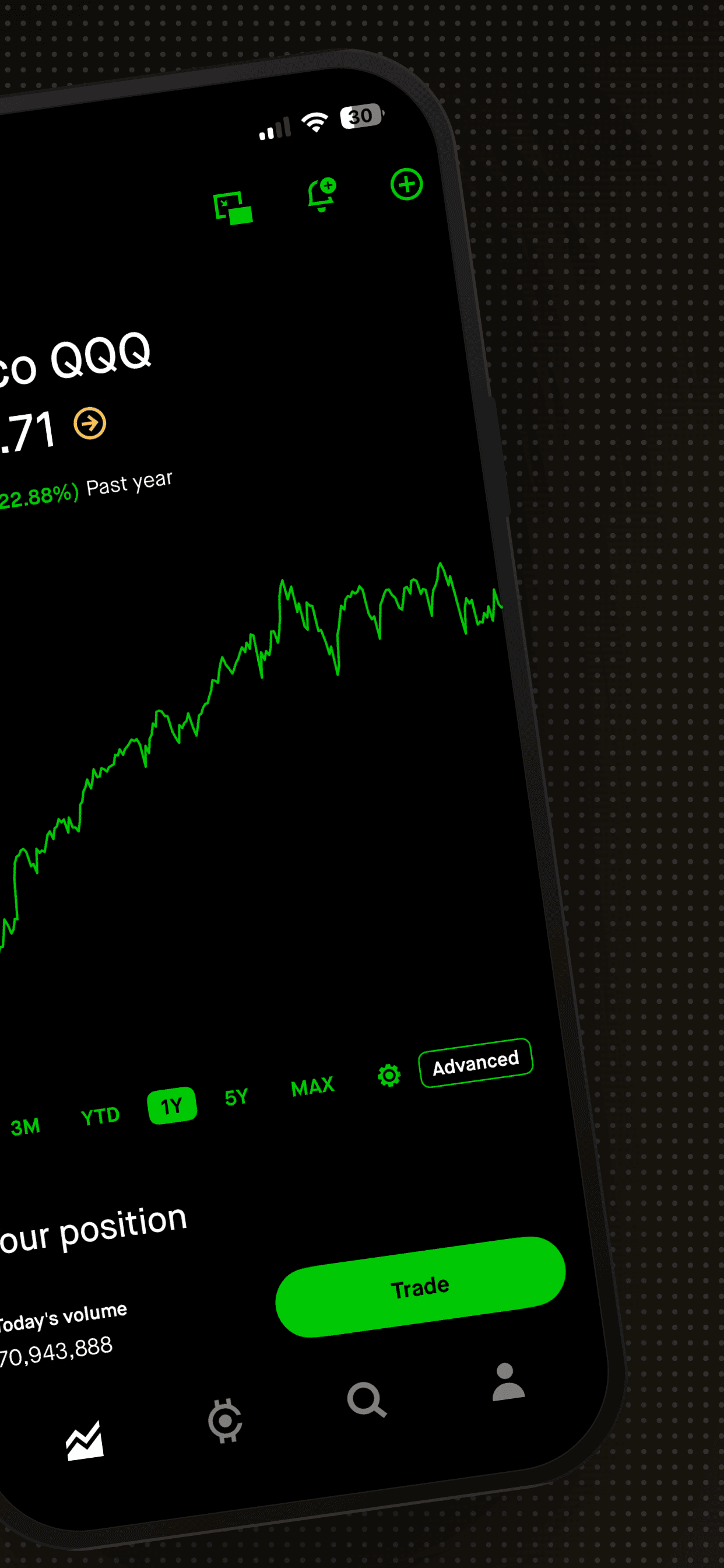
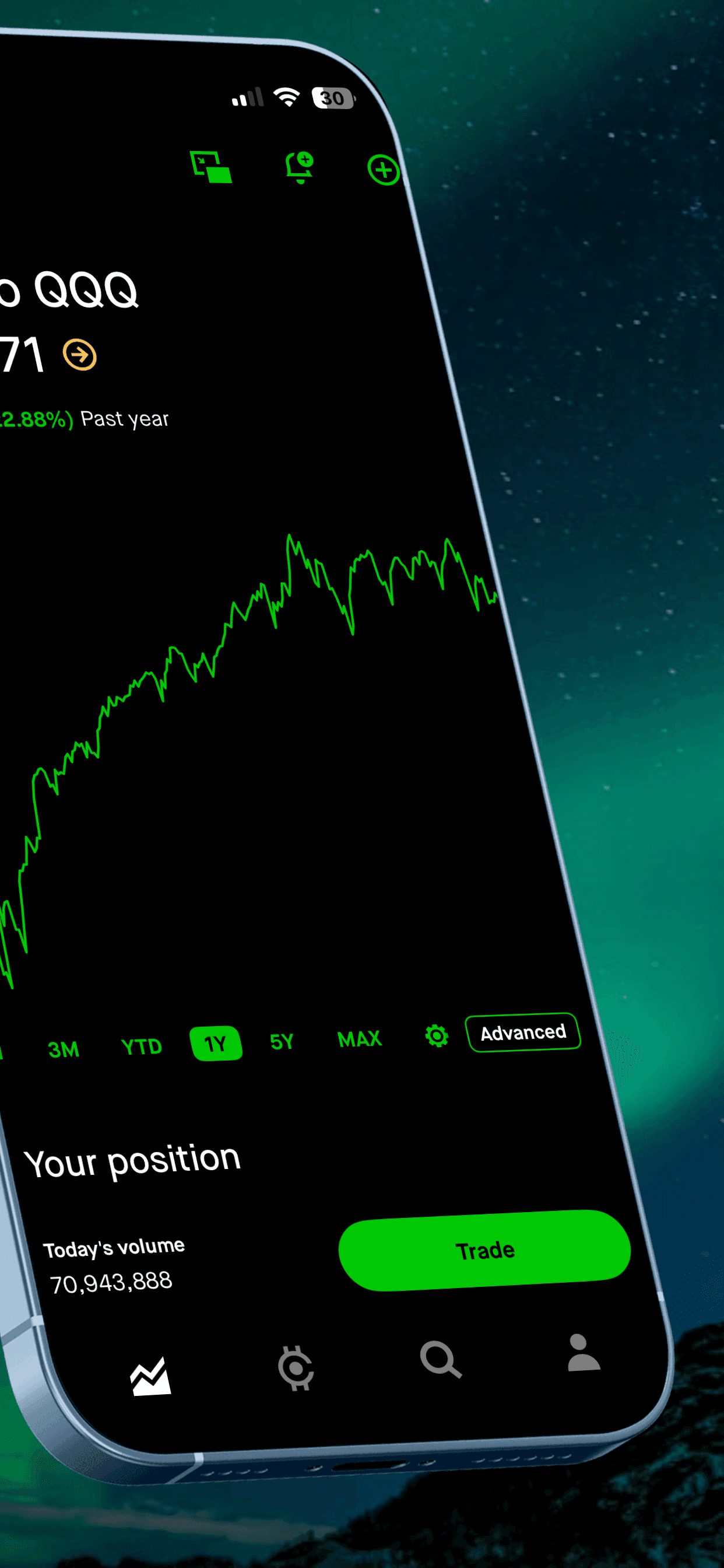
- Show the real app. Google asks screenshots to depict the actual experience, without fingers tapping a device unless the usage happens off-device.
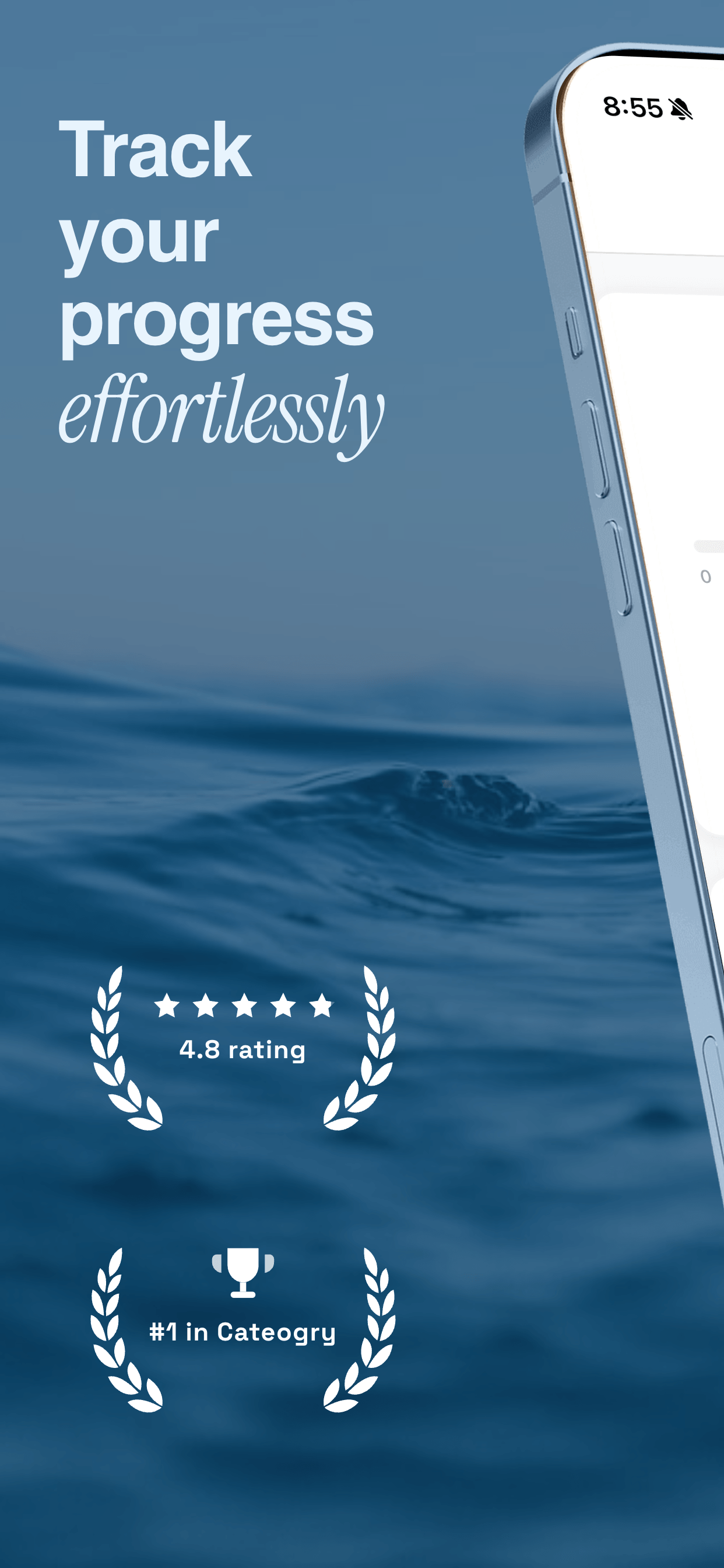
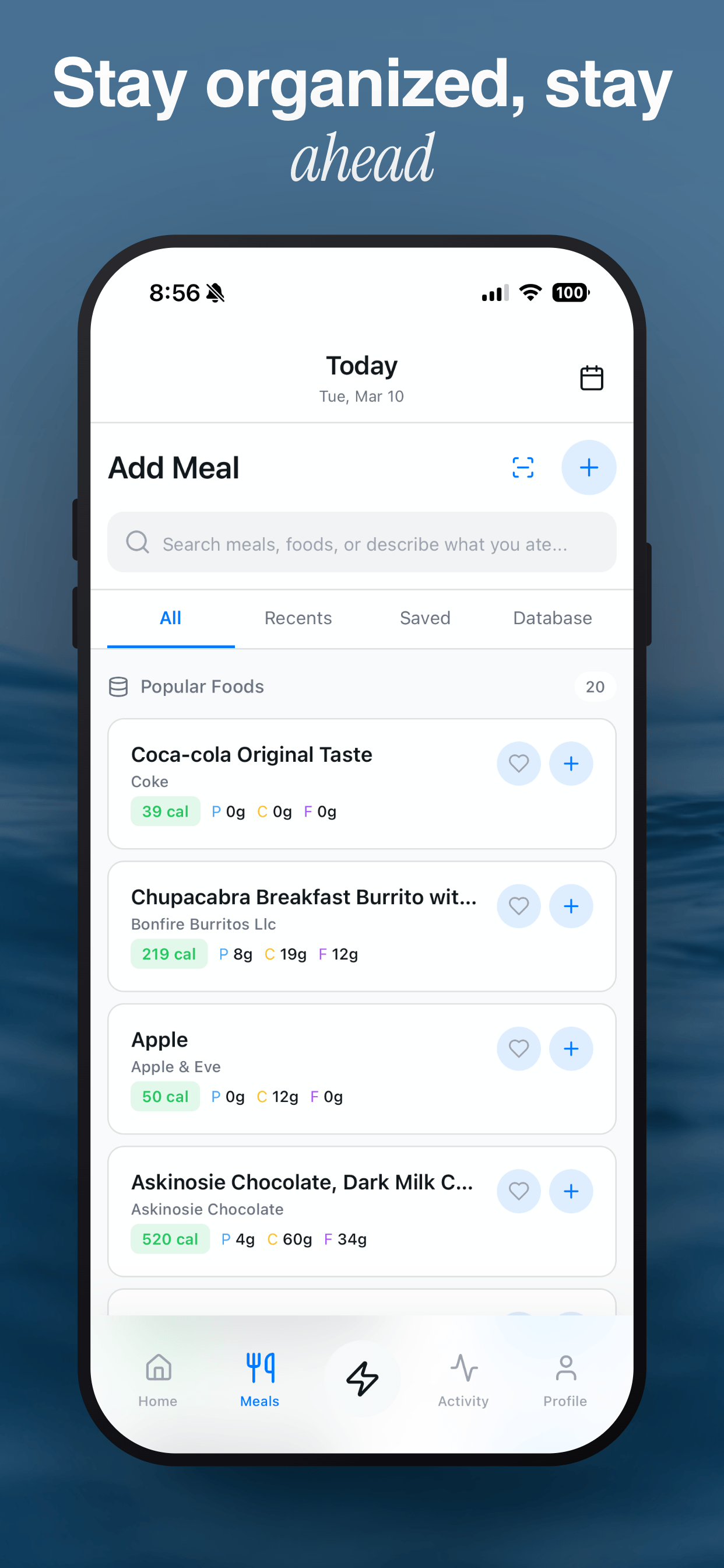
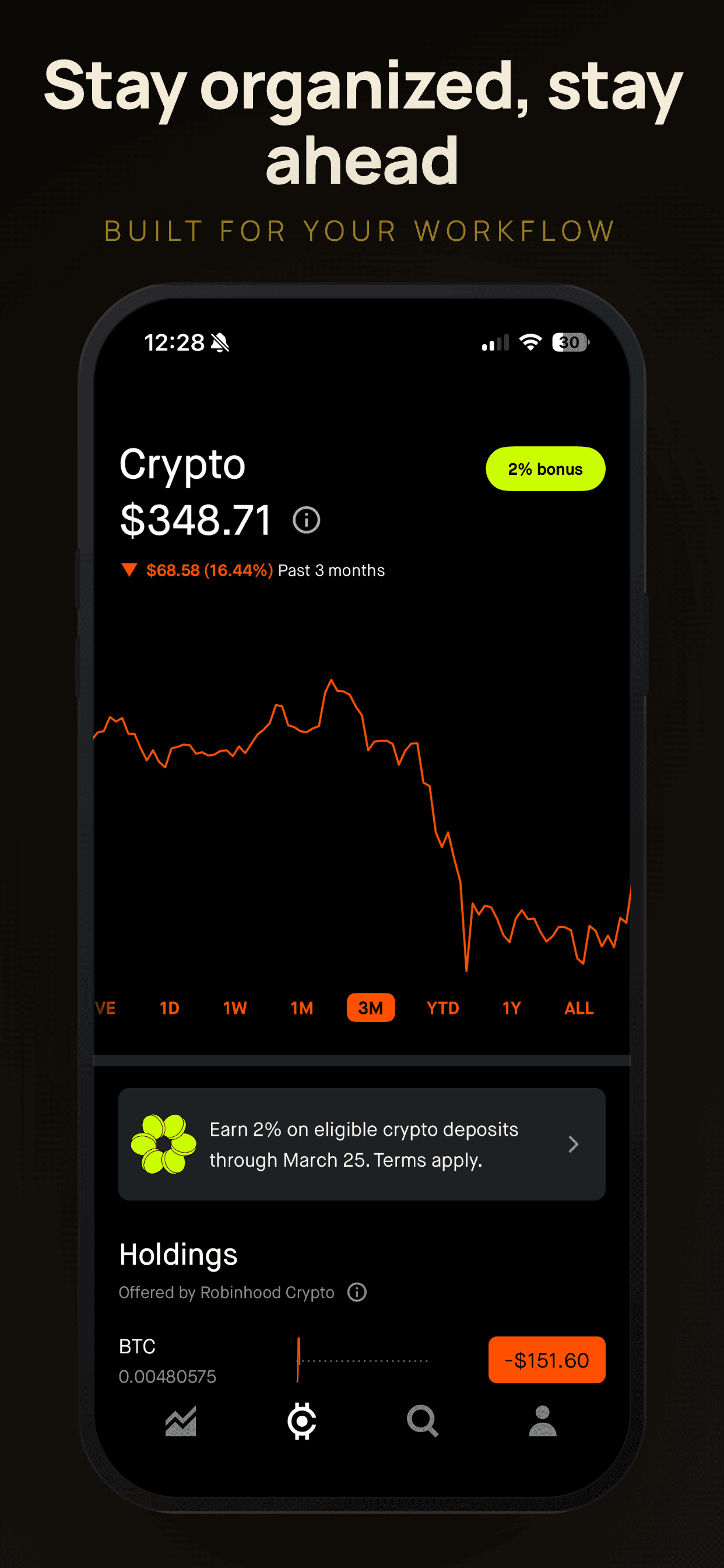
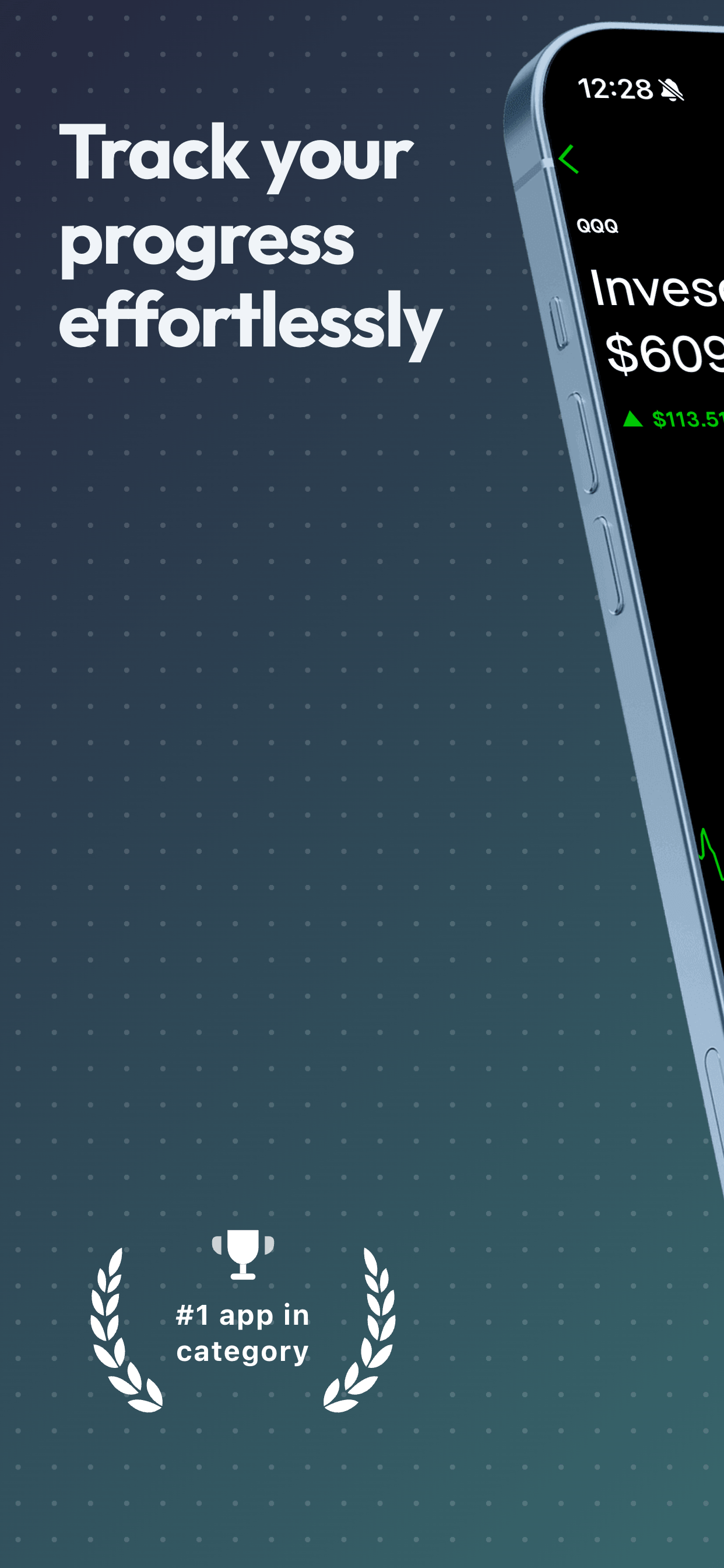
- Go easy on text. Google recommends keeping text overlays under 20% of the image and avoiding calls to action.
- Featured placements need more. At least 4 phone screenshots at 1,080 px or more (games: at least 3) in 9:16 or 16:9.
Before you hit publish
- First 3 screenshots tell the story on their own (most visitors never scroll further).
- Feature graphic keeps its text and focal point in the center.
- Screenshots, icon and feature graphic share one color palette and typeface.
- Large-screen screenshots show your actual tablet layout, not stretched phone UI.
- Captions are localized for your top markets, or you've added localized store listings.
- Alt text added for every image.
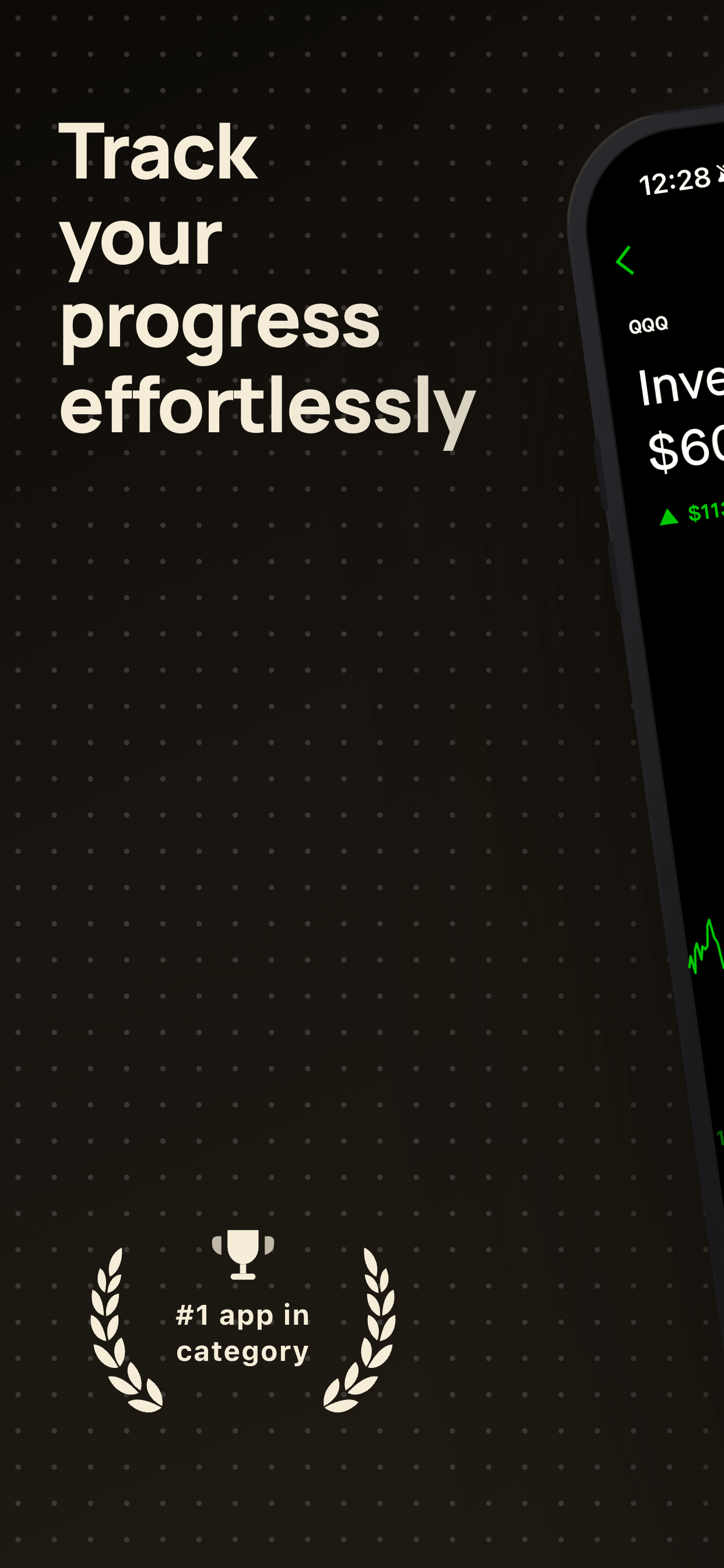
- No "#1", "Best", "Free" or third-party trademarks in graphics.
Related guides
Google Play feature graphic, tablet and Chromebook screenshots, Google Play screenshot sizes, how to create Google Play screenshots and screenshot localization.
Frequently asked questions
- What do I need to publish a Google Play store listing?
- An app name, short description, full description, a 512 × 512 px icon, a 1024 × 500 px feature graphic, and at least 2 screenshots across device types, plus the policy and content declarations Play Console asks for.
- How long can a Google Play app title be?
- 30 characters. The short description can be up to 80 characters and the full description up to 4,000 characters.
- How many screenshots should I upload to Google Play?
- You can upload up to 8 per device type. To be eligible for larger promotional placements, apps need at least 4 phone screenshots at 1,080 px or more in 9:16 or 16:9.
- Is a preview video required on Google Play?
- No, it is optional for apps but highly recommended for games. It is added as a single public or unlisted YouTube URL with ads turned off, and only the first 30 seconds autoplay, muted.
Make your Google Play screenshots in minutes
Upload your screenshots, pick a template and export Play Store ready images. Free to start, no signup.
Try Screenshot Otter free →