
Reference
App Store Preview Dimensions: Video & Screenshot Sizes (2026)
Complete guide to App Store app preview video and screenshot preview dimensions, video format requirements, and how previews are displayed to users across devices.

Scott Stewart · Apr 7, 2026
Quick answer
iPhone app preview video must be 886 × 1920 pixels, 15-30 seconds, in .mov or .mp4 format, under 500 MB. iPad requires 1200 × 1600 px (12.9-inch required, 11-inch 1668 × 2224 px optional). Screenshot previews are cropped for search results but displayed full-size on app listing pages. All dimensions are required for App Store Connect submission.
App Store previews consist of two elements: app preview video (an animated demo of your app) and preview screenshots (the images shown in search results and on your listing page). Apple has strict dimension requirements for both, and submitting the wrong size will cause App Store Connect to reject your build during review.
Preview dimensions are different from screenshot upload dimensions. You upload full-resolution screenshots (e.g., 1290 × 2796 px for iPhone 6.7-inch), but Apple displays them as previews at different sizes depending on where users are viewing them. Understanding both ensures your app listing looks polished on every device. For more on upload dimensions, see our App Store screenshot sizes guide.
App Preview Video Dimensions
These are the exact dimensions required for app preview videos on App Store Connect. The 6.7-inch iPhone and 12.9-inch iPad videos are mandatory; others are optional but recommended.
| Device | Resolution | Notes |
|---|---|---|
| iPhone 6.7" (required) | 886 × 1920 px | Required. All iPhones default to this preview video size. |
| iPhone 6.5" | 886 × 1920 px | Optional. Same dimensions as 6.7-inch preview. |
| iPad Pro 12.9" (required if iPad enabled) | 1200 × 1600 px | Required if iPad is enabled in your app's target devices. |
| iPad Pro 11" | 1668 × 2224 px | Optional. Provides dedicated preview for 11-inch iPad Pro. |
App Preview Video Technical Requirements
| Specification | Requirement | Notes |
|---|---|---|
| Duration | 15 to 30 seconds | Apple strictly enforces this limit. Videos shorter or longer will be rejected. |
| Format | .mov or .mp4 | H.264 codec recommended for .mp4. ProRes for .mov. Other formats will be rejected. |
| File Size | Maximum 500 MB | Optimize your video export. Most app preview videos are 50-200 MB. |
| Frame Rate | 24, 25, 29.97, or 30 fps | 60 fps video will be rejected. Export at one of Apple's required frame rates. |
| Audio | Optional | If included, must be AAC stereo (160 kbps) or mono (128 kbps). |
| Color Space | sRGB or Rec. 709 | Wide color (P3) is not supported for app preview videos. |
Screenshot Preview Display
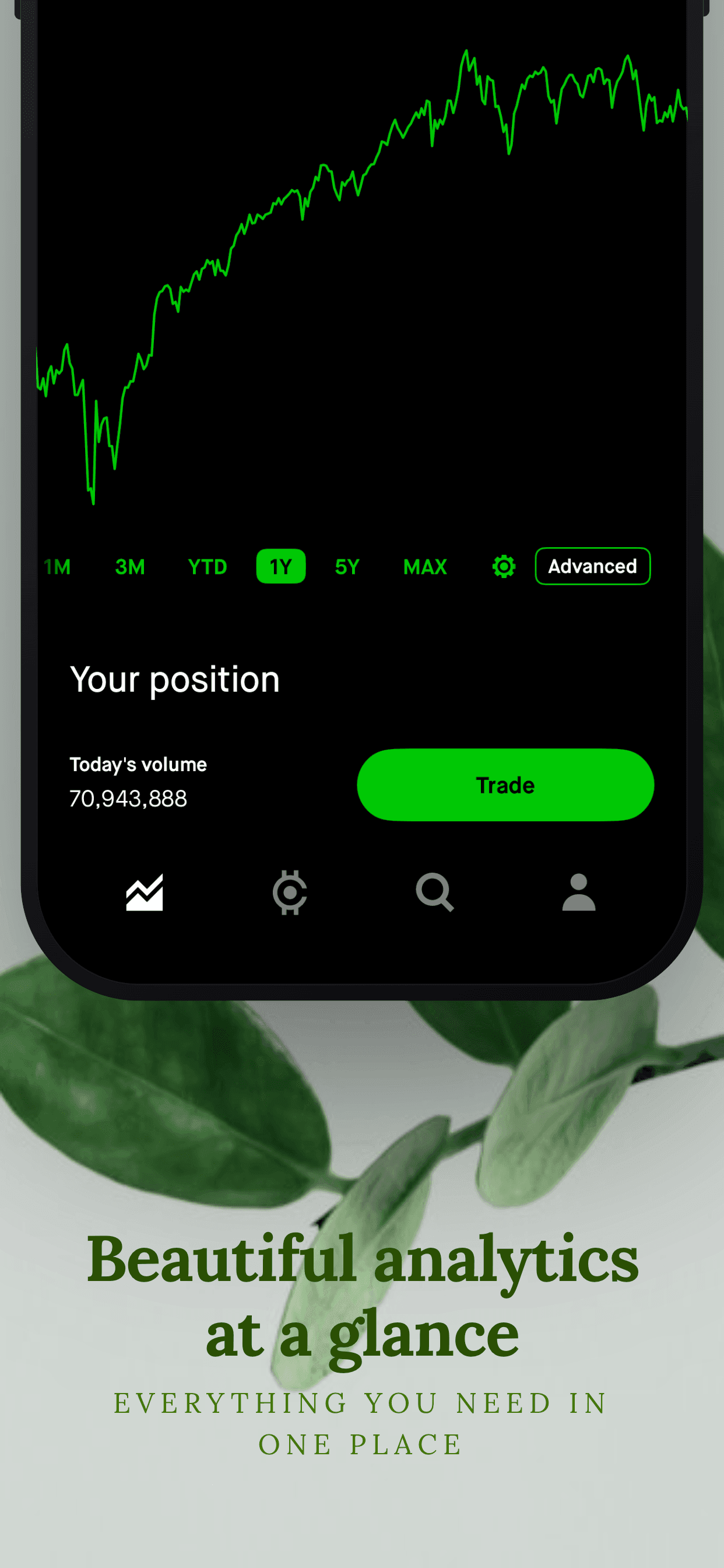
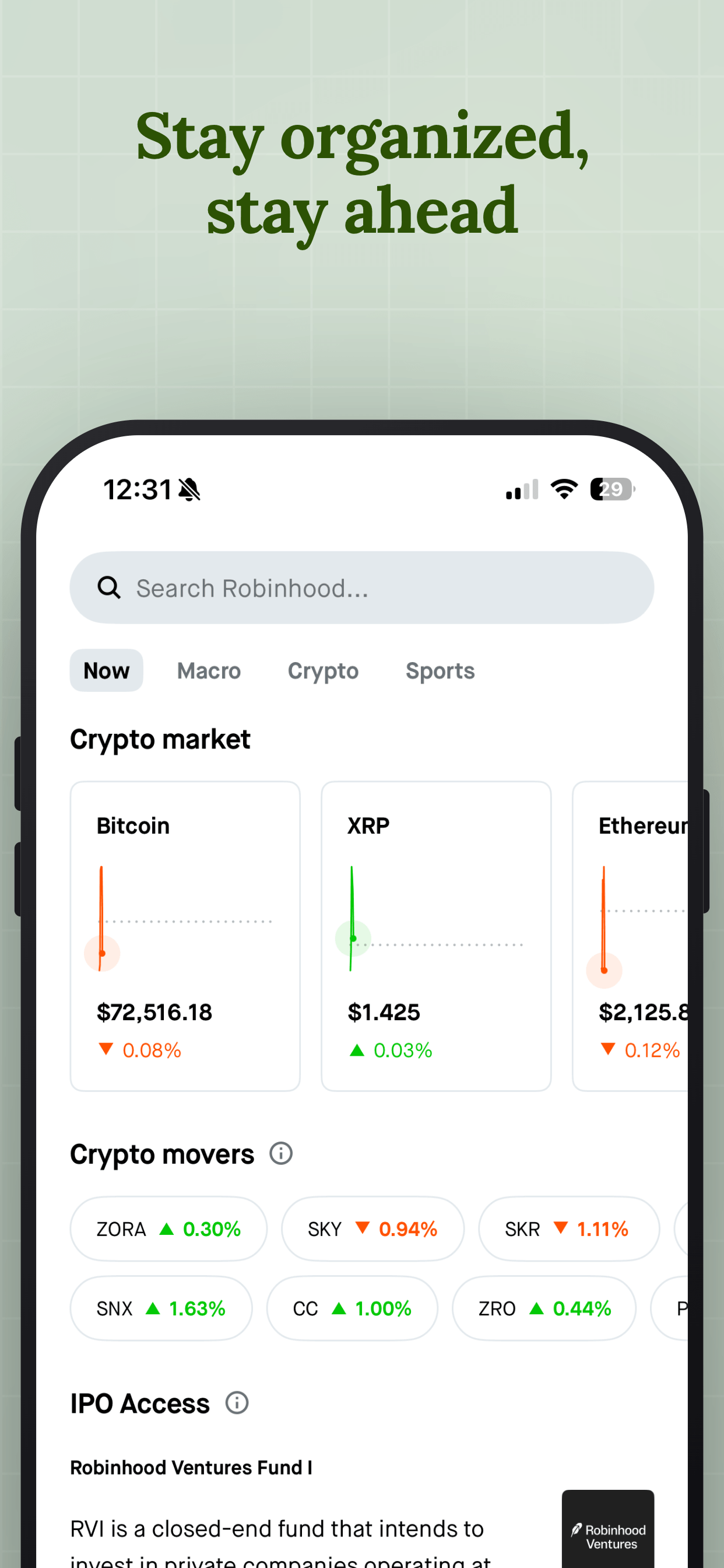
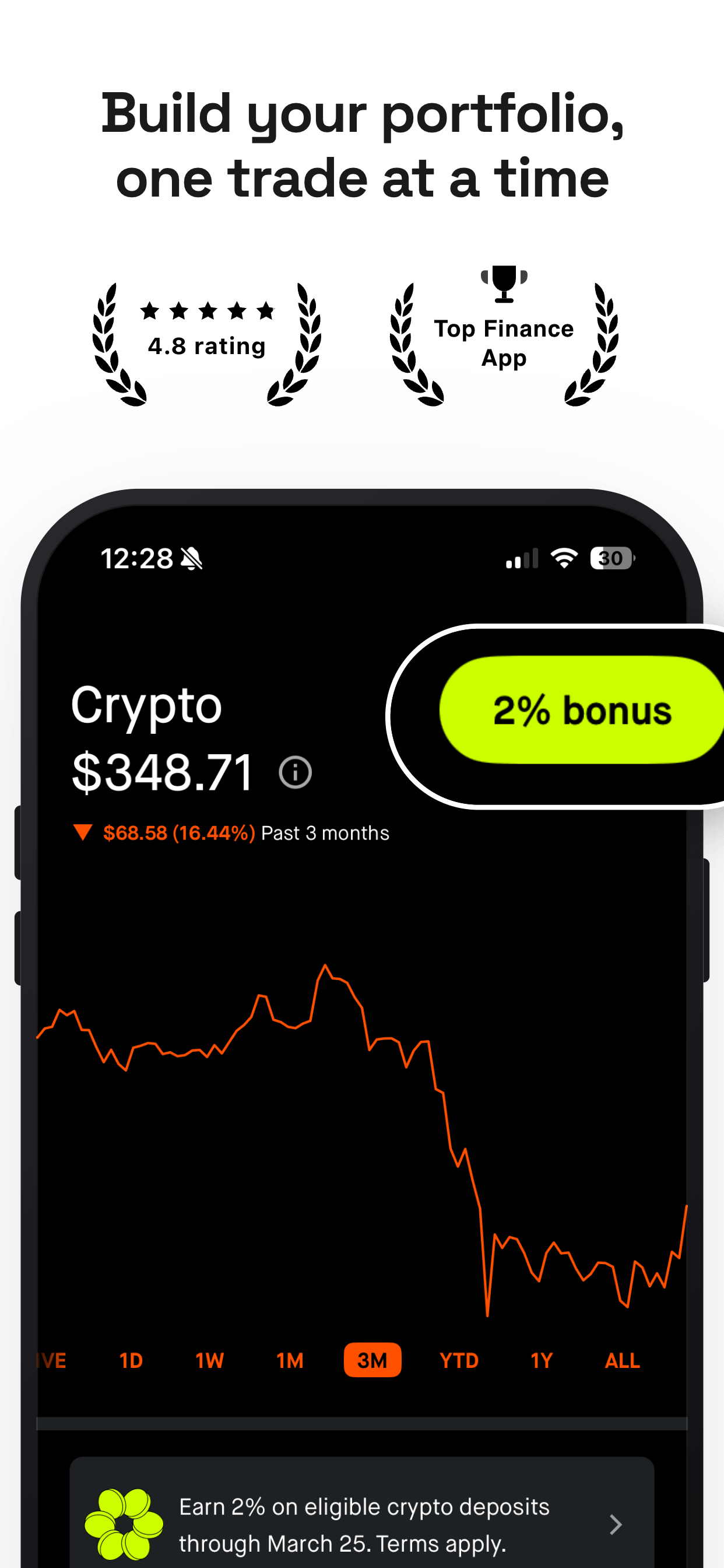
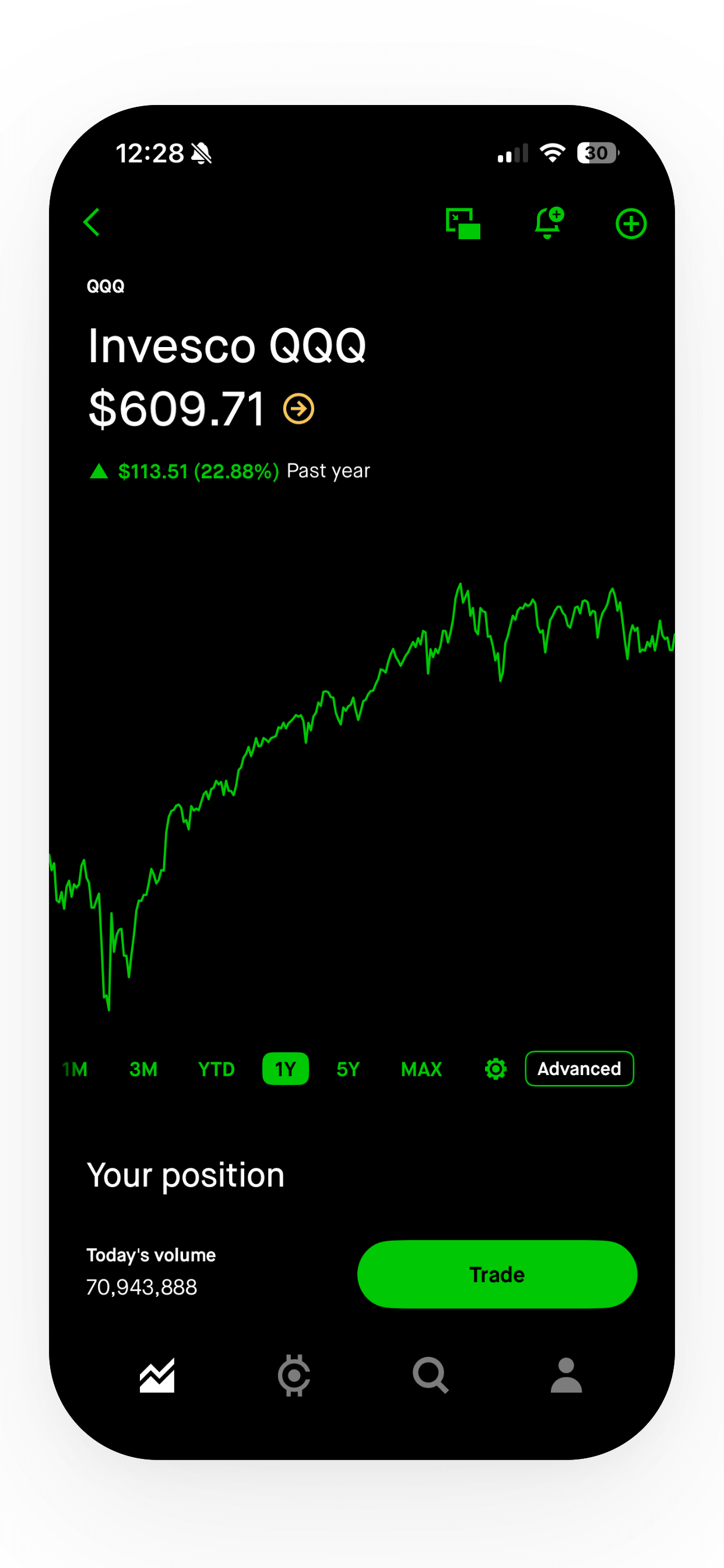
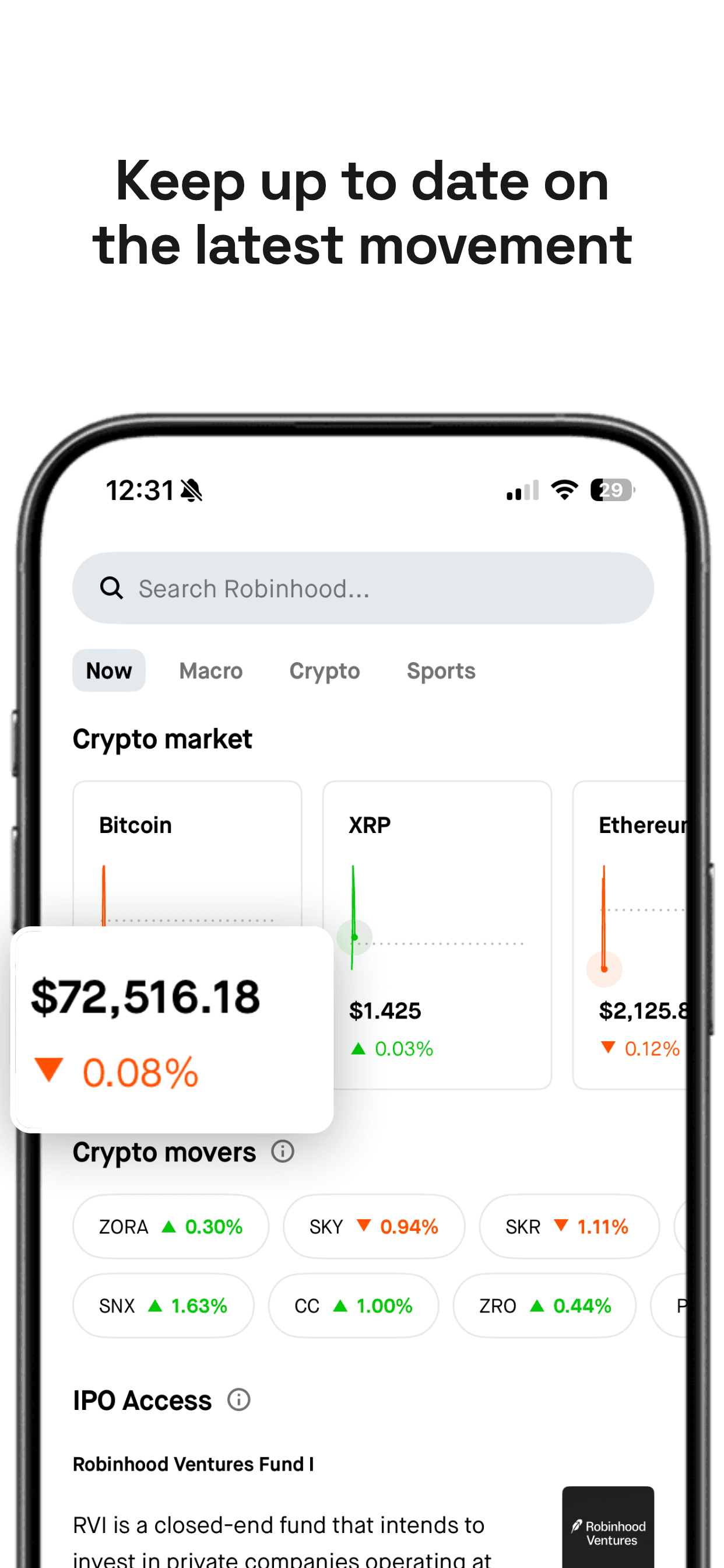
Screenshot previews are displayed differently depending on where users encounter them. Search results show a cropped preview of your first screenshot; your app listing page displays all uploaded screenshots in a horizontal carousel at full aspect ratio.
| Location | Display Size | Details |
|---|---|---|
| App Store Search Results | Varies by screen size | First screenshot is cropped and scaled to fit search result card. Typically shows top 20% of full screenshot. |
| App Listing Page (iPhone) | Full width, scrollable horizontally | All uploaded screenshots displayed full-screen in carousel. Aspect ratio maintained from upload dimensions. |
| App Listing Page (iPad) | Full width, scrollable horizontally | Screenshots displayed at full width. Higher-resolution devices show more detail. |
Common Preview Dimension Mistakes
Using screenshot dimensions for video
Submitting a video at 1290 × 2796 px (your screenshot upload size) will be rejected. App preview videos must be exactly 886 × 1920 px for iPhone. Mixing these up is the most common rejection reason for videos.
Wrong frame rate or duration
Videos must be 15 to 30 seconds long at 24, 25, 29.97, or 30 fps. A 60 fps video or a 35-second video will be rejected by App Store Connect. Always check export settings before uploading.
Exceeding file size limit
Videos cannot exceed 500 MB. If your video is too large, use a compression tool or reduce bitrate. Most app preview videos compress well to 50-200 MB without visible quality loss.
Forgetting iPad preview video
If your app supports iPad, you must submit a preview video at 1200 × 1600 px for iPad Pro 12.9-inch. Omitting this will cause your build to be rejected if iPad is enabled in your target devices.
Uploading wrong color space or codec
Videos must use sRGB or Rec. 709 color space (not P3 wide color). H.264 or ProRes codecs are required. Unusual codecs or color spaces may cause rejection or playback issues.
Uploading Previews to App Store Connect
In App Store Connect, navigate to your app version and look for "Preview" in the App Information section. You will see separate upload areas for each device family.
- Step 1Click the "+" button next to the iPhone preview area.
- Step 2Select your 886 × 1920 px video file (.mov or .mp4).
- Step 3Wait for processing. App Store Connect will validate dimensions, duration, and file format.
- Step 4If enabled for iPad, repeat with the 1200 × 1600 px video.
If validation fails, App Store Connect will show an error message indicating which requirement was not met (e.g., "Video duration must be between 15 and 30 seconds"). Double-check your video dimensions and specs before resubmitting.
Frequently Asked Questions
- What is an App Store preview?
- App Store previews include app preview video (a 15–30 second video showing your app in action) and preview screenshots (the images displayed in search results and on your app listing). Both are required elements that significantly impact app discoverability and conversion.
- What are the required video preview dimensions for iPhone?
- iPhone app preview video must be 886 × 1920 pixels for both 6.7-inch and 6.5-inch displays. Videos must be 15 to 30 seconds long, in .mov or .mp4 format, and under 500 MB. The 6.7-inch video is required; the 6.5-inch is optional but recommended.
- How are preview dimensions different from screenshot upload dimensions?
- Upload dimensions specify the resolution you submit to App Store Connect (e.g., 1290 × 2796 px for iPhone 6.7-inch screenshots). Preview dimensions specify how those images are displayed to users in search results and on your app listing page. Search result previews are typically cropped or scaled versions of full screenshots.
- What happens if I submit preview videos or screenshots at the wrong dimensions?
- App Store Connect will reject your build if preview dimensions do not match Apple's requirements. Video files must be exact dimensions and format. Screenshots that are off-dimension may appear distorted, cropped, or cause alignment issues on different devices when displayed to users.
- Are preview video dimensions the same for iPad?
- No. iPad preview videos use different dimensions: 1200 × 1600 pixels for iPad Pro 12.9-inch (required if iPad is enabled) and 1668 × 2224 pixels for iPad Pro 11-inch (optional). Videos must still be 15 to 30 seconds in .mov or .mp4 format.
Related Guides
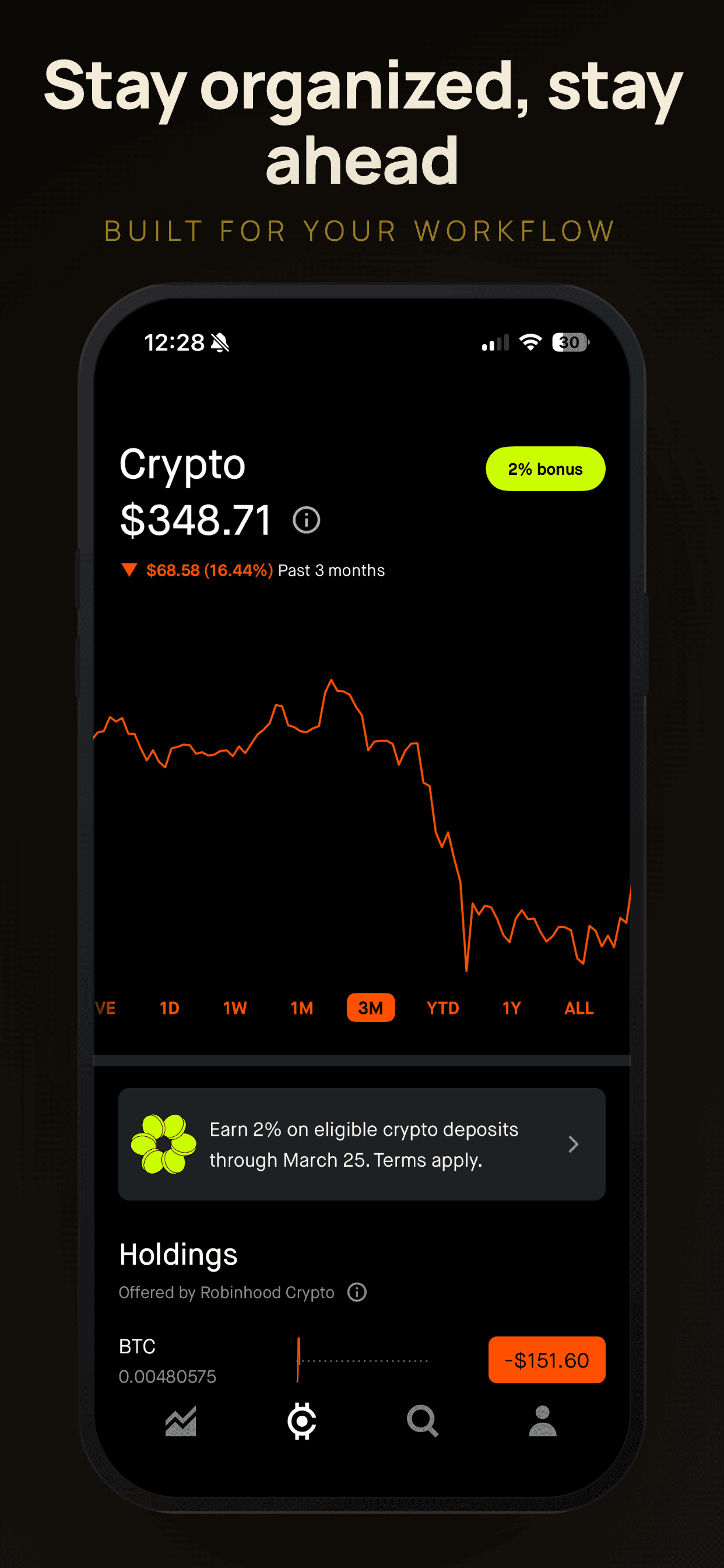
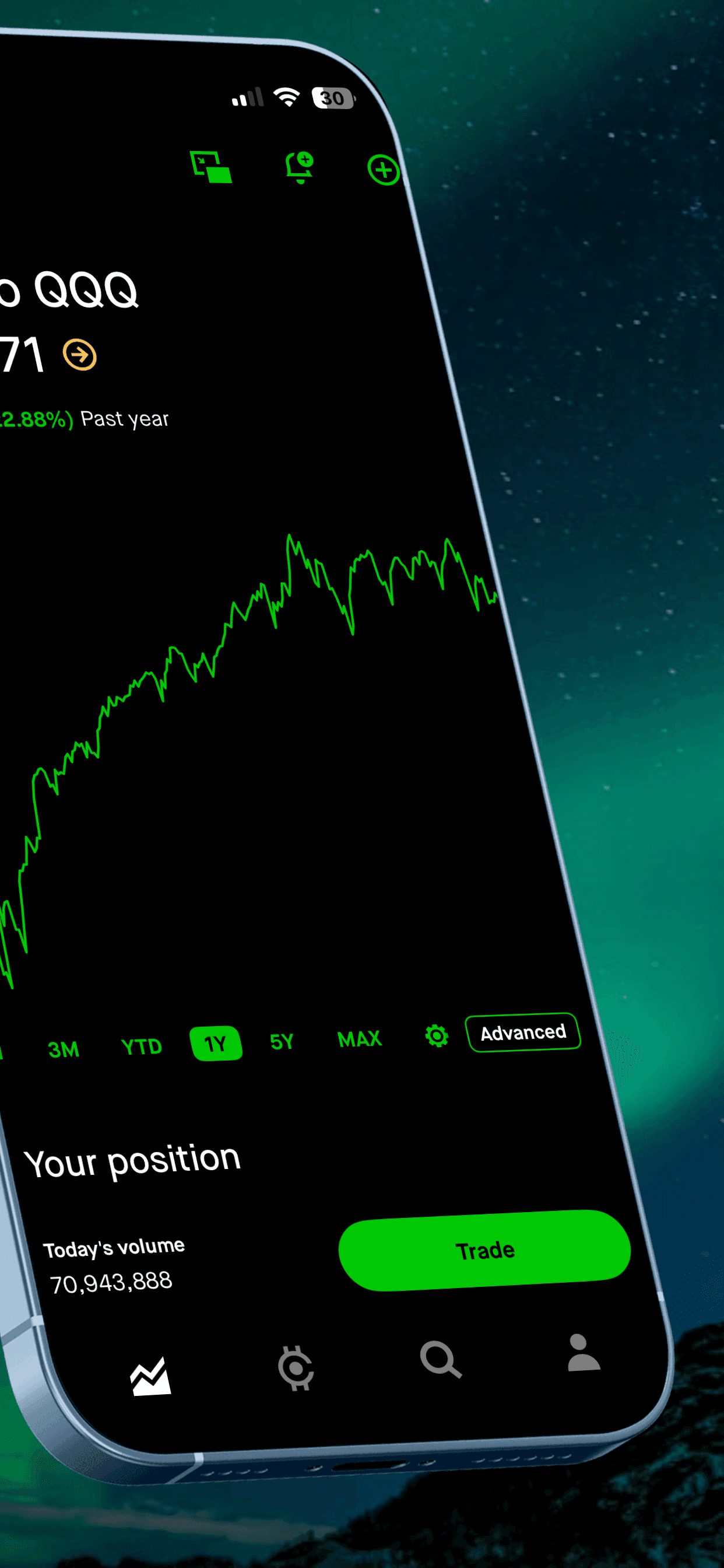
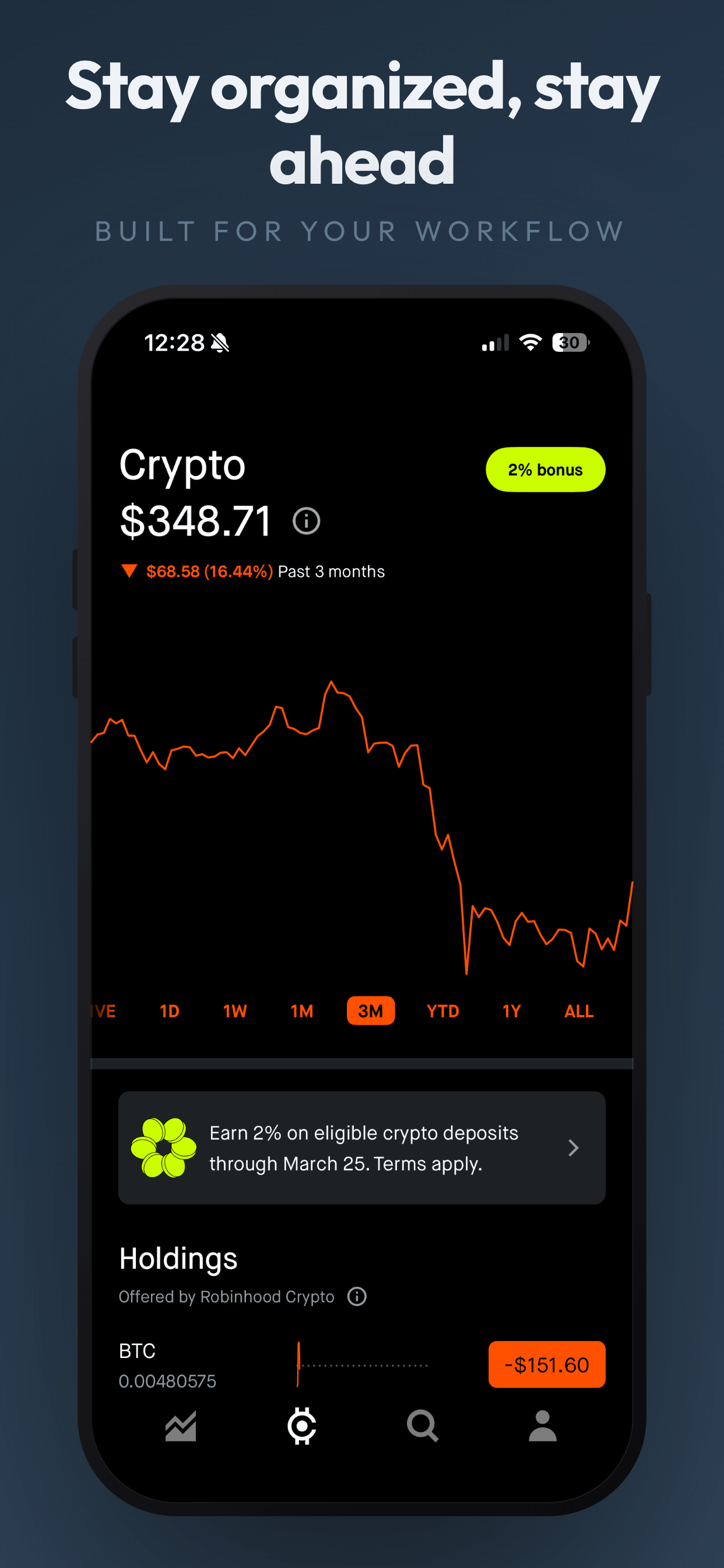
Create your App Store previews free
Upload your raw video and screenshots, pick a template, and export App Store-ready previews at the right dimensions. No signup needed.
Try Screenshot Otter free →