Reference
iPhone 16 Pro Max App Store Screenshot Sizes (2026)
Exact screenshot dimensions for the iPhone 16 Pro Max and all current iPhone models. Compare 6.9-inch, 6.7-inch, and legacy sizes, plus iPad requirements and file format rules.

Scott Stewart · Mar 22, 2026
Quick answer
iPhone 16 Pro Max: 1320 x 2868 px (optional 6.9-inch) or 1290 x 2796 px (required 6.7-inch). Apple requires the 6.7-inch set minimum. Screenshots must be PNG or JPEG, no transparency, 72 DPI, under 500 MB.
The iPhone 16 Pro Max introduces a new 6.9-inch display, the largest iPhone screen ever. For App Store submissions, you have two options: use the new 6.9-inch dimensions for pixel-perfect appearance on the Pro Max, or stick with Apple's required 6.7-inch standard that covers all current large iPhones.
This guide covers the exact pixel dimensions for iPhone 16 Pro Max and all current iPhone models, plus iPad requirements. If you're publishing across multiple stores, see our complete App Store screenshot sizes guide for the full comparison of all devices.
iPhone Screenshot Sizes
Listed in order of priority. The 6.7-inch set is Apple's required standard and covers all current and recent iPhones.
| Device | Resolution | Notes |
|---|---|---|
| iPhone 16 Pro Max (6.9") | 1320 × 2868 px | For optimal appearance on the largest iPhone. Apple will scale to other sizes. |
| iPhone 16 Plus / Pro (6.7") | 1290 × 2796 px | Apple-required standard. Covers all current large iPhones. Used as fallback for other sizes. |
| iPhone 6.5" | 1242 × 2688 px | Covers iPhone 12, 13 Pro Max, and other older large iPhones. |
| iPhone 5.5" | 1242 × 2208 px | Legacy size for iPhone 6 Plus, 7 Plus, 8 Plus. |
iPad Screenshot Sizes
Required only if your app supports iPad. iPad Pro 12.9-inch is the required size if you enable iPad.
| Device | Resolution | Notes |
|---|---|---|
| iPad Pro 12.9" (required) | 2048 × 2732 px | Required if you support iPad. Largest iPad Pro. |
| iPad Pro 11" | 1668 × 2388 px | Recommended. Current iPad Pro 11-inch models. |
| iPad (10th gen) | 1640 × 2360 px | Optional. Standard iPad. |
File Format Requirements
- FormatPNG or JPEG. No GIF, no HEIC. No alpha channel (transparency) allowed.
- Resolution72 DPI minimum. Screenshots must match the exact pixel dimensions, not approximately close.
- File sizeMaximum 500 MB per screenshot. In practice, optimized PNG exports are well under 5 MB.
- Quantity1 to 10 screenshots per device size. Most apps perform best with 4 to 8 screenshots.
Should You Use 6.9-inch or 6.7-inch Screenshots?
Use 6.7-inch (1290 x 2796 px)
This is Apple's required standard. It covers the iPhone 16 Pro Max and will work perfectly. Most developers use this size for simplicity and compatibility across all devices.
Use 6.9-inch (1320 x 2868 px) if
You want pixel-perfect optimization on the iPhone 16 Pro Max specifically. The difference is subtle but noticeable on the largest display. Only worth the extra work if screenshot design is critical to your app's positioning.
Practical Tips
Start with the 6.7-inch size
Apple's required dimension. Design at 1290 x 2796 first, then you can create the 6.9-inch variant if needed by extending the design slightly.
Use a template for speed
Creating screenshots for multiple sizes manually is time-consuming. A tool like Screenshot Otter lets you upload raw screenshots, pick a template, and export all sizes at once.
Test on a real iPhone 16 Pro Max
If you're designing custom screenshots, export them and preview on an actual iPhone 16 Pro Max to check how they appear on the 6.9-inch display.
Frequently Asked Questions
- What is the iPhone 16 Pro Max screenshot size for the App Store?
- The iPhone 16 Pro Max has a 6.9-inch display and requires screenshots at 1320 × 2868 px. However, the 6.7-inch size (1290 × 2796 px) is the Apple-required standard and will cover the iPhone 16 Pro Max.
- Do I need separate screenshots for the iPhone 16 Pro Max?
- No. Apple requires the 6.7-inch set (1290 × 2796 px) minimum, which covers the iPhone 16 Pro Max. You can optionally submit a 6.9-inch set for optimal appearance on the largest iPhones.
- What is the difference between 6.9-inch and 6.7-inch iPhone screenshots?
- The 6.9-inch size (1320 × 2868 px) is optimized for the iPhone 16 Pro Max and looks sharper on that device. The 6.7-inch size (1290 × 2796 px) is Apple's required standard and will scale down for all other devices.
- Which iPhone models use the 6.7-inch screenshot size?
- The 6.7-inch size (1290 × 2796 px) covers iPhone 14 Pro Max, iPhone 15 Plus, iPhone 15 Pro Max, iPhone 16 Plus, and iPhone 16 Pro Max. It is Apple's required standard screenshot dimension.
- Are iPhone 16 Pro Max screenshots different from iPhone 15 Pro Max?
- The required 6.7-inch size (1290 × 2796 px) is identical. The iPhone 16 Pro Max adds a 6.9-inch variant (1320 × 2868 px) for apps that want to optimize specifically for that device, but this is optional.
Related Guides
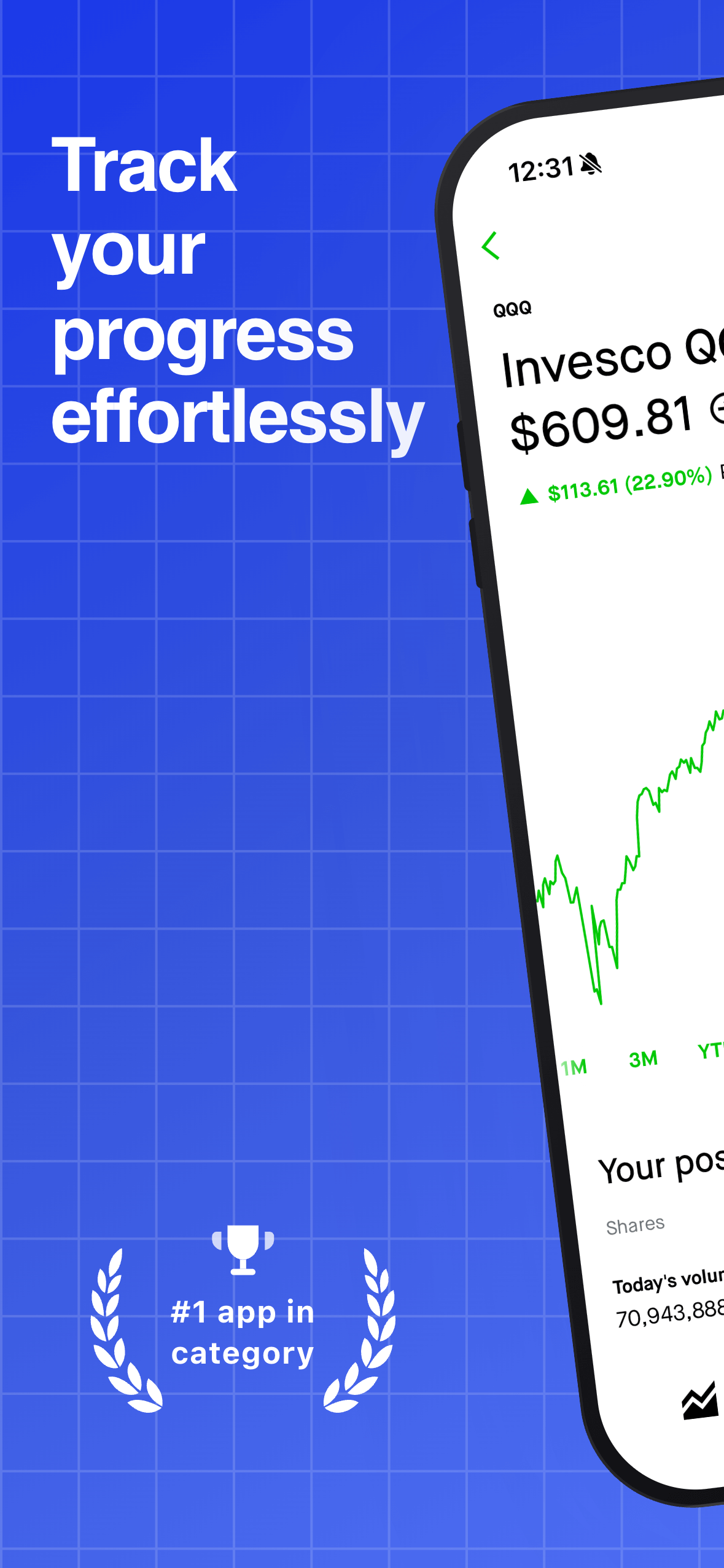
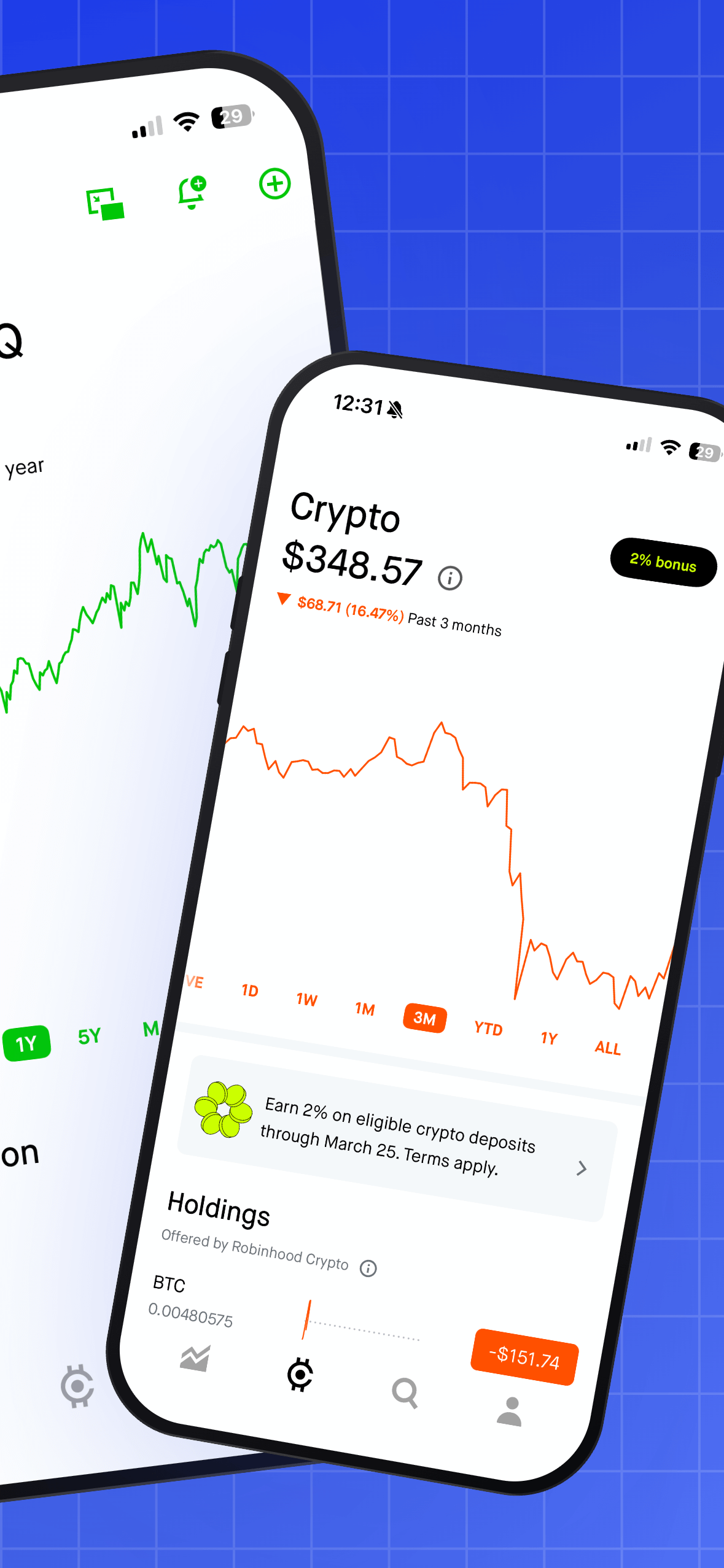
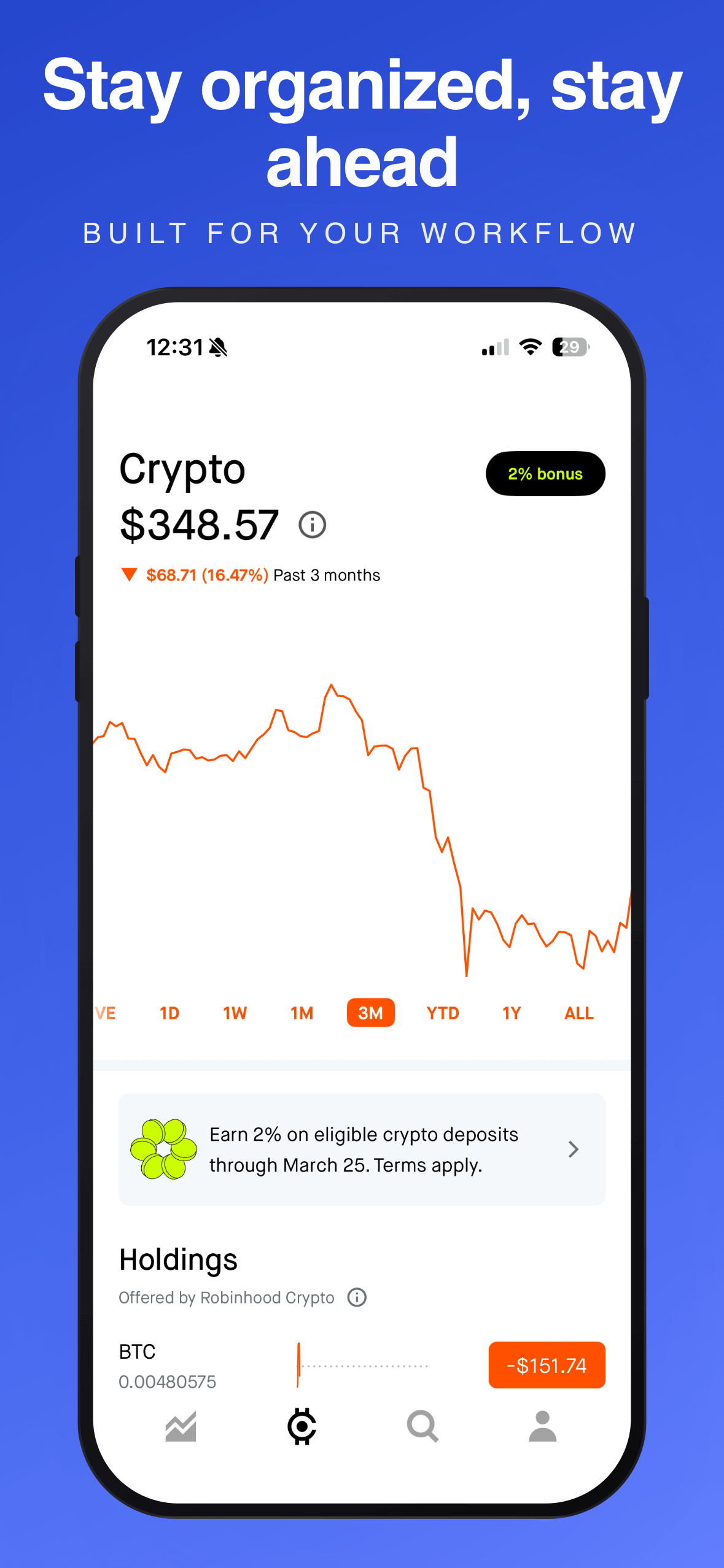
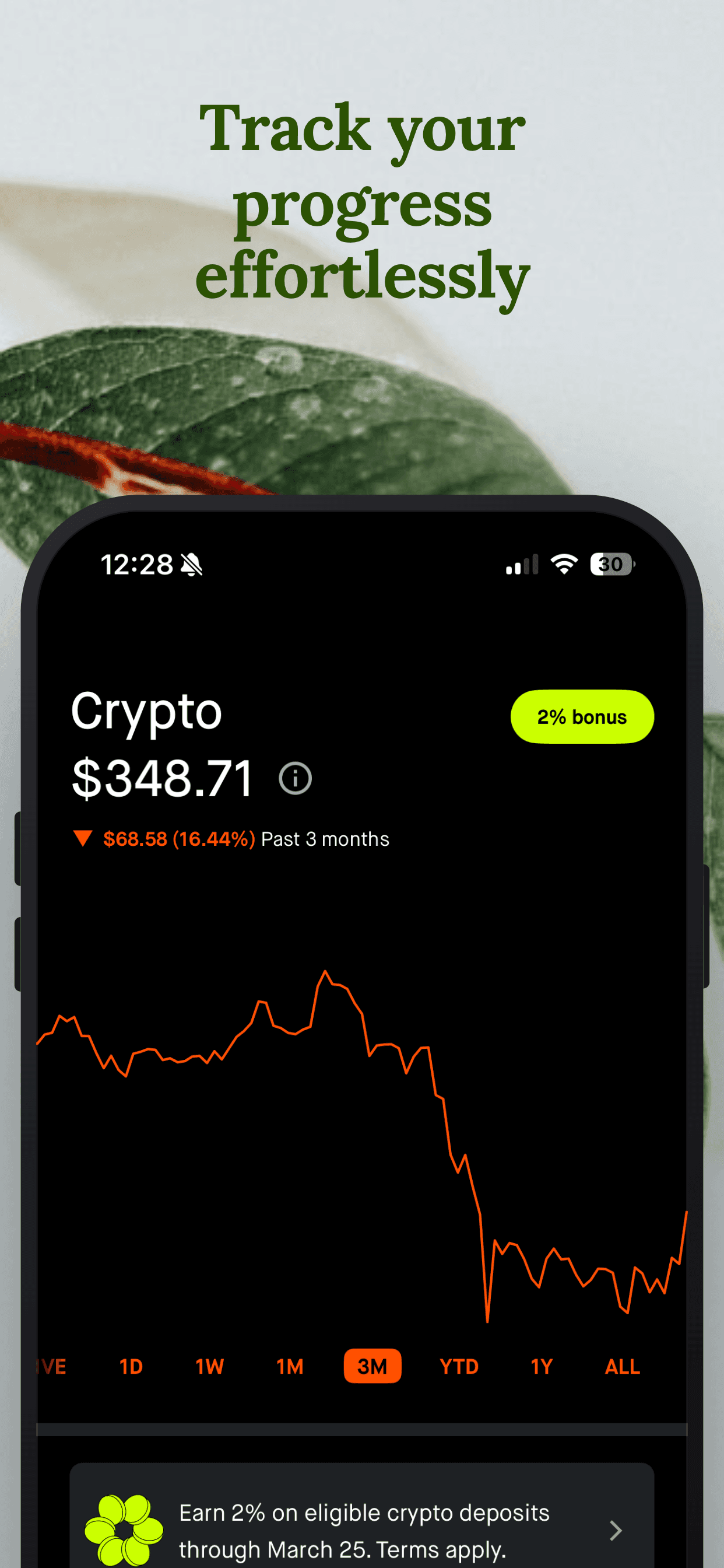
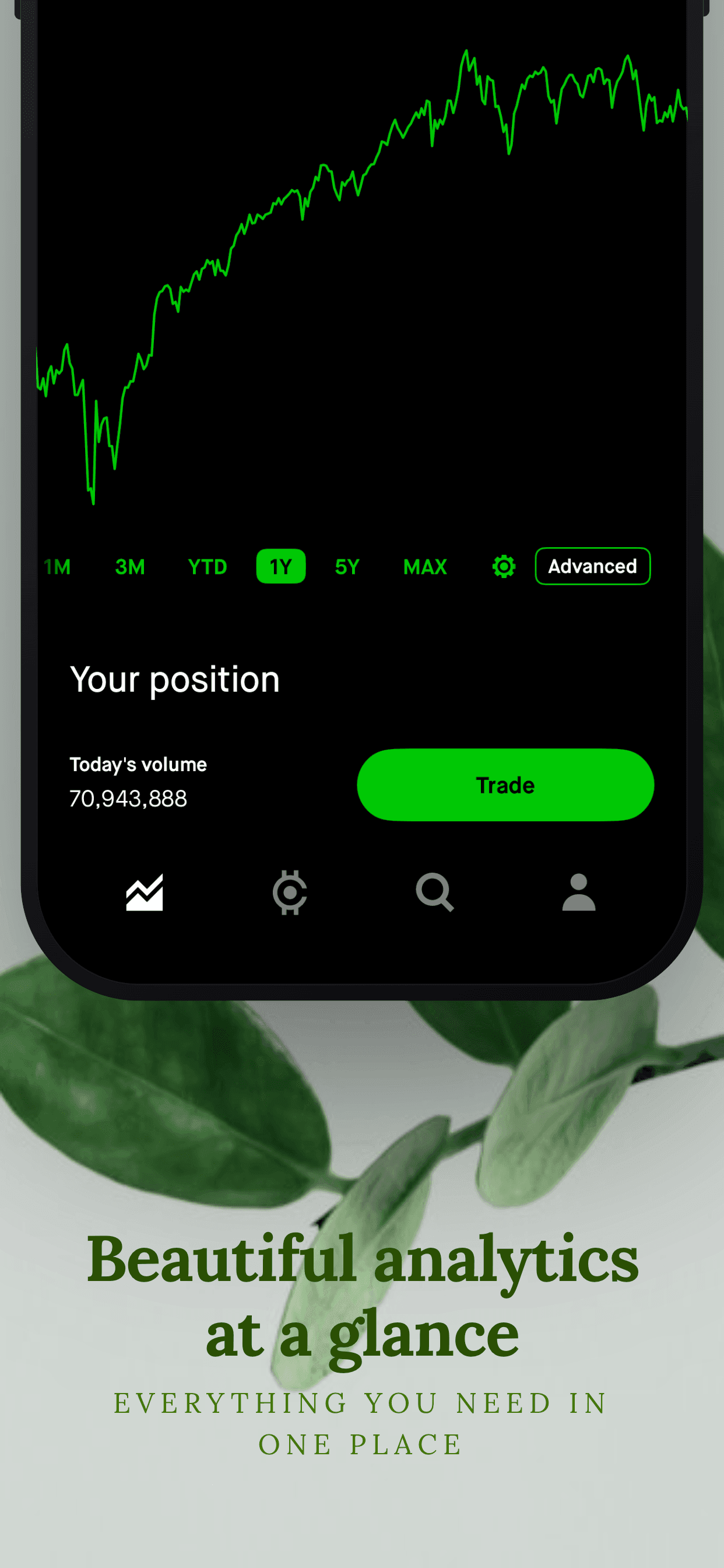
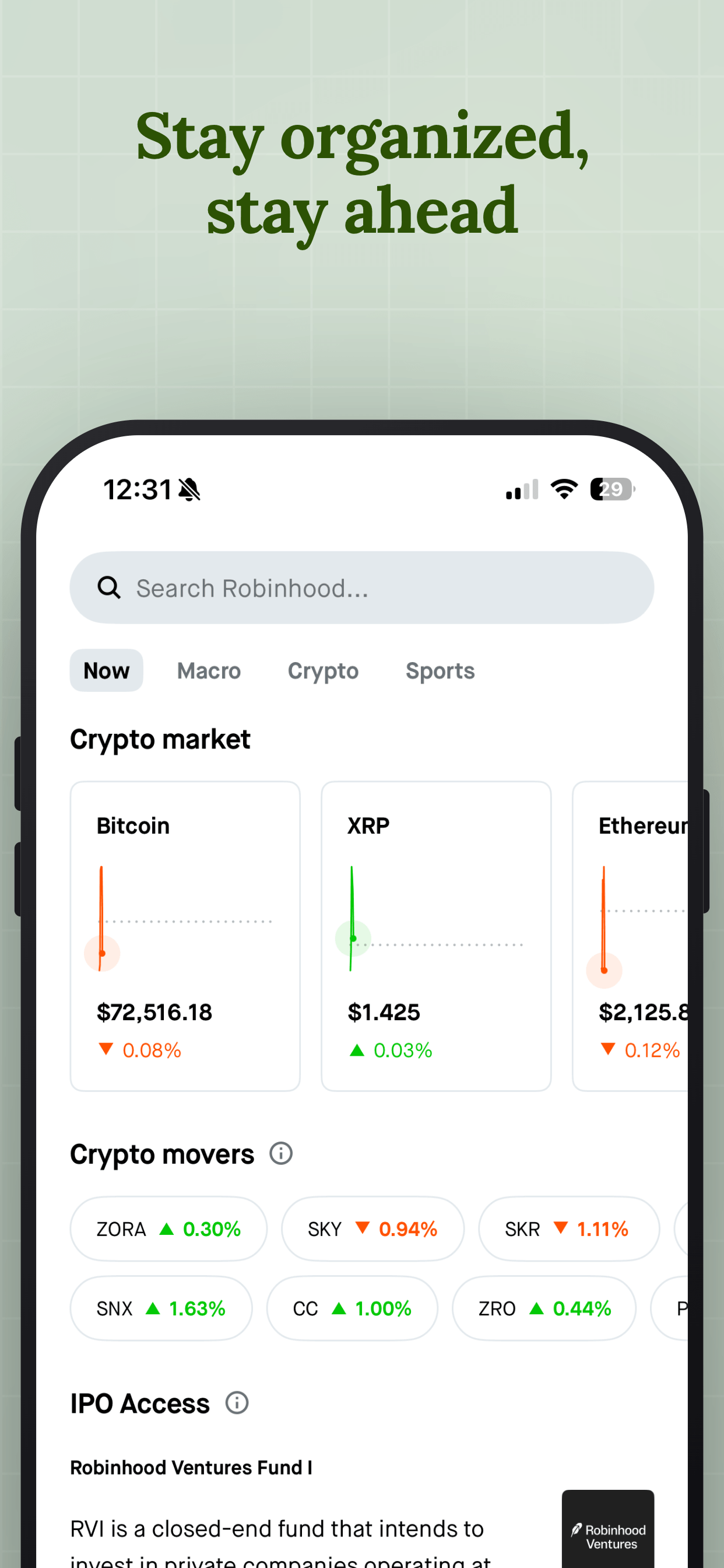
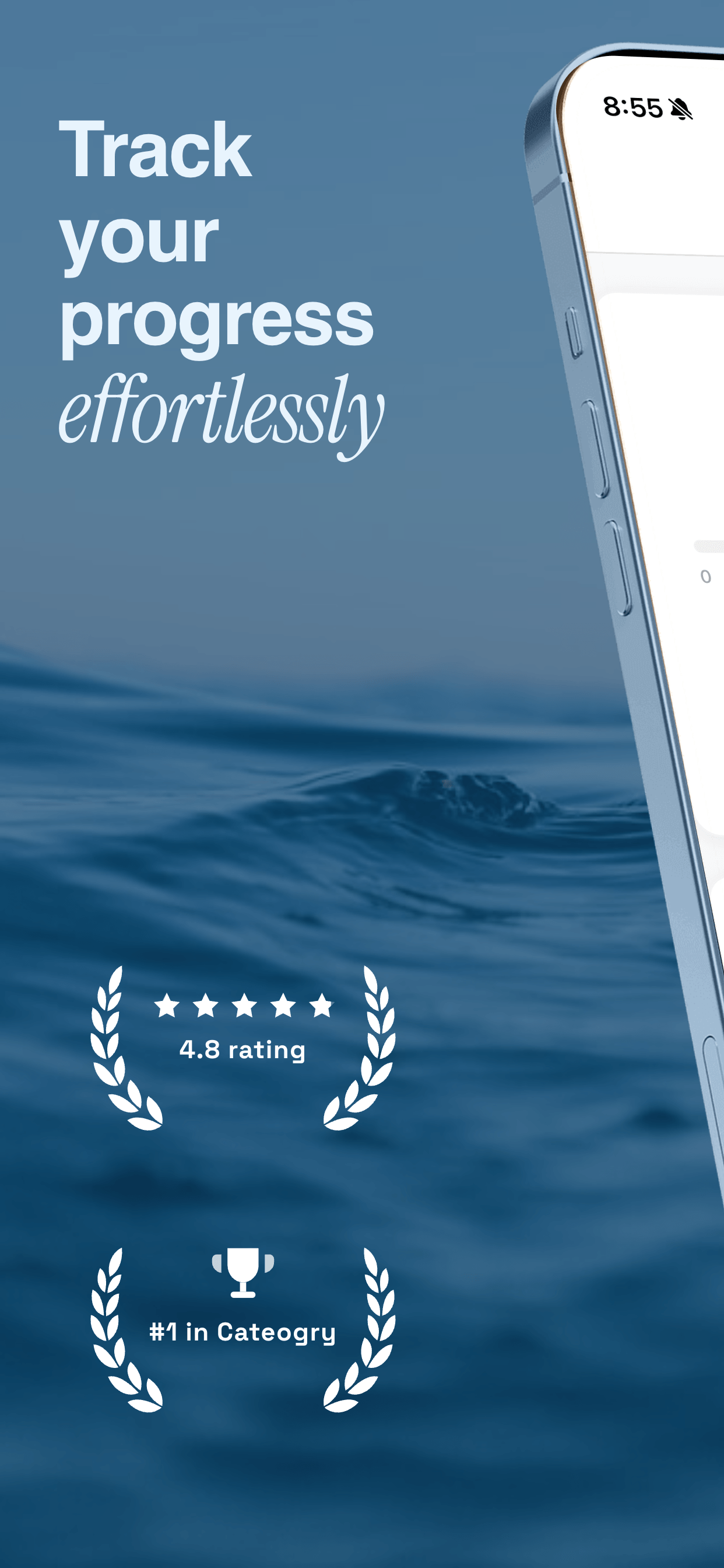
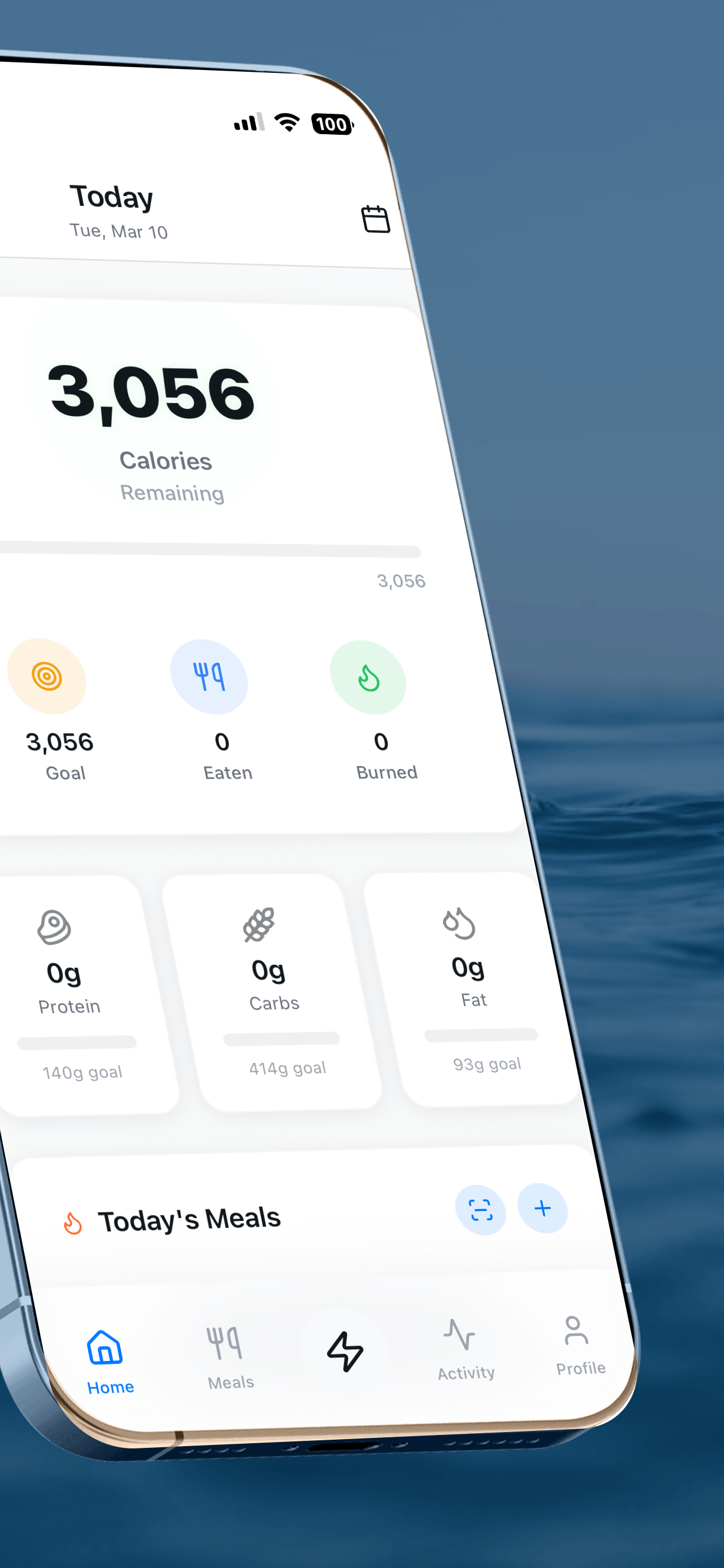
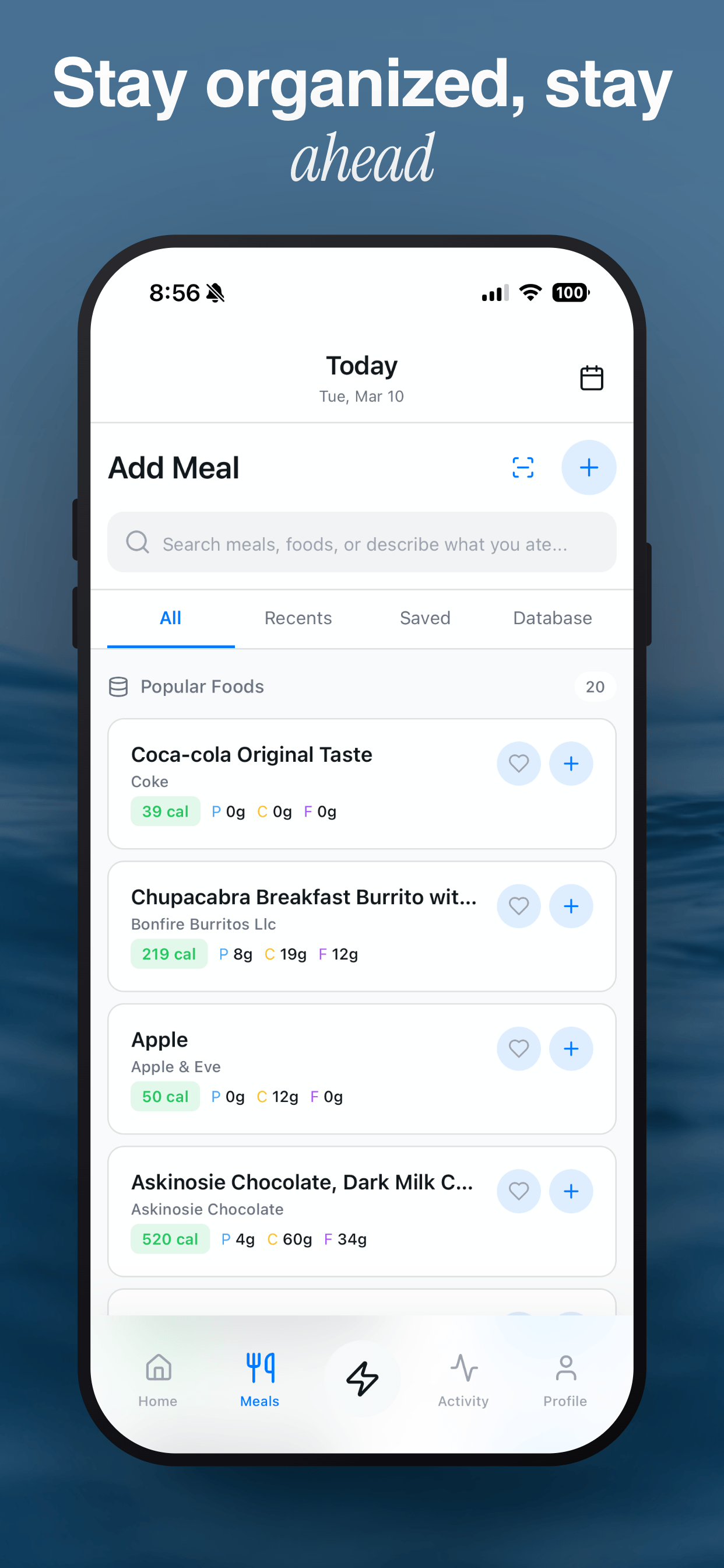
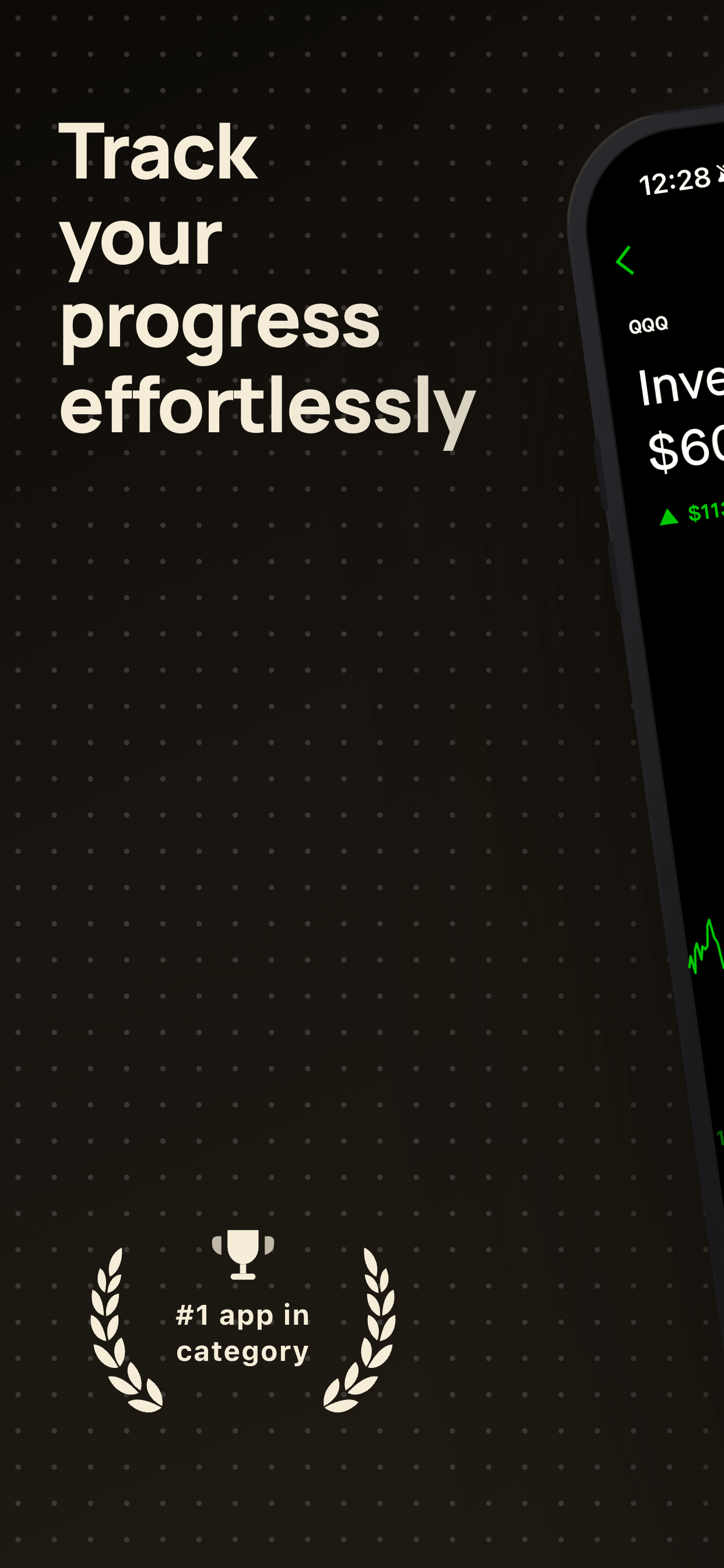
Create your iPhone 16 Pro Max screenshots free
Upload your raw iPhone screenshots, pick a template, and download App Store-ready images at the right dimensions. No signup needed.
Try Screenshot Otter free →