Guide
7 Common App Store Screenshot Mistakes (and How to Fix Them)
The most common mistakes developers make with their App Store and Google Play screenshots, and practical fixes for each one.

Scott Stewart · Mar 19, 2026
Quick answer
The most common App Store screenshot mistakes are: using feature-list captions instead of benefit-driven headlines, neglecting the first screenshot (the only one visible in search results), using inconsistent or cluttered designs, skipping localization for non-English markets, ignoring iPad sizes, using real user data in screenshots, and never A/B testing. Fixing even two or three of these can measurably improve your conversion rate.
Screenshots are the most influential factor in app download decisions. Users spend less than three seconds deciding whether to tap the install button, and your screenshots are doing 80% of the persuasion work. Yet most developers make the same avoidable mistakes: weak captions, buried value propositions, cluttered layouts, and zero testing.
These seven mistakes are drawn from reviewing hundreds of App Store and Google Play listings. Each one is fixable, and fixing even a couple can move your conversion rate by 15 to 25%. The good news is that you don't need to hire a designer or spend weeks on optimization. Small, strategic changes to your existing screenshots can make a measurable difference.
Writing feature captions instead of benefit headlines
“Advanced Task Management” is a feature. “Never forget a deadline again” is a benefit. Features describe what the app does; benefits describe what changes for the user. Users scanning the App Store make split-second decisions based on emotional resonance, not technical specifications. Fix: rewrite every caption using the formula “What will the user's life look like after they download?”
Burying your best screenshot
Screenshot 1 is the only one visible in search results and the App Store browse tab. Yet most developers put a generic “Welcome to [App Name]” splash on slide 1. Fix: put your most compelling feature and strongest caption on screenshot 1. Save the overview for screenshot 2 or later.
Cluttered, crowded designs
Trying to show everything on every slide. Multiple UI elements, long captions, tiny text. Negative space is a premium signal. Fix: one idea per slide. One caption line (6 words max). One clean phone frame. Let the design breathe.
Skipping localization
85% of App Store revenue comes from non-English markets, yet most indie developers ship English-only screenshots worldwide. Users who see their native language in screenshots are significantly more likely to download. Fix: localize your top 5 markets first. Screenshot Otter can translate captions into 30+ languages with one click.
Ignoring iPad screenshots
Many developers skip iPad screenshots entirely or upload stretched phone screenshots. If your app runs on iPad, Apple shows a separate iPad screenshot gallery. An empty gallery tells users your app is not optimized for their device. Fix: create a dedicated iPad set at 2048 × 2732 pixels.
Using real user data in screenshots
Showing real emails, names, notification content, or personal data in screenshots. This looks unprofessional and can raise privacy concerns. Fix: use realistic but fictional data. “Sarah M.” instead of a real name. “Meeting at 3pm” instead of actual calendar entries.
Never testing variations
Most developers create one set of screenshots and never touch them again. But small changes to caption wording, background color, or screenshot order can produce meaningful conversion improvements. Fix: use Apple's Product Page Optimization (free, built into App Store Connect) or Google Play Store Listing Experiments to test one variable at a time.
Founder's take
“After reviewing hundreds of App Store listings for Screenshot Otter users, I can say confidently that fixing mistakes 1 and 2 alone would improve most developers' conversion rates. Your first screenshot and your caption copy are where 80% of the impact lives.”
Scott Stewart, founder of Screenshot Otter
Frequently Asked Questions
- What is the most common App Store screenshot mistake?
- Burying the best content on screenshot 2 or later, and using feature descriptions instead of benefit headlines. Screenshot 1 is the only one visible in search results, so it should carry your strongest message and most compelling visual.
- Do App Store screenshots really affect downloads?
- Yes. Screenshots are the single most influential visual element in the App Store listing. Apple and Google both highlight them in search results and browse views. Studies show improving screenshots can lift conversion rates by 20 to 30%.
- How many screenshots should I use on the App Store?
- Apple allows 1 to 10 per device size. Most successful apps use 4 to 6 screenshots that tell a clear, sequential story about the app's core value. Too few and you don't explain the full value; too many and users stop scrolling.
- Should I localize my App Store screenshots?
- Yes, especially for your top revenue markets. Localized screenshots see 20 to 30% higher conversion in non-English markets. 85% of App Store revenue comes from outside the United States, so localization is a major ROI opportunity.
Related Guides
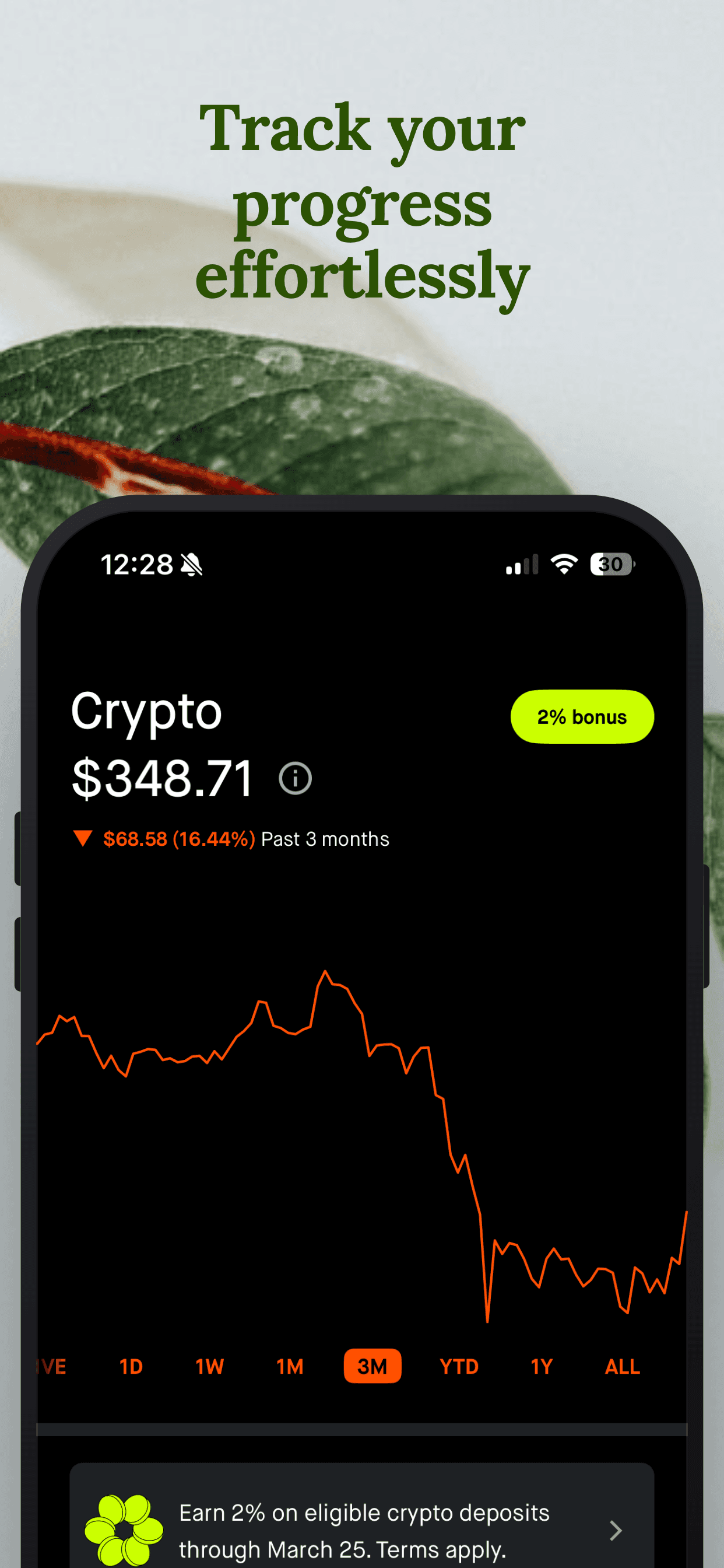
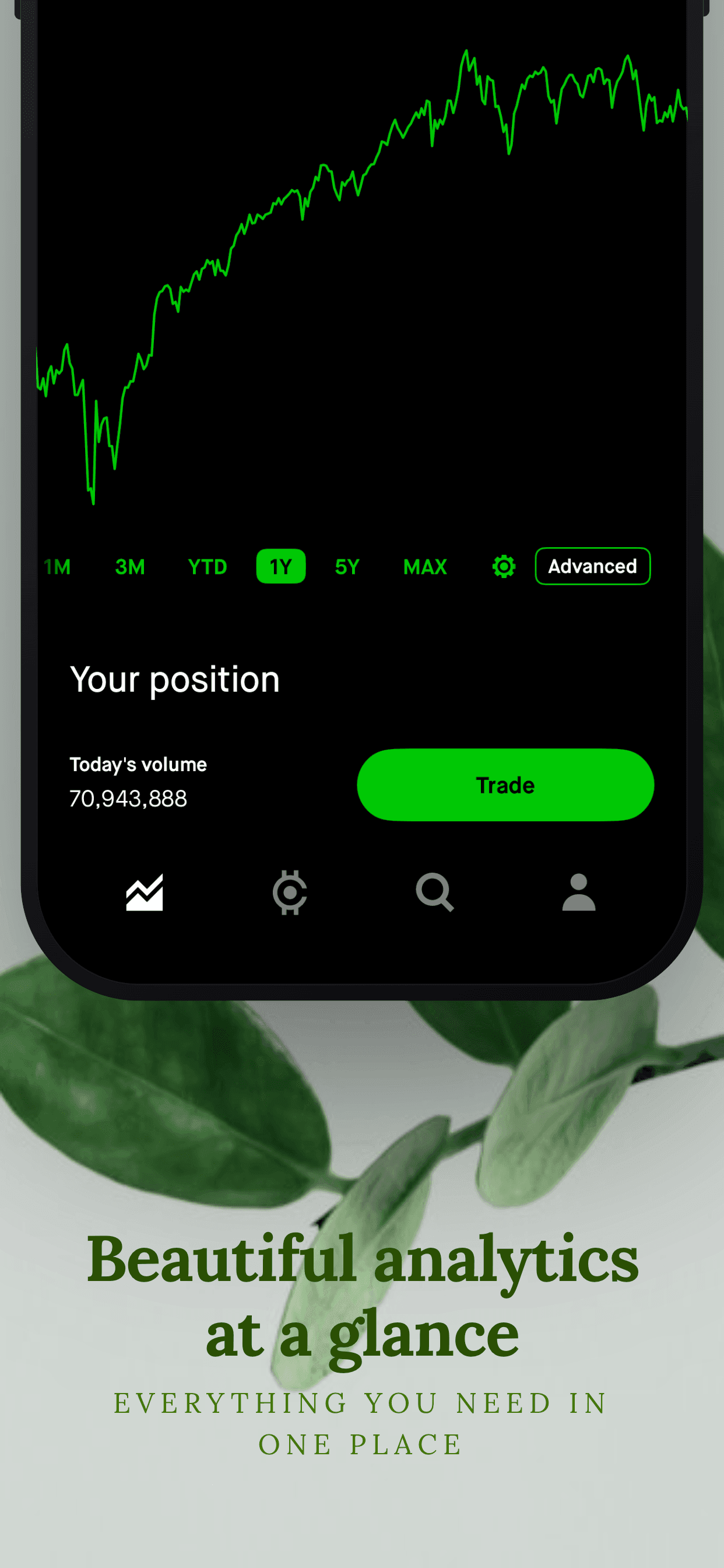
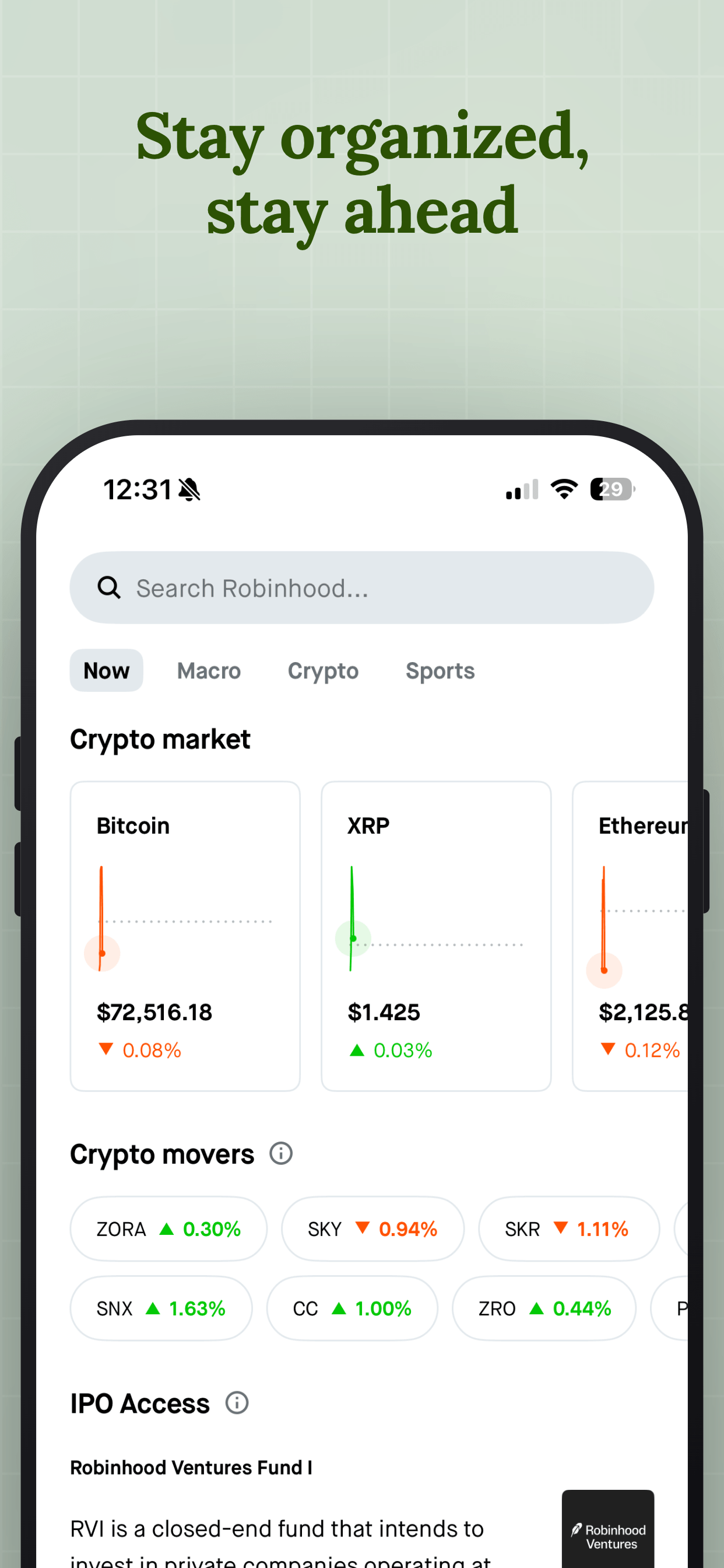
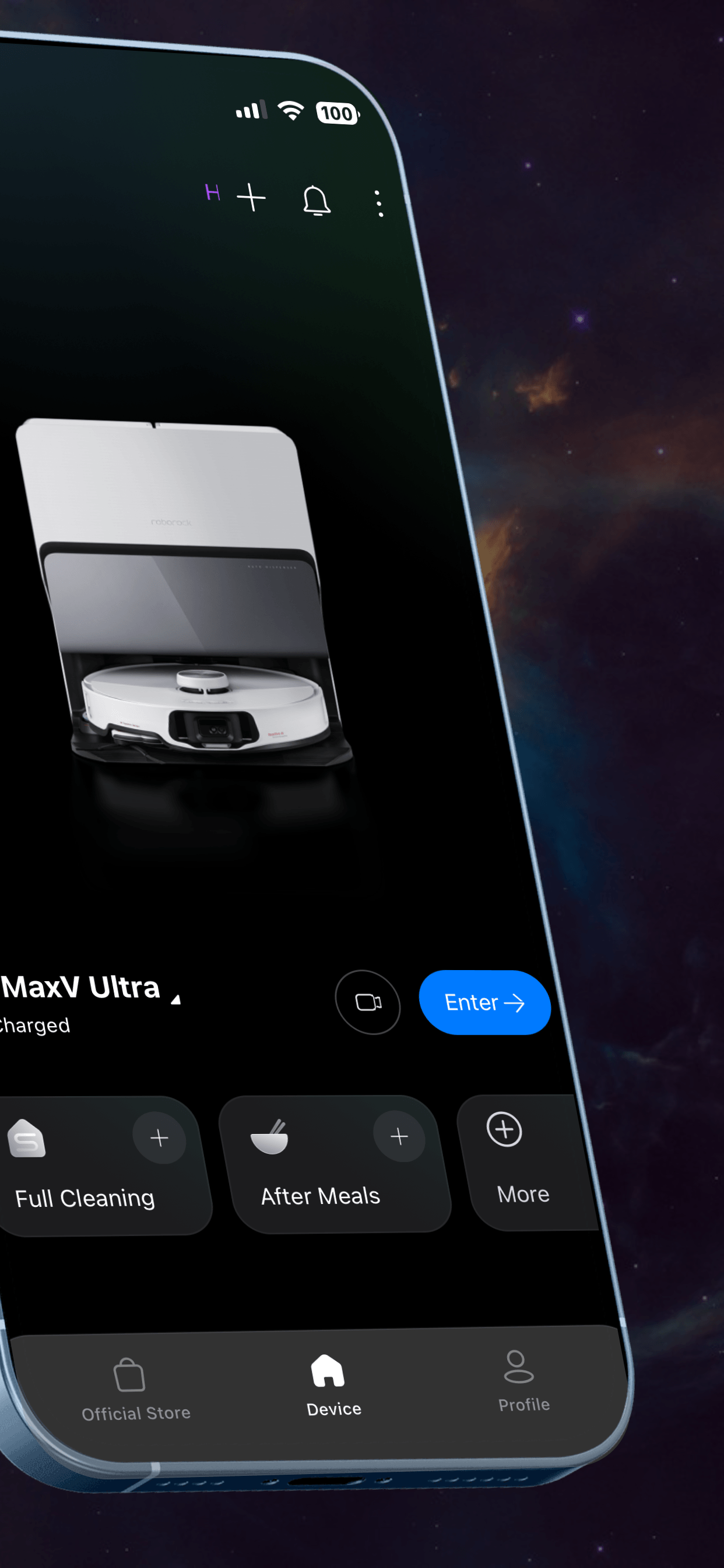
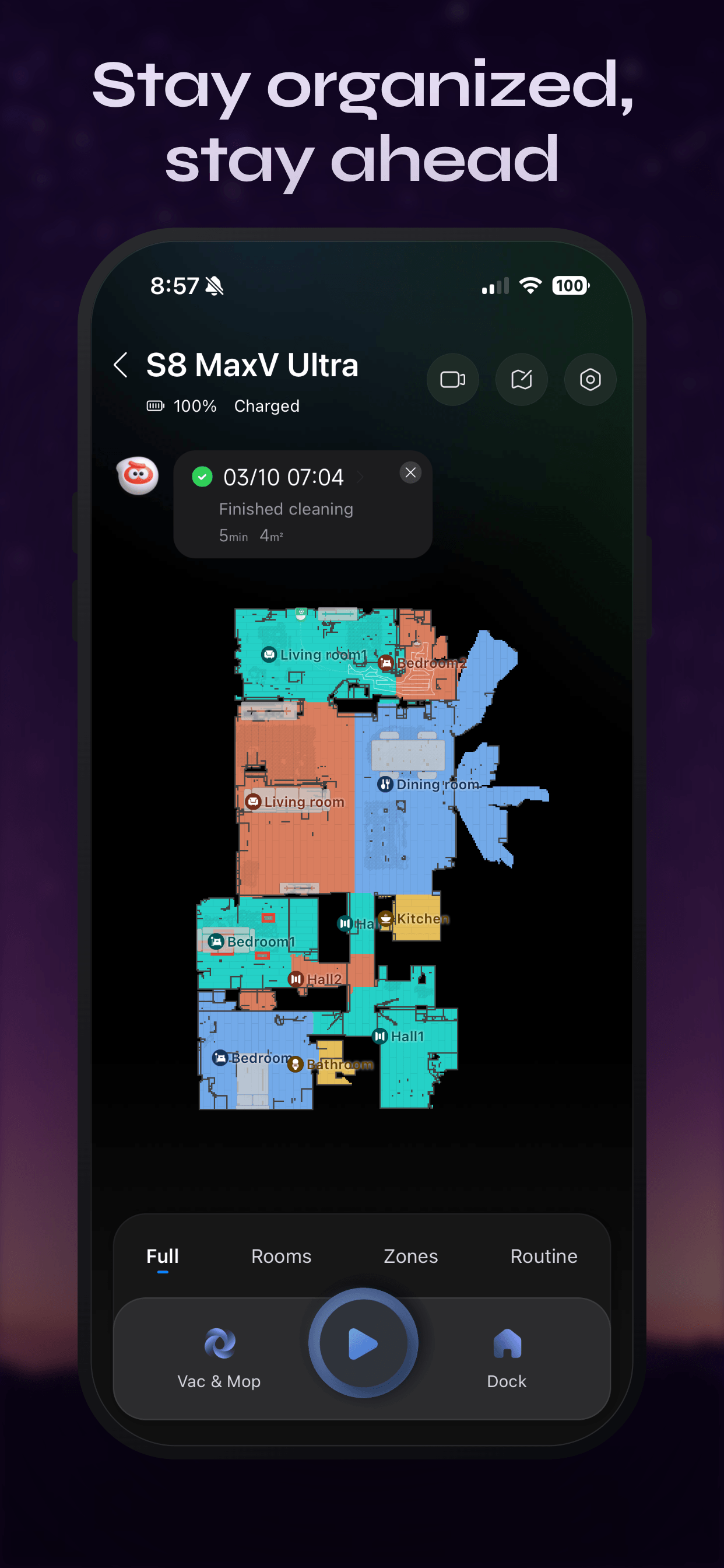
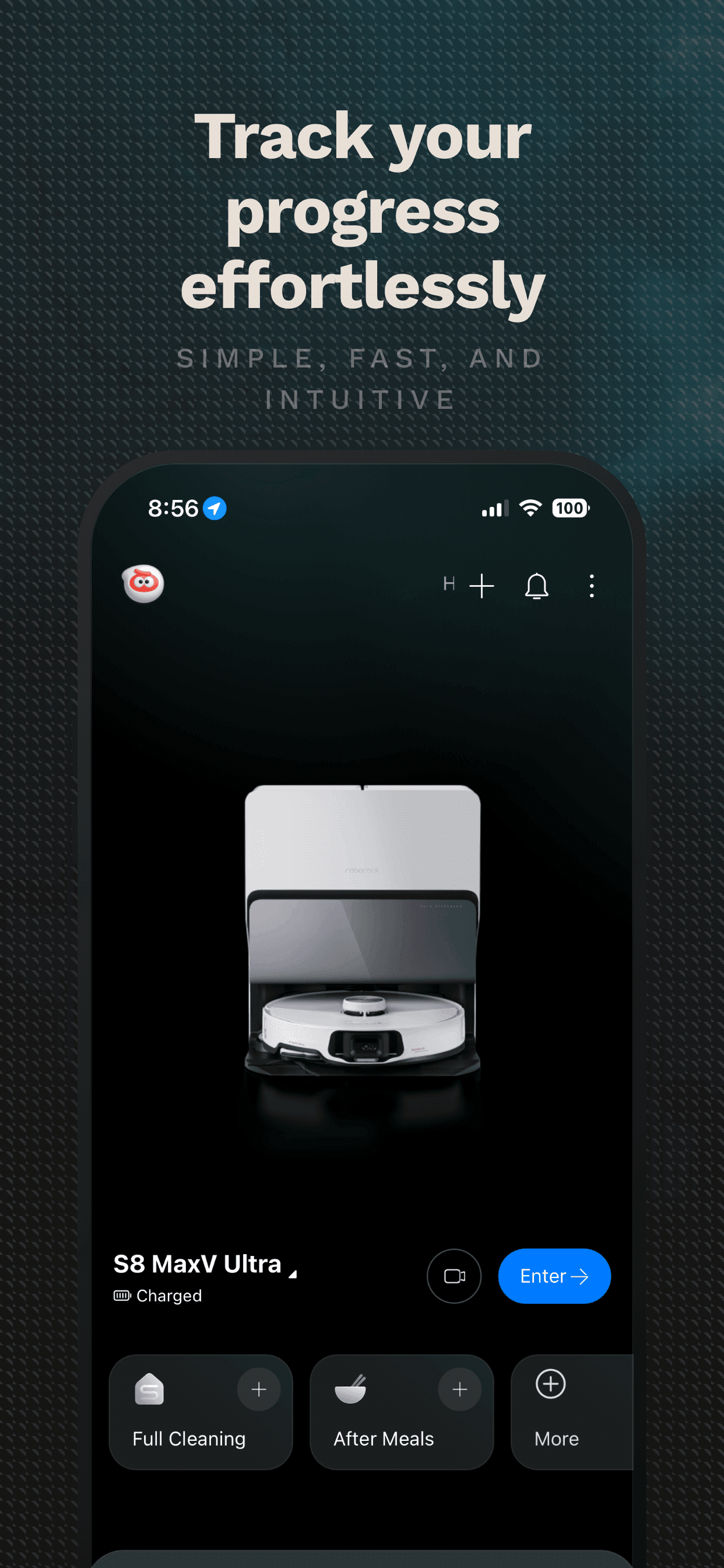
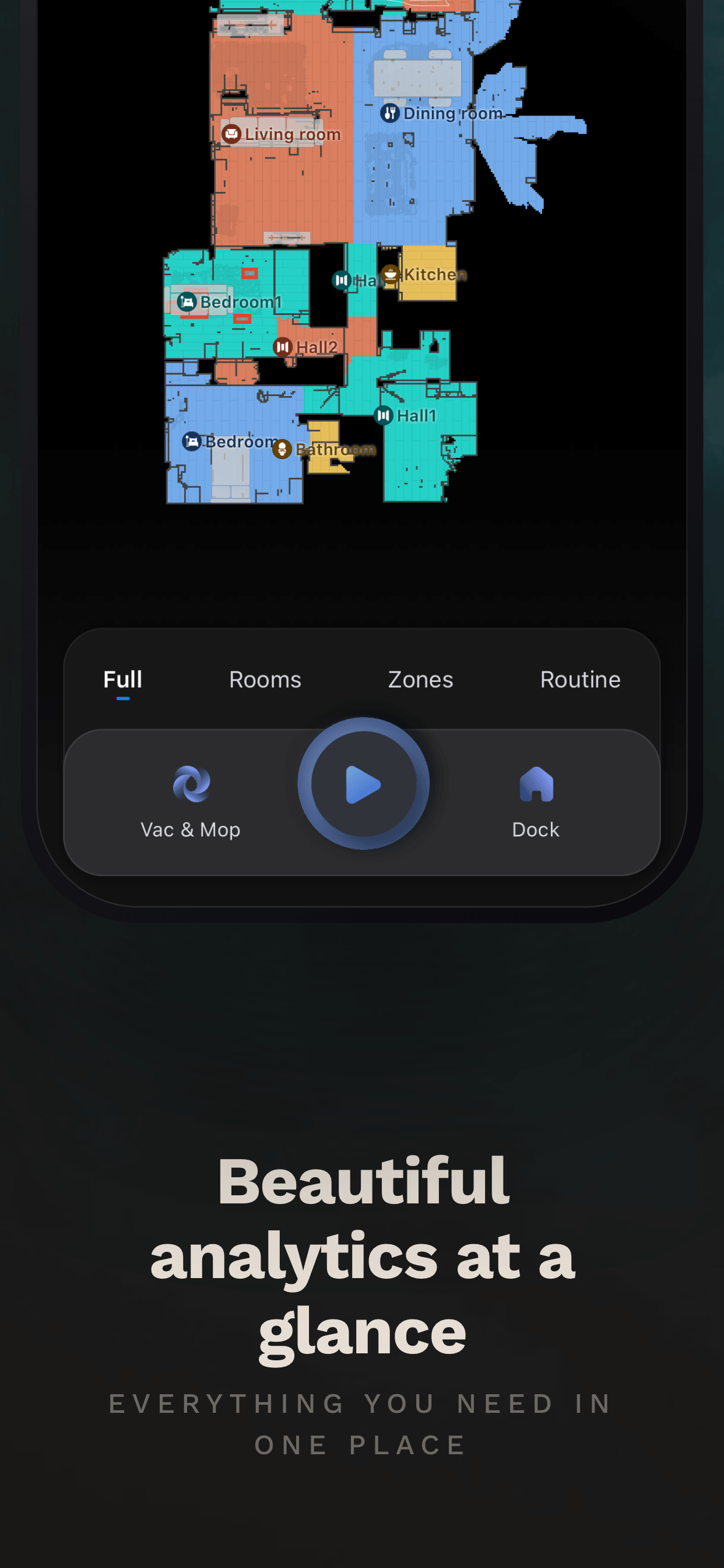
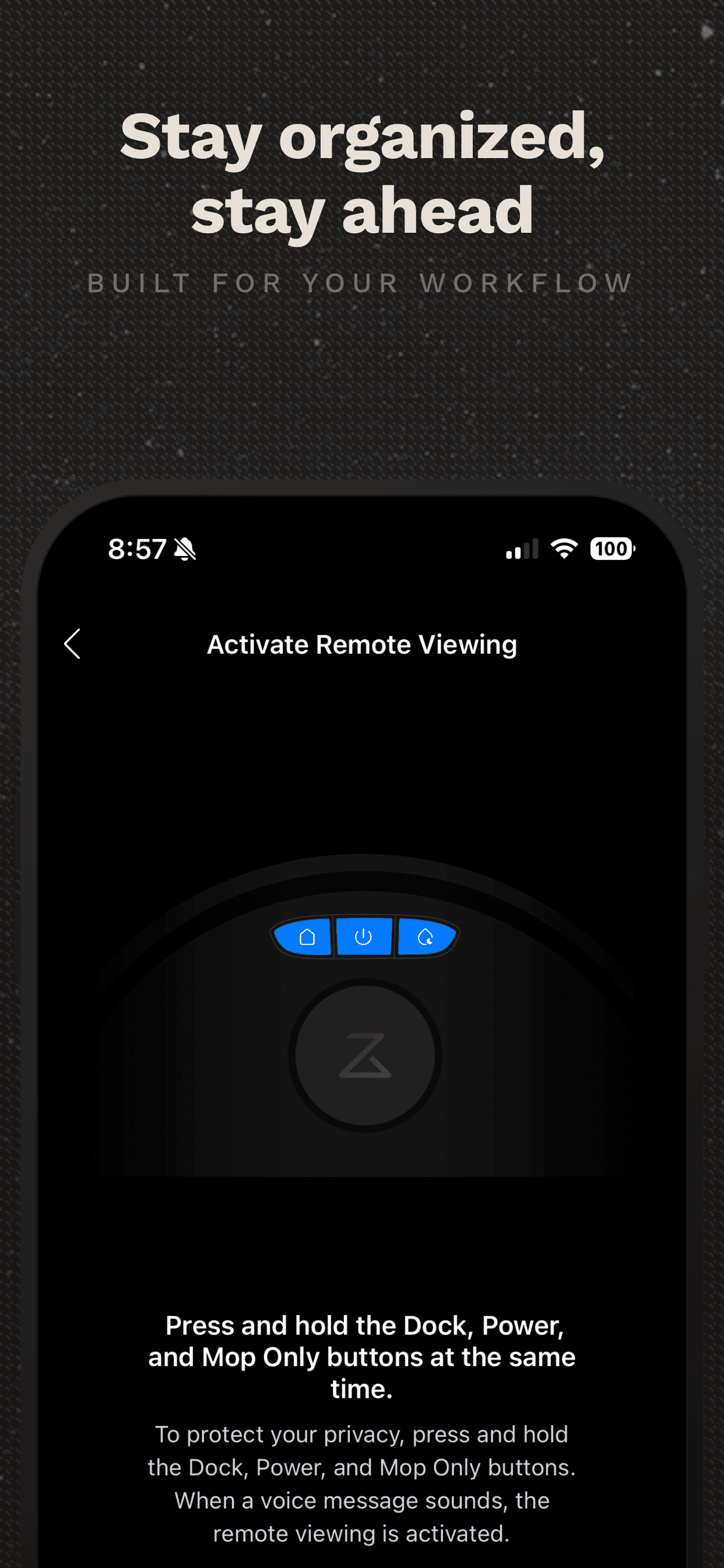
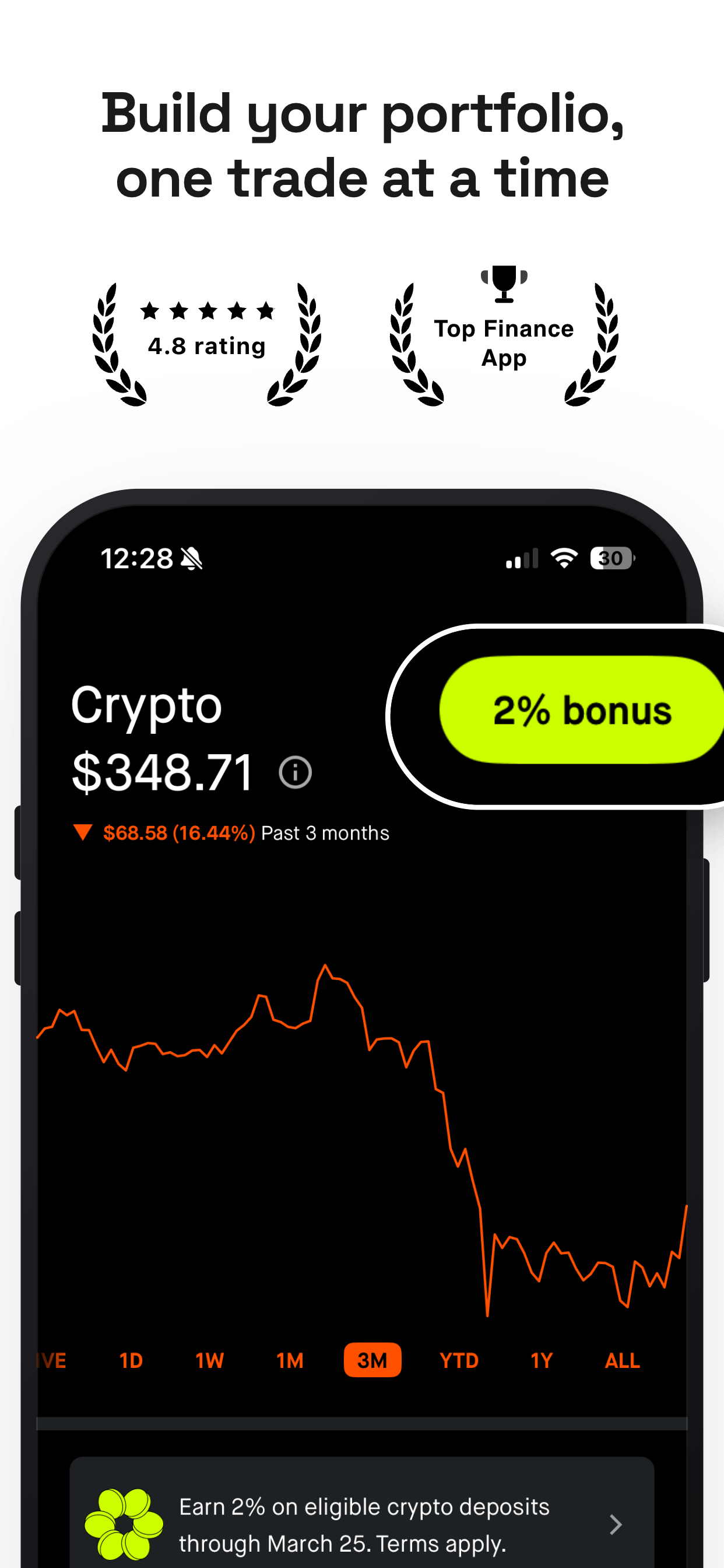
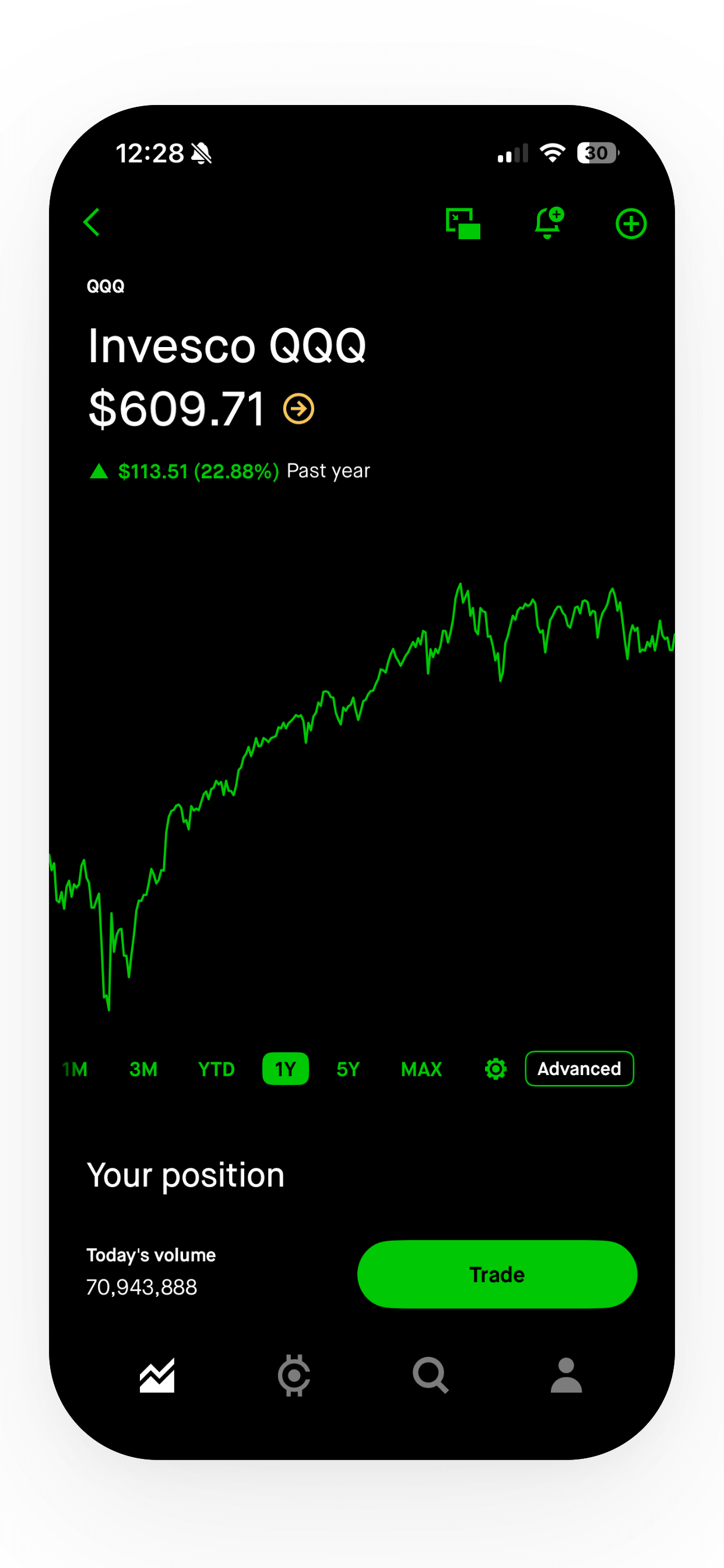
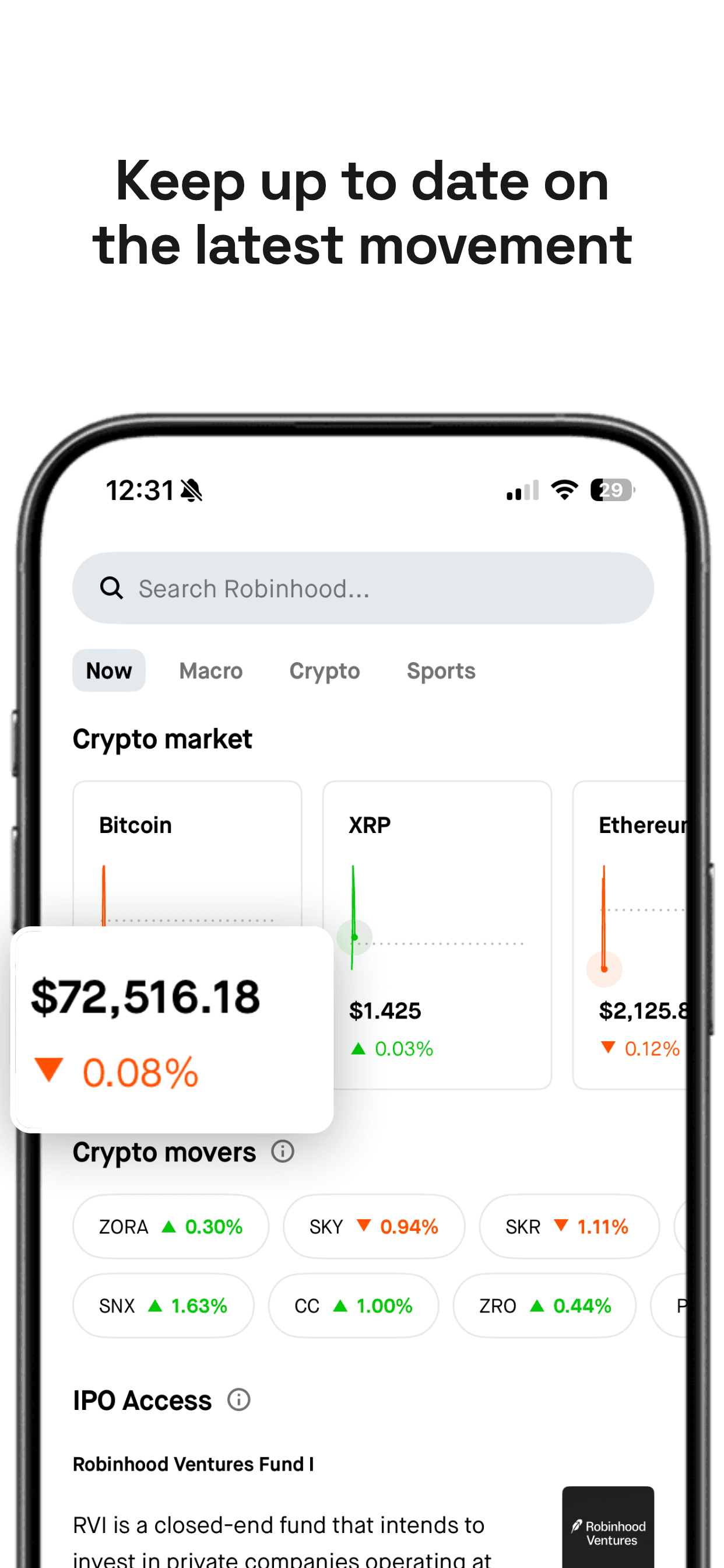
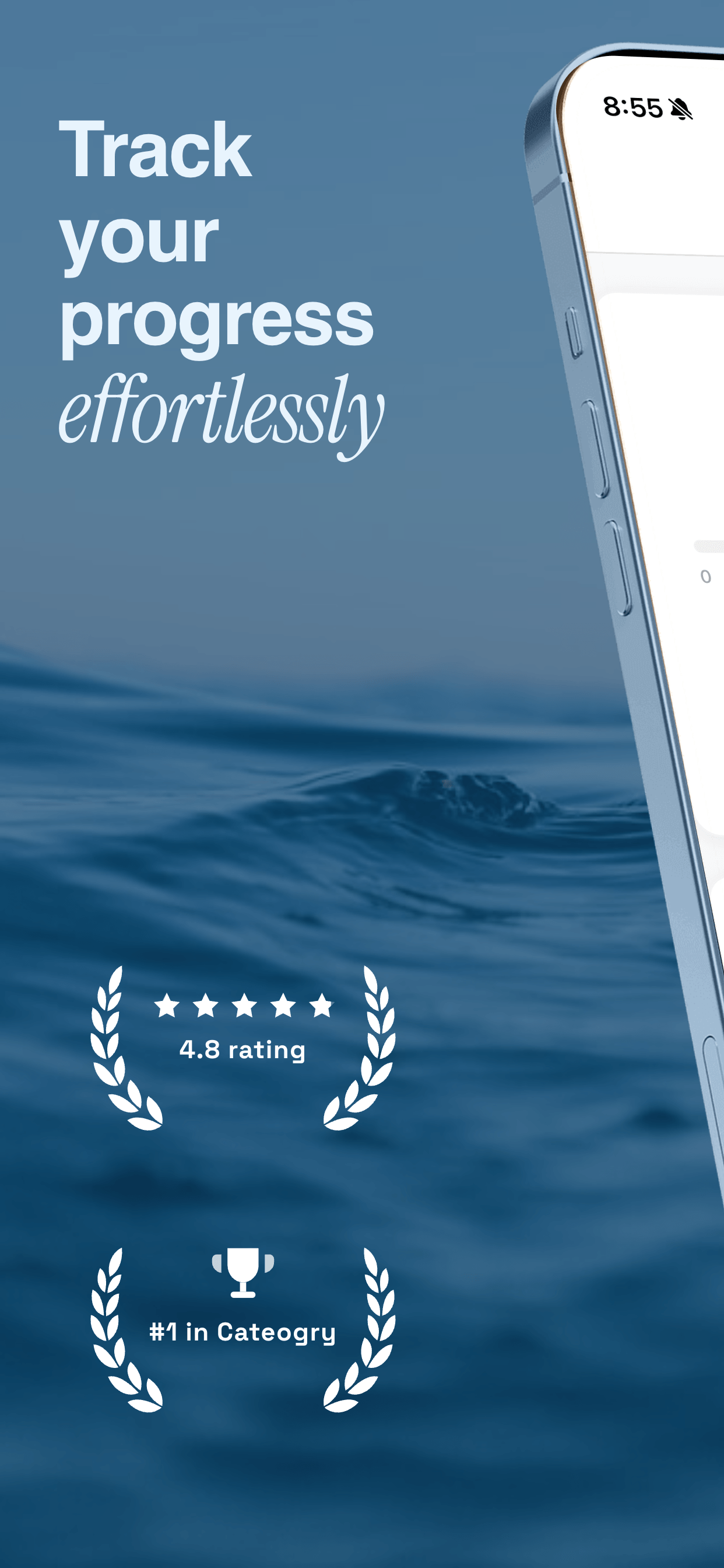
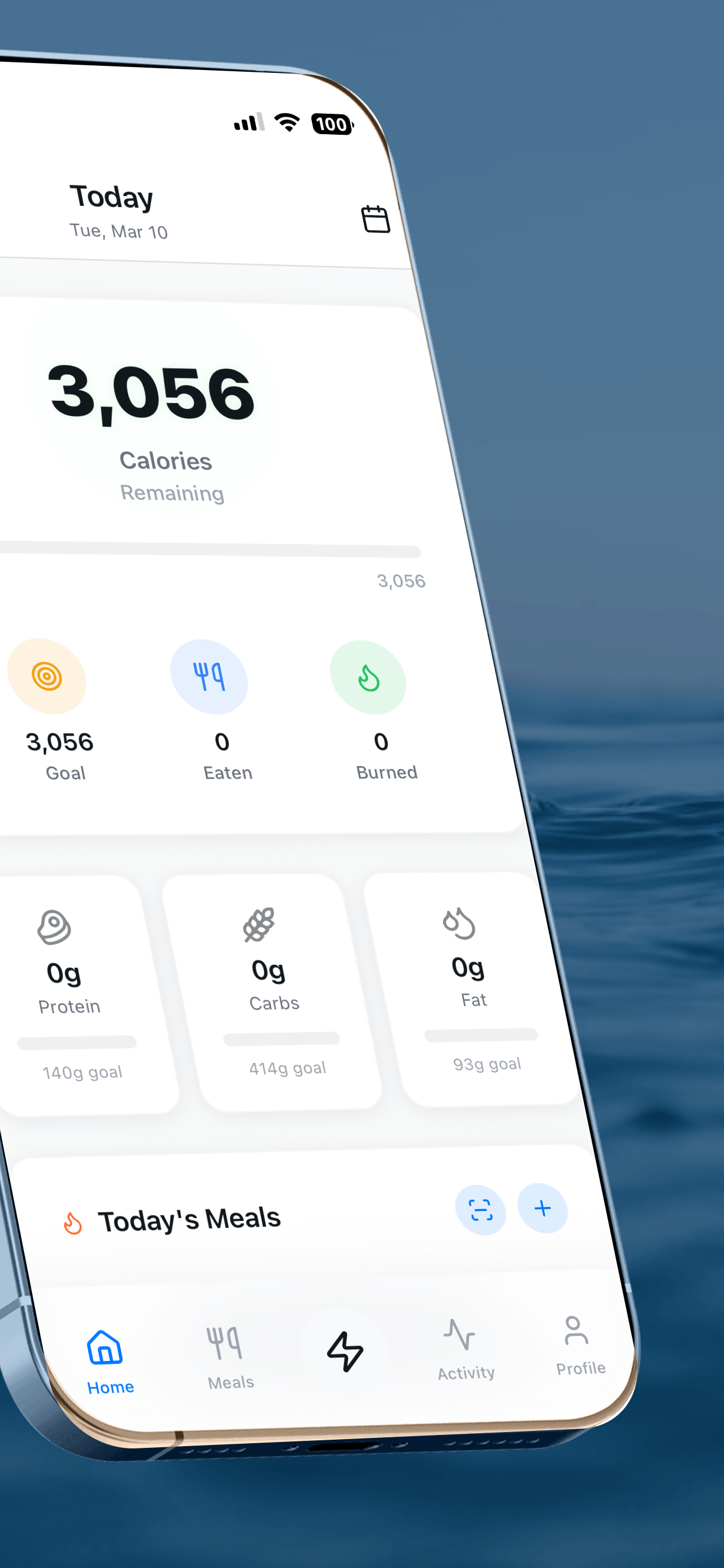
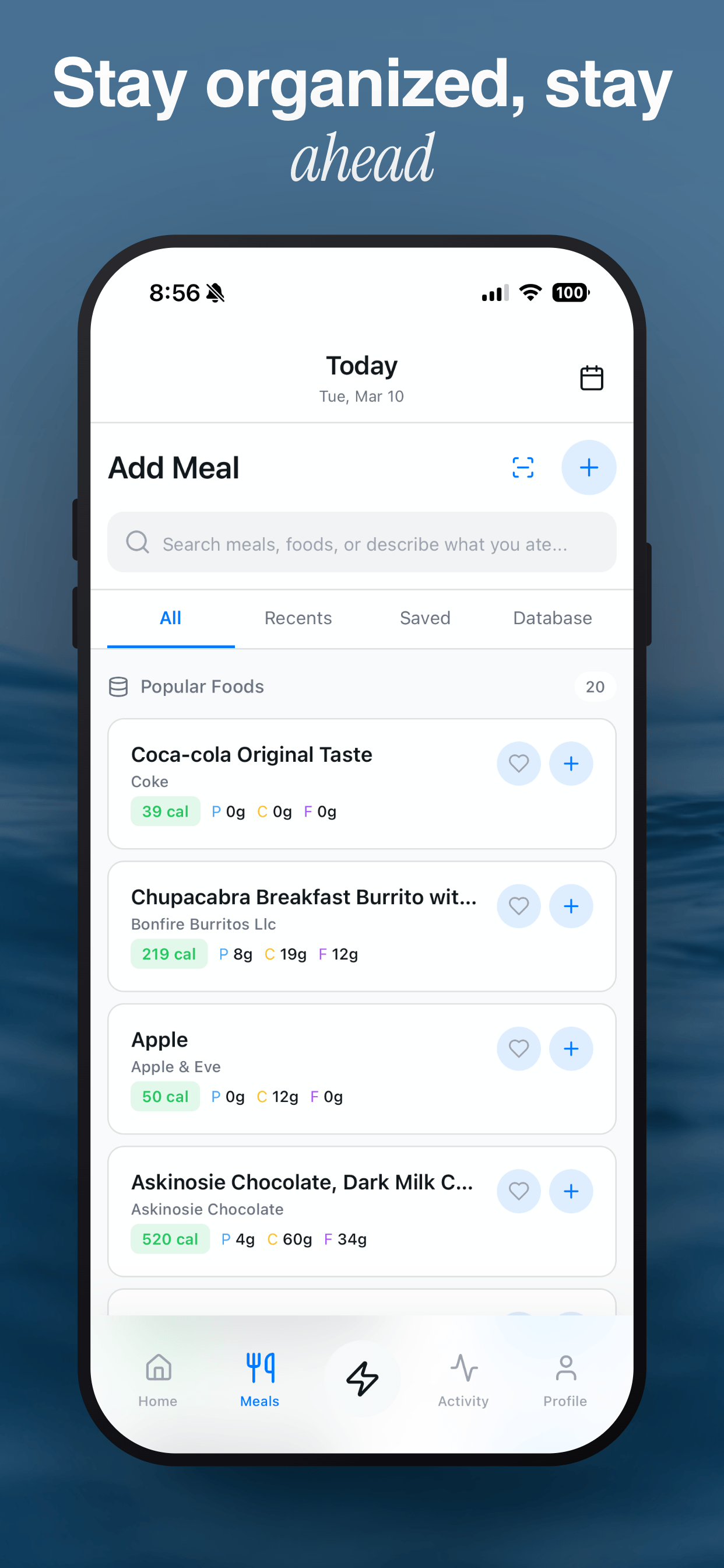
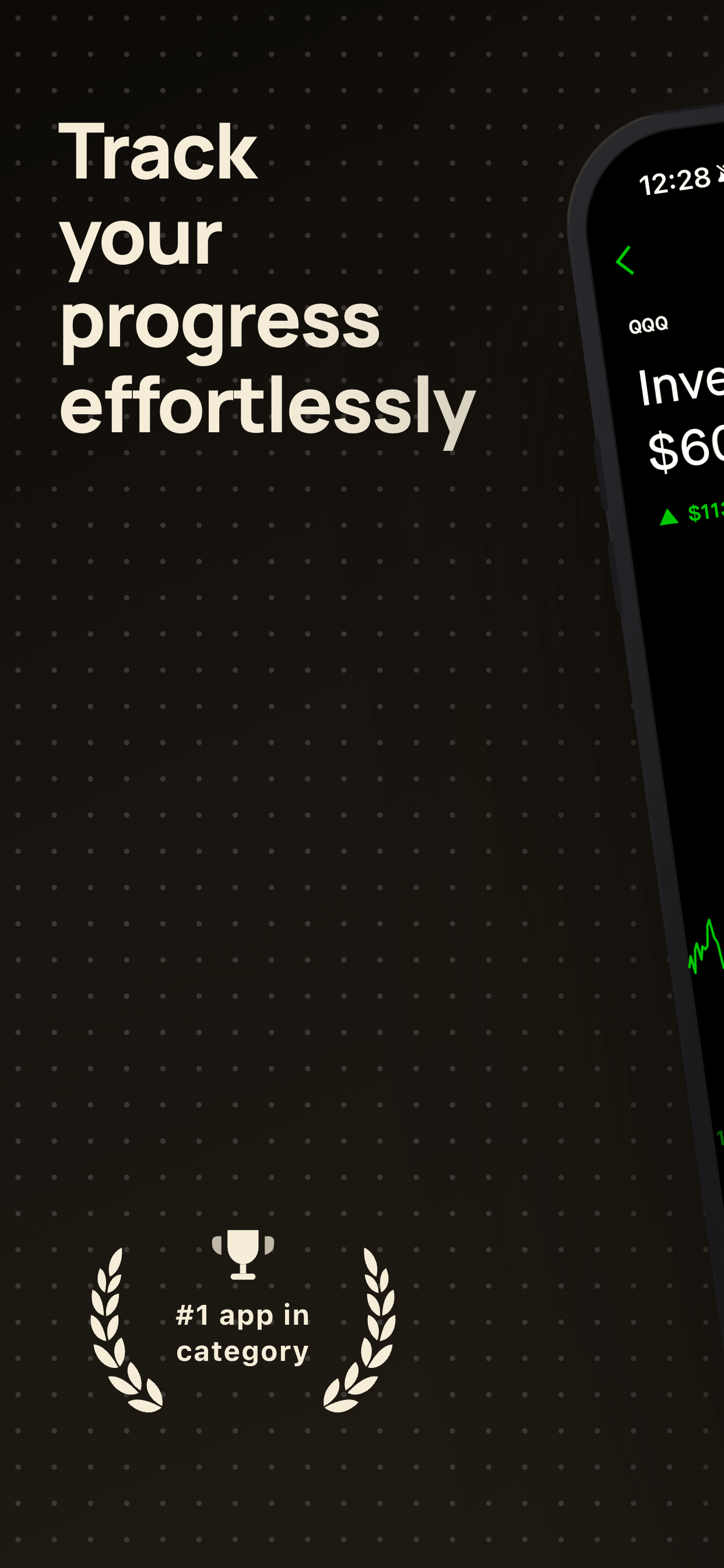
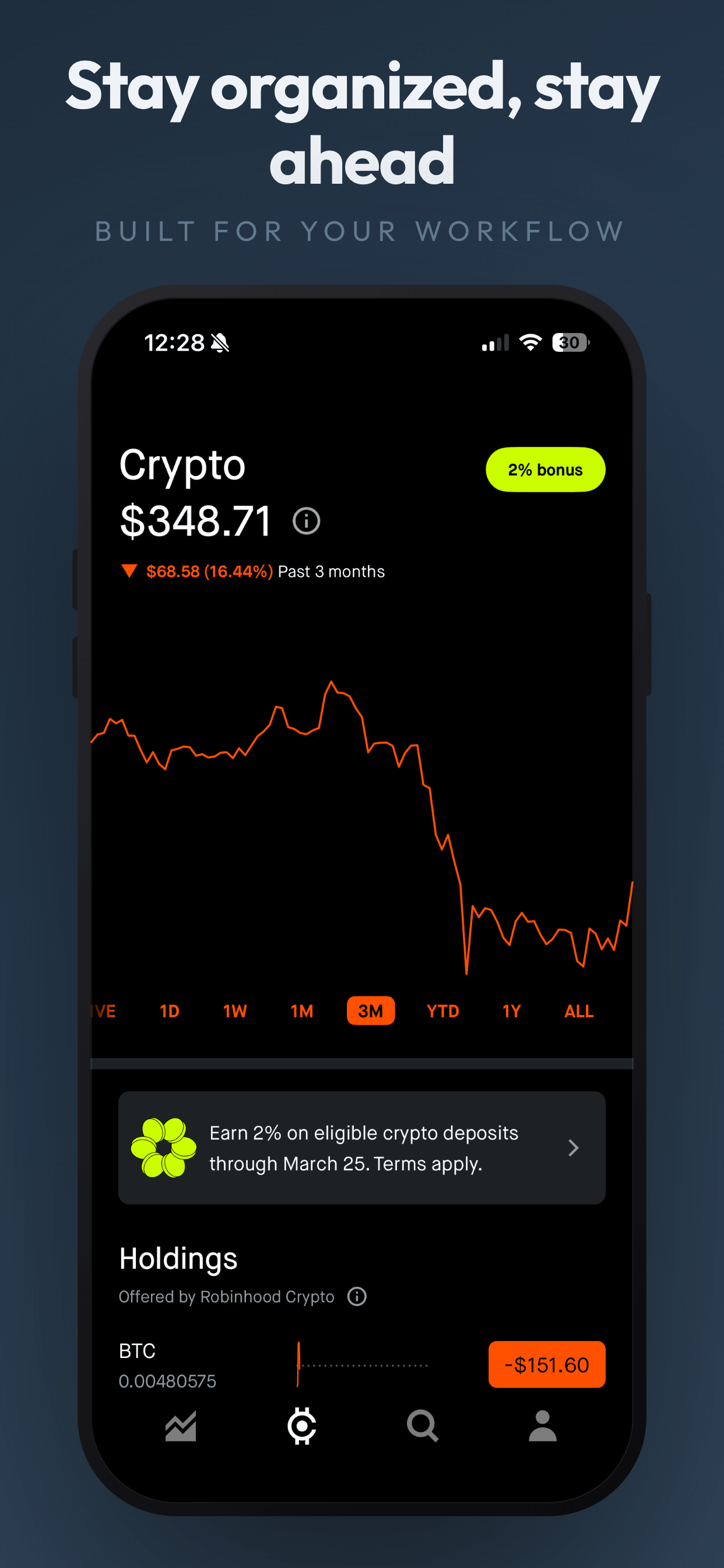
Fix these mistakes with professional templates
Screenshot Otter templates enforce best practices: clear captions, consistent design, and mobile-optimized layouts. Upload your screenshots, pick a template, download, and improve your conversion.
Try Screenshot Otter free →