Story
Why We Built Screenshot Otter
The short version: I built a tool I couldn’t find anywhere else, used it for my own apps, and realized other developers and designers needed it too.

Scott Stewart · Feb 26, 2026
The workflow I hated
I’ve been designing and engineering mobile and web products for over ten years. In that time, I’ve shipped apps that millions of people use daily - across consumer, enterprise, and indie contexts. I know how these products are built. And for most of that time, every time I needed to prepare an App Store listing, I went through the same painful ritual.
Open Figma. Set up the artboards at the right iPhone dimensions. Drop in the raw screenshots. Lay out the caption text for each slide. Adjust the design so everything reads well. Export. Realize I needed a different size. Re-export. Then do the same for iPad. Then localize all of it for the markets I was targeting. Then do it again for Google Play.
It wasn’t technically hard. But it was slow, repetitive, and - given how important first impressions are for App Store conversion - surprisingly high-stakes for something that felt like administrivia. Most developers and designers I know either rush it or give up and upload raw screenshots with no design treatment at all. Neither produces good results.
What I wanted to exist
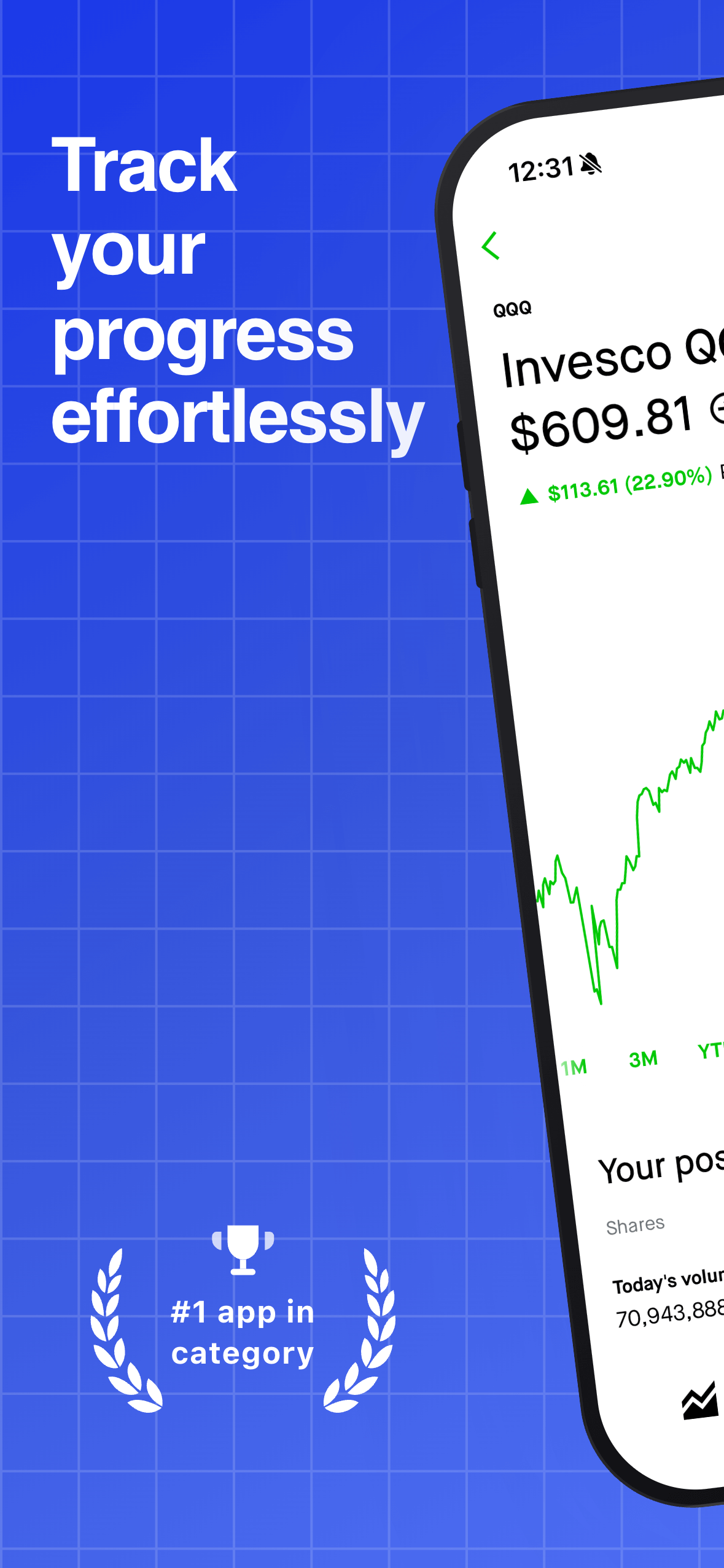
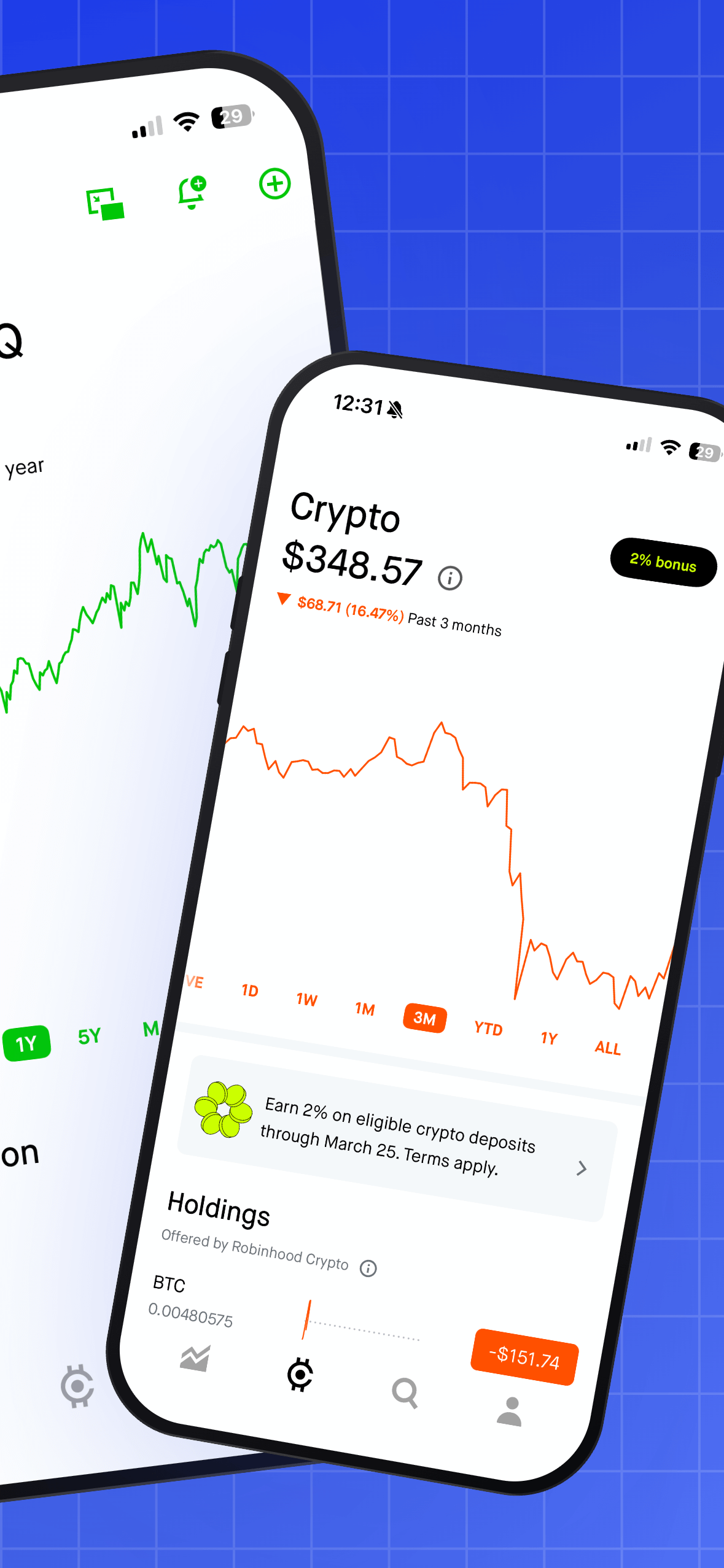
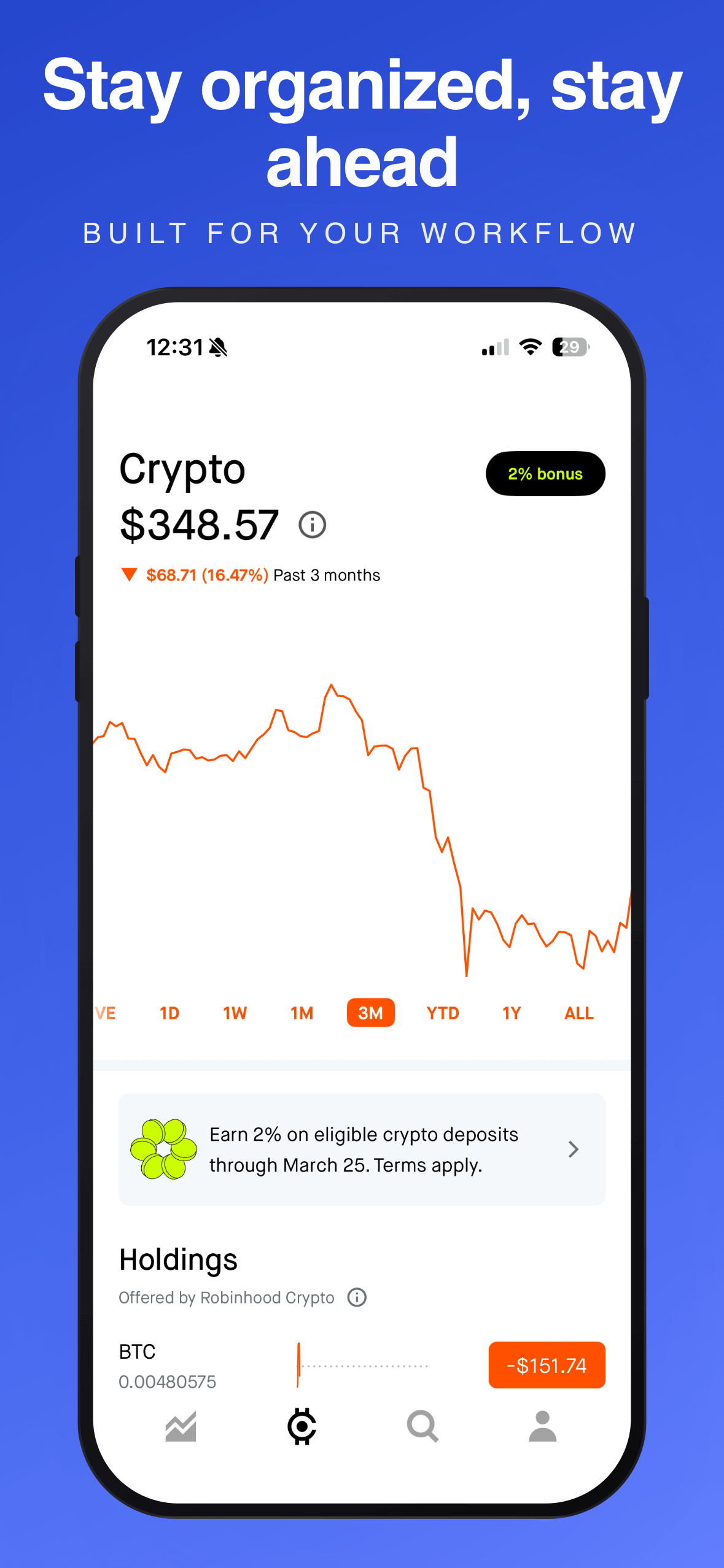
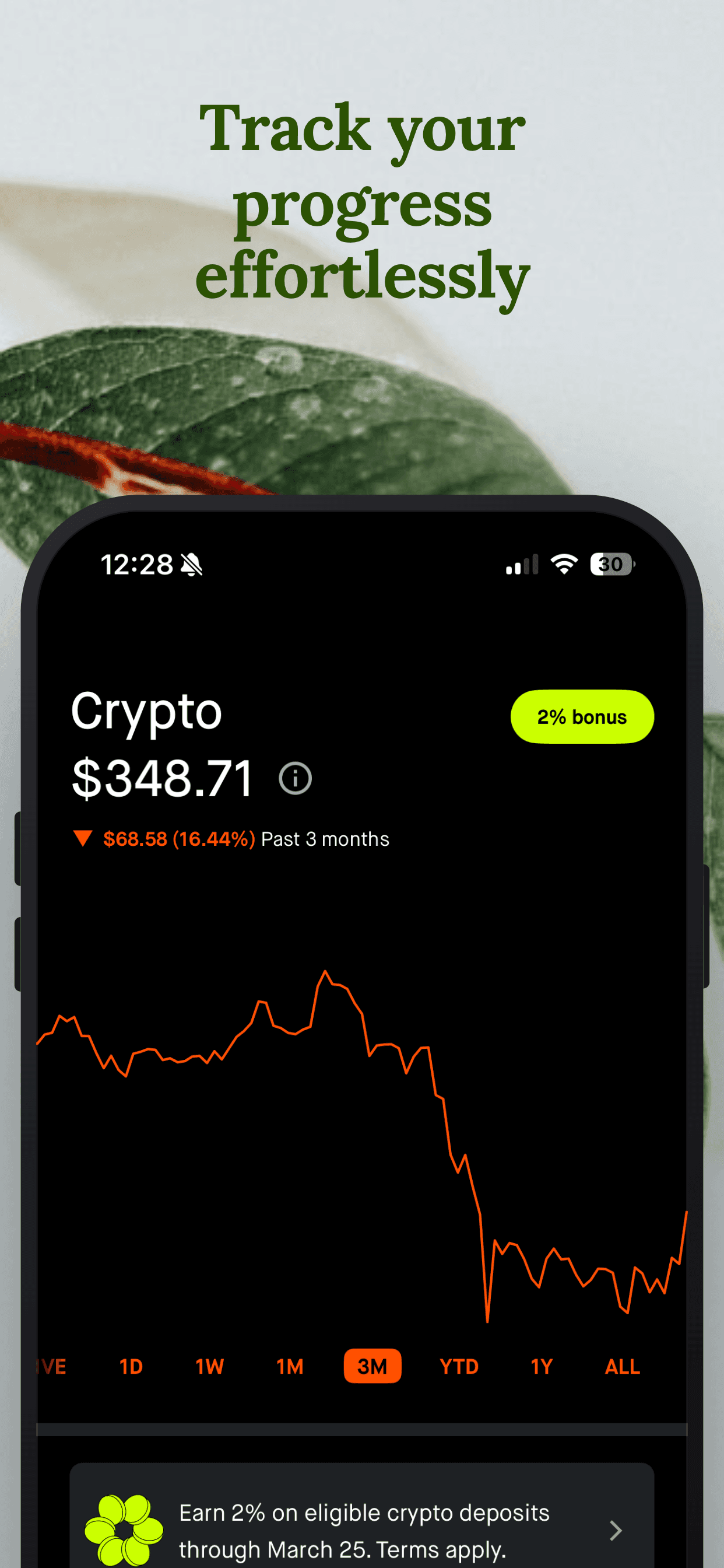
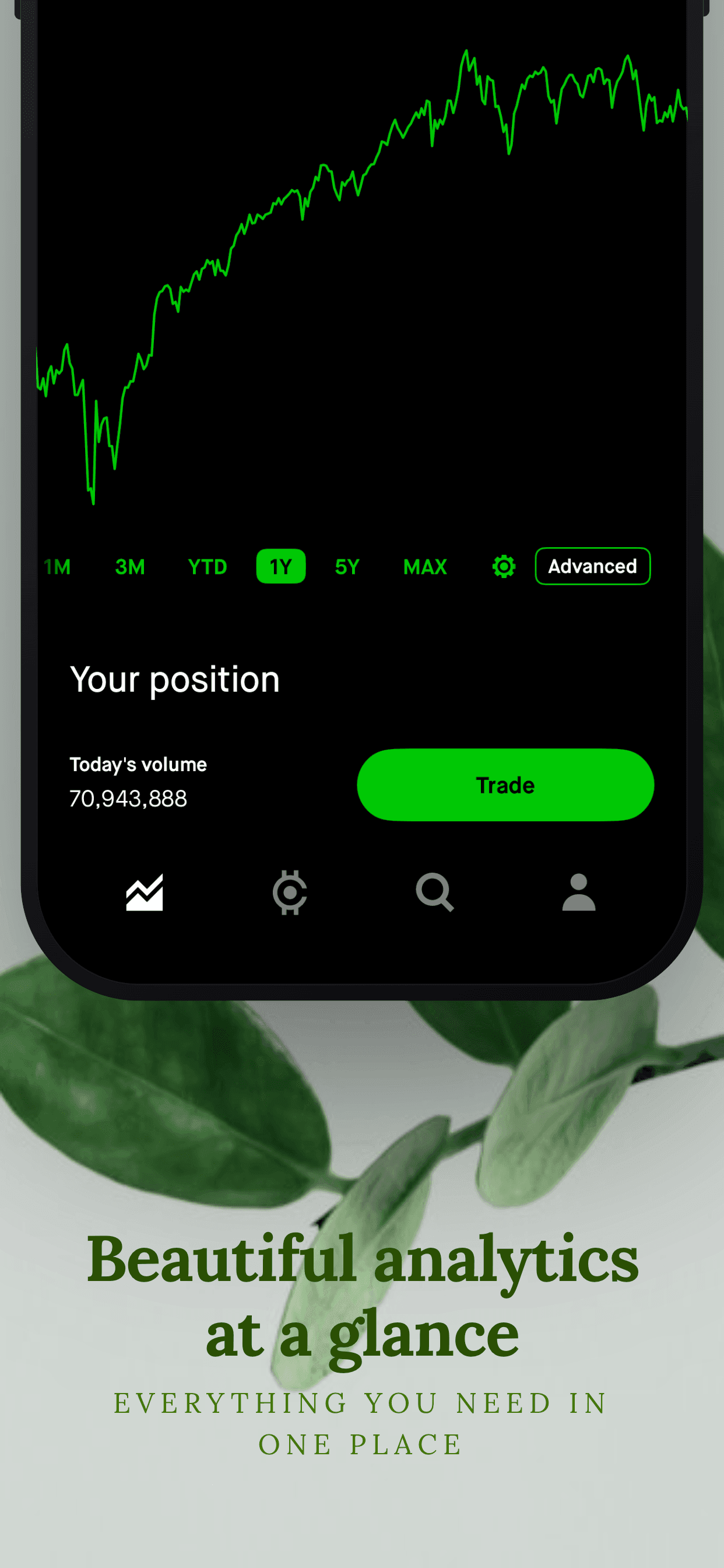
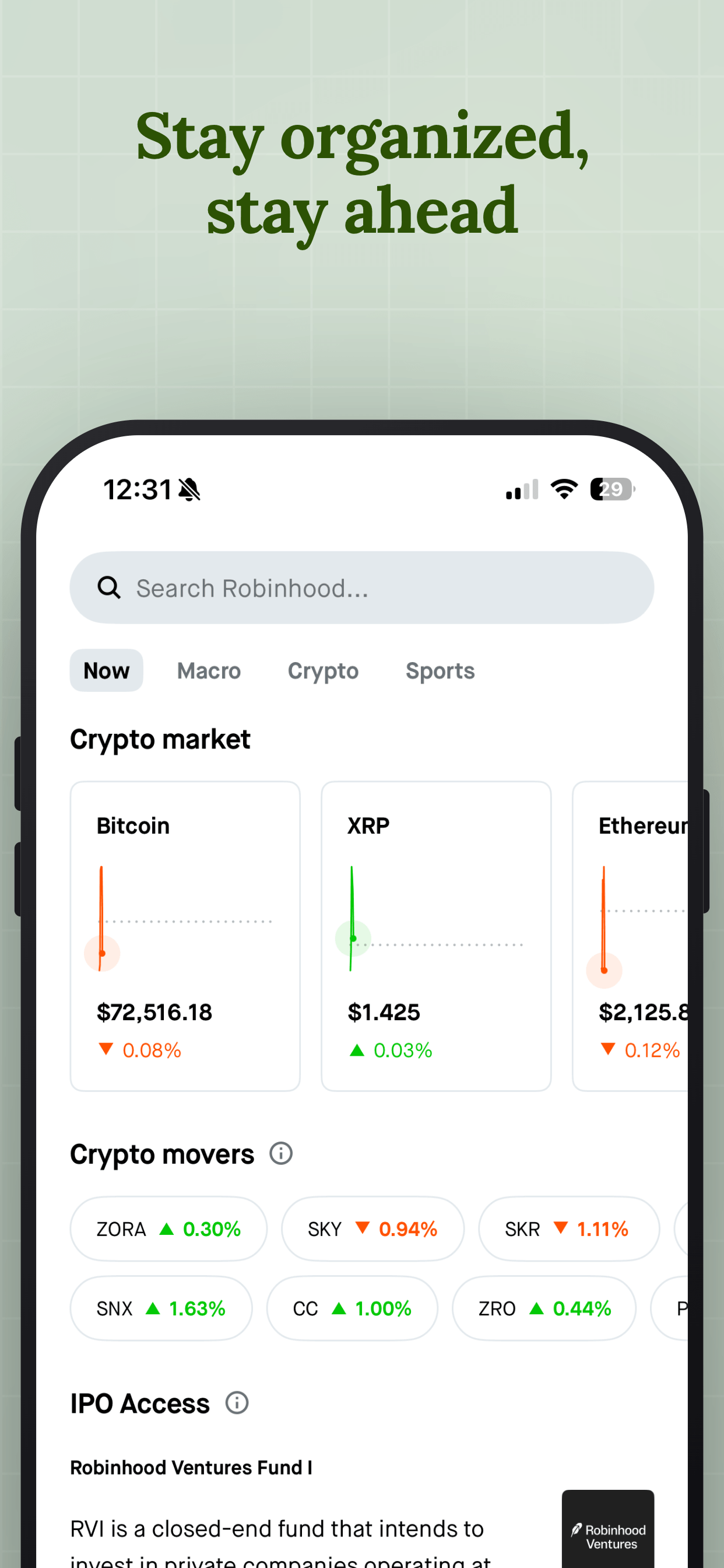
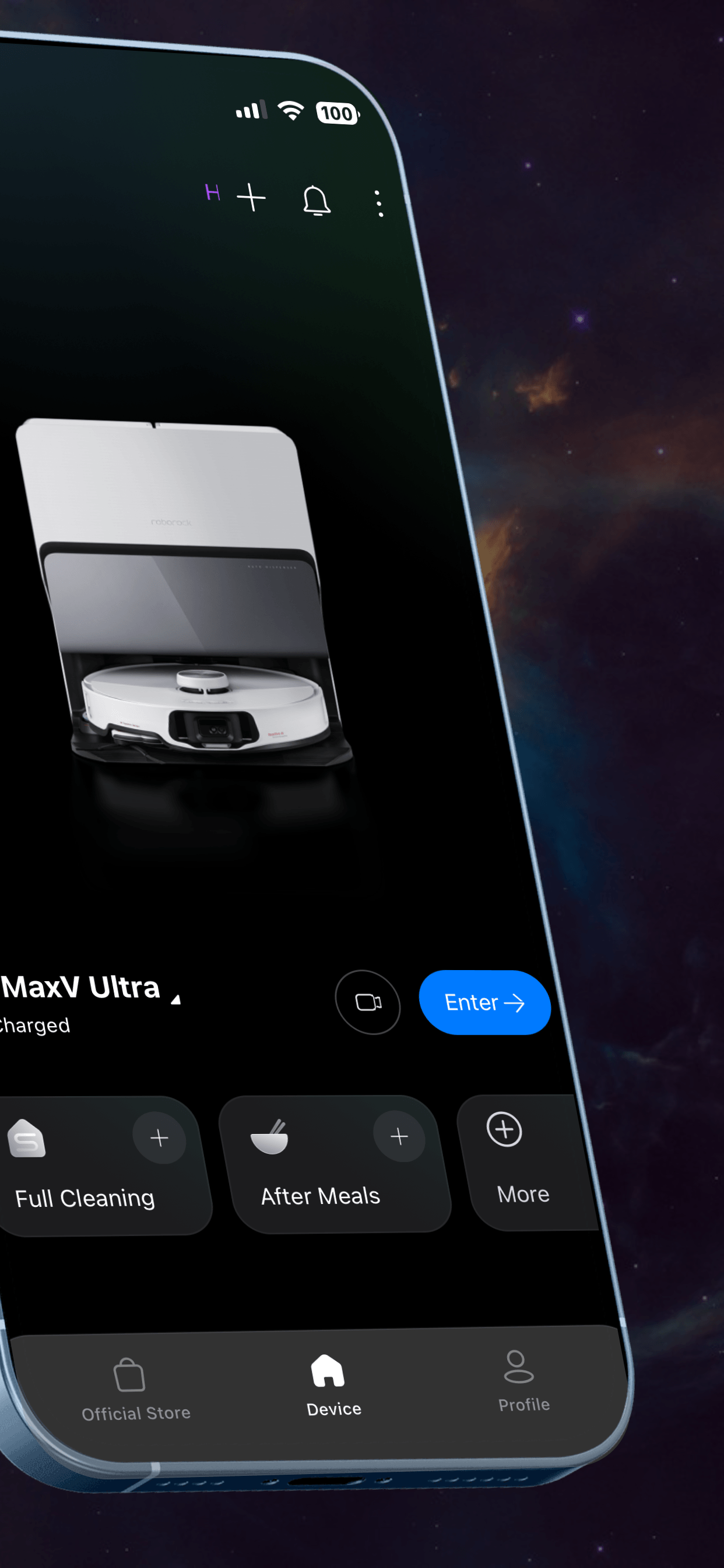
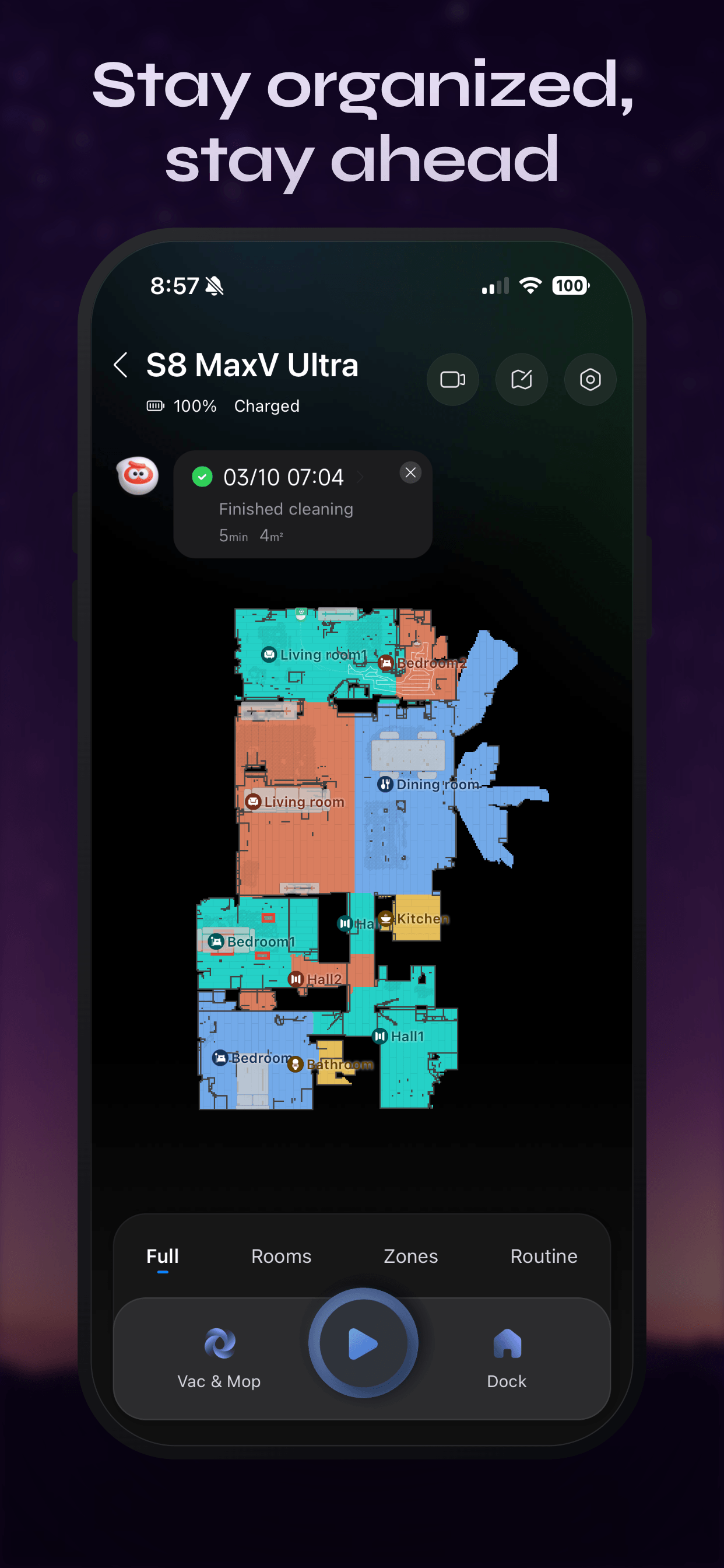
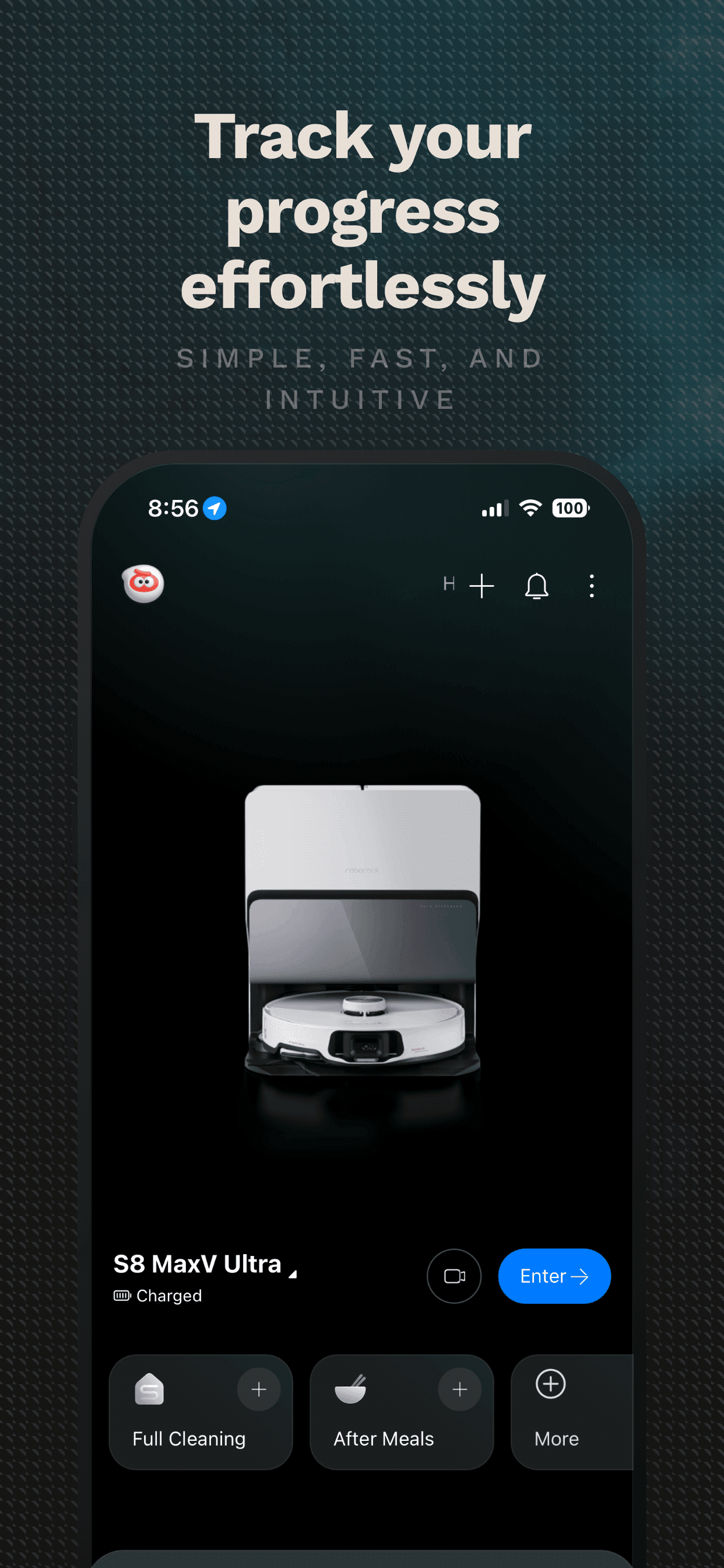
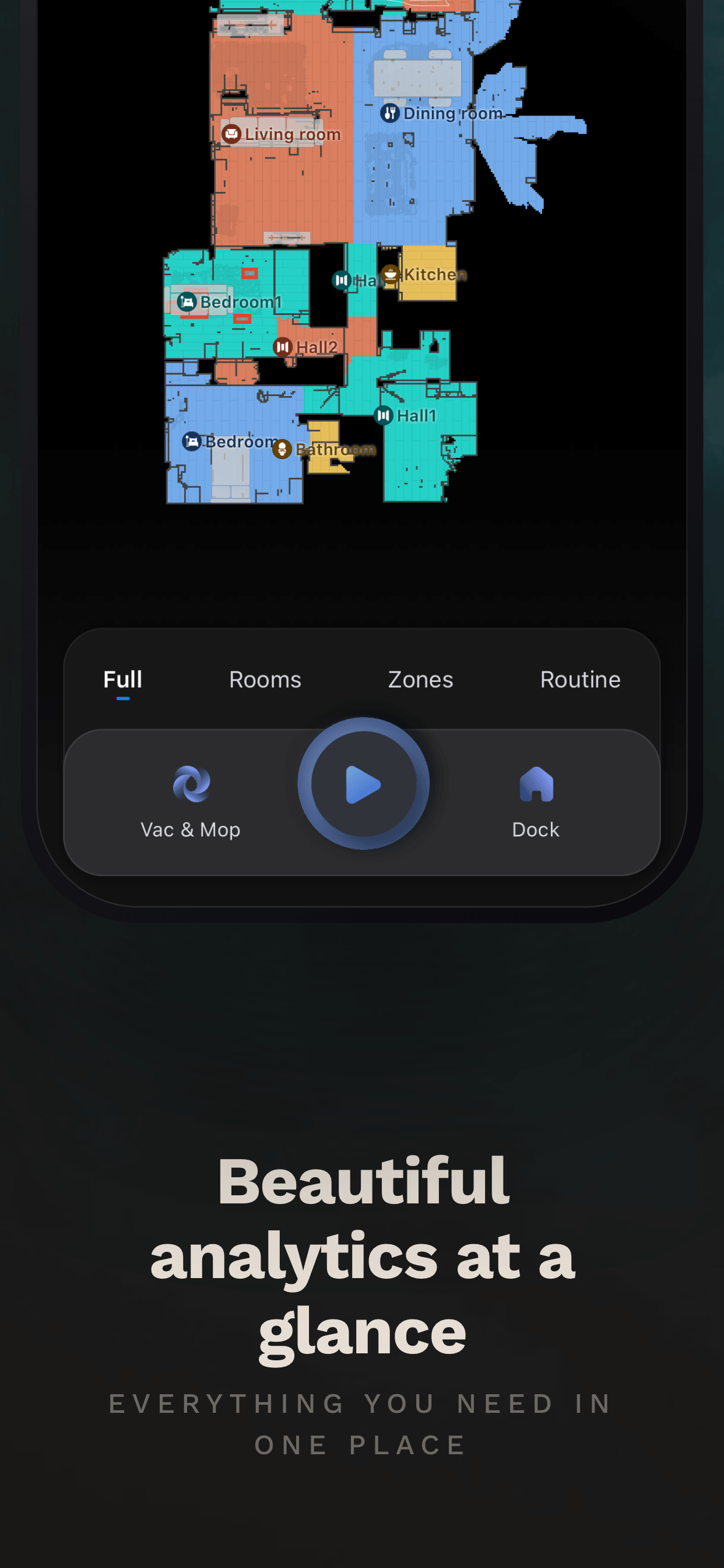
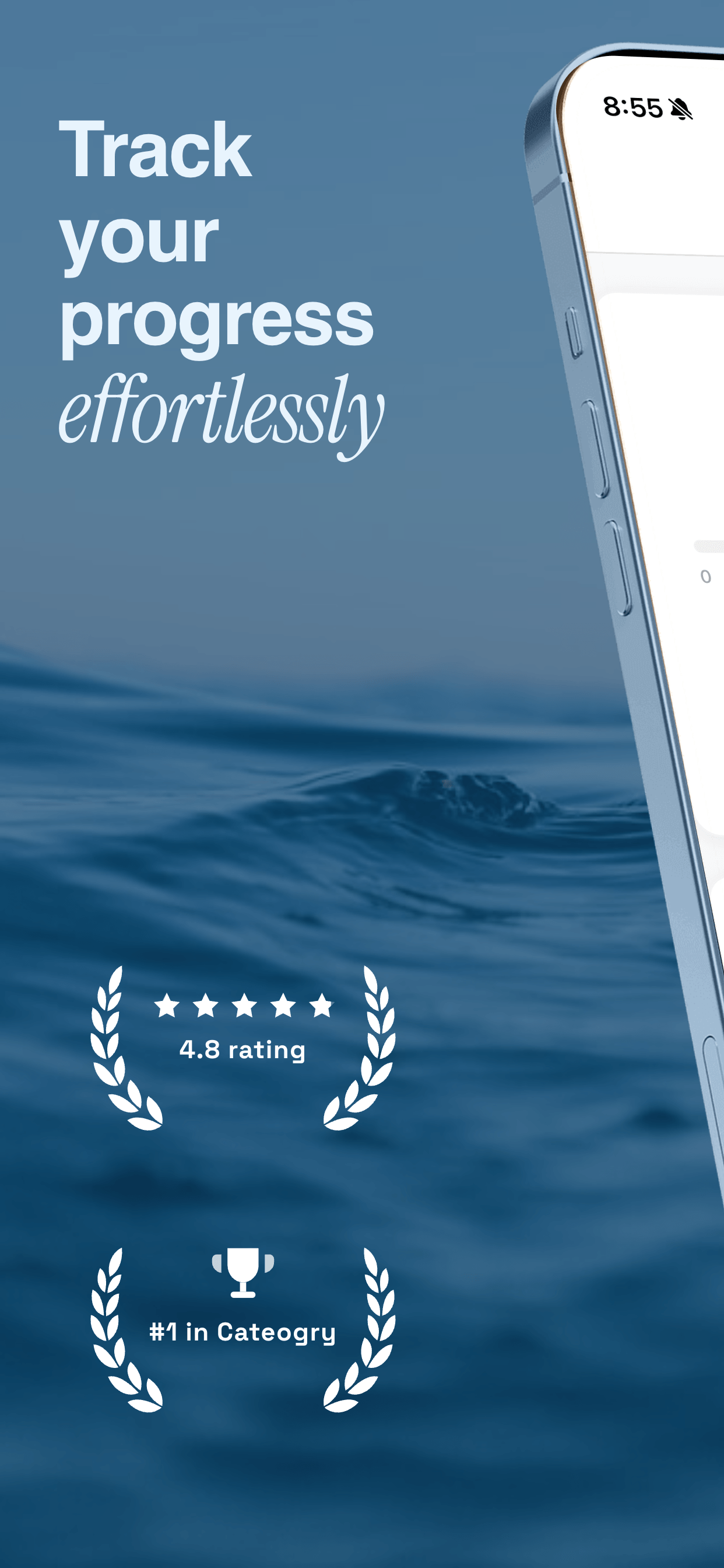
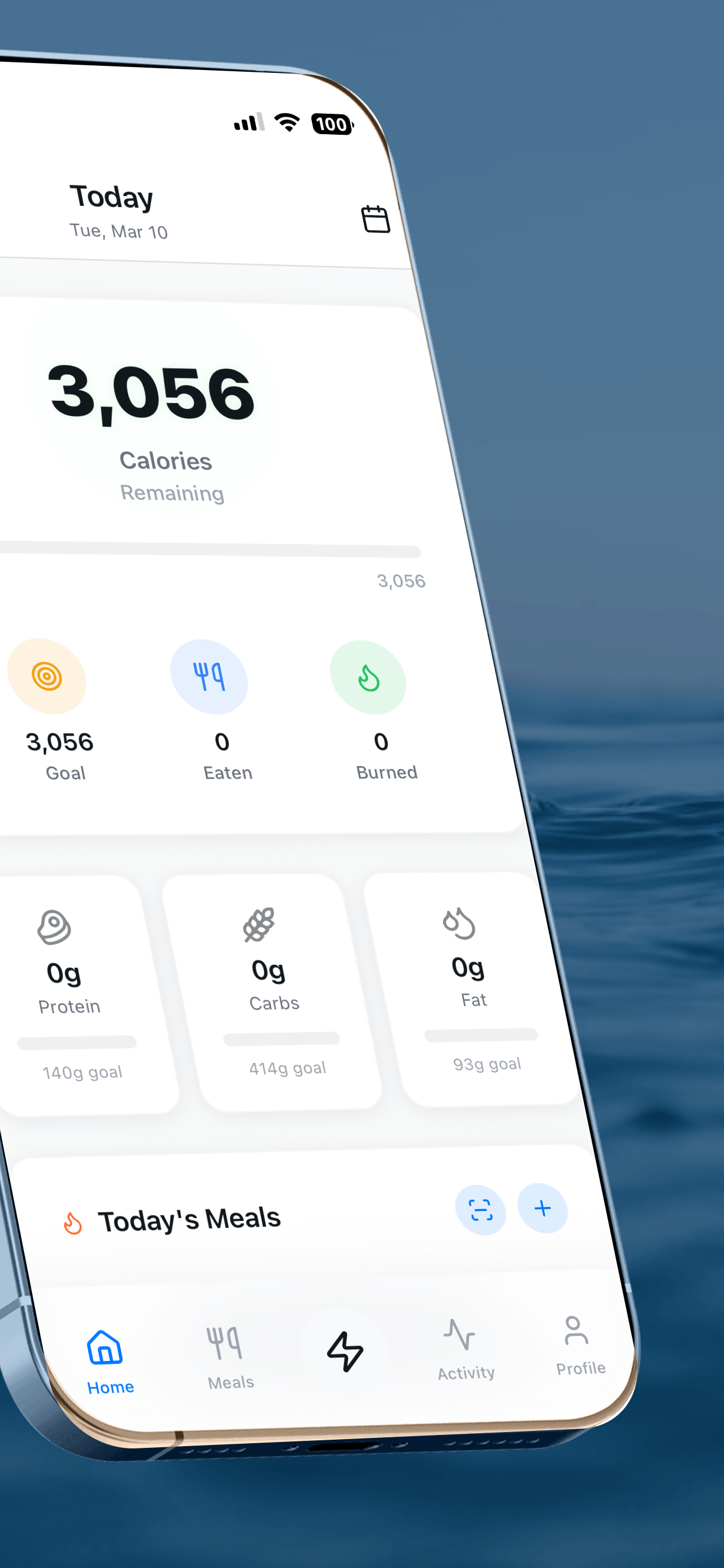
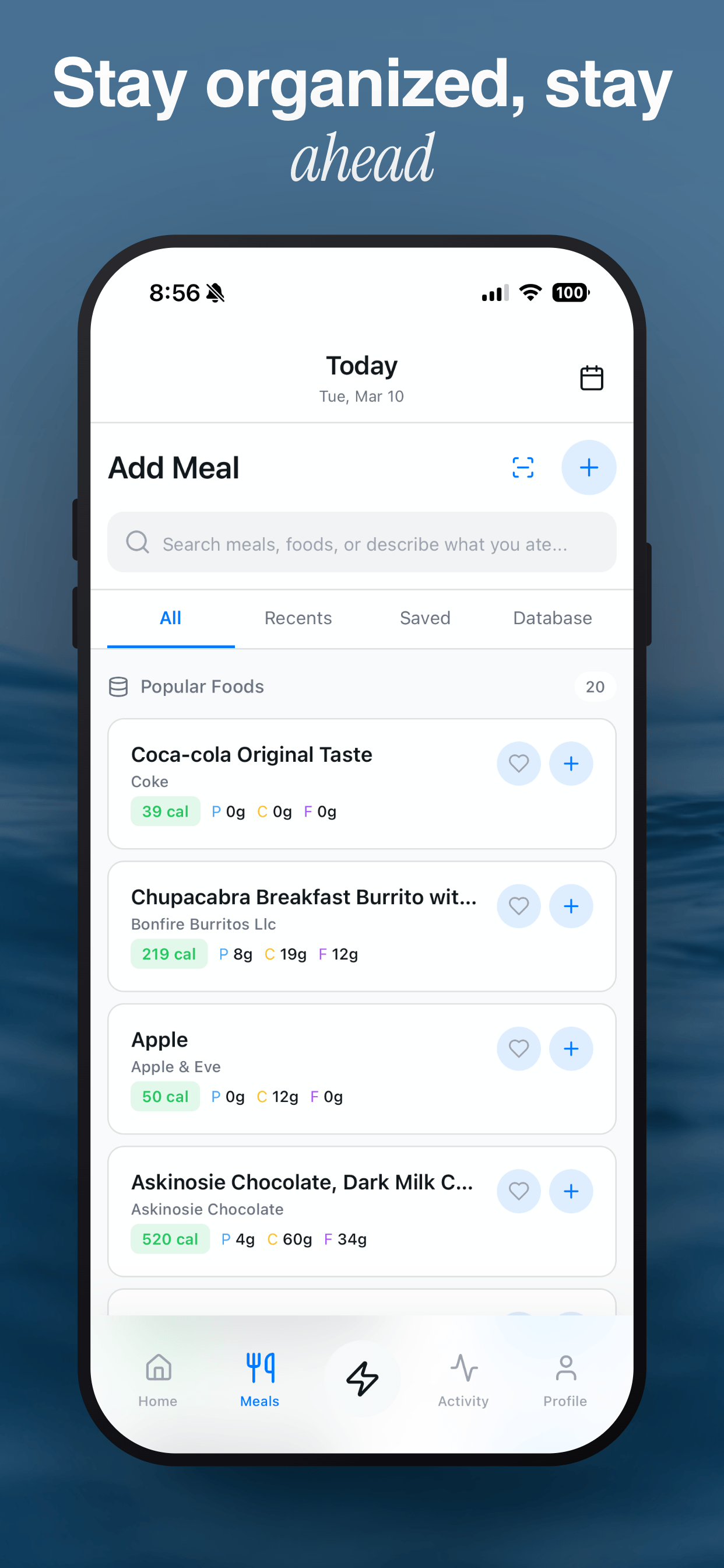
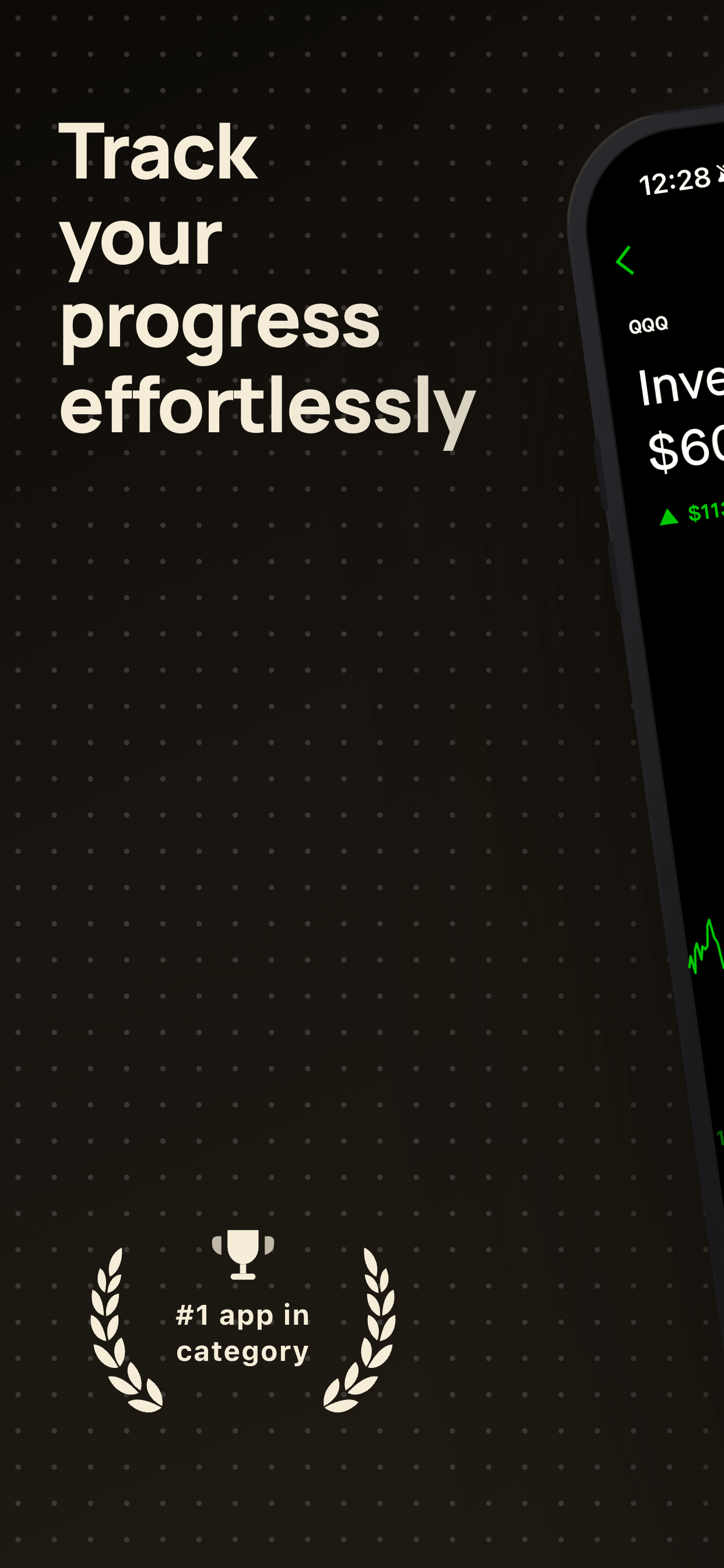
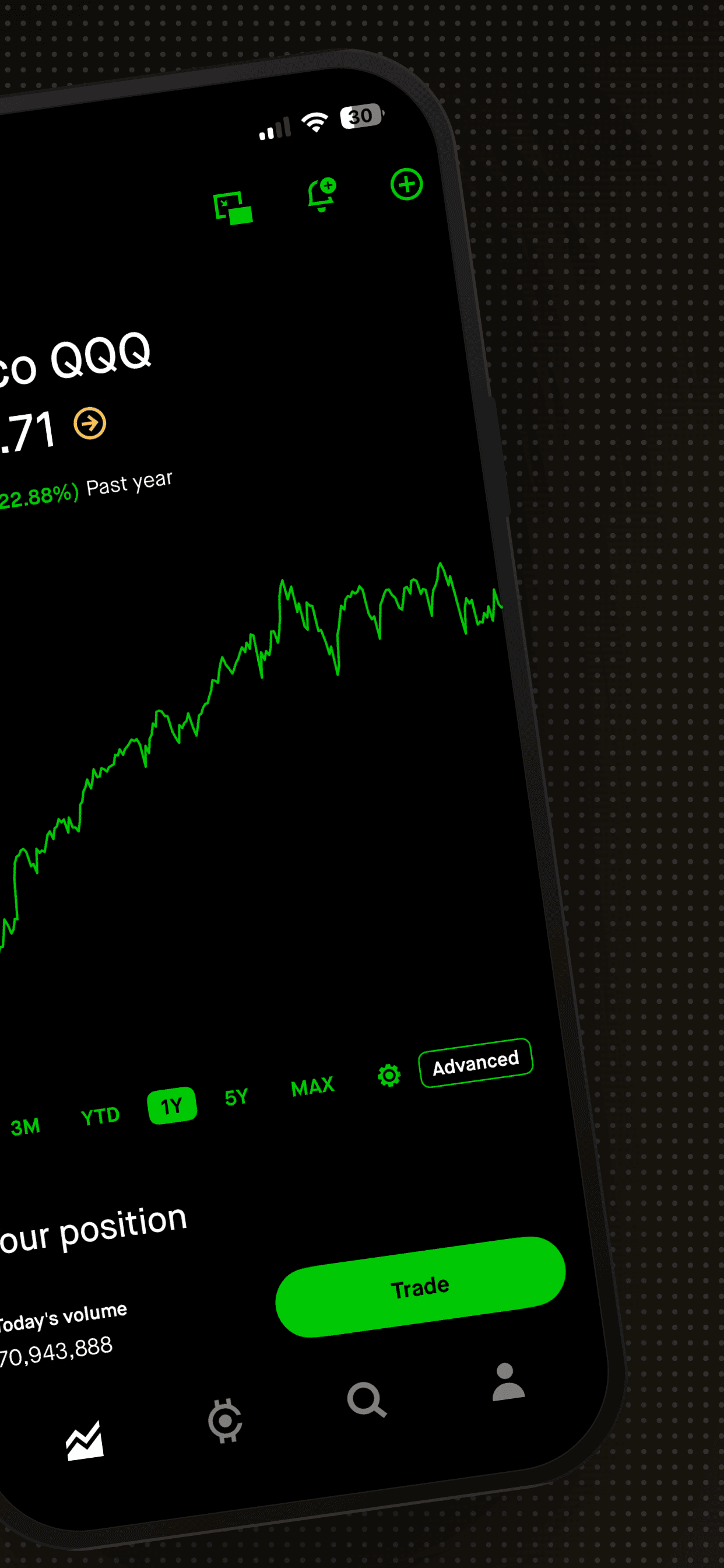
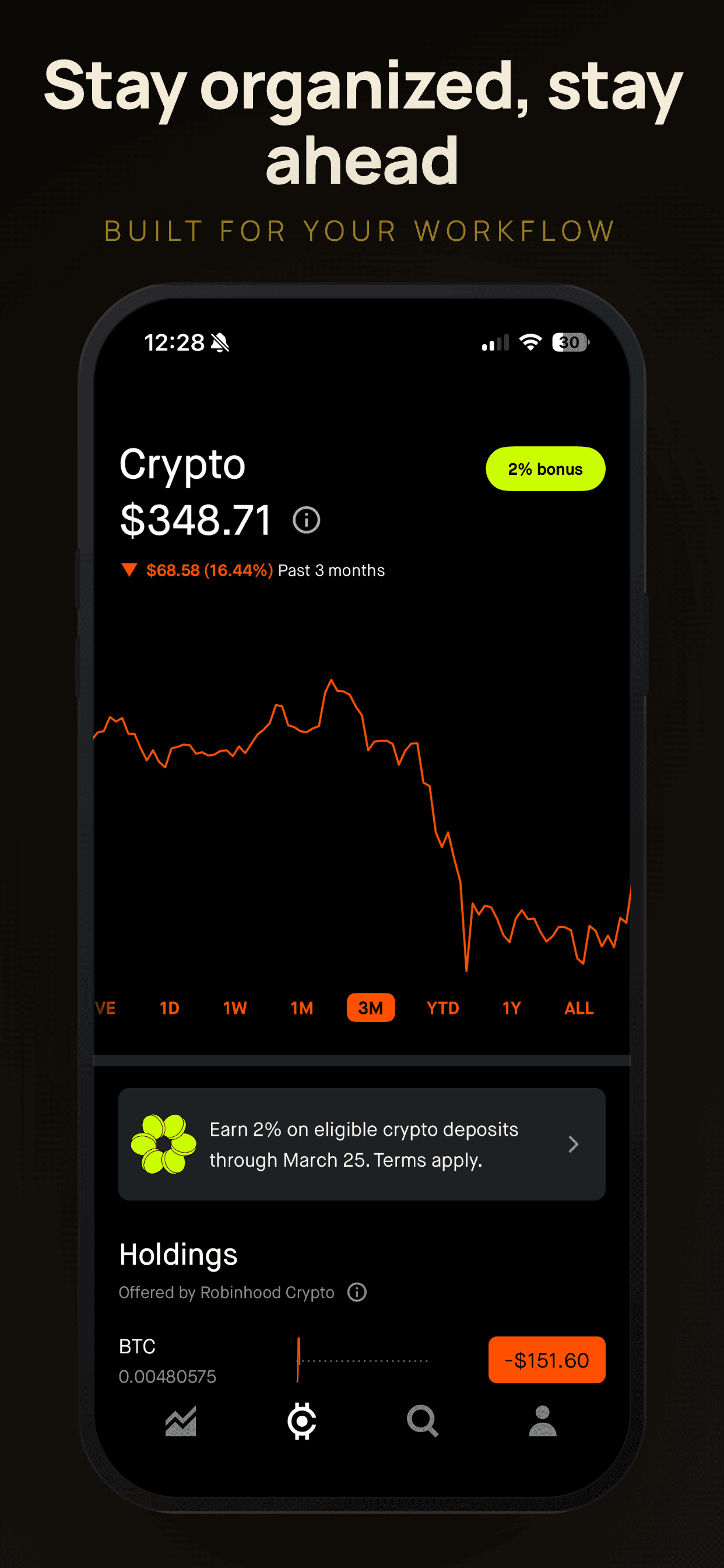
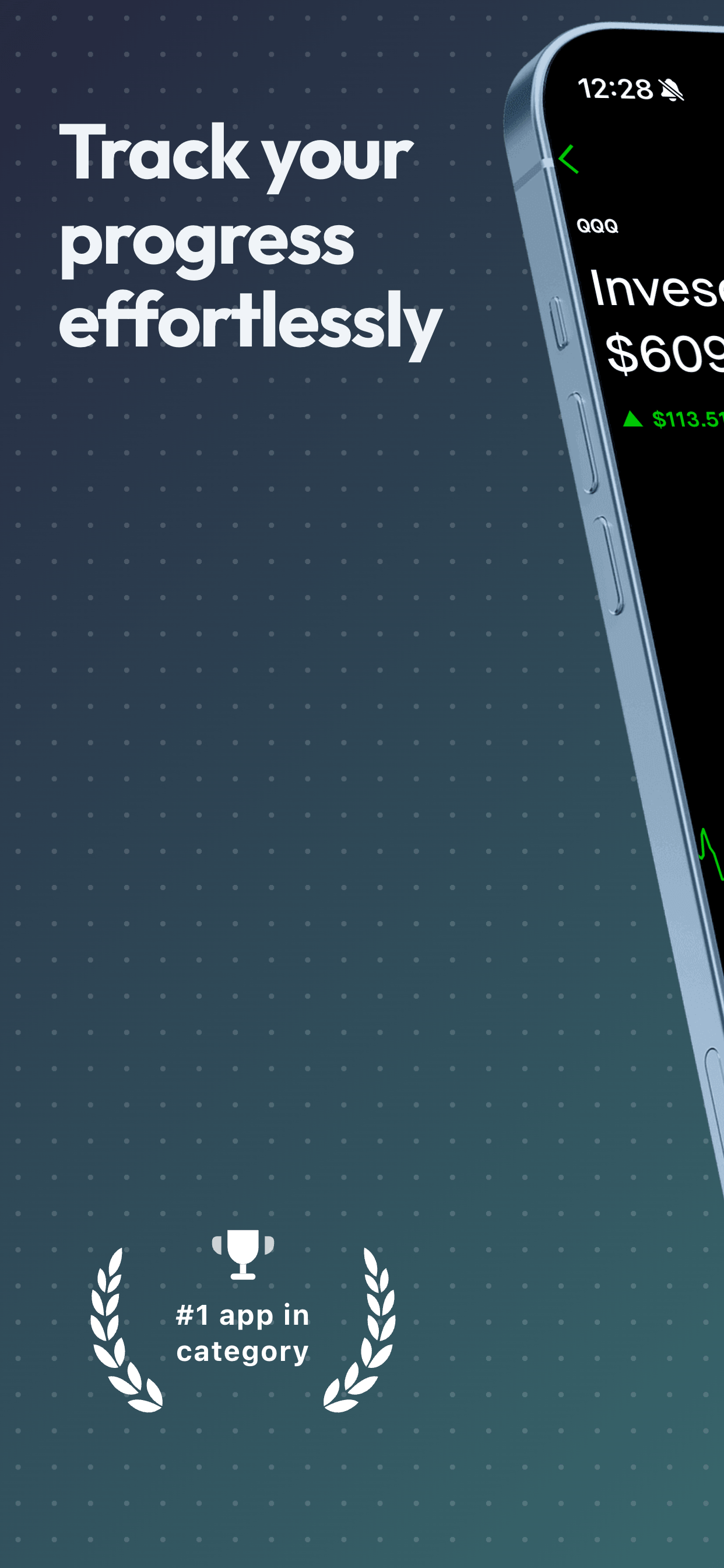
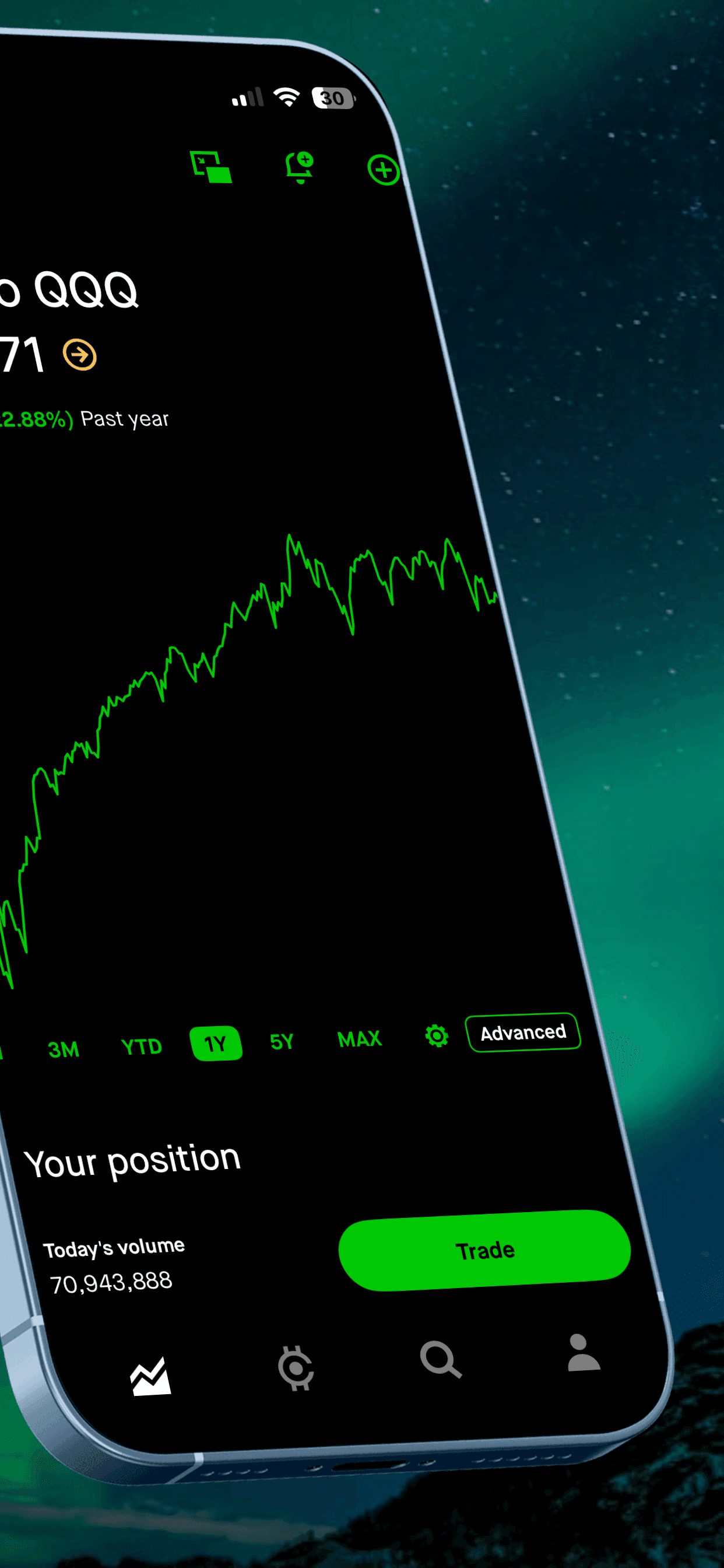
I wanted something that worked like this: upload your raw screenshots, pick a template that matches your app’s style, type your captions, download. Done in five minutes. No design skills required. No Figma. I also wanted to build in a blank canvas editor for designers who needed more control over every detail.
Tools like this existed, but none of them felt right. Some were overpriced. Some required a cloud account to store your assets - which meant your unreleased app UI was sitting on someone else’s servers. Some had giant template libraries full of mediocre designs that looked like every other app on the store. Some were so feature-rich they took longer to learn than the Figma workflow I was trying to replace.
After talking with designers about what they wanted, I realized the tool needed two paths: quick templates for anyone, and a full blank canvas editor for those who want pixel-perfect control. So I built both. The template path took a weekend. The blank canvas editor took longer, but it lets designers build exactly what they need without learning an overcomplicated tool.
Why no AI-generated templates
This is the thing I’m most deliberate about. Every template in Screenshot Otter is designed from scratch, by hand, by a designer with a decade of experience. I don’t use AI to generate them.
AI design tools are impressive for some things. Template design isn’t one of them - at least not yet. The output looks generic, the typography is mediocre, and the results don’t hold up at thumbnail size where App Store listings actually matter. A template that looks fine at full resolution but falls apart at 200px wide is useless for its actual purpose.
Hand-crafted templates take longer to make. That’s a deliberate tradeoff. Screenshot Otter has fewer templates than some competitors. But every single one that ships has been through real design review - typography, contrast, hierarchy, how it reads at small sizes, whether it works for different types of apps. The average quality is higher because the bar is higher.
I’d rather have a curated set of templates I’m proud of than 1,000 templates I wouldn’t use myself.
Why privacy by architecture
Screenshot Otter runs entirely in your browser. Your raw screenshots are never uploaded to a server. This isn’t a marketing claim - it’s how the tool works. The rendering happens locally using your browser’s capabilities.
This was a deliberate design decision, not an afterthought. Developers often use this tool when working on unreleased apps - UI that doesn’t exist publicly yet, features that haven’t been announced, products under NDA. Storing that on a cloud server creates unnecessary risk. Local processing eliminates it.
What’s next
I’m adding templates regularly. Not on a schedule - when I have something genuinely worth shipping. The goal is a library that keeps getting better, not bigger.
Auto-localization is live. If you’re shipping to international markets and you’re still showing English screenshots to non-English users, you’re leaving downloads on the table. The localization feature in Screenshot Otter fixes that with two clicks.
If you have feature requests or feedback, I read everything at hello@screenshototter.com. The roadmap is shaped heavily by what real users actually need.
Related
Try it yourself
No signup, no credit card. Upload your screenshots and see what a good template does for your App Store listing.
Try Screenshot Otter free →