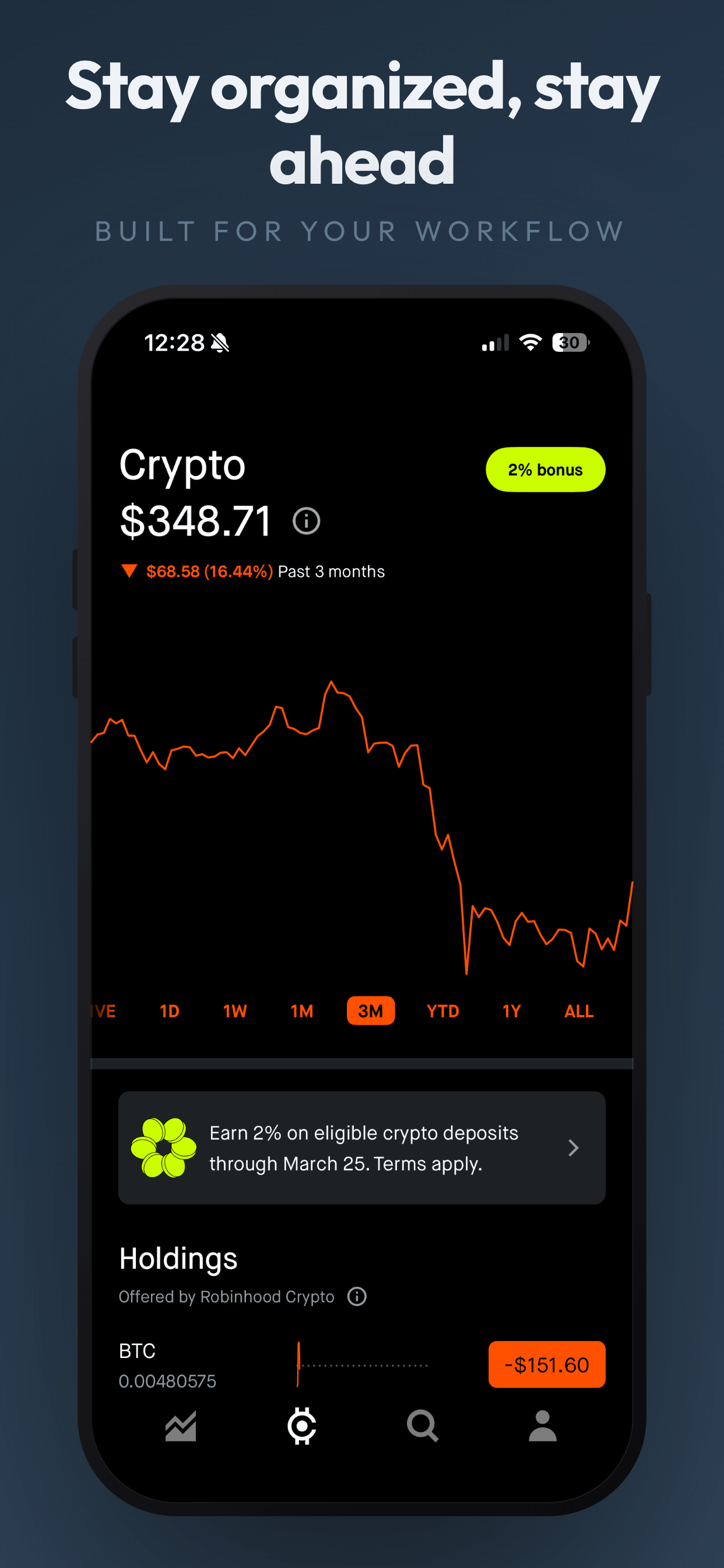
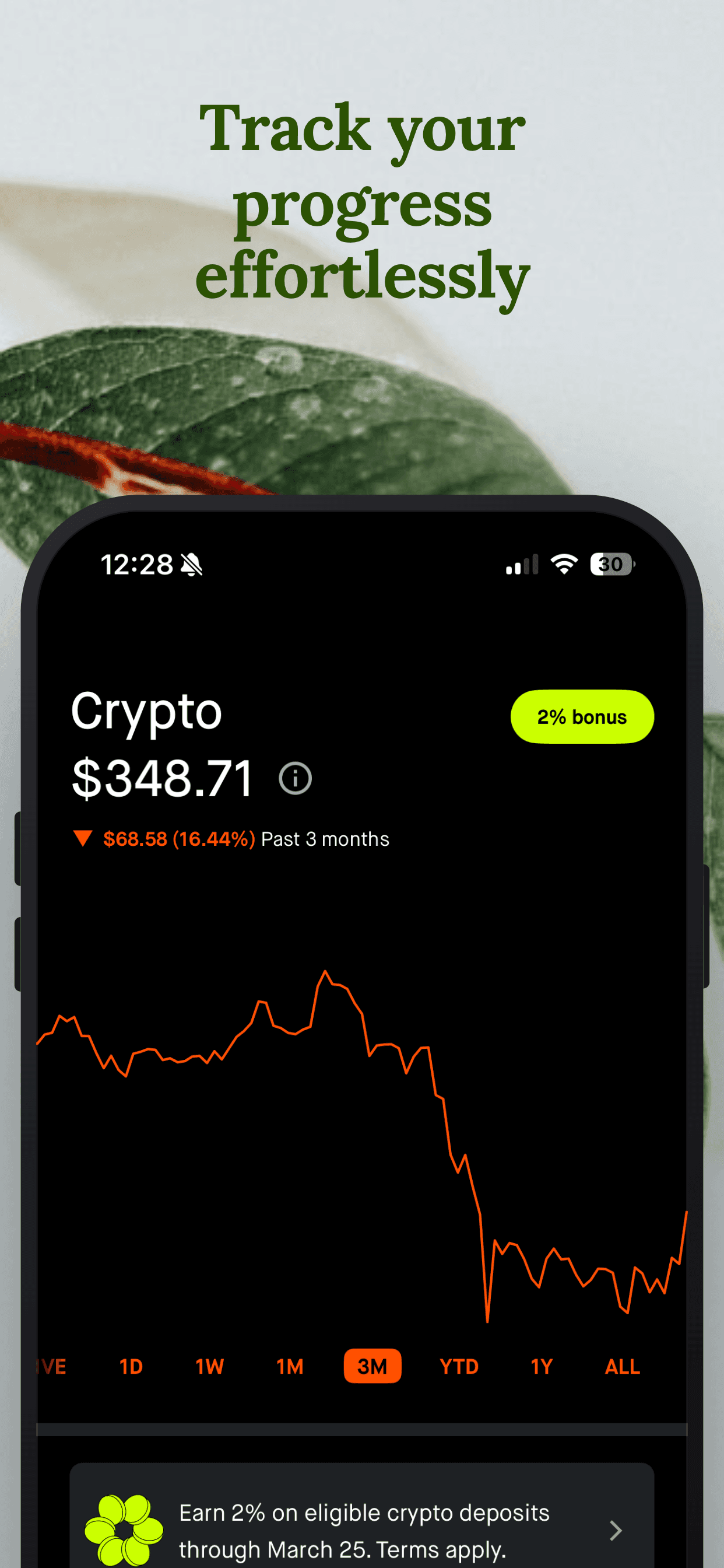
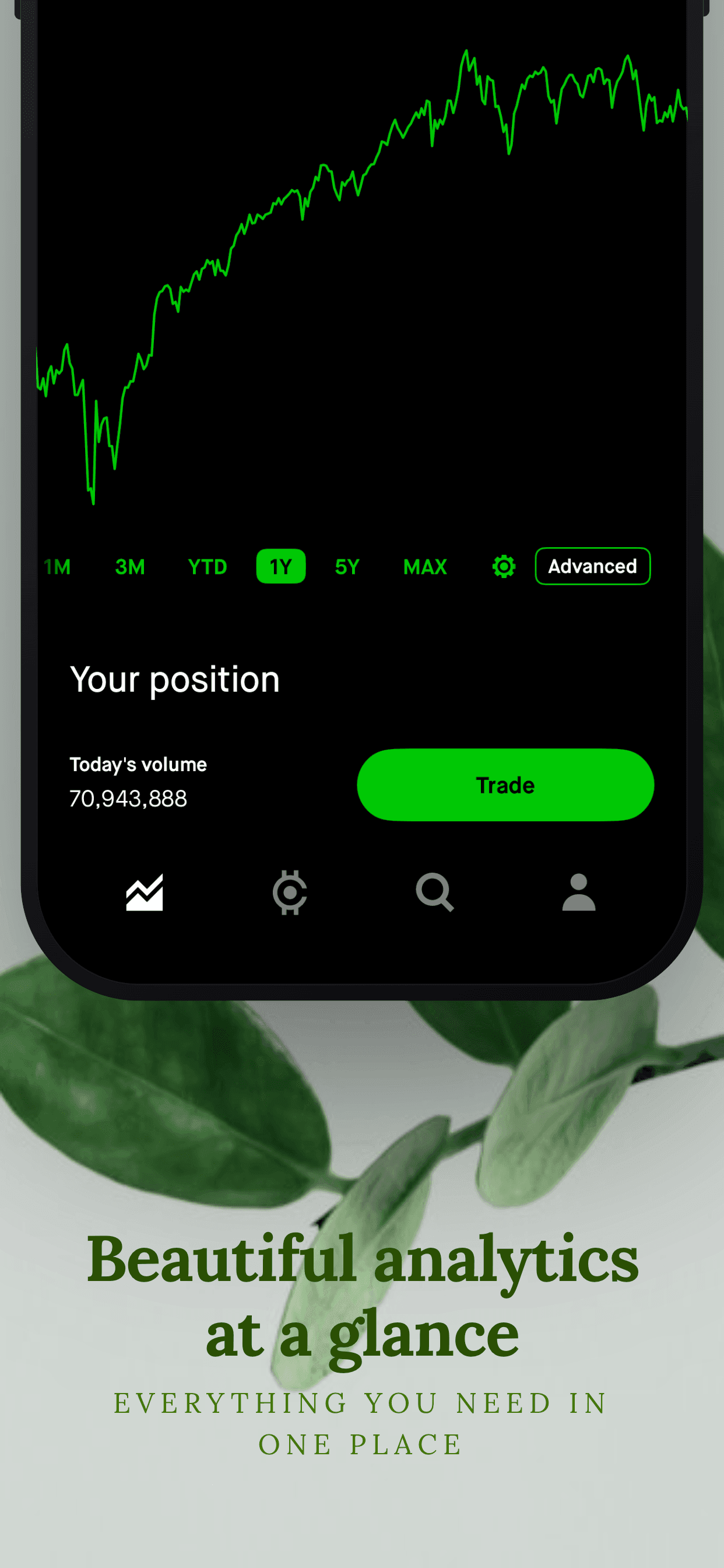
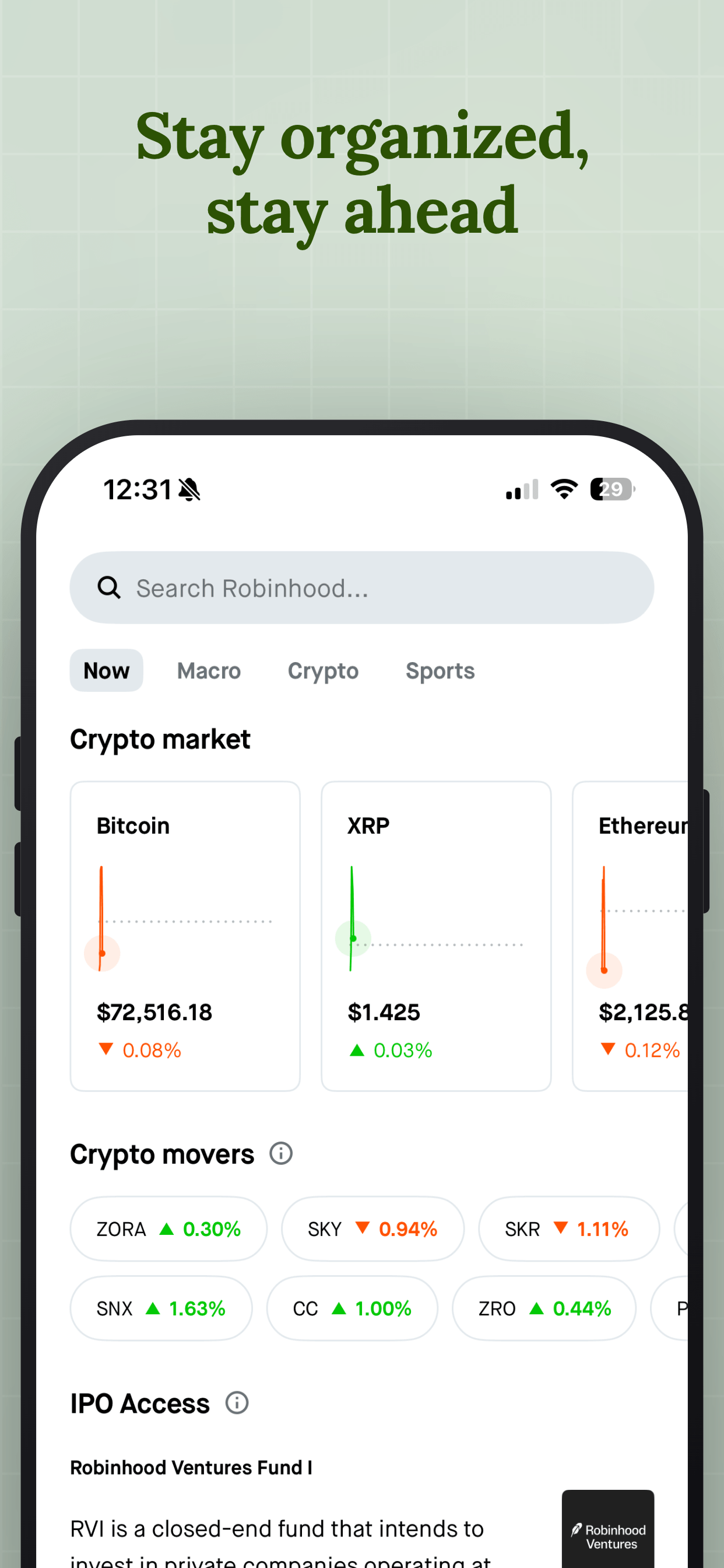
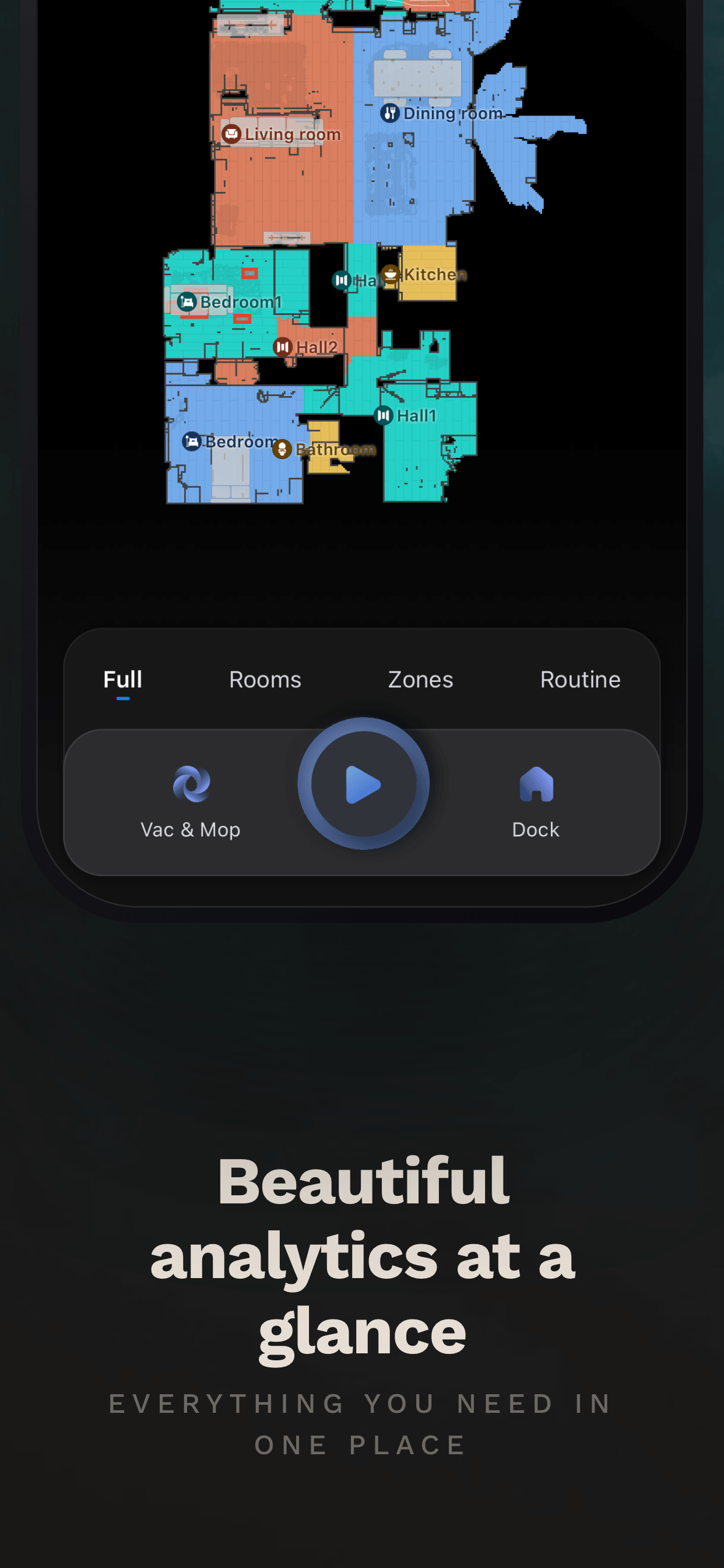
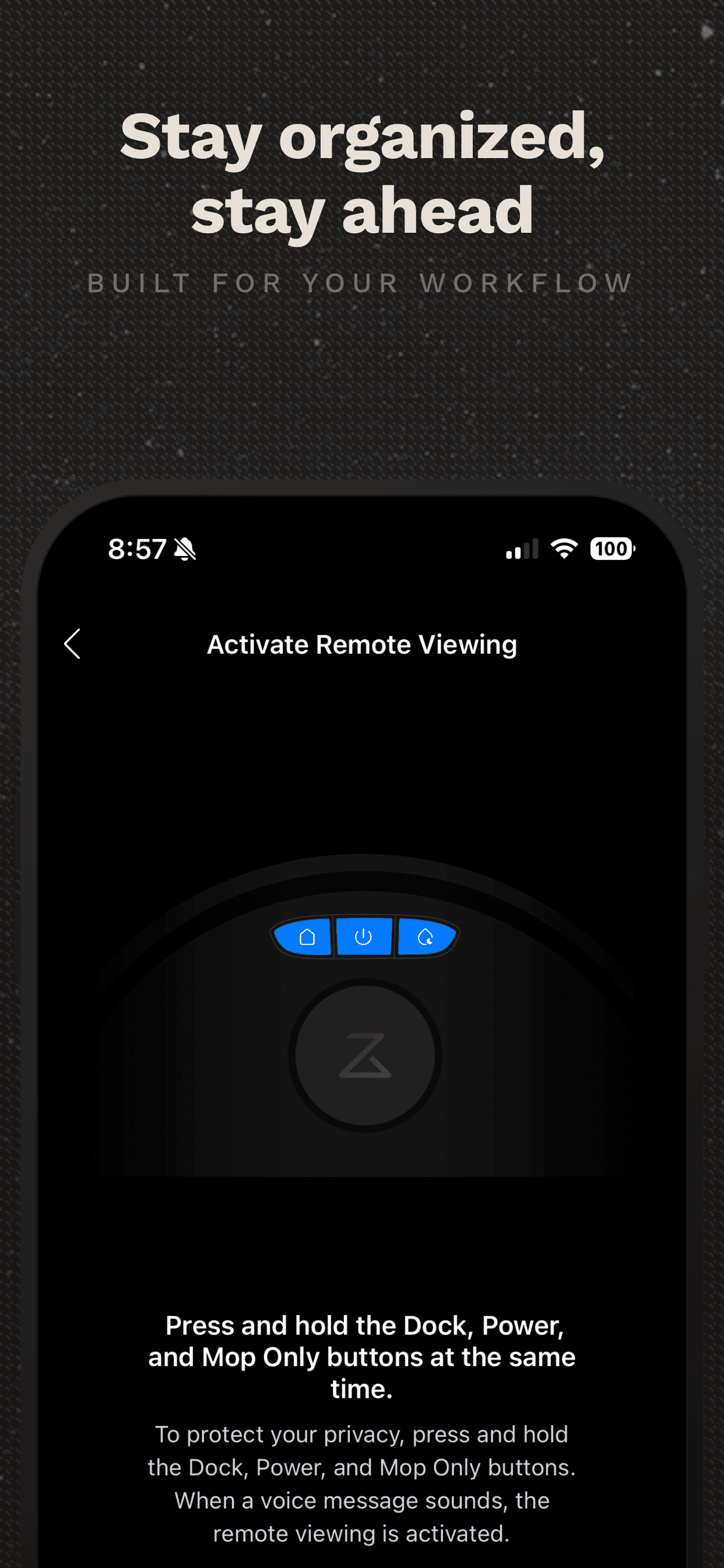
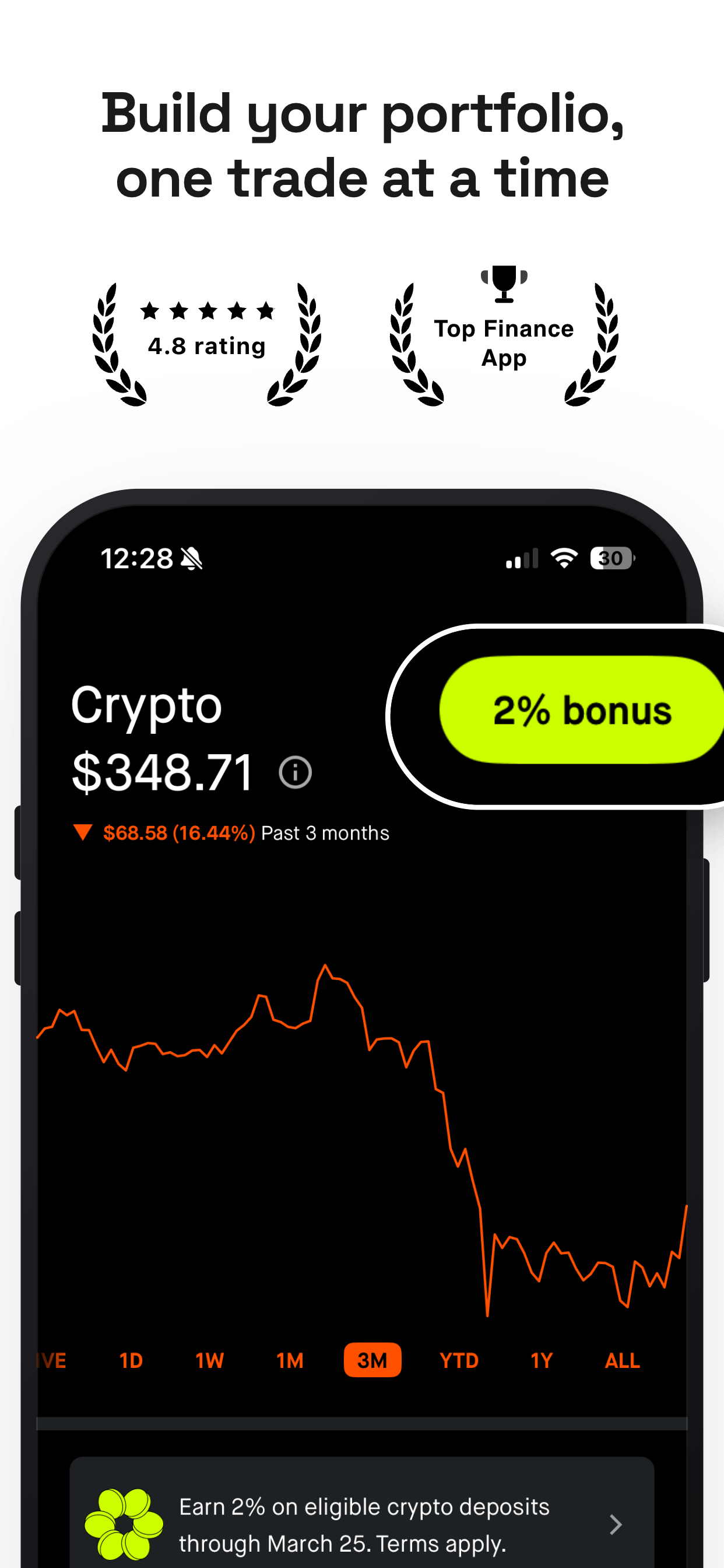
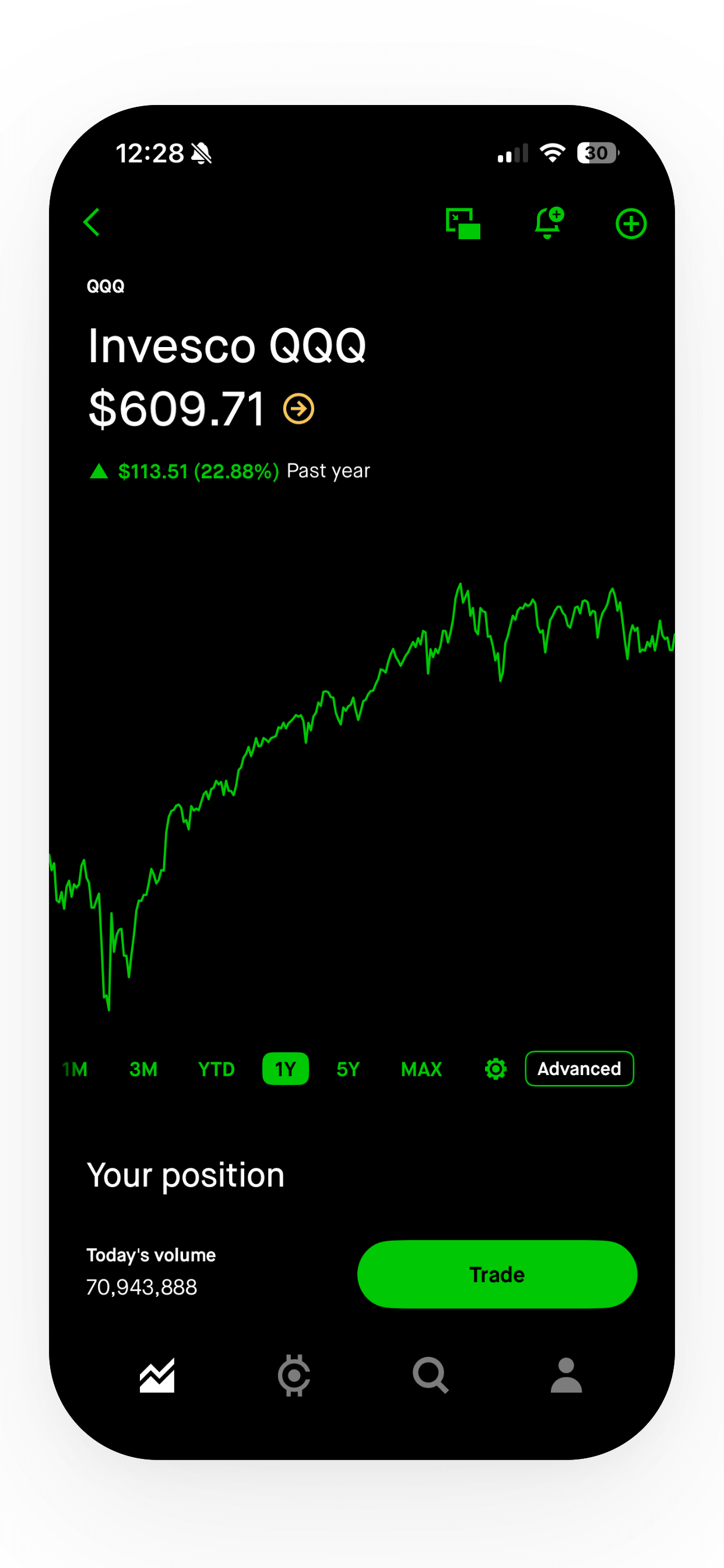
Free App Store Screenshot Generator for iOS and Android
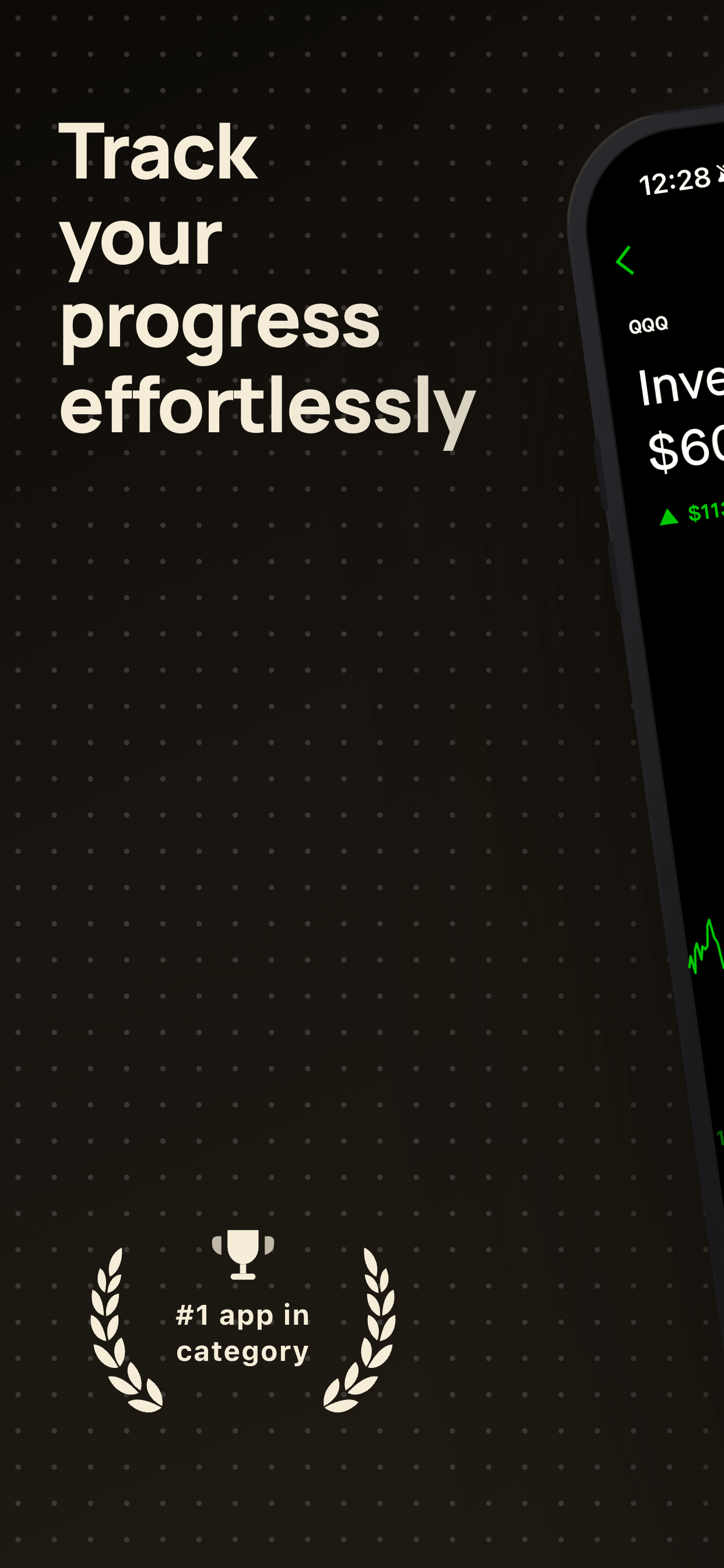
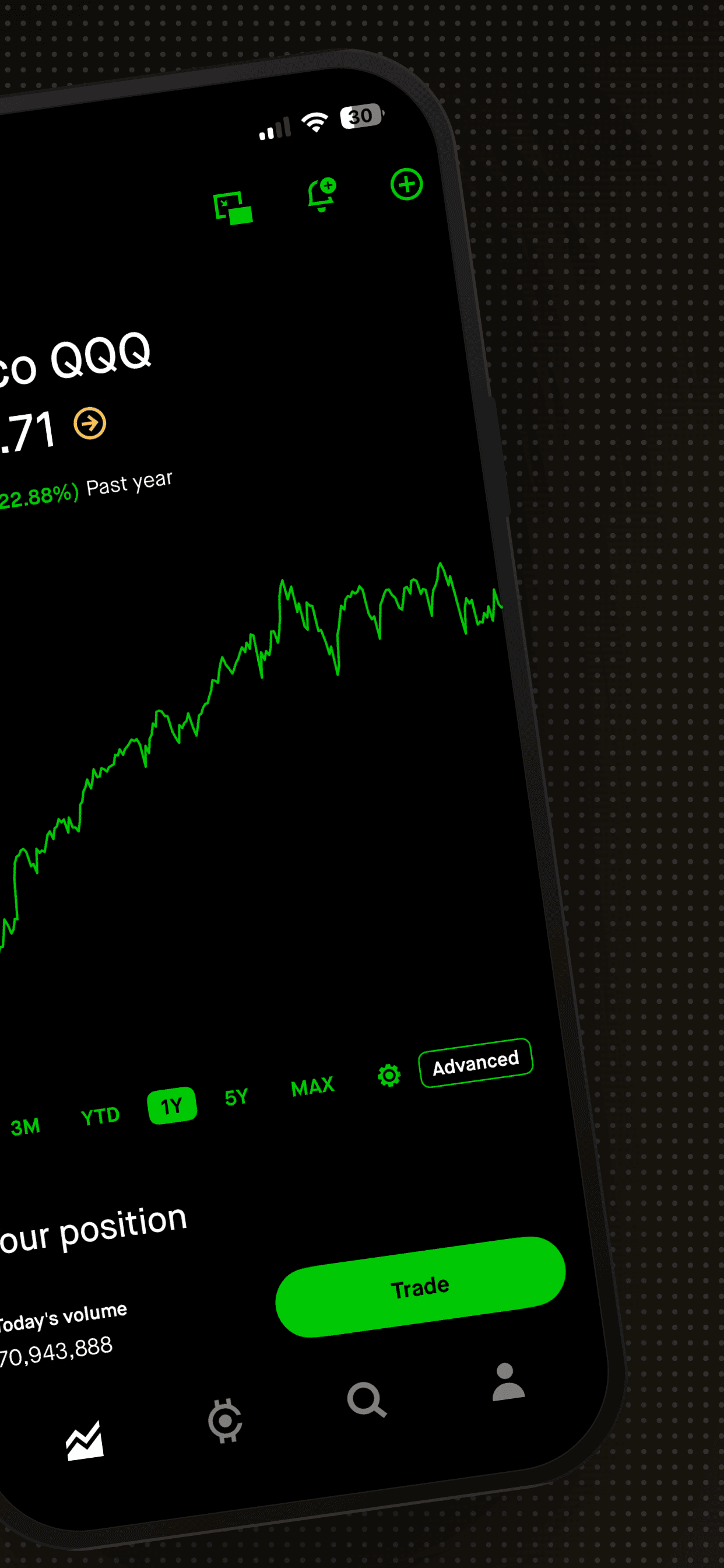
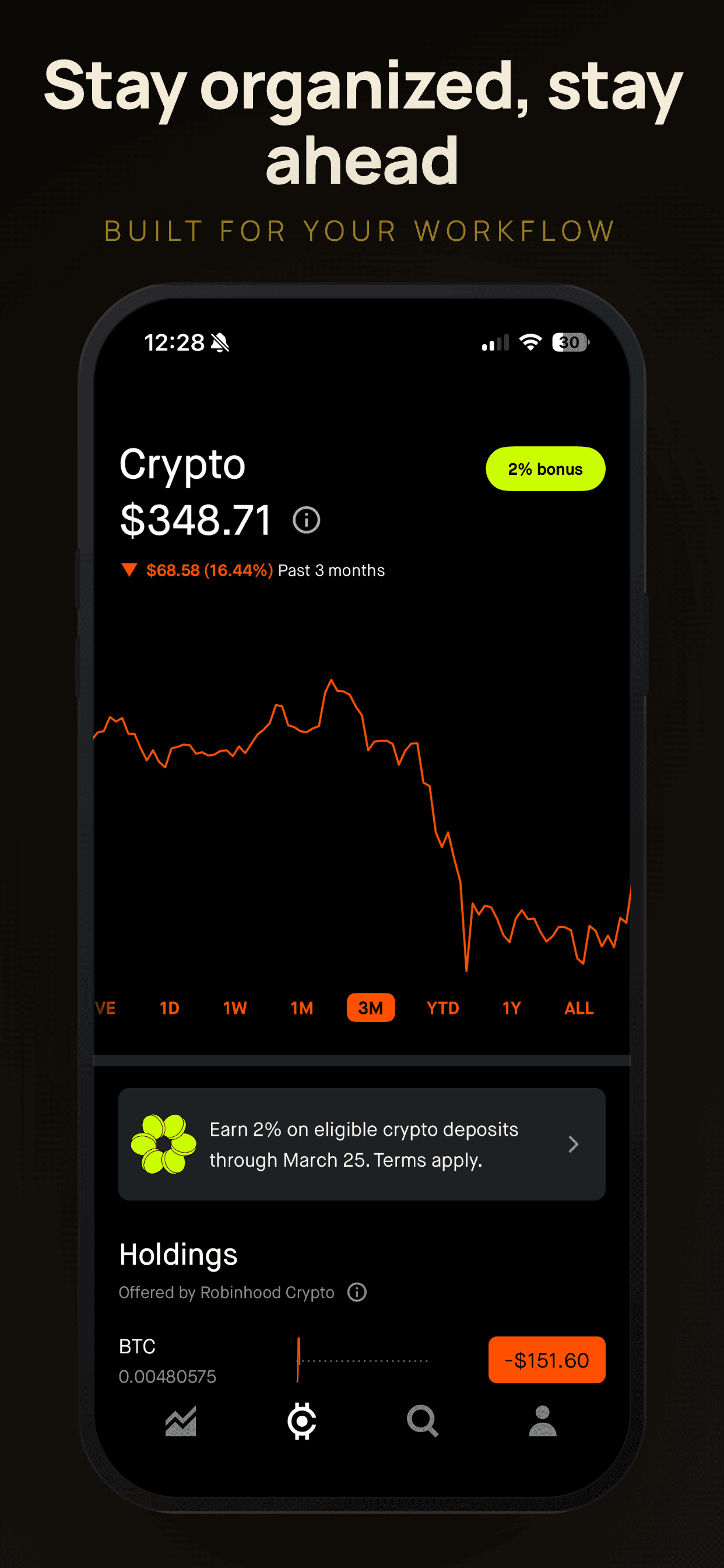
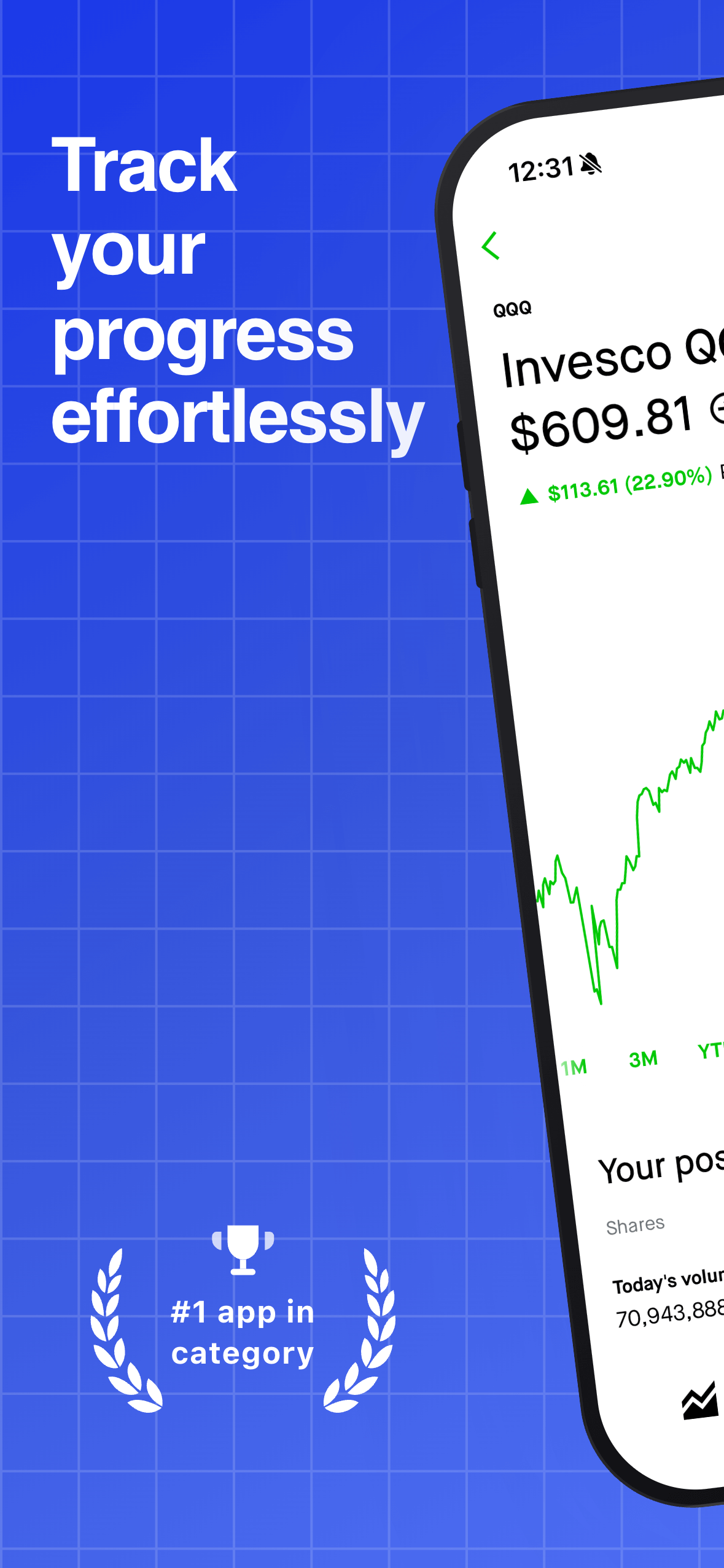
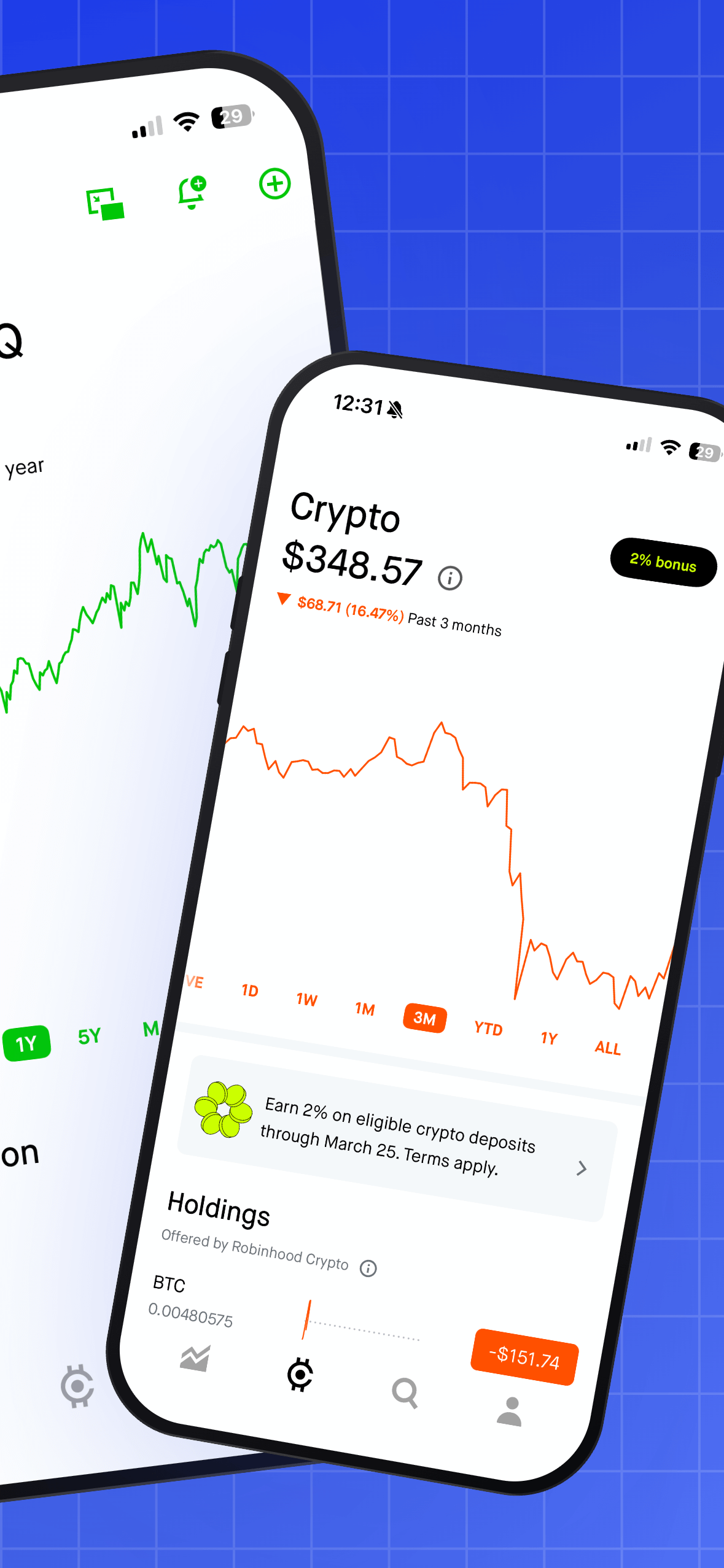
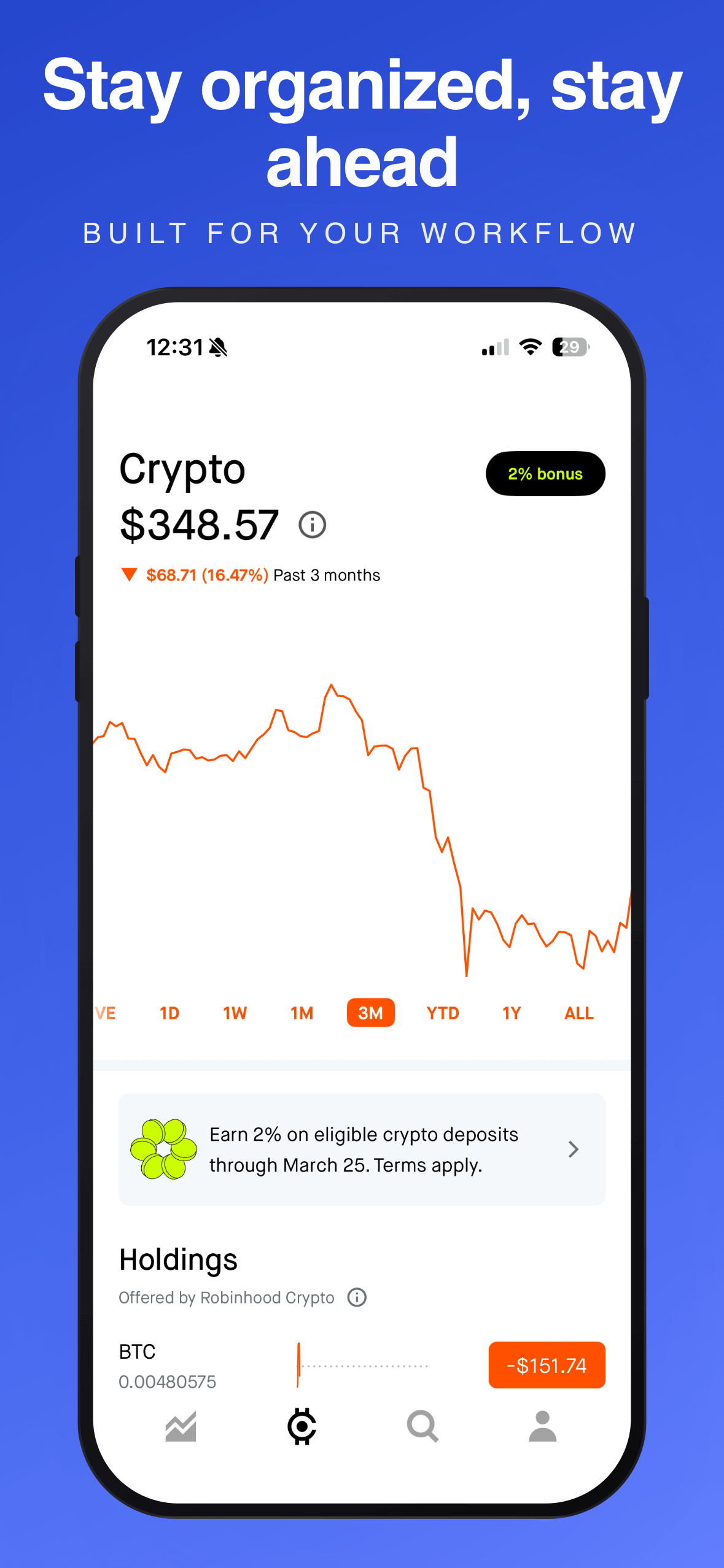
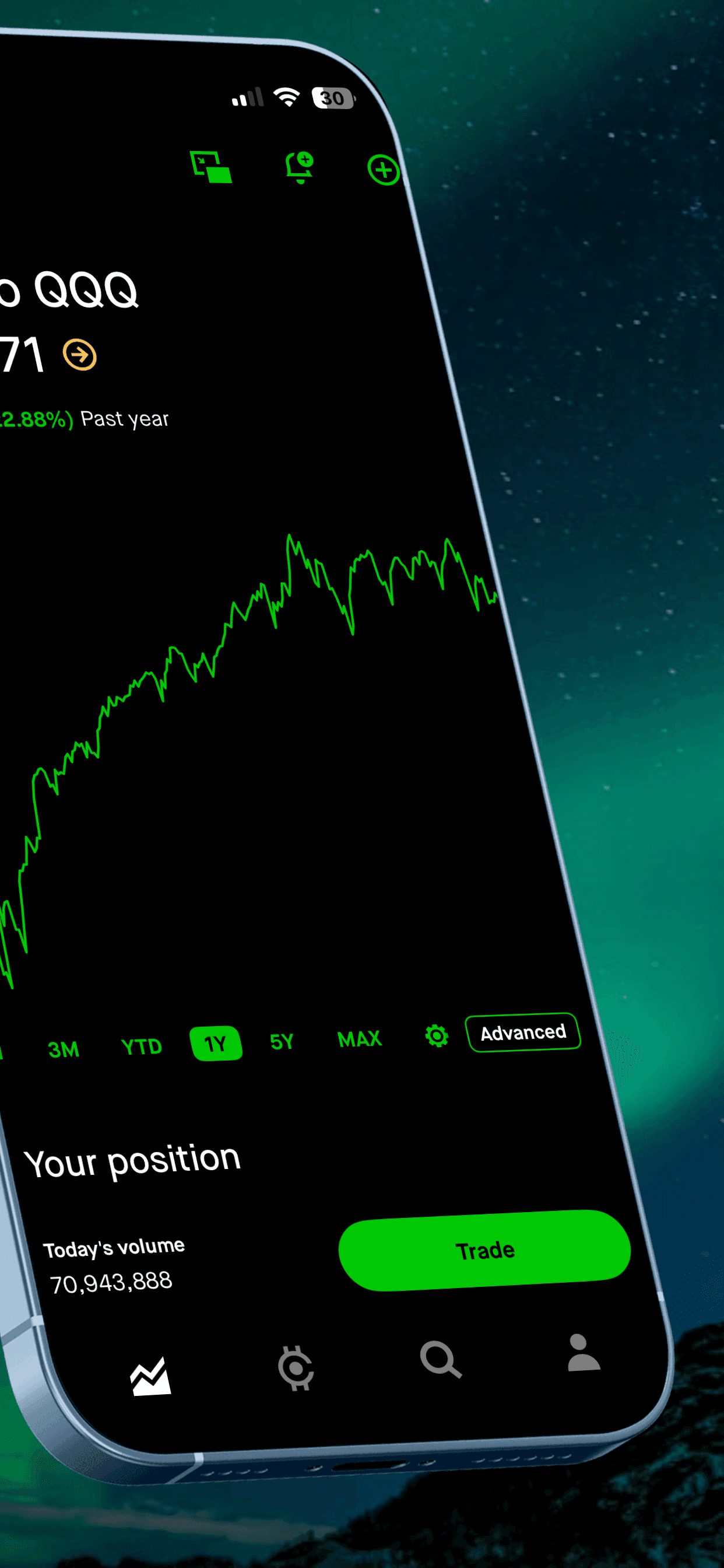
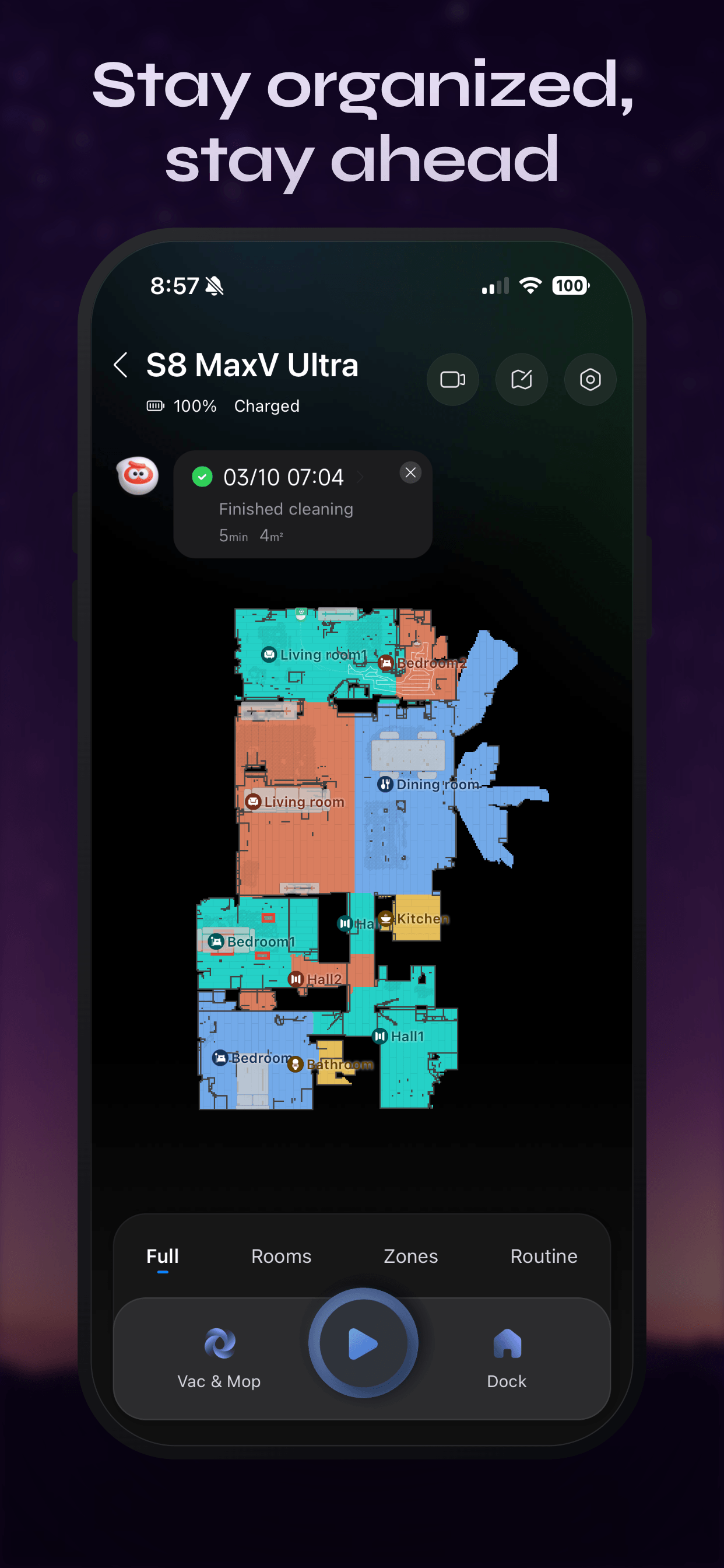
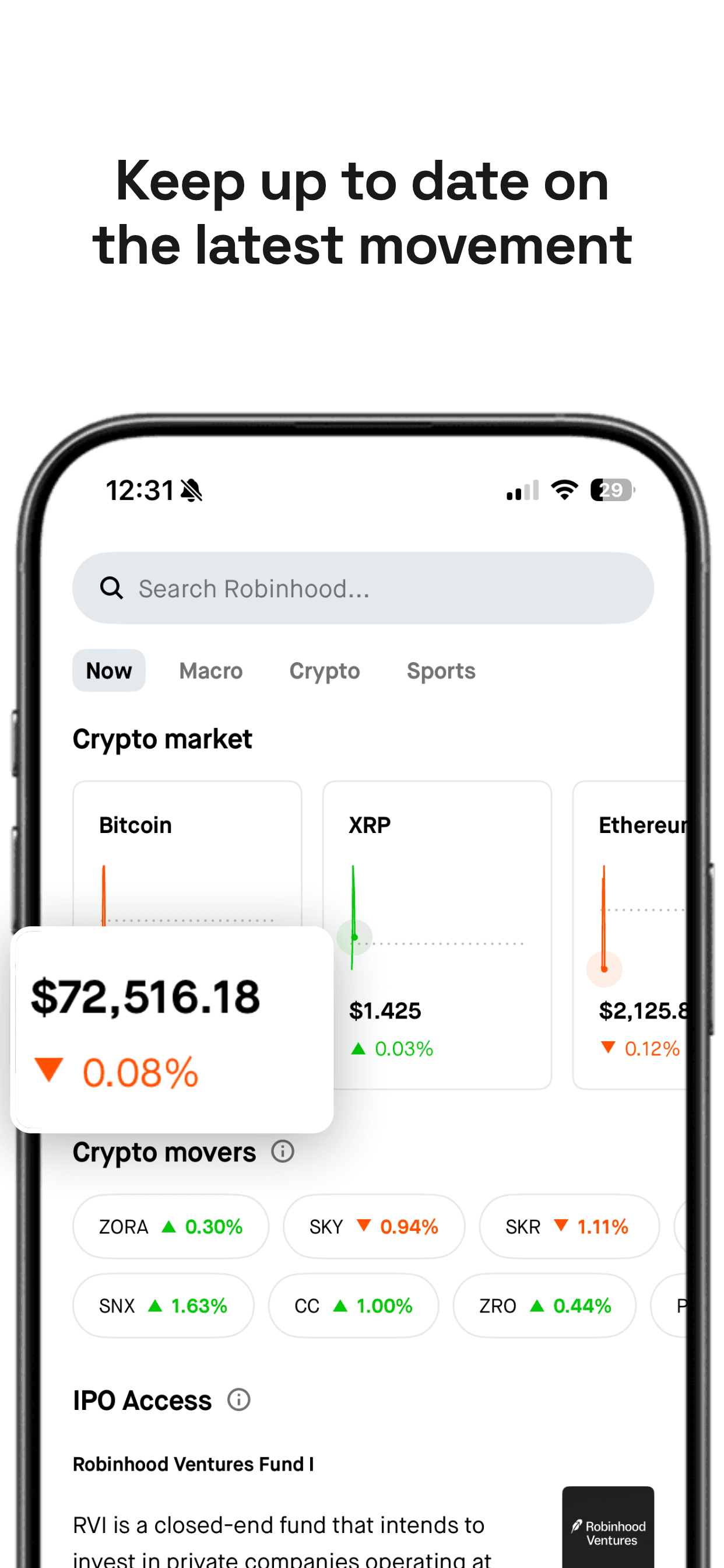
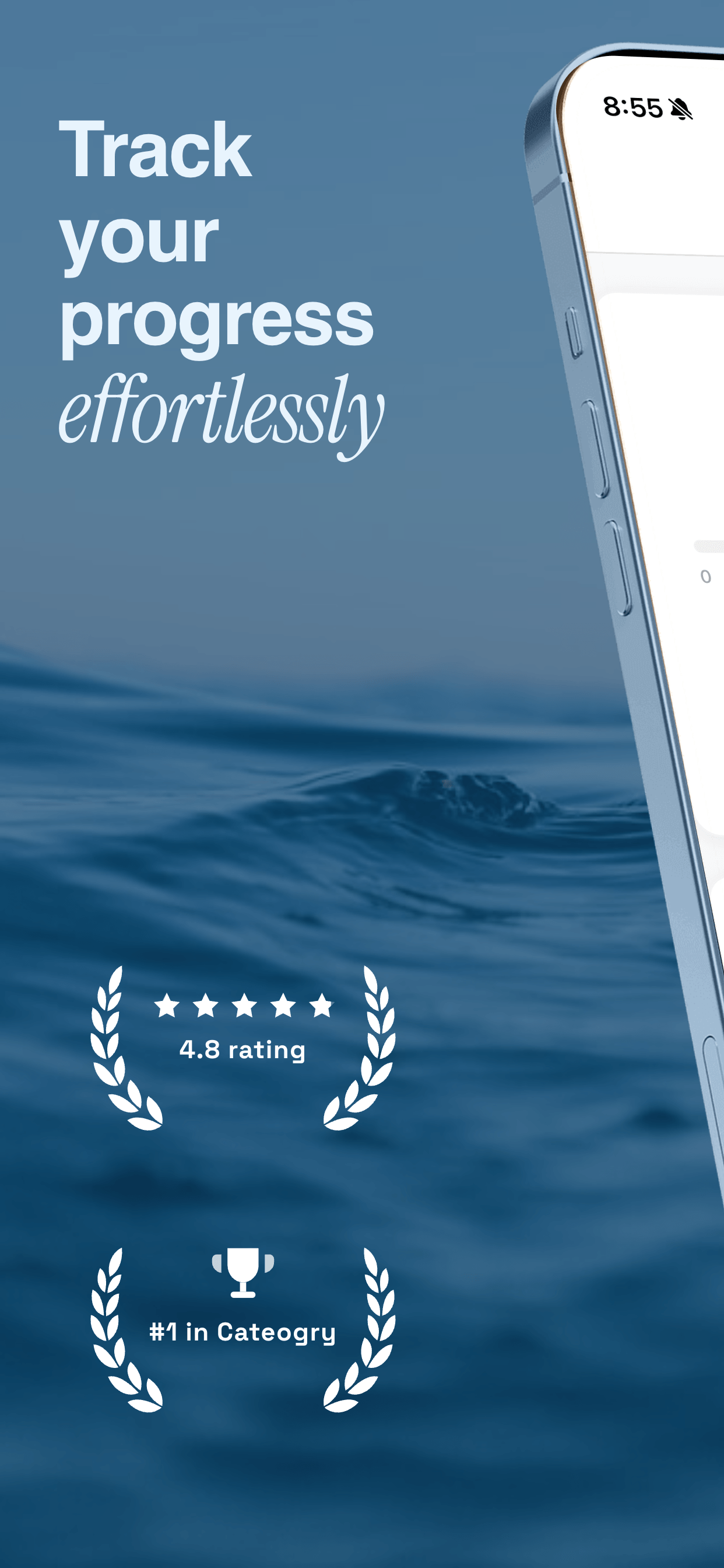
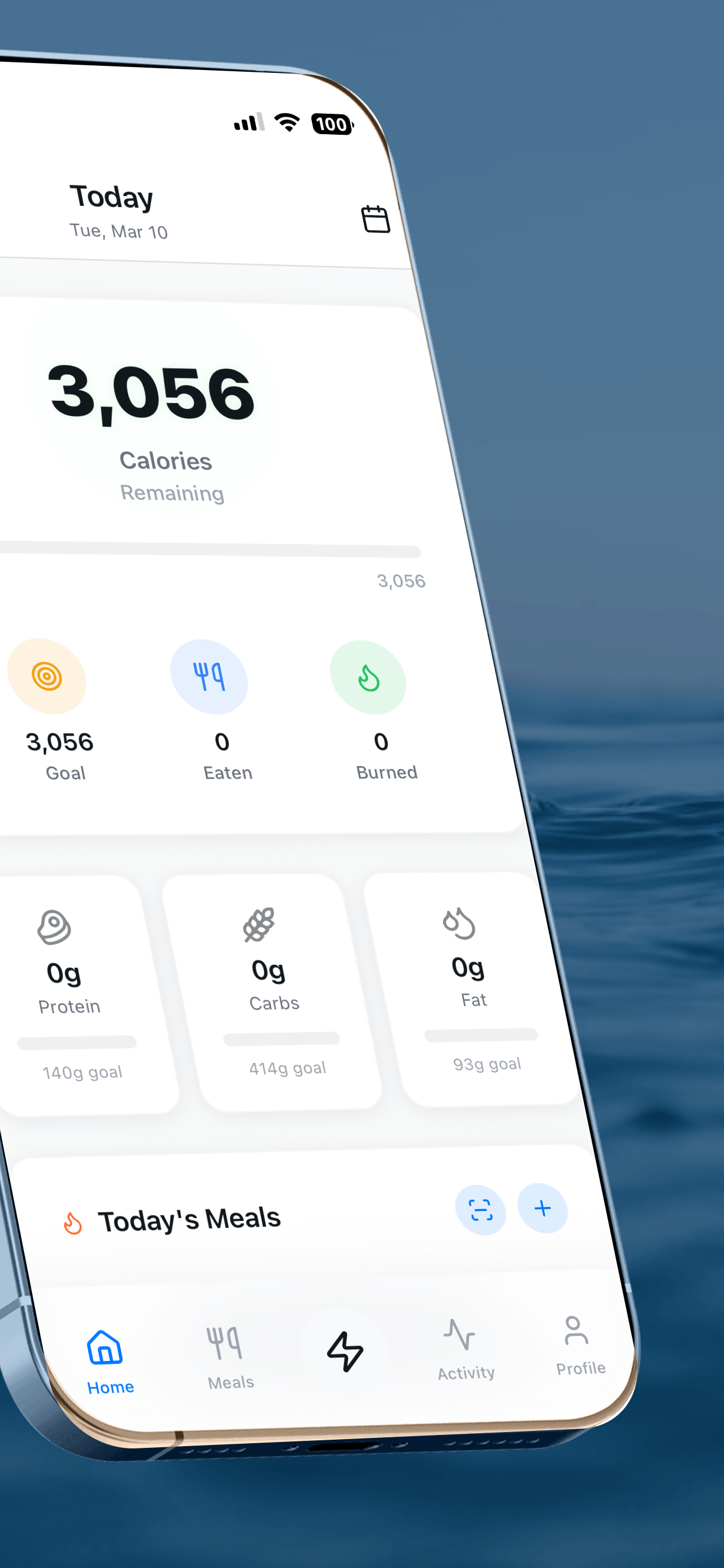
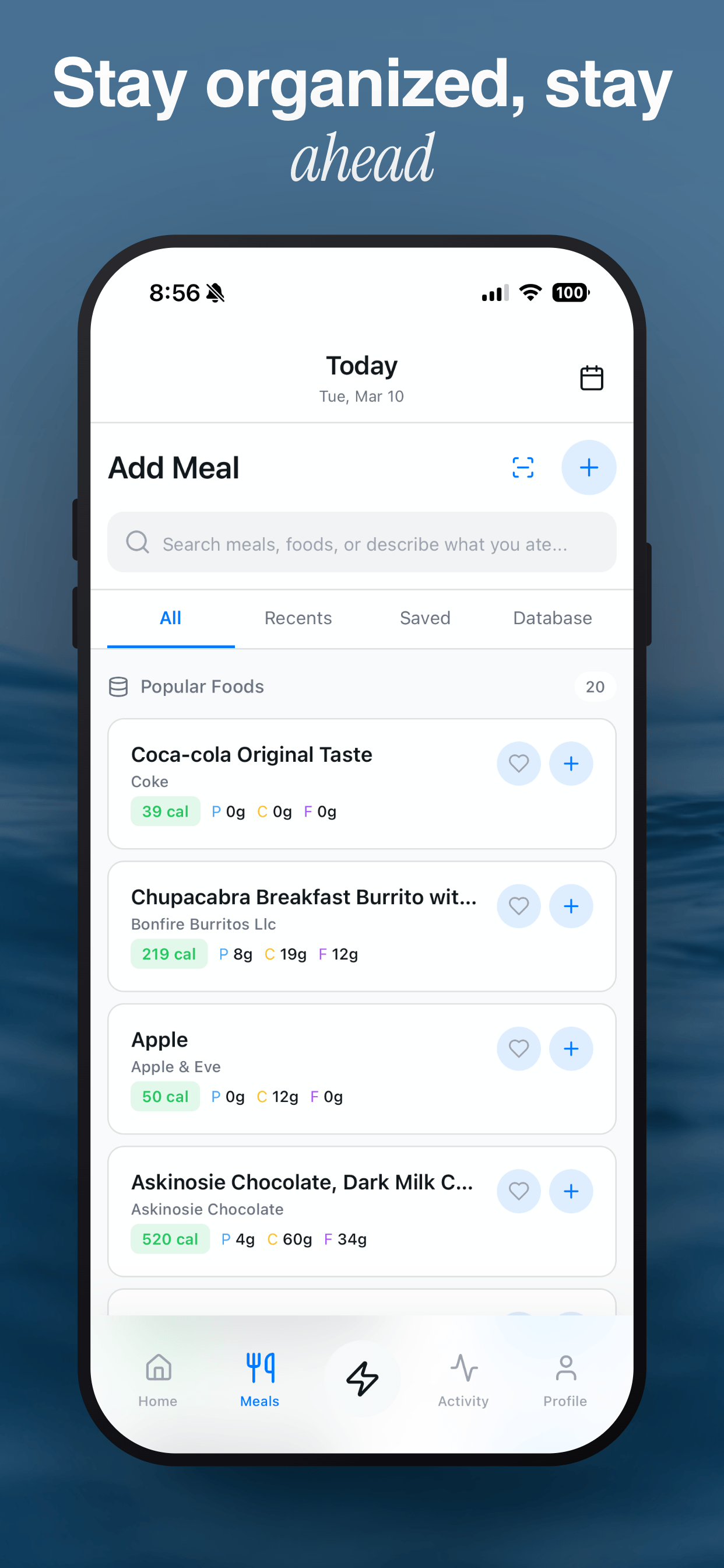
Screenshot Otter is a free app store screenshot generator built for indie developers, small studios, and marketing teams who need professional store listings without hiring a designer. Upload your iPhone or Android screenshots, choose from a growing library of premium templates, customize captions and colors, then export production-ready images for Apple App Store Connect and Google Play Console in seconds.
Localized screenshots are one of the highest-leverage ASO tactics available. Research from Storemaven found that optimized, localized screenshots can improve App Store conversion rates by up to 40%, and apps that localize into ten or more languages see measurably higher download velocity in international markets. Screenshot Otter supports auto-translation into more than 40 languages, letting you reach every market from a single project.
As mobile growth advisor Thomas Petit puts it, "Most indie developers massively underinvest in their store listing creatives. Great screenshots are the single biggest conversion lever you can pull before spending a dollar on ads." Screenshot Otter makes that investment accessible to everyone, whether you are publishing your first app or managing a portfolio of fifty.
How It Works
The workflow is simple: drag and drop your raw device screenshots into the editor, pick a template that matches your brand, adjust the headline and subtitle text, then download a ZIP or push directly to App Store Connect and Google Play. Everything renders locally in your browser, so your images never leave your machine unless you opt in to cloud sync. Export presets cover every required size, including iPhone 6.7-inch, iPhone 6.5-inch, iPad Pro 12.9-inch, and standard Android phone and tablet dimensions.
For teams that need full creative control, the blank-canvas editor lets you build layouts from scratch with custom backgrounds, gradient fills, font choices, device frames, magnifier overlays, and per-slide text styling. Learn more about designing effective screenshots in our guide on how to create app store screenshots, or dive into app store screenshot tips that convert for data-backed advice on caption length, color contrast, and slide ordering.
Need the right dimensions? Check our complete reference for app store screenshot sizes and Google Play screenshot requirements. If you are expanding internationally, our ASO screenshot localization strategy guide covers which markets to prioritize and how to measure the impact.
Frequently Asked Questions
What is an app store screenshot generator?
An app store screenshot generator helps you create polished, store-ready images for your App Store and Google Play listings. Instead of building screenshots manually in Figma or Photoshop, you upload device screenshots, apply a template, customize captions, and export at the correct sizes for every device. Screenshot Otter handles iPhone, iPad, and Android formats from a single design.
Is Screenshot Otter free to use?
Yes. You can upload screenshots, choose from free templates, and download ready-to-publish App Store and Google Play images at no cost with no account required. Premium templates and features like auto-localization are available with Pro starting at $19/mo or $150/year.
Which app stores does Screenshot Otter support?
Screenshot Otter supports the Apple App Store and Google Play Store. Export presets cover every required size: iPhone 6.7-inch, iPhone 6.5-inch, iPad Pro 12.9-inch, and standard Android phone and tablet dimensions. You can export for both platforms from a single project.
Can I design once and export for every device size?
Yes. Screenshot Otter uses responsive templates so one design adapts across device sizes and aspect ratios. Upload once, pick a template, and export a complete set for iPhone, iPad, and Android without rebuilding each size manually.
Can I upload screenshots directly to App Store Connect and Google Play?
Yes. Pro users can push screenshots directly to App Store Connect and Google Play Console from Screenshot Otter, auto-localized into 40+ languages for every locale you target. No more downloading ZIPs and manually uploading to each store.
Can I create localized screenshots for multiple languages?
Yes. Screenshot Otter auto-translates your captions into 40+ languages and generates localized screenshot sets instantly. This is one of the highest-leverage ASO moves for international growth, and it replaces what would otherwise cost hundreds of dollars in freelancer fees per language.
Can Screenshot Otter write my screenshot captions for me?
Yes. The AI Caption Assistant, powered by Claude, can generate compelling, conversion-focused captions and subtitles for your screenshots. Describe your app and it creates copy tailored to each slide, or paste in your existing captions and it polishes them. Review suggestions per-slide before applying. Available on Pro.
Can I use templates to start faster?
Yes. Screenshot Otter includes 40+ hand-crafted premium templates across categories like minimal, bold, gradient, glass morphic, dark, and light. Pick a template, drop in your screenshots, customize captions, and export. New templates are added regularly.
How is Screenshot Otter different from Figma or Photoshop?
Design tools like Figma and Photoshop are powerful but not built for app store screenshot production. You end up duplicating artboards for each device size, reflowing text for each language, and exporting variations one by one. Screenshot Otter turns that into a repeatable workflow: one project, responsive layouts, auto-localization, and store-ready exports in seconds.
Do I need to create an account or sign up?
Free templates work instantly with no signup. To access premium templates, you sign in with your email via a magic link. No password needed.
Is my data private?
Yes. All rendering happens locally in your browser by default. Your images never leave your machine unless you opt in to cloud sync for multi-device access. Screenshot Otter is privacy-first by design.
Can I design my own screenshots from scratch?
Yes. Pro users can start from a blank canvas and build custom layouts using the full editing suite: backgrounds, gradients, fonts, text positioning, device frames, magnifier overlays, 3D models, and more. Or start from any template and customize every element to match your brand.
How do I get started?
Open screenshototter.com, upload your app screenshots, choose a template, customize your captions, and export store-ready images. The entire process takes under 60 seconds. No account, no credit card, no install required.